
Put your face in any videofrom one photo
Choose the video, add a selfie, and you are the one on screen. Head turns, expressions and lip movement follow the original, and the soundtrack stays exactly where it was.
Updated
19 credits per second at 720p
Source video top left, the swapped version behind it.
Put yourself in a video
Your files stay in your browser until you sign up. You pick the 3 to 15 seconds to use and see the price before anything is made.
Facts
Video face swap: every limit and price
- Input
- Your own clip (upload it or paste a TikTok, Instagram Reels or YouTube Shorts link) and one photo of the person to put in. Viral templates: one photo per person, up to 3 people
- Clip length
- Upload or import up to 60 seconds and 200 MB, then swap any 3 to 15 seconds
- Resolution
- 720p or 1080p, in the shape of your clip (vertical or landscape)
- Sound
- The original audio is added back automatically, in sync. No editing needed
- What changes
- Face, hair, body and outfit, all taken from your photo
- What stays
- Every move, the camera, the background and the timing
- Price
- 19 credits per second at 720p, 26 at 1080p. Shown before you create; failed videos are refunded
- Cost in dollars
- Plans start at $7.50 a month billed yearly ($10 monthly) for 400 credits. A 15 second swap at 720p (285 credits) costs about $3.66 to $7.13 depending on the plan and billing
- Free plan
- The free plan has no swaps; Put Yourself In uses credits from a paid plan
- Watermark
- None. The finished video downloads without a watermark
- How it works
- Your clip is the motion reference and your photo the person. Runs in the browser, no app to install
Three steps
A face swapped video in minutes
- 01
Choose the video
Upload MP4, MOV or WebM up to 60 seconds, or paste a TikTok, Reels or Shorts link. Mark the 3 to 15 seconds you want to star in.
- 02
Add your photo
One clear photo with your face visible. This is the face, hair and outfit you will have in the video.
- 03
Download it
The AI follows every move, expression and camera angle, adds the original sound back, and saves the video to your gallery without a watermark.
Paste a link
Face swap a TikTok, Reel or YouTube Short
Copy the link of the clip from TikTok, Instagram Reels or YouTube Shorts and paste it in; oVideo brings the video in for you. Pick the seconds, add your photo and create.
Step by step guides: TikTok, Instagram Reels and YouTube Shorts.
Why it looks real
Your own face, not a mask
Most face swap apps cut the face out of your photo and paste it over the one in the video. Skin tone, hairline and head shape rarely line up, and the seams show as soon as the person turns their head.
oVideo draws the whole person again in the light of the scene, from every angle the camera shows, with your own hairline. Because of that, your hair and the clothes from your photo replace the original ones too, which is usually what people want from a remake. If you want a costume instead, start from a ready made trend.
In your words
What people ask for, and what happens
- “Put the face from my photo in place of the man in the video.”
- Upload the video, add your photo and create. The person in the video is replaced by you; the scene, the moves and the sound stay.
- “Replace the face and keep my exact features, glasses included.”
- Your features come from your photo, so pick a recent, sharp one that shows the glasses, beard or hairstyle you want to see in the video.
- “Change the body and the face of the person in the video.”
- Both change: face, hair, body shape and outfit are taken from your photo. A full body photo works best when the clip shows the whole body.
- “The person should speak in sync with the audio.”
- The new face follows the mouth and head movement of the original, and the original audio is put back in sync. Talking and singing clips with the face in view give the best lip match.
Ideas
Clips worth face swapping
- Music videos and lip sync. Sing the hook of a famous performance with the song kept and your lips in sync.
- Film and TV scenes. Recast a classic scene with yourself or a friend for a birthday or the group chat.
- Memes and reactions. Your face on the reaction everyone already knows, ready to reply in any chat.
- Dances and sports. Be the one doing the viral dance or scoring the goal, without learning the moves.
- Car and selfie clips. Head bobbing to a song in a convertible, starring you.
- Talking clips. A rant or a podcast moment where the speaker becomes you.
Better results
Tips for a clean face swap
The photo
- One person, face fully visible, nothing covering it.
- Soft, even light; a blurry or dark photo gives a blurry face.
- A recent photo with your usual hairstyle, wearing what you want to wear in the video.
The video
- One main person, face large and turned toward the camera for most of the seconds you pick.
- Avoid long stretches where hands or a microphone cover the face.
- Vertical or landscape both work; the result keeps the shape of your clip.
Compared
Face swap video tools, side by side
Many face swap apps change only the face and keep the original body, hair and clothes. Here is what five tools say they swap, whether they take a link, what happens to the sound and what they cost. More in the best face swap video apps.
| Feature | oVideo | Viggle | Magic Hour | Higgsfield Recast | ClipTwin |
|---|---|---|---|---|---|
| What it swaps | Whole person: face, hair, body and outfit | One or several characters | Face, head or the whole character | The character, one face per swap | Face only |
| Paste a link | TikTok, Instagram Reels and YouTube Shorts links | Not stated | Not stated | Not stated | Yes |
| Original sound | Kept, in sync with the moves | Not stated | Not stated | Voice cloned and dubbed | Not stated |
| Free option | No free swaps | 5 videos a day, watermarked | 3 free generations | Not stated | Not stated |
| Paid plans from | $10 a month ($7.50 billed yearly) | $9.99 a month ($7.99 billed yearly) | $19 a month ($12 billed yearly) | $15 a month billed yearly | No public pricing |
From each company's own pages, checked October 31, 2026. Plans and features change often, so confirm on their site before you pay. More tools in the best AI character swap tools.
No video yet?
Close up clips ready for your face
Singers, selfies and talking clips where the face fills the frame. Pick one, add your photo and skip the upload.
- 1 person · 15s
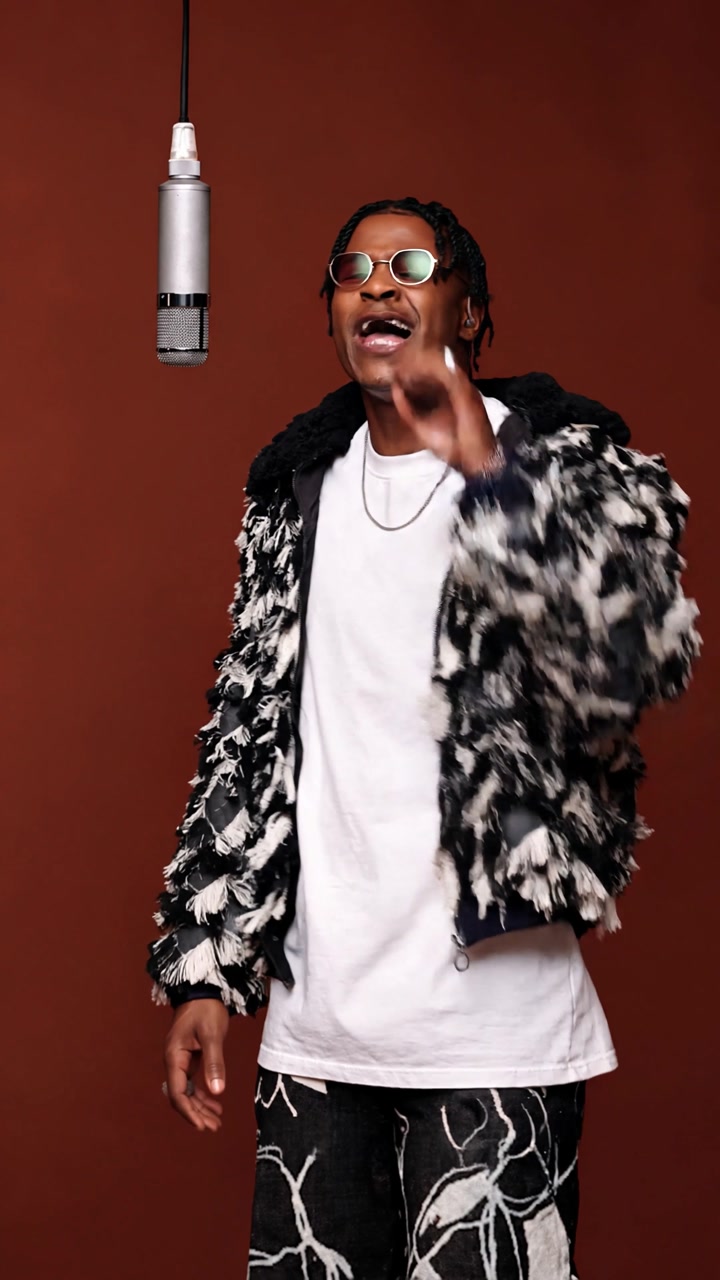
Studio Singer
285 credits
- 1 person · 15s
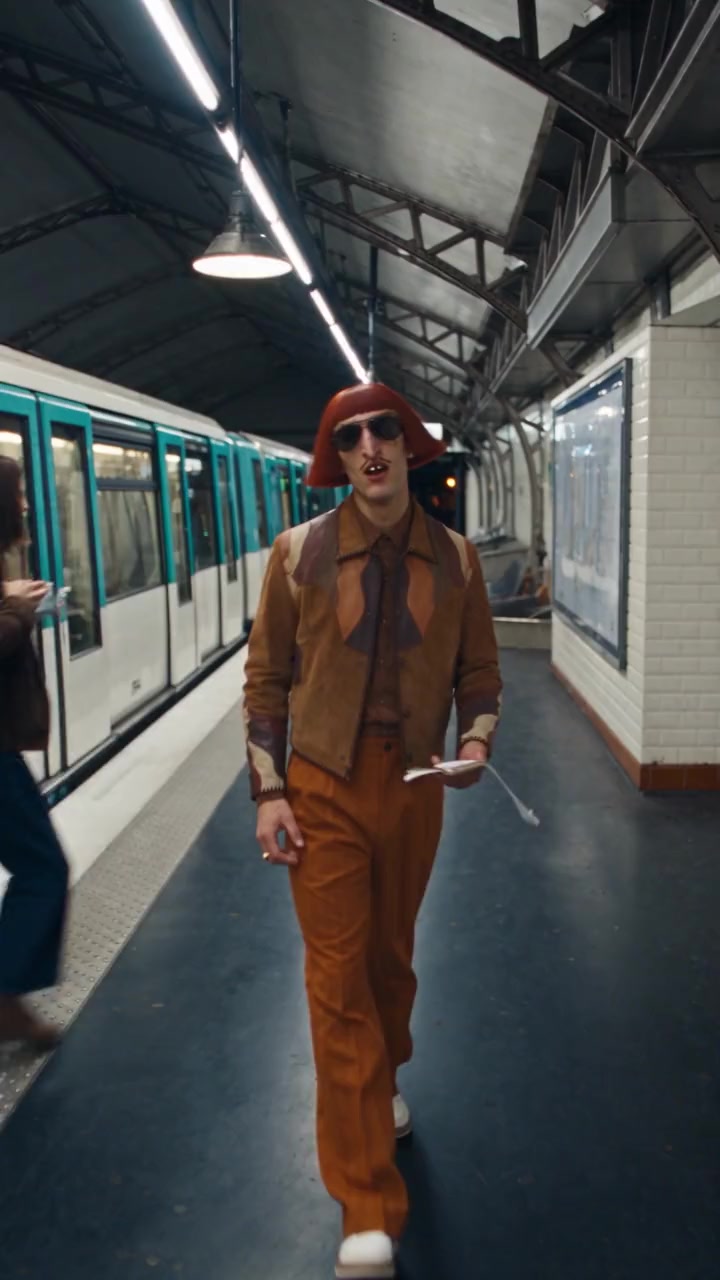
Metro Serenade
285 credits
- 3 people · 9s
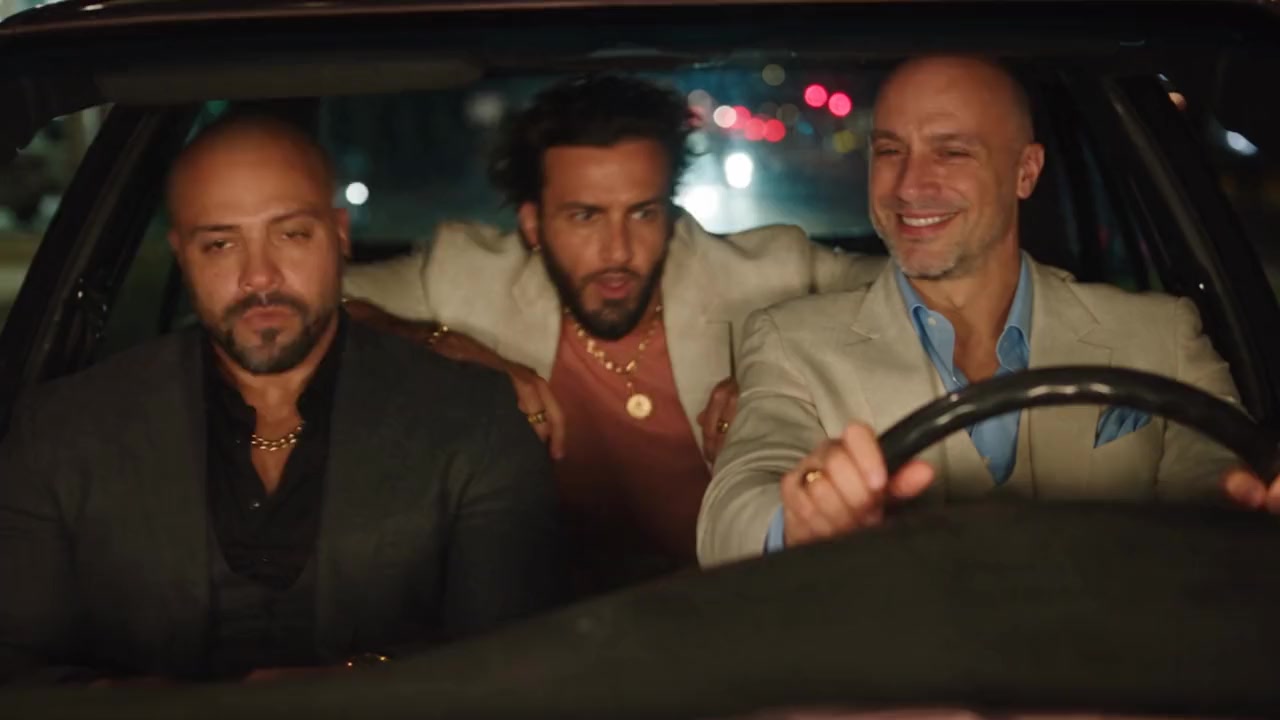
Car Head Bob
171 credits
- 1 person · 15s
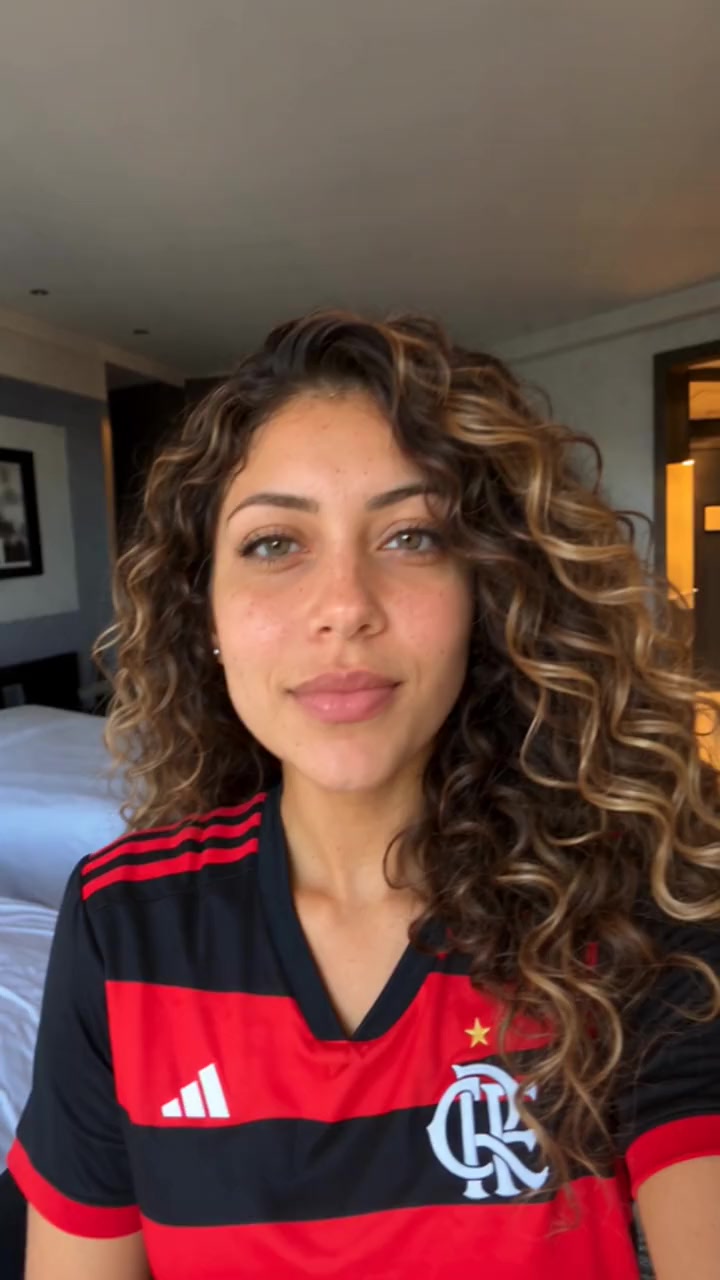
Selfie Reaction
285 credits
- 1 person · 15s
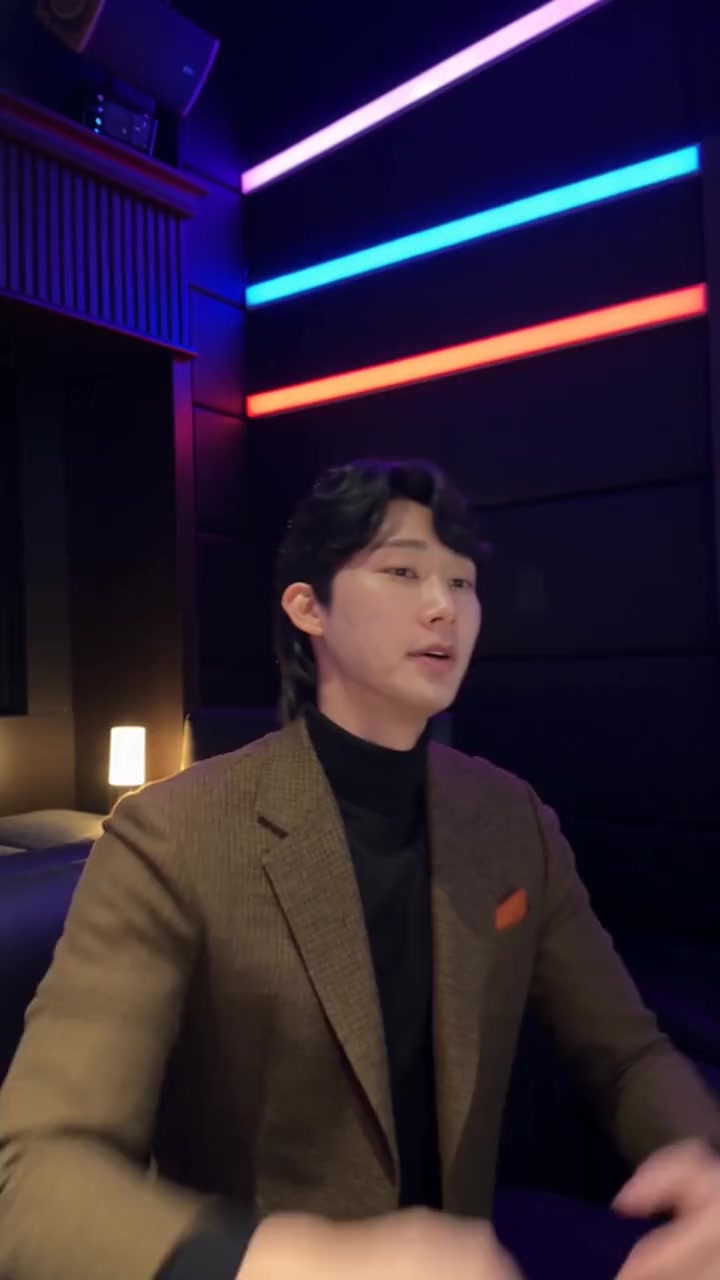
Neon Studio Talk
285 credits
- 1 person · 12s
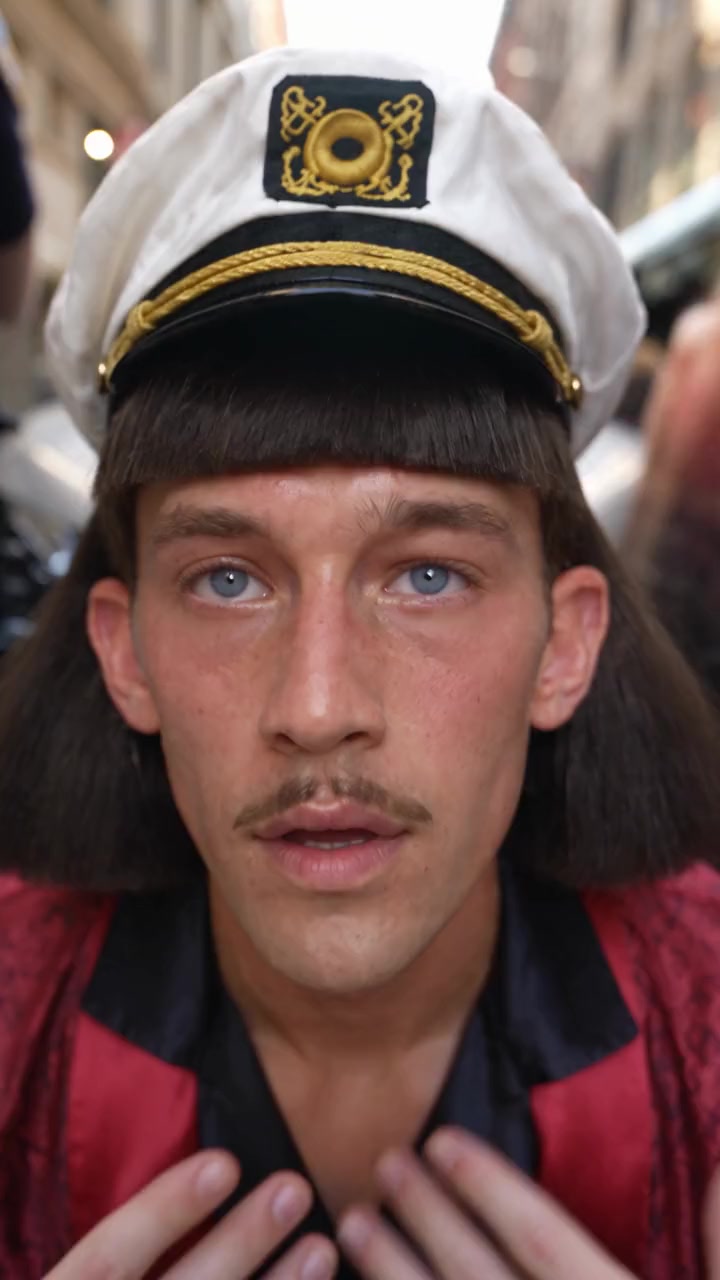
Street Rant
228 credits
- 1 person · 15s
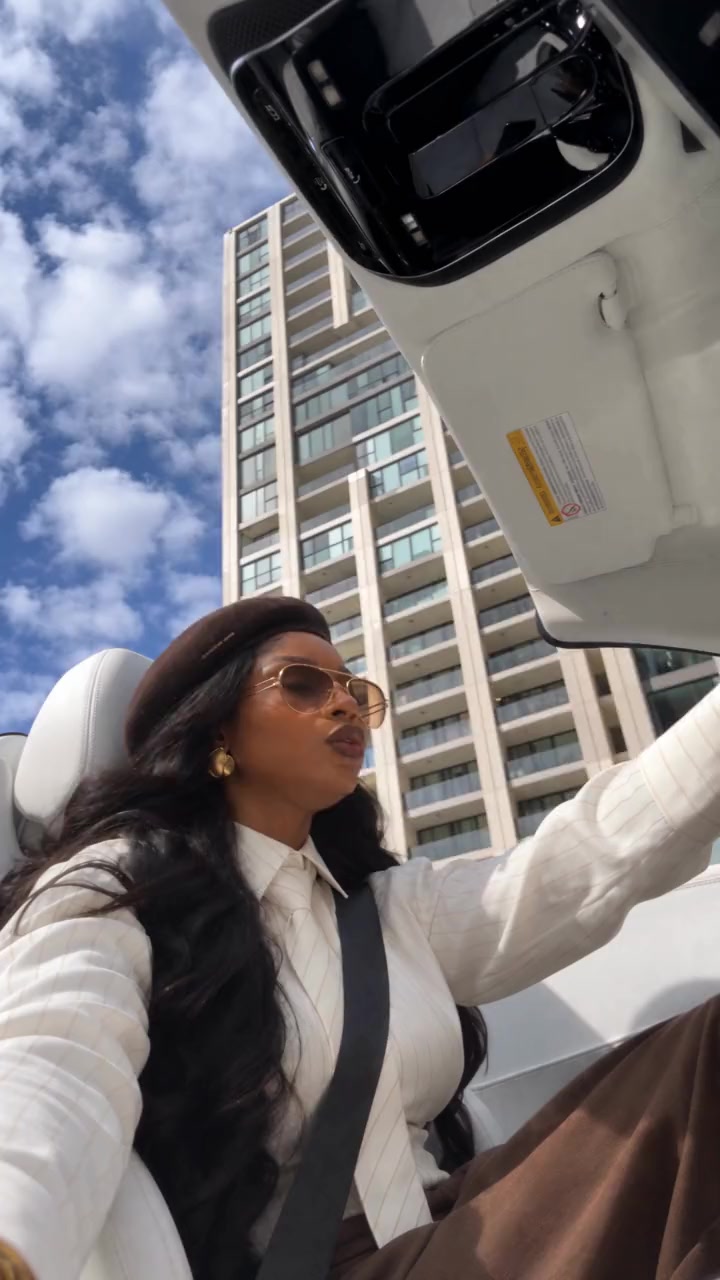
Convertible Selfie
285 credits
- 1 person · 12s
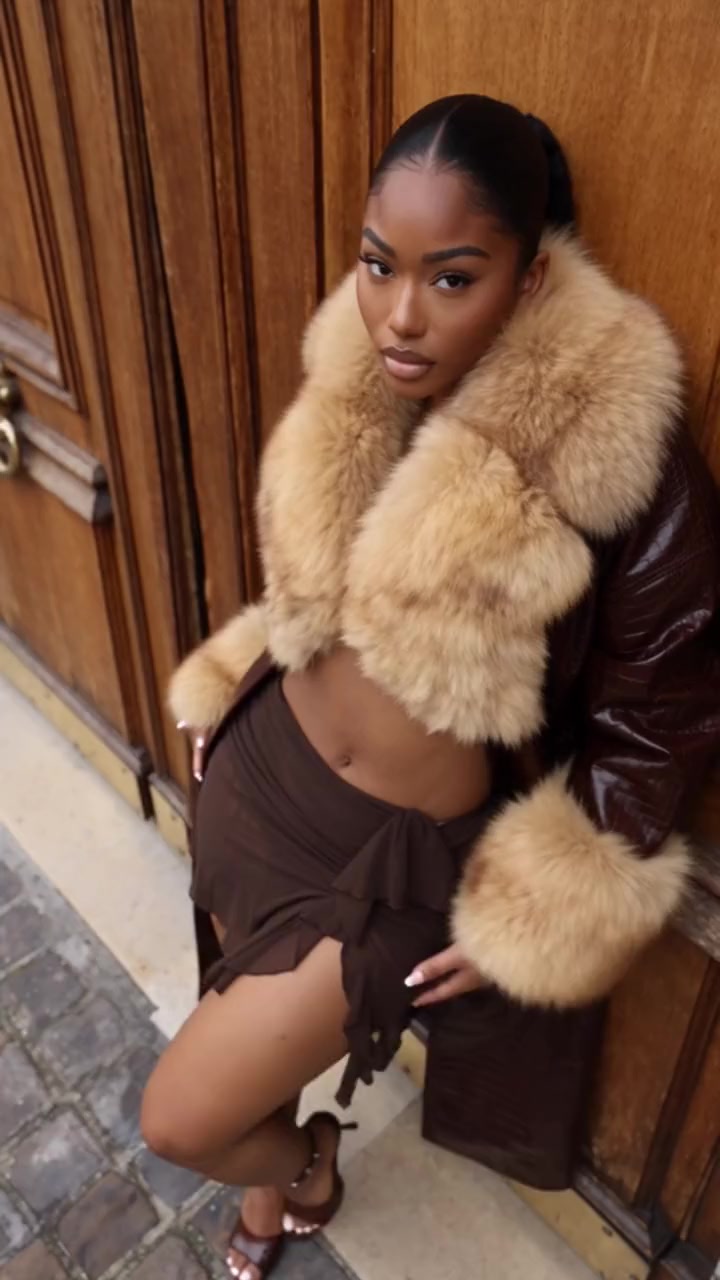
Fur Coat Pose
228 credits
Answers
Frequently asked questions
- How do I swap my face into a video online?
- Open Put Yourself In on oVideo, upload the video or paste its link, choose 3 to 15 seconds, add one clear photo of yourself and create. The AI rebuilds the clip with you, keeps every move and camera angle, and puts the original sound back. It runs in the browser, with no app to install.
- Can I put my face in any video?
- Yes. Any clip up to 60 seconds and 200 MB works: a music video, a film scene, a dance, a sports moment or your own footage. The best results come when one person is clearly visible and their face is not hidden for most of the clip.
- Does only the face change?
- No, and that is on purpose. The AI rebuilds the whole person from your photo, so your face, hair and the outfit in the photo all appear in the video. It looks like you were filmed there, not like a mask on someone else. For a certain look, use a photo where you wear it.
- How do I replace or change a face in a video?
- Upload the clip, choose the part with the person you want to change, and add a photo of the new face. oVideo replaces that person with the one in the photo and keeps the moves, camera and sound.
- Will the lips match the audio?
- The new face copies the mouth movement of the original, and the original audio is put back in sync. Singing and talking clips with the face clearly in view look the most natural.
- Can I swap more than one face in a video?
- On a clip you upload, one person is replaced per video. For two or three people at once, use a duo or trio template: one photo per person, and everyone in the clip is swapped together.
- Does the face swapped video keep its sound?
- Yes. The original audio, music, speech or crowd noise, is added back in sync with the motion.
- Which photo works best?
- One person, face clearly visible and roughly toward the camera, in good light. Waist up or full body is better than a tight selfie, because the hair and clothes also come from the photo.
- Is video face swap free? How much does it cost?
- There are no free swaps. It is priced per second: 19 credits per second at 720p and 26 at 1080p, so 10 seconds at 720p is 190 credits. You see the price before you create, failed videos are refunded automatically, and credits come with paid plans from $10 a month.
- Do I have to wait on the page?
- No. You can close the page while it is made; the finished video is saved to your gallery, usually within a few minutes.
- Will it look exactly like my photo?
- It looks like you, not a pixel copy of your photo: your face, hair and outfit follow the photo, while the light and the angles come from the clip. A sharp, front facing selfie in even light gives the closest likeness.
- Is the result watermarked?
- No. The finished video downloads without a watermark, in 720p or 1080p, with the original sound.
- Is AI face swap legal? Can I use a celebrity?
- Only use photos of yourself or of people who agreed to it; before every video you confirm you have permission. The safety filter also refuses some photos, such as famous people or sensitive content, and then no video is made and the credits are refunded.
- Can I use a TikTok, Instagram Reels or YouTube Shorts video?
- Yes. Paste the link instead of uploading a file: oVideo brings the clip in, you choose the seconds, add one photo and create. The moves, camera and original sound stay, and the person in the clip becomes you.
Your photo, your video
- Used only for your videoYour photo and clip go only to the AI that makes your video, and they are kept in your account.
- Private until you share itThe finished video waits in your gallery; nothing is posted for you unless you choose to publish it.
- Deleted when you askEmail support@ovideo.io and your uploads and videos are deleted within 30 days.
- Only people who said yesUse photos of yourself or of people who agreed, and turn on the AI label when you post.
Details in the privacy policy.
Related
- AI character swap videoPut yourself in any video from one photo, sound kept.
- AI dance generatorDance any viral dance from one photo, solo or with friends.
- AI trend videosJoin viral trends with one photo per person.
- AI face swap videoPut your face into any clip with one photo.
- AI body swapSwap your whole look, build and outfit into a video.
- AI character swapReplace anyone in a video with someone new.
- AI dance videoMake yourself dance from one photo.
- Make a photo move like a videoYour photo copies the moves of any clip.
- Recreate a video with yourselfRemake any clip with you in the main role.
- Swap yourself in from a linkPaste a TikTok, Reel or YouTube Short and add one photo.
- Put yourself in a TikTokCopy the TikTok link, paste it and add one photo.
- Put yourself in an Instagram ReelPaste a Reel or video post link and add one photo.
- Put yourself in a YouTube ShortPaste a Shorts link, or a video up to 3 minutes.
- Put yourself in a music videoBecome the singer, rapper or dancer, with the song kept.
- AI face swapSwap faces in any photo, hair included.
- AI head swapSwap the whole head in a photo, not just the face.
- Multiple face swap videoSwap two or three people into one clip.
- AI pet swapSwap your own dog or cat into a viral pet clip.
- AI video trendsReady made viral templates for one or two people.
- Viggle AI alternativesFive swap tools compared, prices checked October 2026.
- Higgsfield alternativesFive tools for viral templates and swaps, prices checked October 2026.
- PixVerse alternativesFive tools for viral templates, swaps and dance videos, checked October 2026.
- Best AI character swap toolsEight swap tools, ordered by what each is best for.
- Best face swap video appsSix face swap tools for video, compared October 2026.
- Best AI body swap appsFive whole body swap apps for dance trends and duos, compared November 2026.
- Best face swap appsSeven face swap tools for photos, compared October 2026.
- Best AI pet dance appsSix tools that make a dog or cat dance, compared October 2026.
Browse by theme
All AI video templates- Rich lifestyleSupercars, private jets, cash and champagne.
- Action movie scenesExplosions, stunts and fight scenes.
- Fashion and runwayRunway walks, studio shoots, street style.
- Sports highlightsGoals, dunks and boxing.
- Singing and rapStudio sessions, rap duos, DJ sets.
- FantasyDragons, wolves and epic places.
- DanceViral dances, shuffles and duos.
- PetsDogs and cats that dance, play music and pose.
- Halloween costumesWitches, vampires, zombies and skeletons.
- ChristmasSanta, Christmas dresses and holiday dances.
Put your face in the video
Choose a clip or paste a link, add one photo, and download the face swapped video with its sound.