
GPT-Image — photorealistic intelligence
OpenAI's latest image model understands complex prompts, text rendering, and composition. Ideal for thumbnails, product visuals, and any image that needs to look like a photograph.
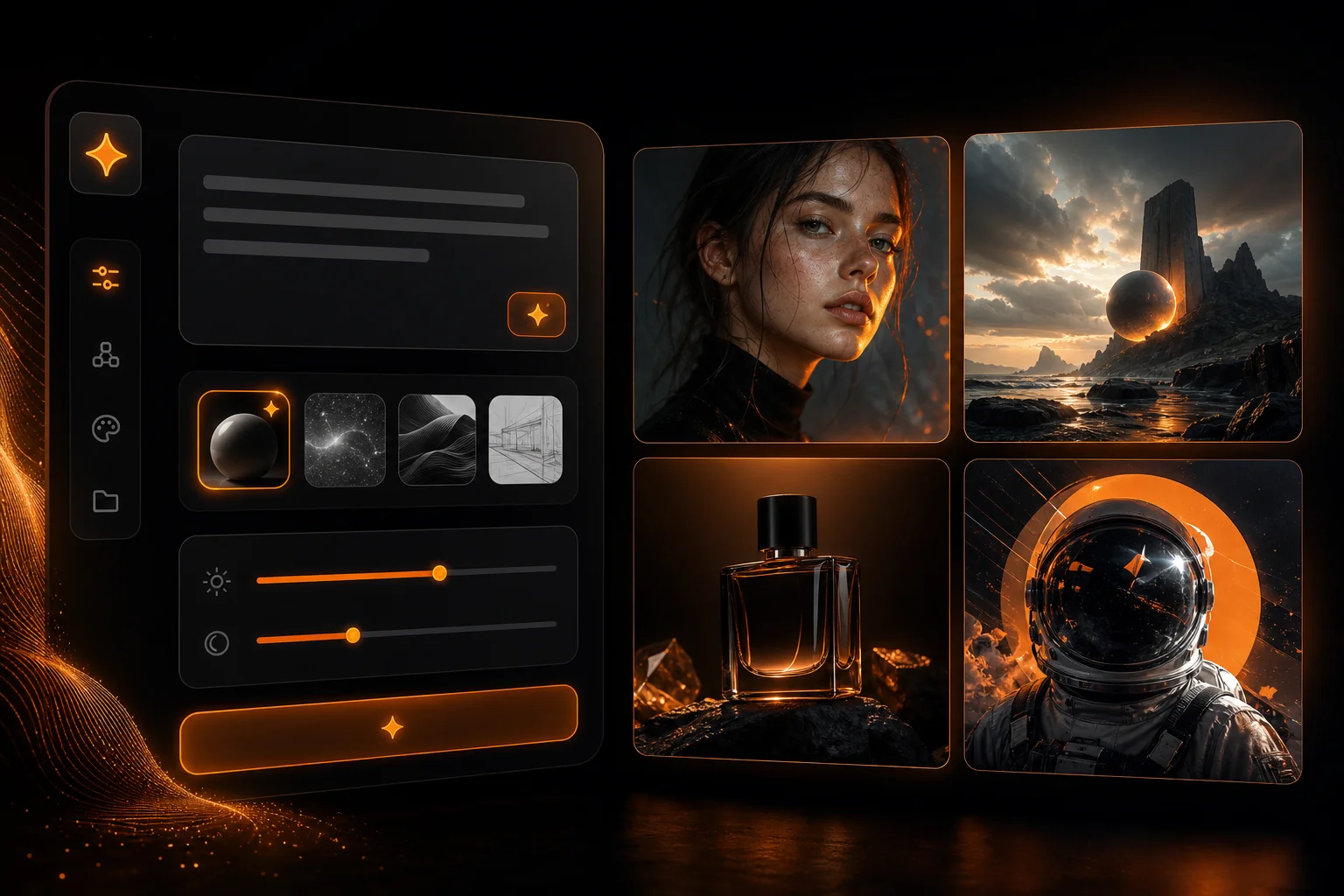
oVideo's image generator gives you access to multiple AI image models from one interface. Generate scene images for videos, social thumbnails, product visuals, and creative assets using GPT-Image, Flux 1.1 Pro, Flux Schnell, and more — no API keys, no separate tools.
See it in action
Generate scene frames, thumbnails, and social graphics — then send them straight into Story to Video projects.
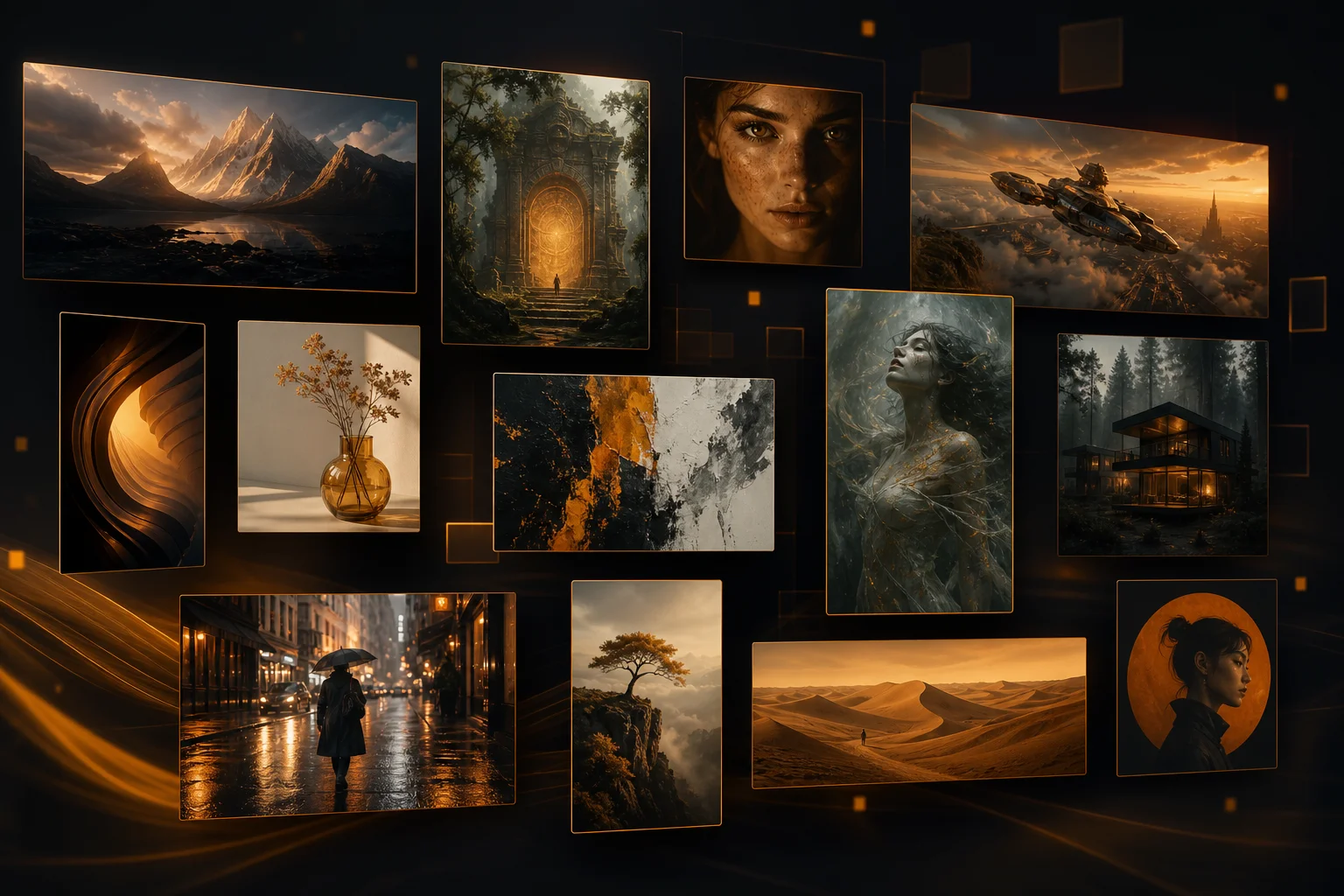
Made with oVideo
Every clip below was produced end-to-end with oVideo — script to voiceover, footage, and captions. Press play to see the actual output.
VX-9: Secrets Beneath the Ice—A Found Footage Biohazard Exposé
9:16 vertical·720p
Ocean Mysteries Unveiled!
9:16 vertical·1080p
Game of Thrones Season 9 — Official Teaser Concept
16:9 landscape·2152p
Core capabilities
GPT-Image, Flux Pro, and Flux Schnell — pick quality or speed without juggling separate tools.
OpenAI's latest image model understands complex prompts, text rendering, and composition. Ideal for thumbnails, product visuals, and any image that needs to look like a photograph.
Flux Pro generates the most detailed, coherent images for scene generation in Story to Video projects. Best for cinematic frames, character consistency, and complex environments.
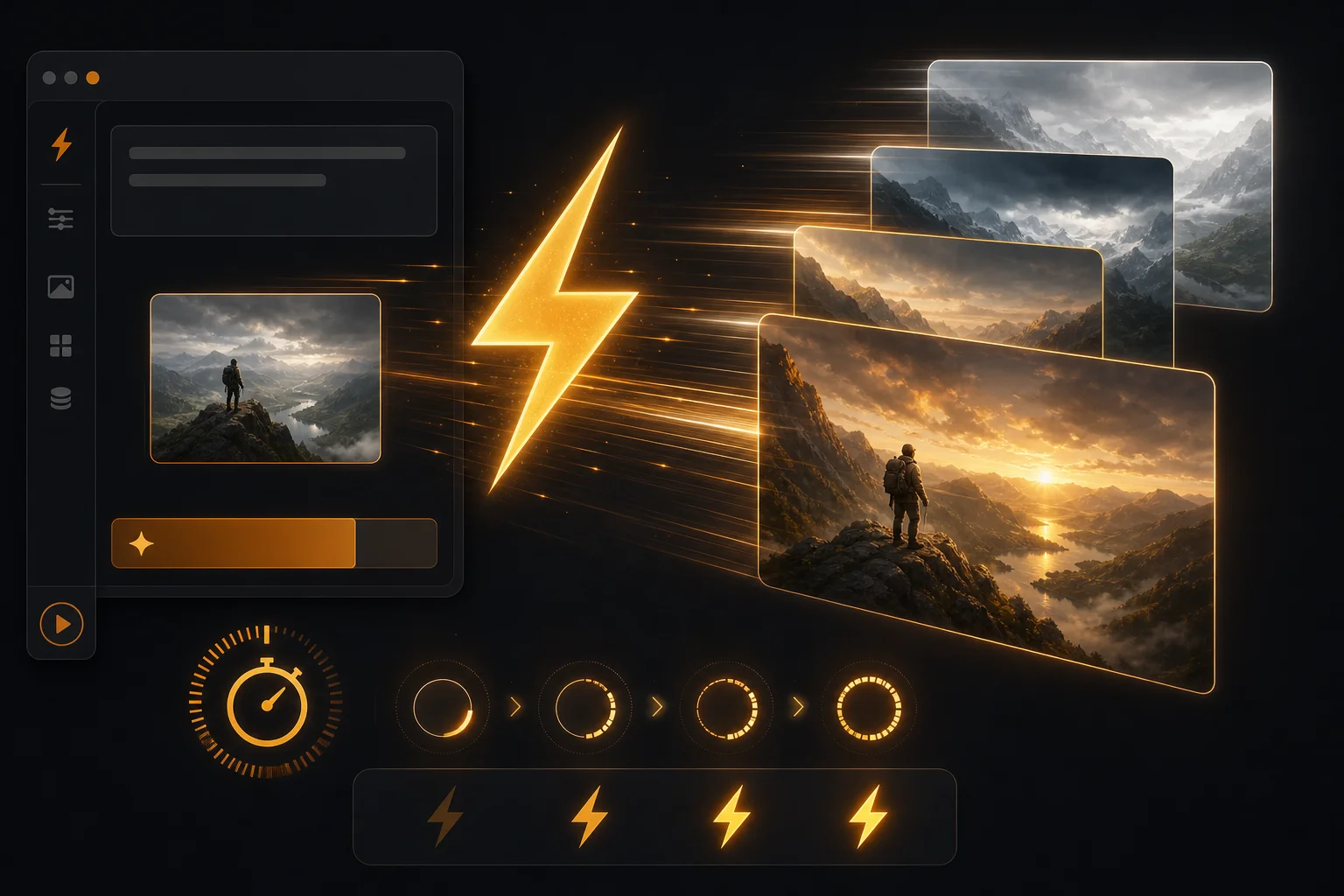
Need a quick draft in 1–4 seconds? Flux Schnell generates images nearly instantly, perfect for rapid prompt iteration before committing to a higher-quality render.
The workflow
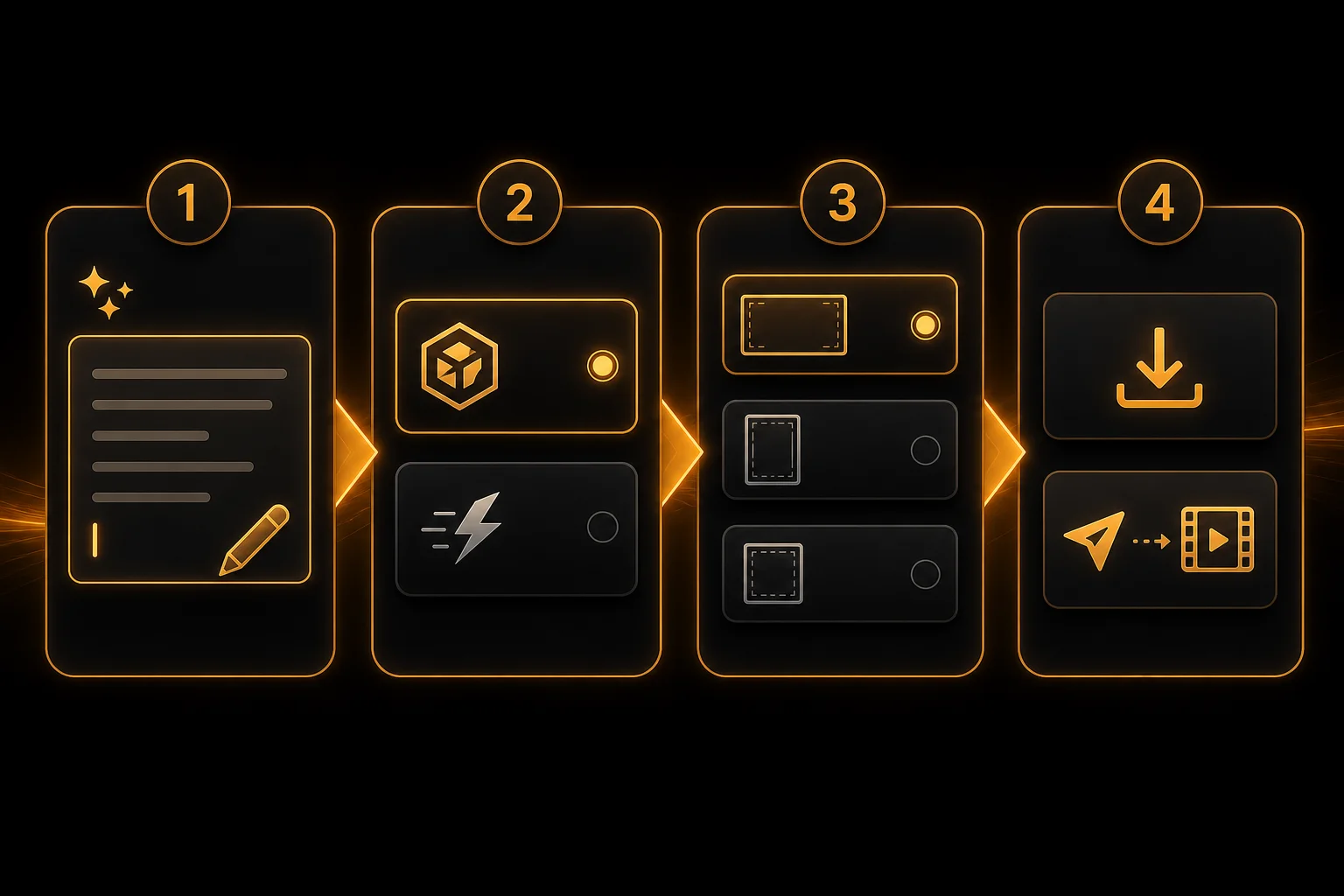
Whether you need standalone images or scene visuals for a video project, the workflow is simple.
Step 01
Type a detailed text prompt describing the image you want — style, composition, colors, and mood.
Step 02
Choose your model: GPT-Image for photorealism, Flux Pro for detail, or Flux Schnell for speed.
Step 03
Select an aspect ratio: 16:9 for video scenes, 9:16 for stories, 1:1 for social posts, or 4:3 for presentations.
Step 04
Generate and download — or send directly to a Story to Video project as scene images.
Where oVideo shows up
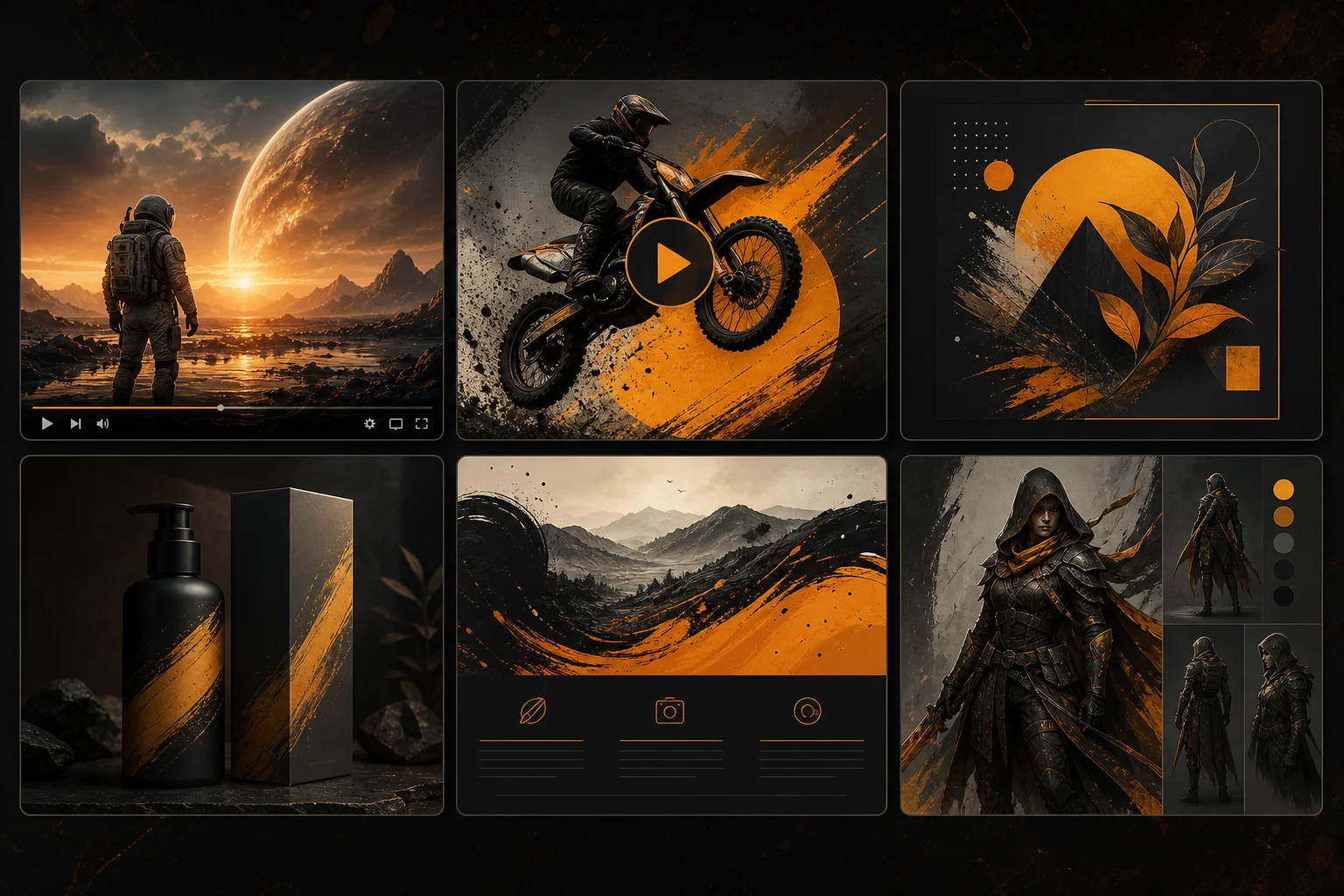
Images are the building blocks of every video and social presence.
Keep exploring
Answers