AI Video

AI video generator for teams that need output, not timelinesGo from prompt to publishable short-form video.

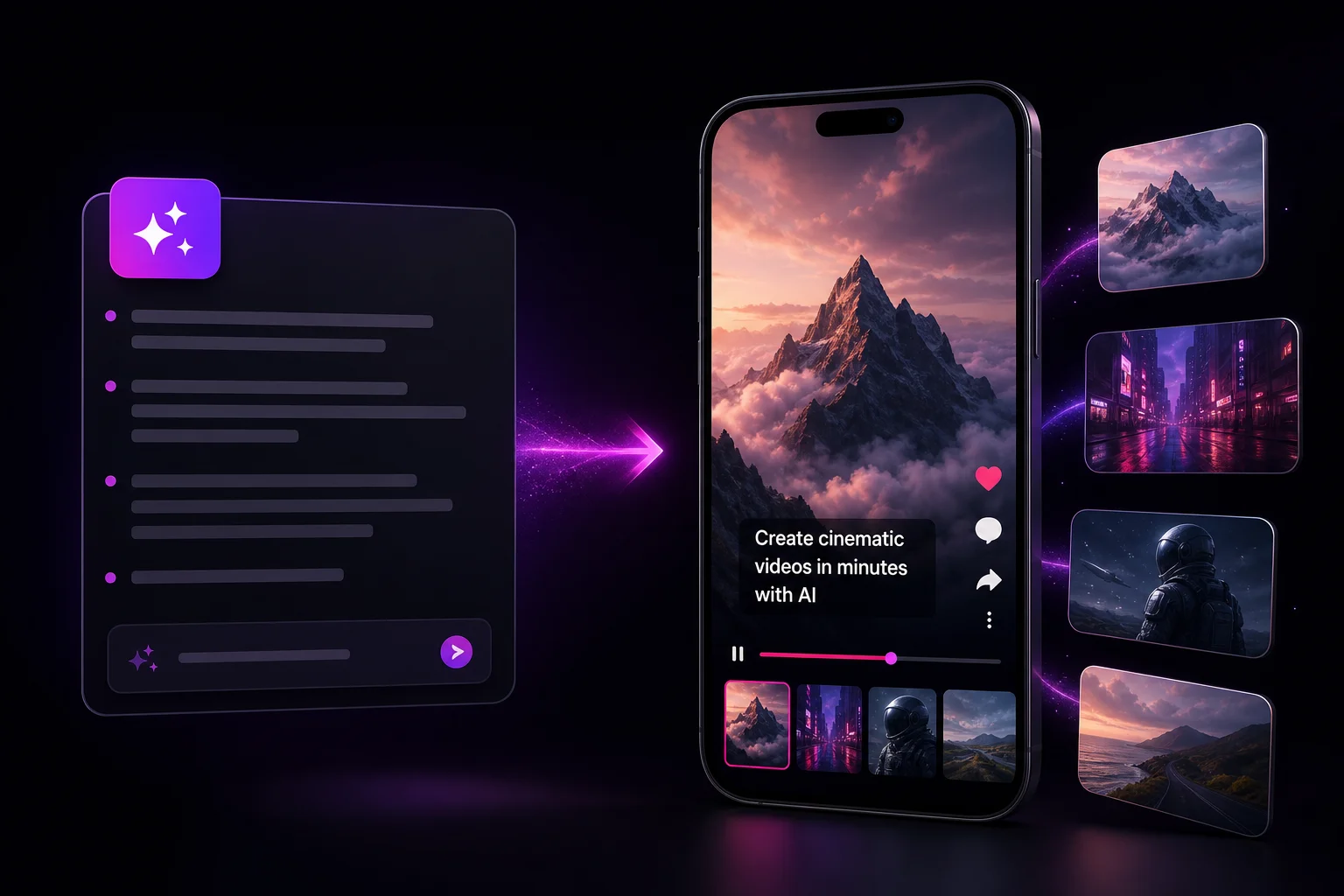
oVideo AI video generator turning a script into a vertical short-form video with captions and stock footage

oVideo turns rough ideas into finished vertical videos with narration, stock visuals, on-screen captions, and a workflow built for daily publishing instead of weekend editing sessions.

Script to video in minutesAI voiceover and captions includedExport vertical MP4 for every major feed

See it in action

From script to scroll-stopping vertical video

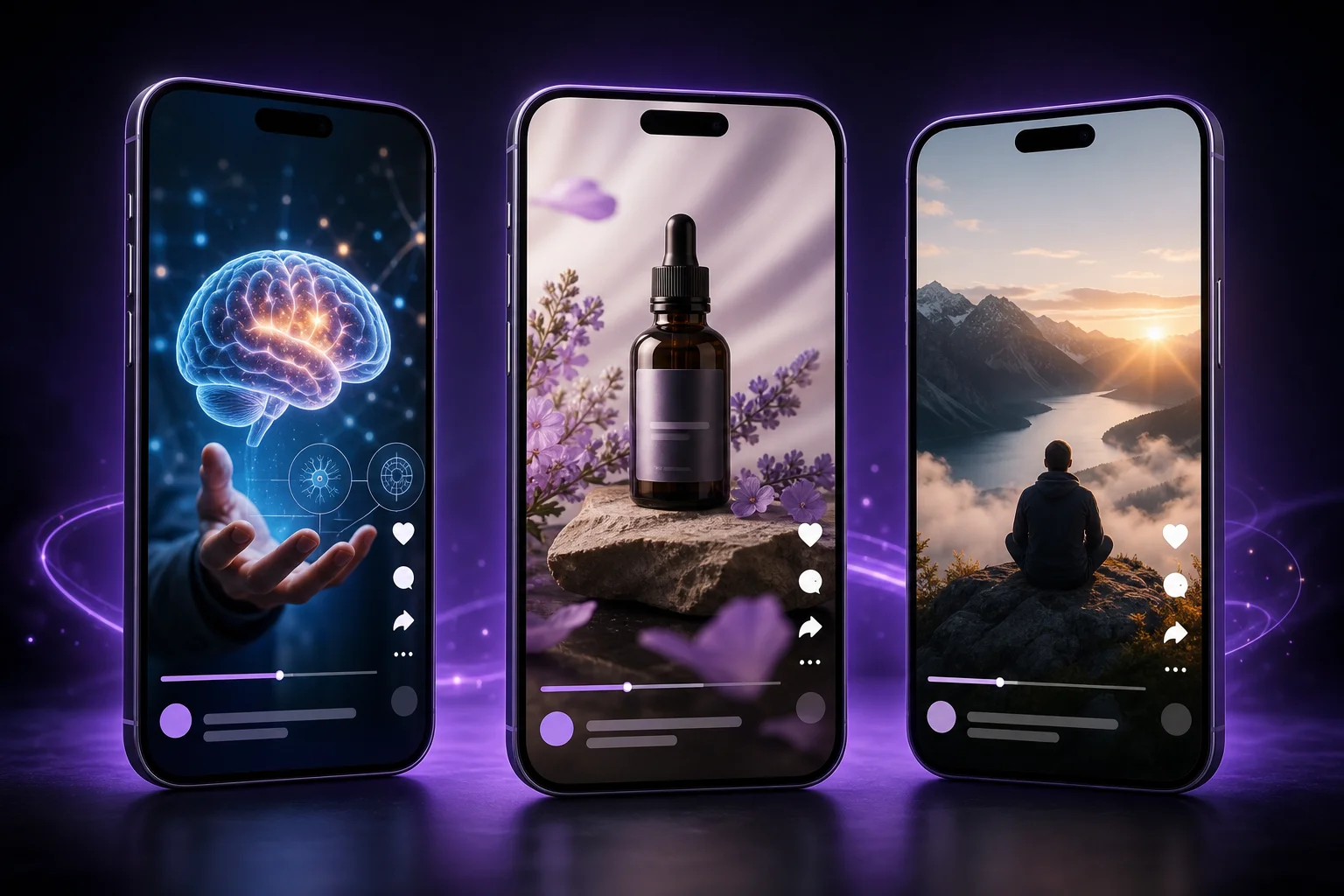
Every draft ships with narration, matched stock visuals, and captions — ready for Shorts, Reels, and TikTok.

Three AI-generated vertical videos for education, product promos, and faceless niche channels

Core capabilities

Everything you need in one generation pass

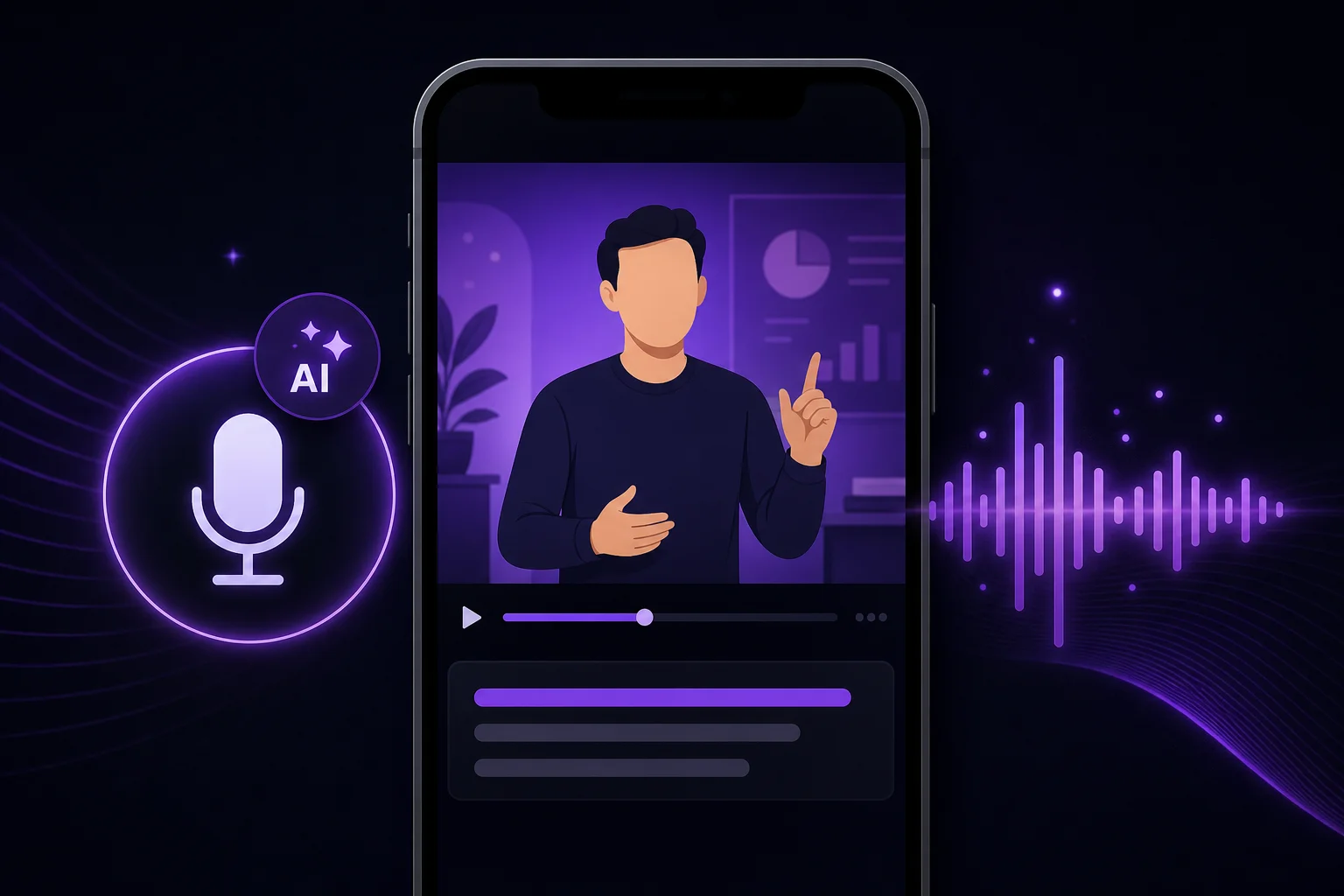
Script and prompt transforming into AI-generated video scenes

Prompt-first workflow

Start from a sentence, outline, or script and let the platform shape the first draft instead of building every scene by hand.
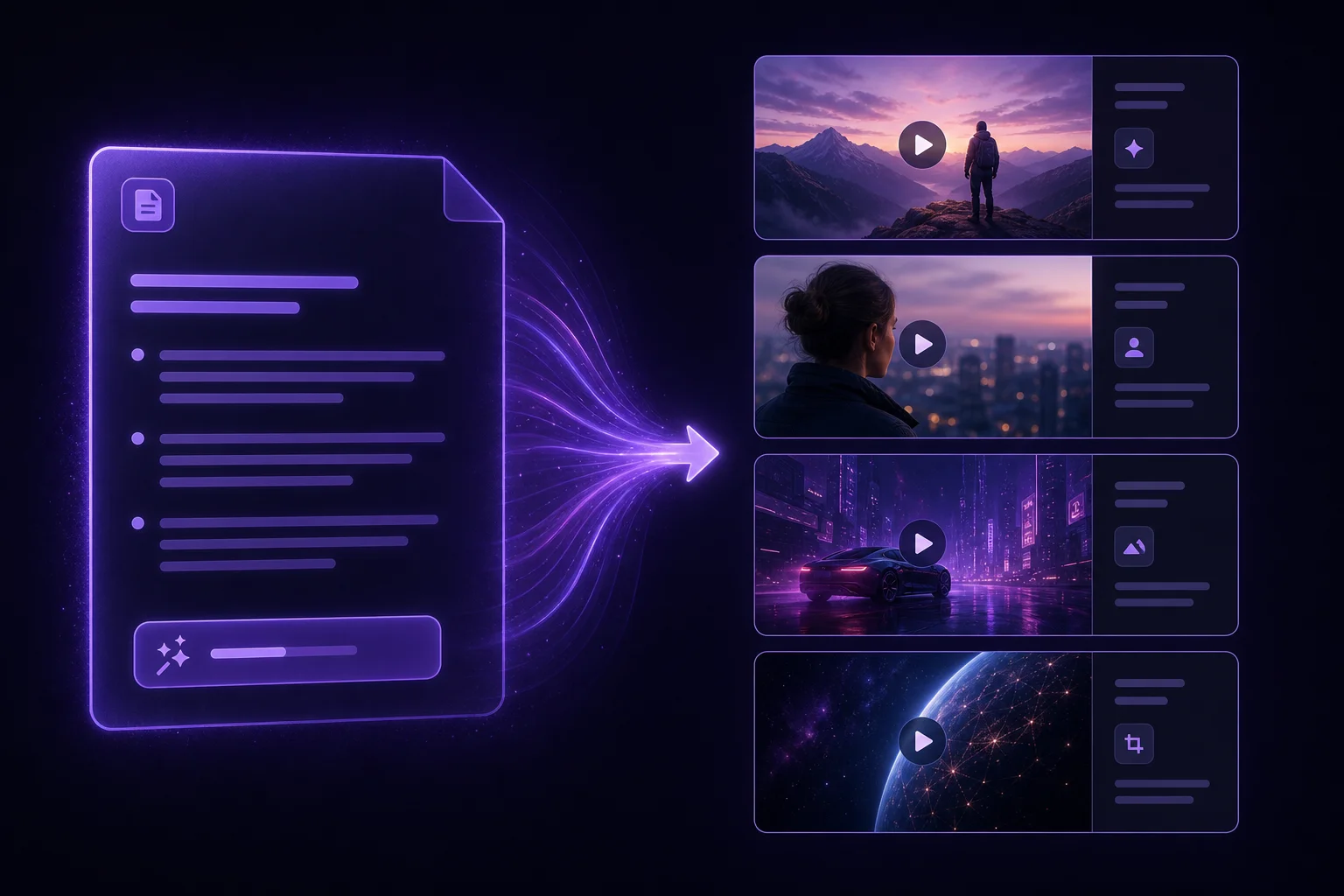
AI voiceover waveform with auto-generated captions on a vertical video

Narration without recording

Generate voiceover for educational, faceless, or product-driven content when a microphone would only slow the release cycle.
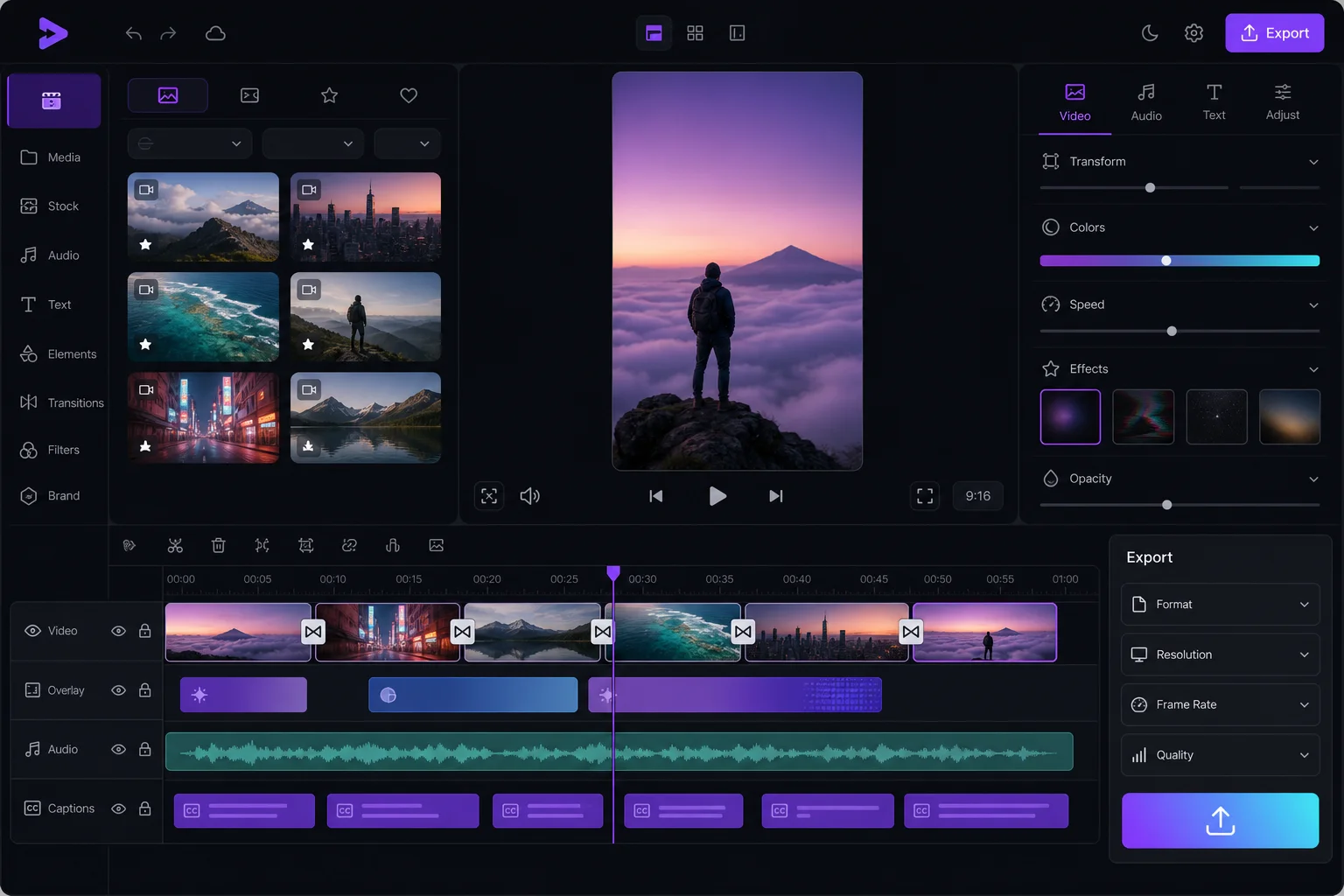
Integrated video editor with timeline, stock clips, and vertical preview

Editing baked into the flow

Match visuals, pacing, and captions inside the same system so your team ships more often with fewer handoffs.

How creators use an AI video generator in production

The repeatable loop is simple: decide the angle, structure the message, generate the first cut, and only spend human time on the final polish that matters.
publish faster
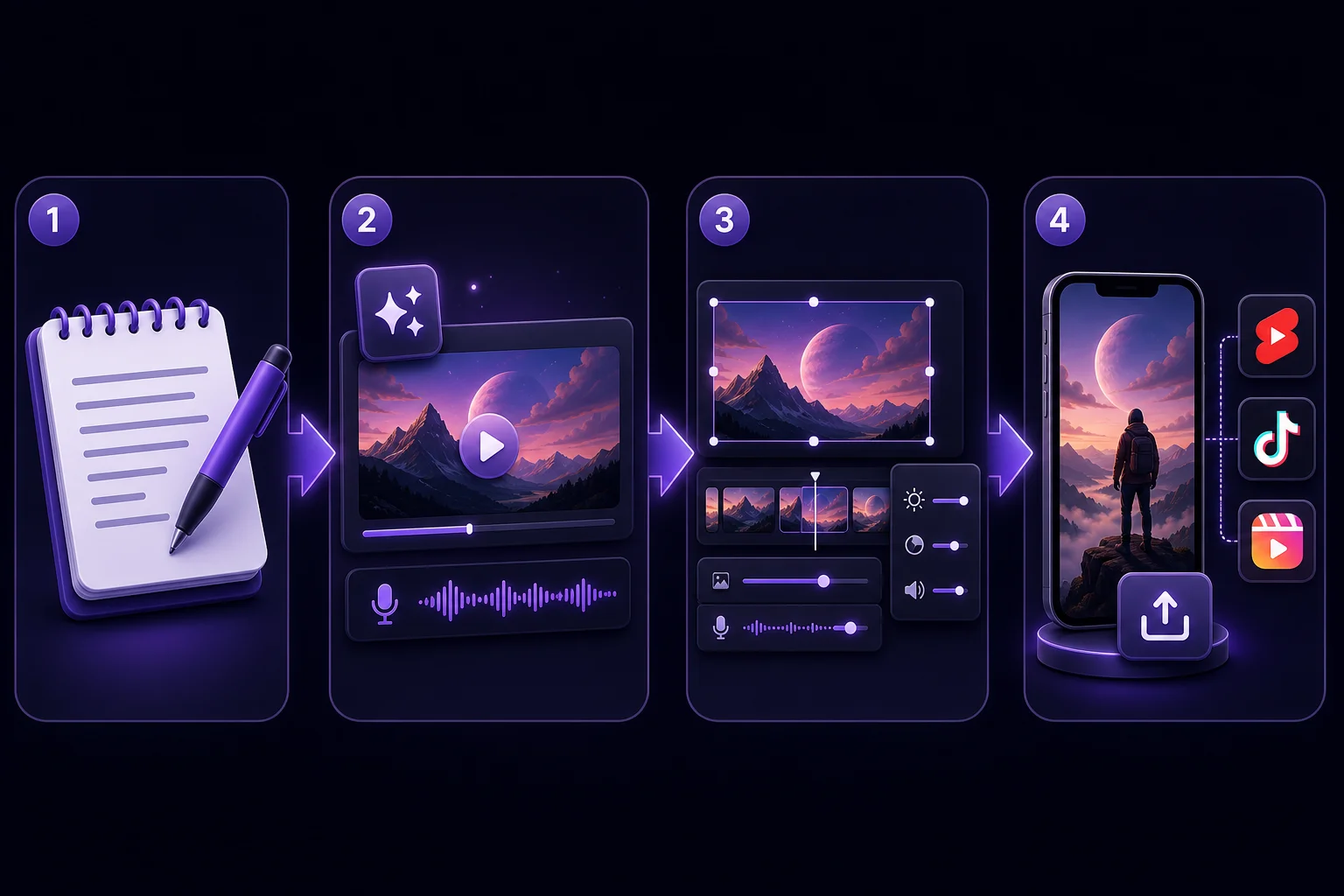
Four-step AI video workflow from script to draft, polish, and social export
  1. 1

    Write the hook, the promise, and the key beats you need the video to hit.

  2. 2

    Generate a draft with AI narration, matching stock footage, and synchronized captions.

  3. 3

    Swap voice, pacing, or scene emphasis until the result matches your brand voice.

  4. 4

    Export a vertical MP4 and publish to Shorts, Reels, TikTok, or internal social channels.

High-intent use cases for AI-generated video

These are the jobs where speed and consistency beat overproduced editing.
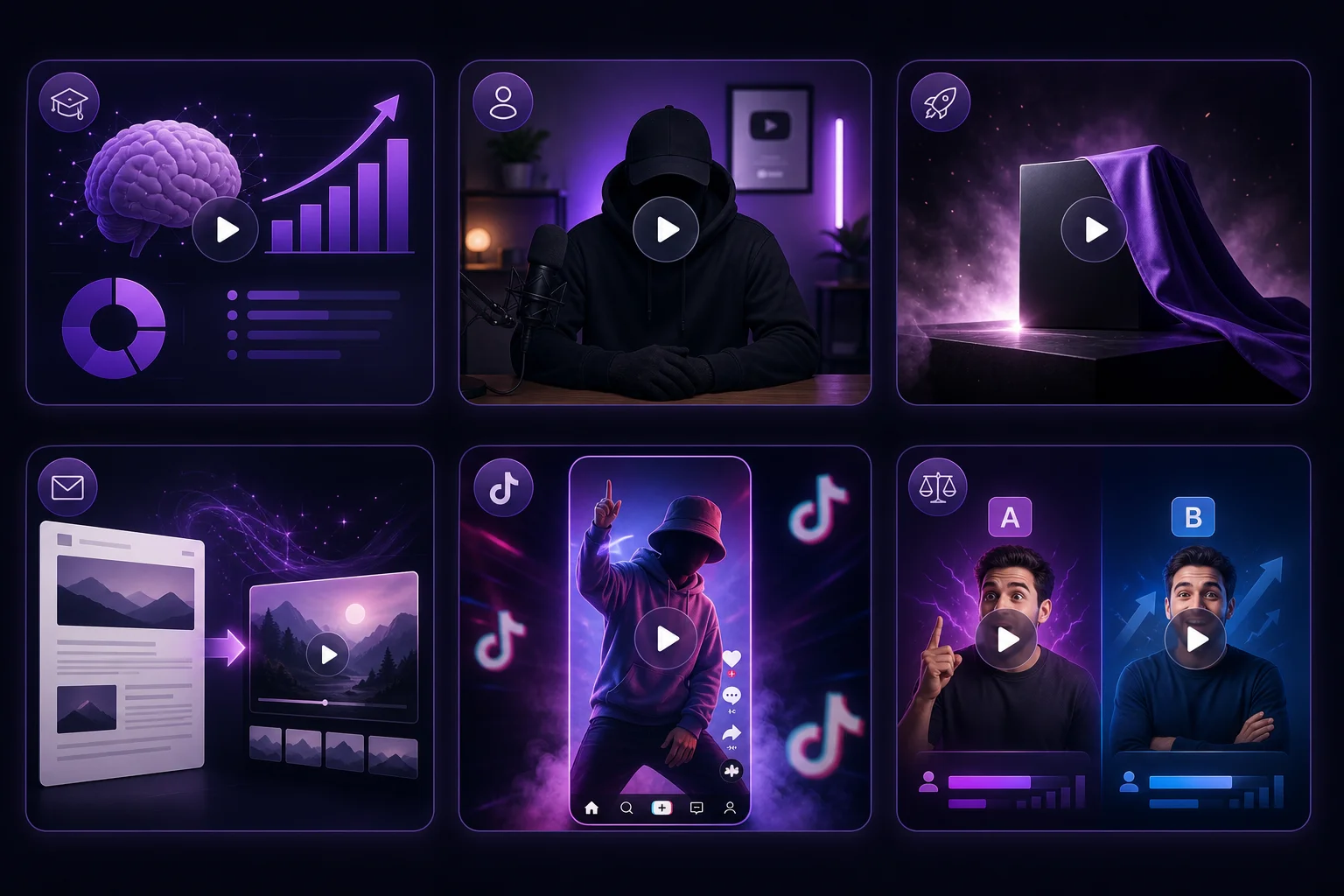
Use cases for AI video generation including explainers, faceless channels, product teasers, and TikTok content
Short-form educational explainers
Faceless niche channel production
Product launch teasers and updates
Repurposing newsletter content into video
Trend-based TikTok and Reels content
Fast social testing for hooks and offers

Related guides

Frequently asked questions

What does an AI video generator actually automate?
It automates the slow first pass: turning text into narration, scene sequencing, stock visual selection, captions, and an exportable draft you can refine.
Can I still edit the draft after generation?
Yes. The fastest teams use AI for the initial cut, then make human tweaks to hooks, pacing, emphasis, and end cards before publishing.
Is oVideo only for social media creators?
No. Social creators are a natural fit, but the same workflow also works for internal comms, education, lightweight product marketing, and short promo video.
What makes a good input for AI video generation?
A strong input has a clear hook, a single outcome, and specific beats. The more concrete the script or prompt, the better the scenes and narration align.
Is there a free AI video generator worth using?
Most free AI video generators limit resolution, add watermarks, or cap output at a few seconds. oVideo takes a different approach: full-quality access with a 30-day money-back guarantee so you can test the real product risk-free.