Any video, from one prompt.
Write a prompt and AI makes the whole video: script, visuals, voice and captions. Or put yourself in any video with one photo.
Free to start: we create your characters and first scenes after sign up. Paid plans from $10 a month.




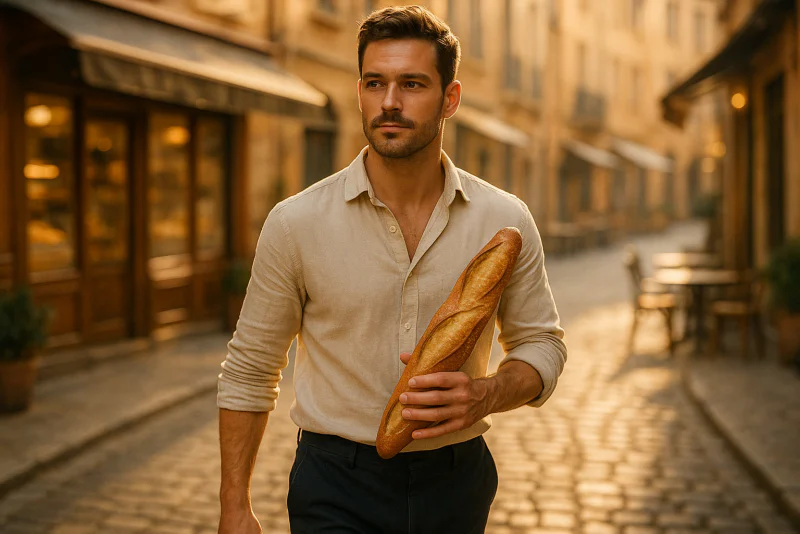

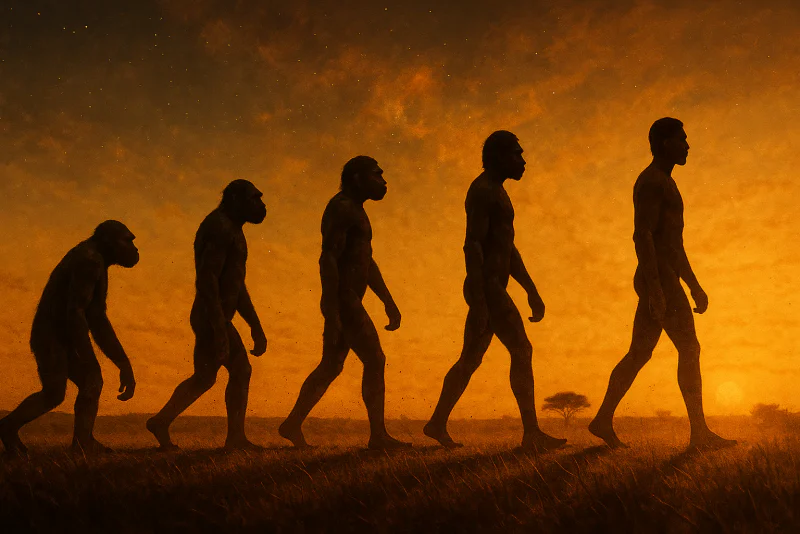
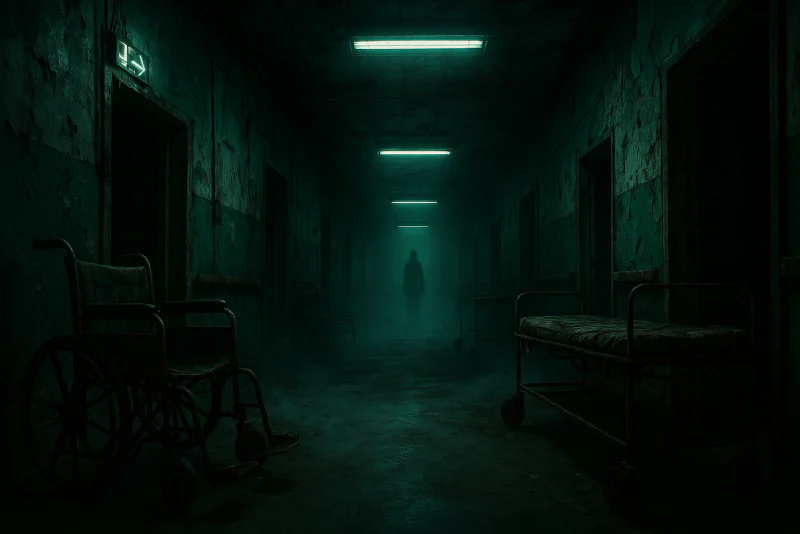
Star in a viral video with one photo
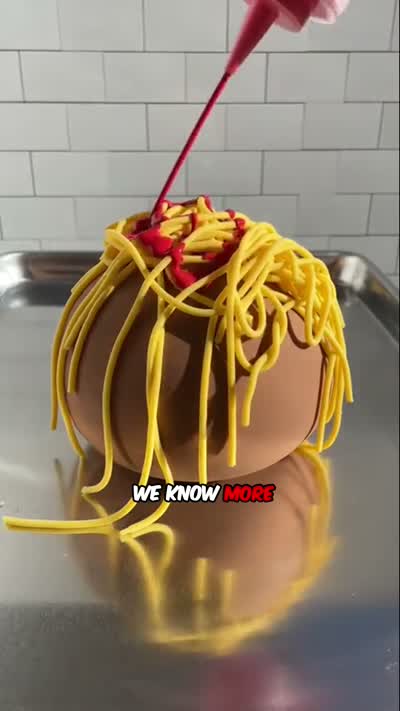
Pick a trend, add your photo and the clip is remade with you in it. The moves, the camera and the original song stay the same.
From Stories to Ads, Turn Any Idea Into a
Professional Video
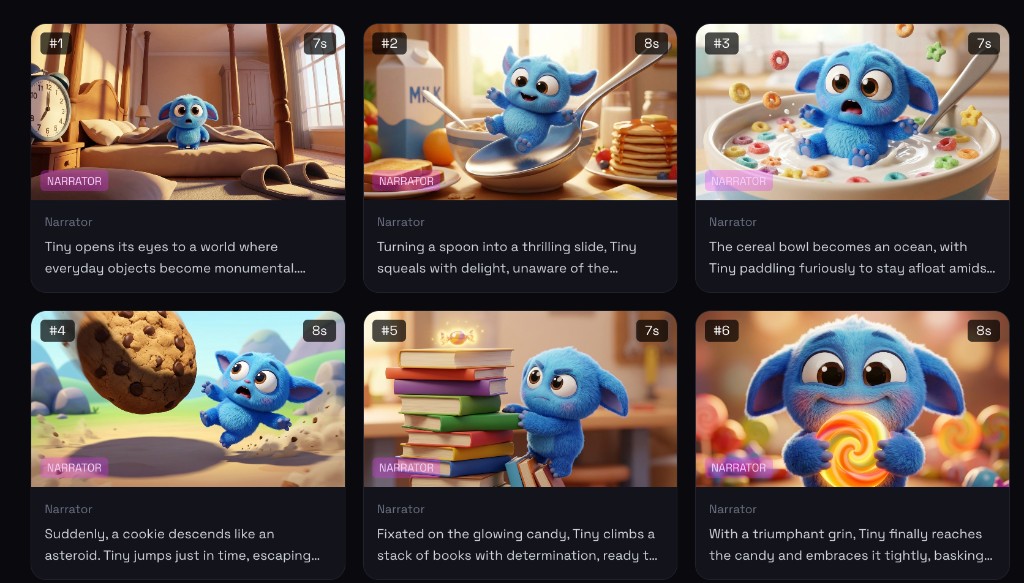
Write your story, define characters, choose a narrator, and watch AI transform it into a fully produced video with scene-by-scene visuals, voiceover, and professional editing.





No credit card required
Put yourself in any video,
or make one from a prompt
oVideo is an AI video app. Its character swap puts you in any video with one photo: a viral template, a TikTok, Instagram Reels or YouTube Shorts link, or your own clip. Your face and body take the place of the person in it, with the same moves and sound. Or turn any story or prompt into a finished video with voice and captions.
Put Yourself In
AI character swap for video: replace the person in any video with you, from one photo, or recreate a viral video with yourself. More than a face swap, your face, hair, body and outfit go in. Three ways in: pick one of 200+ viral templates, paste a TikTok, Instagram Reels or YouTube Shorts link, or upload your own clip. The moves, the camera and the original sound stay; clips are 3 to 15 seconds.
From 19 credits a second on any plan, from $10 a month
How it worksCompare character swap toolsStory to Video
Most loved: kids storiesWrite or paste any story and get a narrated, animated video with the same characters in every scene. Parents use it most for bedtime and moral stories with their child as the hero; creators use it for soap opera dramas, fruit and cat dramas, Bible stories, horror, love stories, history and YouTube series. 12 looks, narrated in 7 languages.
Free storyboard preview, full video on the Creator plan ($40 a month, $30 billed yearly)
See story videosCompare story video toolsAI Shorts from a prompt
Describe a video and AI writes the script, makes the visuals and adds the voice and captions. Vertical for TikTok, Reels and Shorts, or landscape for YouTube, with an editor to change any scene.
Free preview, export from $10 a month
See the video generatoroVideo at ovideo.io is not affiliated with ovideo.ai.
Not just videos
your full creative arsenal
Generate stunning AI images, mass produce UGC ads, bring photos to life and stitch viral split screens, all in one place.
 Free
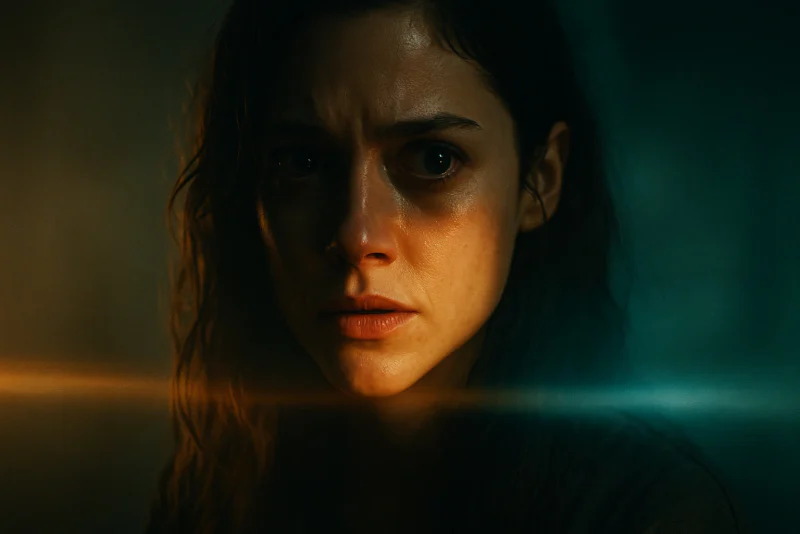
AI Image Generator
Turn prompts into stunning visuals with Flux, Imagen, Recraft and more.
CreatorUGC Factory
Generate dozens of UGC ad variants from one product in minutes.
 Creator
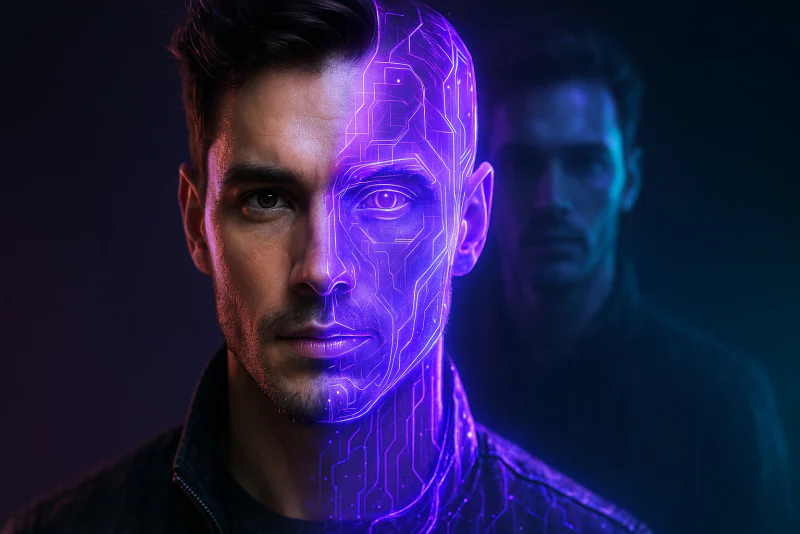
Talking Head
Turn your own photo or an AI character into a lifelike talking avatar in any language.
FreeSplit Screen
Stack any clip with gameplay or reactions. The viral format on autopilot.
Every top-tier AI model,
one platform
ovideo.io ships every AI you need, from script to render. Mix and match the models you love, no API keys, no extra subscriptions.
Script & Story
5+ modelsLatest GPT models write hooks, scripts, and full narratives in your voice.
AI Voiceover
5+ modelsElevenLabs voices: lifelike narration in 12 languages.
Image Generation
10+ modelsTop text-to-image models, side by side. Pick the best for every shot.
Video Generation
9+ modelsState-of-the-art video models: generate cinematic clips from text or images.
Live Talking Head
2+ modelsGPU-powered lip-sync avatars that speak in any voice you choose.
Stock Footage
3+ modelsMillions of royalty-free clips, auto-matched to every scene.
Full Feature Set
Professional video production,
fully automated
ovideo.io handles every step of video creation (from prompt to final export) so you can focus on growing your audience.
Prompt-to-Video
Type any idea, topic, or script and our AI transforms it into a fully produced video with relevant stock footage matched to every sentence.
AI Voiceover
Lifelike ElevenLabs narrator voices. Shorts are narrated in 12 languages and Story to Video in 7.
Auto Subtitles
Generate perfectly timed, beautifully styled captions automatically. Customize fonts, animations, colors, and positioning in real-time.
Smart Timeline Editor
A full-featured browser-based editor. Cut scenes, add B-roll, swap footage, adjust transitions, and fine-tune every detail post-generation.
Massive Media Library
Access millions of premium stock clips, AI-generated imagery, gameplay footage, and viral video styles: for any niche, any topic.
1-Click Export
Export in 1080p or 4K optimized for TikTok, YouTube Shorts, Instagram Reels, or any platform. Direct publish integrations included.
Built-In Editor
Polish every detail
right in your browser
After your video is generated, fine-tune every scene, swap music, and customize captions in one beautiful workspace. No installs, no exports, no waiting.
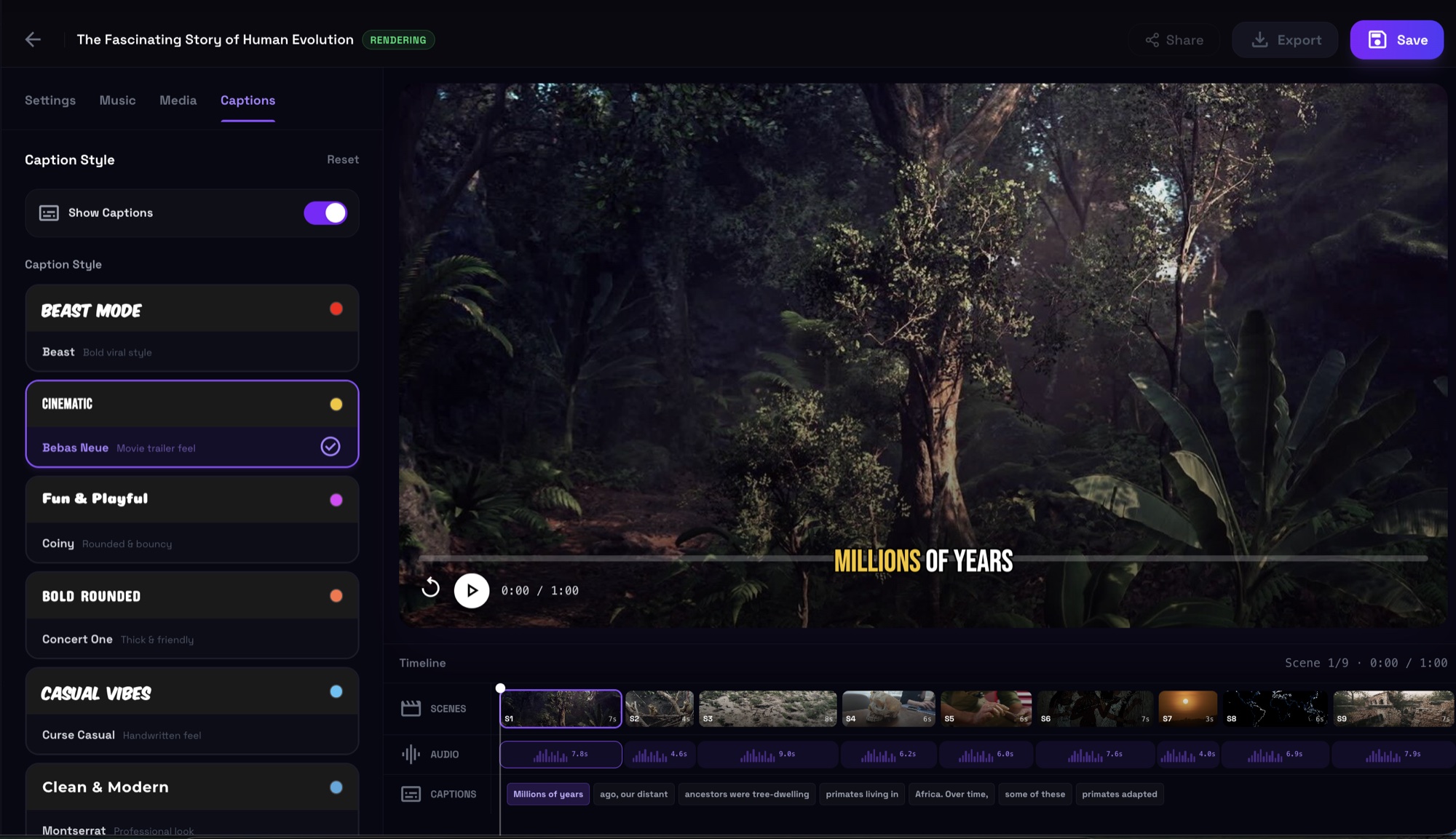
Caption styles
Pick from viral-ready presets: Beast Mode, Cinematic, Fun & Playful, and more.
Scene-by-scene timeline
Replace footage, edit audio, and tweak captions on any scene of your video.
Swap music & media
Change background tracks and stock footage with a single click and preview live.
Live preview
See every change instantly. Share or export in 1080p / 4K when you're ready.
Seven AI agents.
One render queue.
Every video orchestrates a team of specialist models (script, voice, visuals, edit, score, render) running in parallel on our pipeline. You hit generate. They do the rest.
> A 60s faceless documentary about the most terrifying places on earth, cinematic, suspenseful narration
Pricing
Simple, transparent pricing
Scale as you grow. No hidden fees.
Starter
For Beginners
Up to 120 AI images
Up to 20 Shorts
per month, billed monthly
Billed monthly, cancel anytime
- 400 credits/mo
- Up to 120 AI images
- Story to Video
Creator
Most popularFor Short-Form Creators
Up to 600 AI images
Up to 100 Shorts
per month, billed monthly
Billed monthly, cancel anytime
- 2,000 credits/mo
- Up to 600 AI images
- Story to Video
Pro
Best valueFor All Video Creators
Up to 2,000 AI images
Up to 350 Shorts
per month, billed monthly
Billed monthly, cancel anytime
- 7,000 credits/mo
- Up to 2,000 AI images
- Story to Video
FAQ
Frequently asked questions
Everything you need to know about ovideo.io.
Still have questions? Contact our team →
Ready to create your first
viral AI video?
Publish better content faster with ovideo.io's AI video engine.