
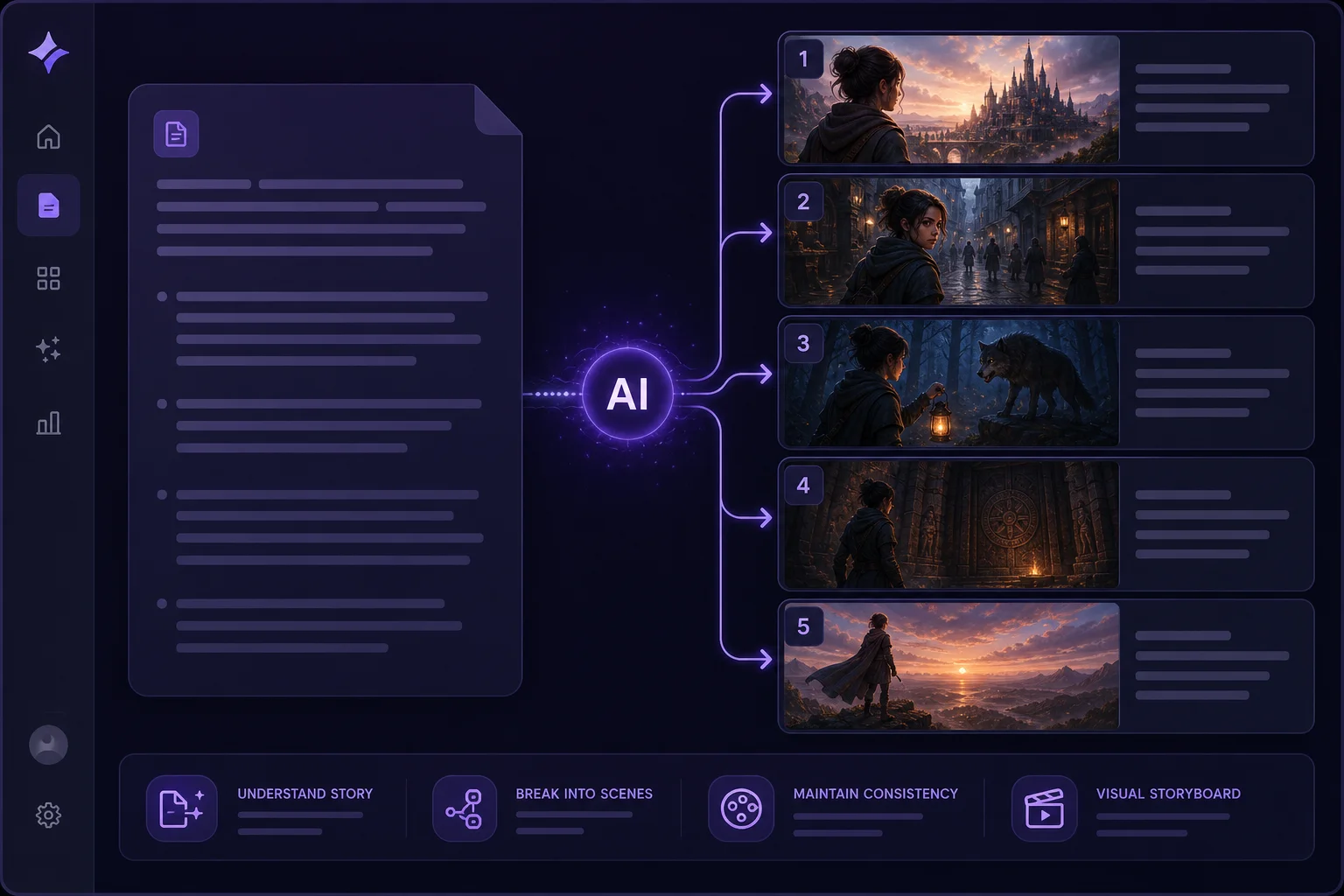
Write once, generate every scene
Paste a story or outline and the AI breaks it into scenes, generates matching images with your chosen image model, and animates each one into video — preserving character and setting consistency.
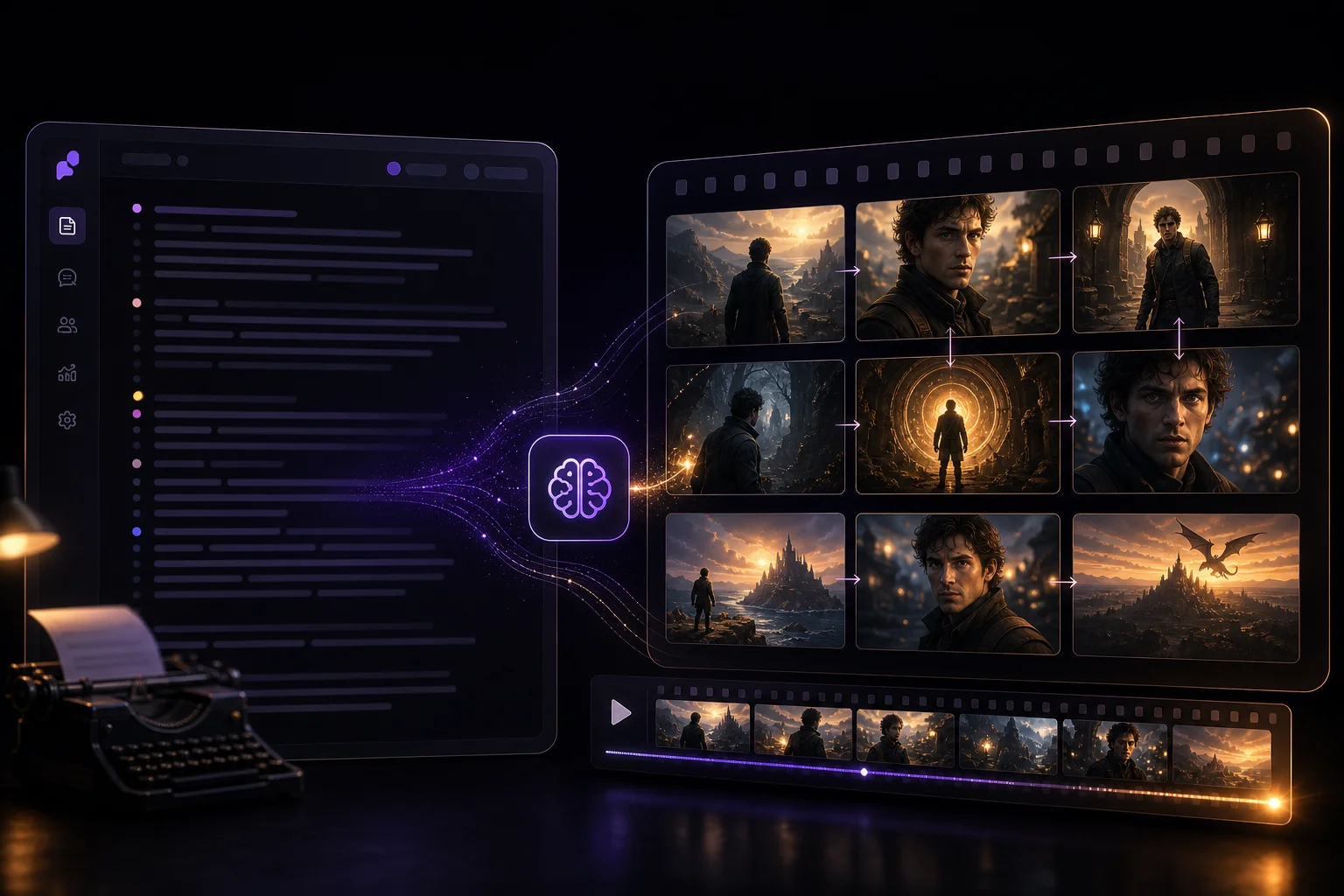
oVideo's Story to Video pipeline takes your script, generates scene-by-scene images with AI, animates each frame using Kling Pro or Veo image-to-video models, adds professional voiceover and music, then exports a polished short film — all without opening a video editor.
See it in action
Each scene is generated, animated, narrated, and scored — scene by scene, without a traditional editor.
Made with oVideo
Every clip below was produced end-to-end with oVideo — script to voiceover, footage, and captions. Press play to see the actual output.
Mind-Blowing Space Facts You Didn't Know!
9:16 vertical·1080p
Prehistoric Predators: A World of Giants
9:16 vertical·704p
Svět bez internetu: Jak by vypadal?
9:16 vertical·1080p
Core capabilities
Scene generation, model selection, narration, and soundtrack — built for narrative creators, not timeline editors.
Paste a story or outline and the AI breaks it into scenes, generates matching images with your chosen image model, and animates each one into video — preserving character and setting consistency.
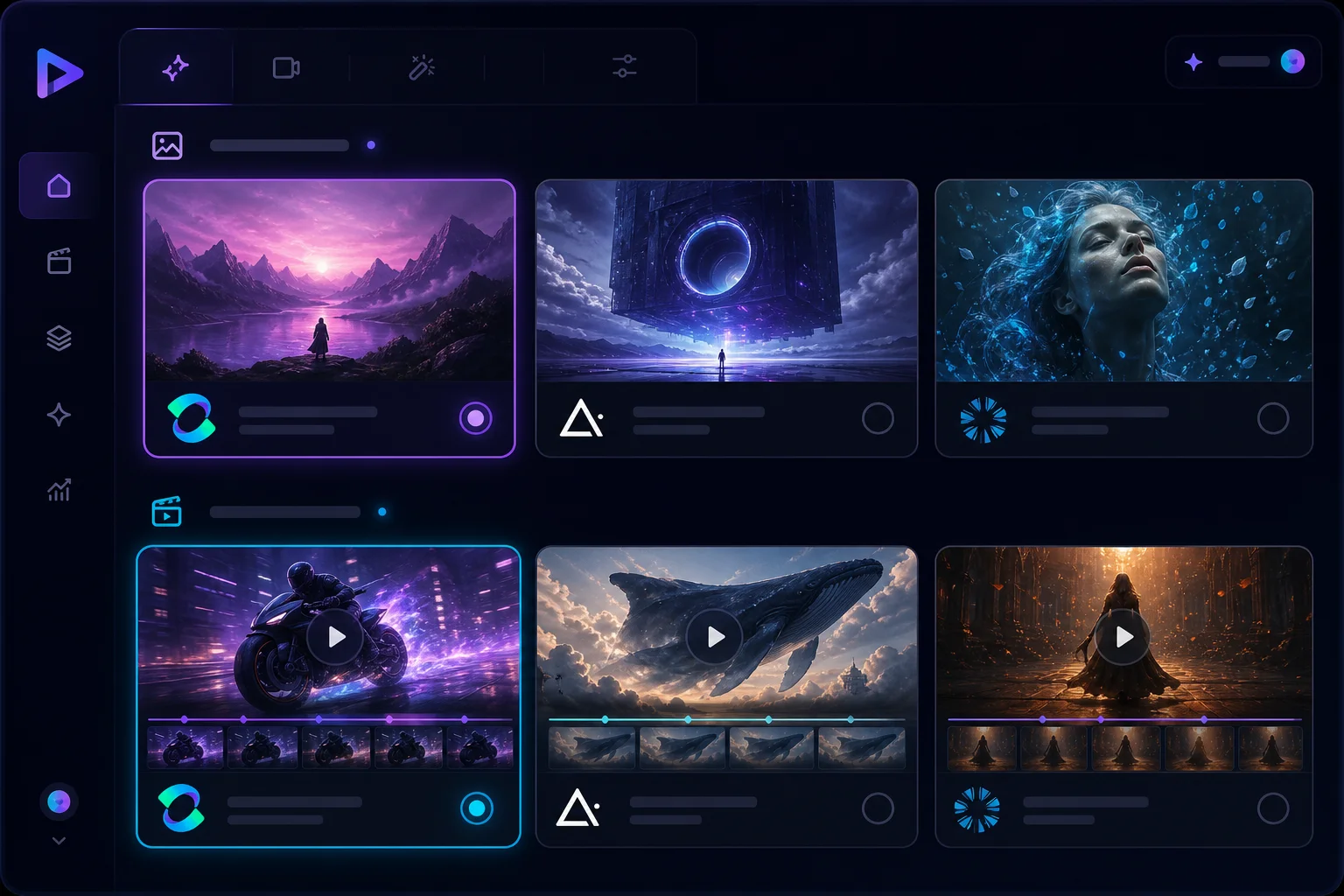
Select from Kling Pro, Veo, or other image-to-video models for animation quality. Pair with GPT-Image, Flux, or other image models for scene generation. Mix and match to balance quality and cost.
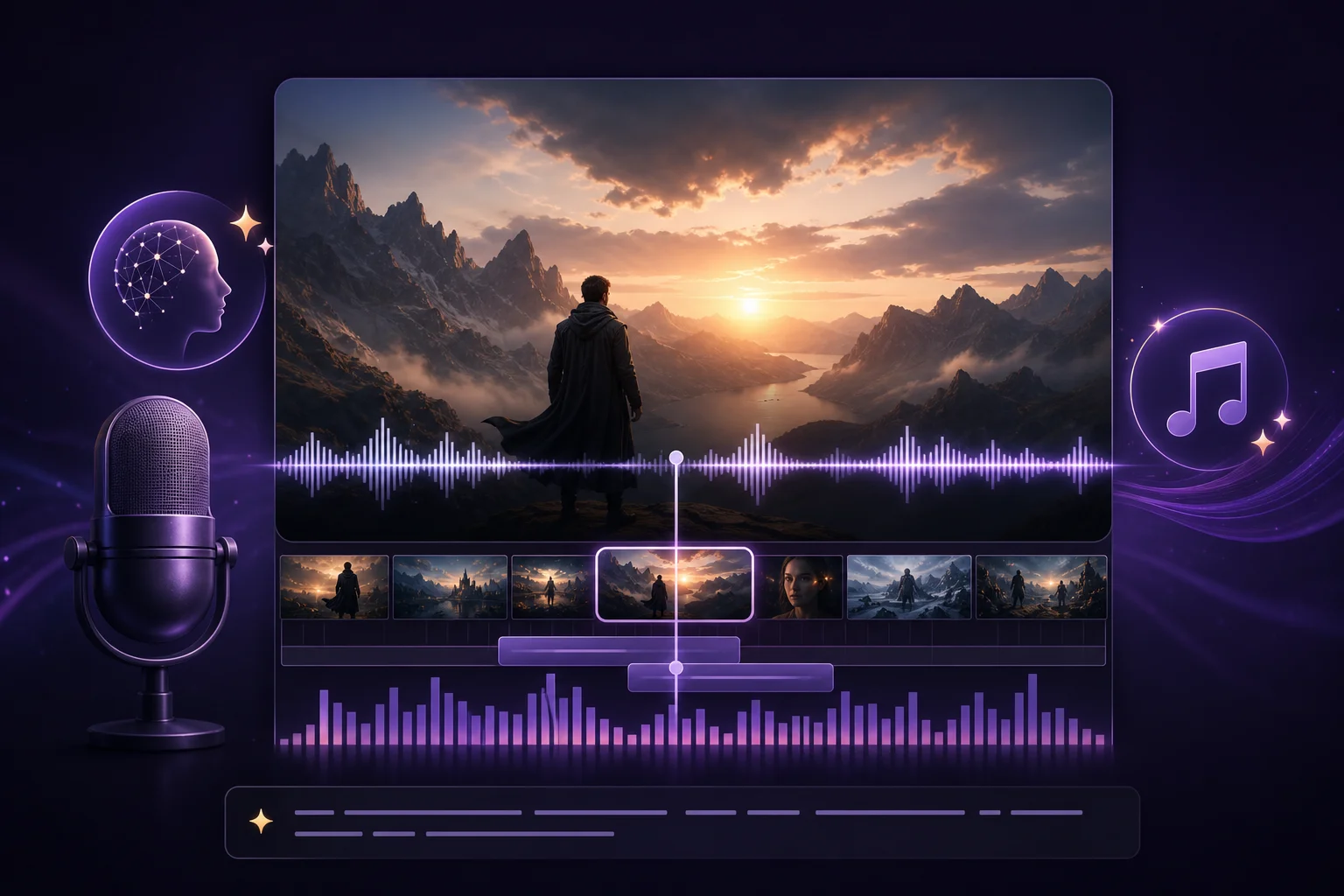
AI narration in 30+ languages is synced to each scene automatically. Add background music from the built-in library to complete the cinematic feel.
The workflow
From a rough idea to a complete short film, the pipeline handles everything that used to require a team.
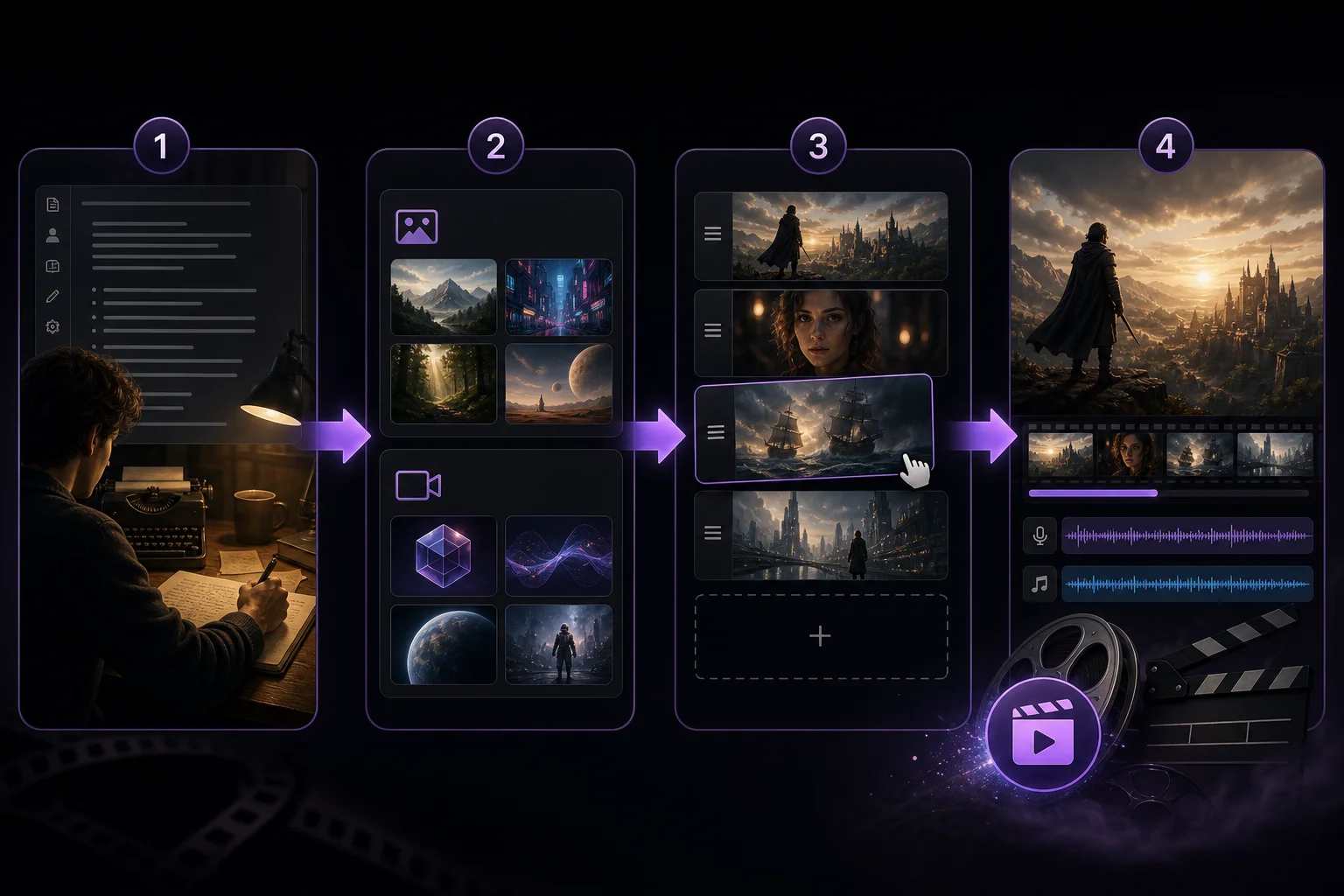
Step 01
Write or paste your story script — the AI analyzes beats, characters, and settings.
Step 02
Choose your image model (GPT-Image, Flux, etc.) and video model (Kling Pro, Veo i2v) for scene generation.
Step 03
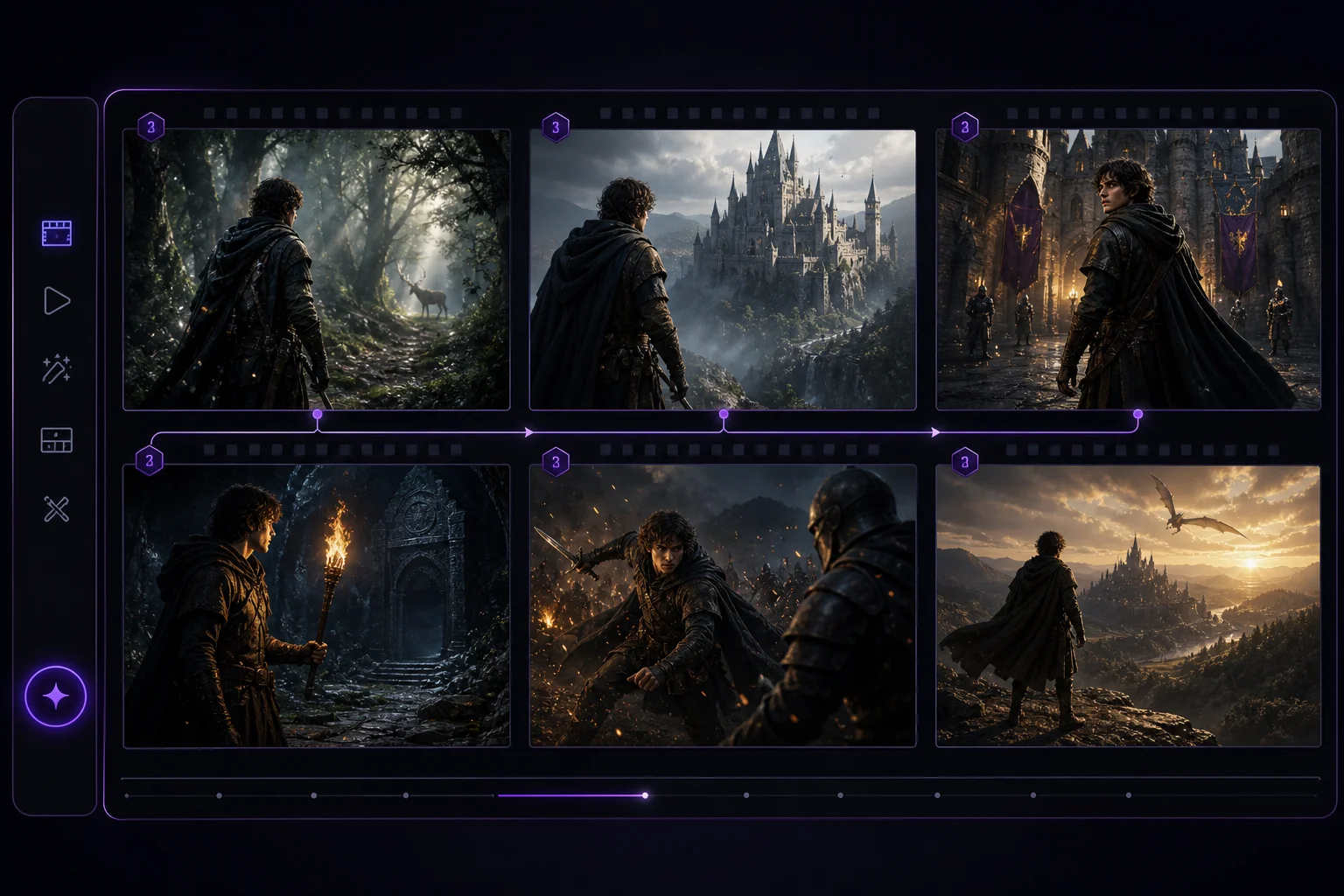
Preview the storyboard with generated images, reorder scenes, and tweak prompts as needed.
Step 04
Hit render — the AI animates scenes, adds voiceover and music, generates captions, and exports a finished MP4.
Where oVideo shows up
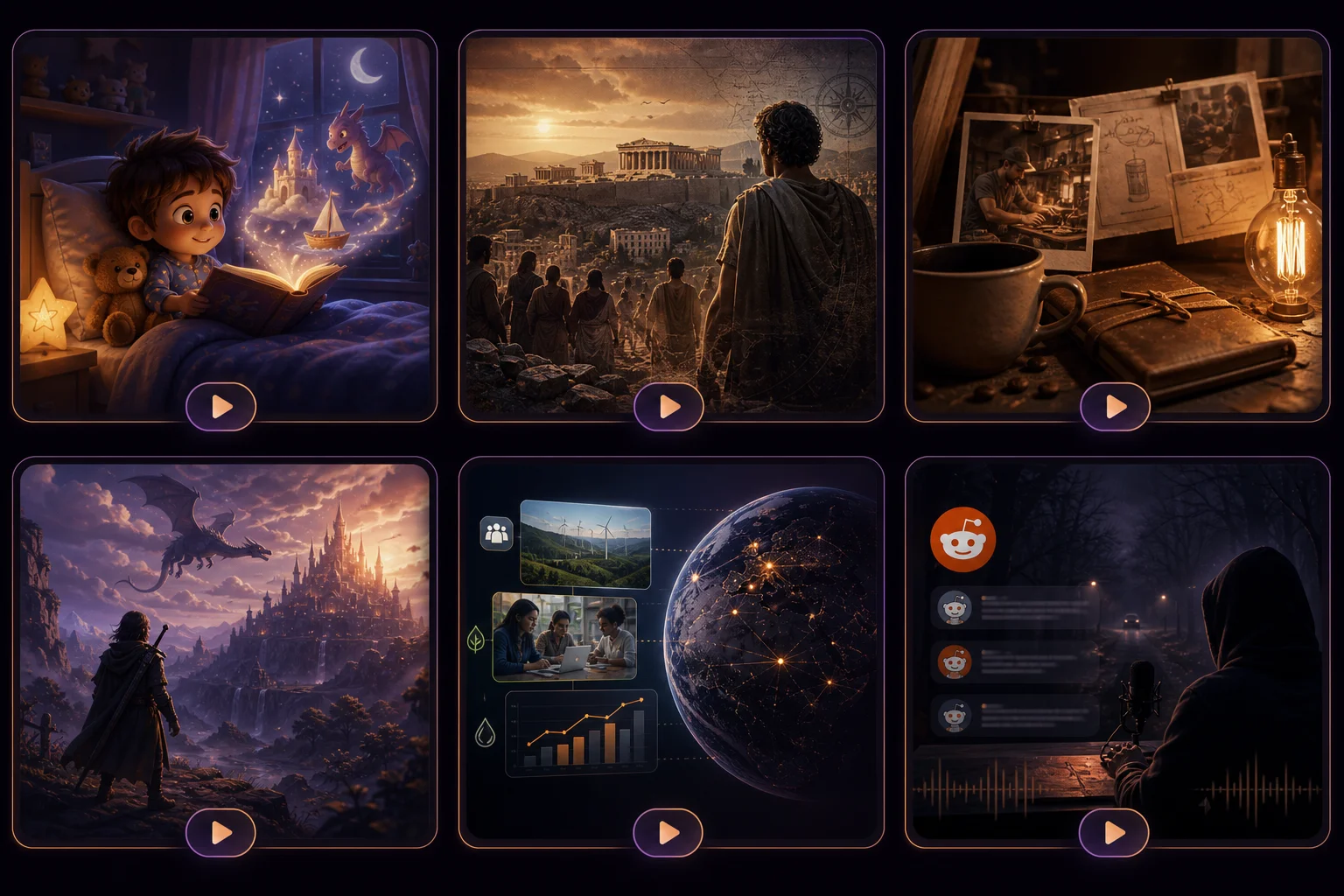
Any narrative format can become a short video in minutes instead of weeks.
Keep exploring
Answers