
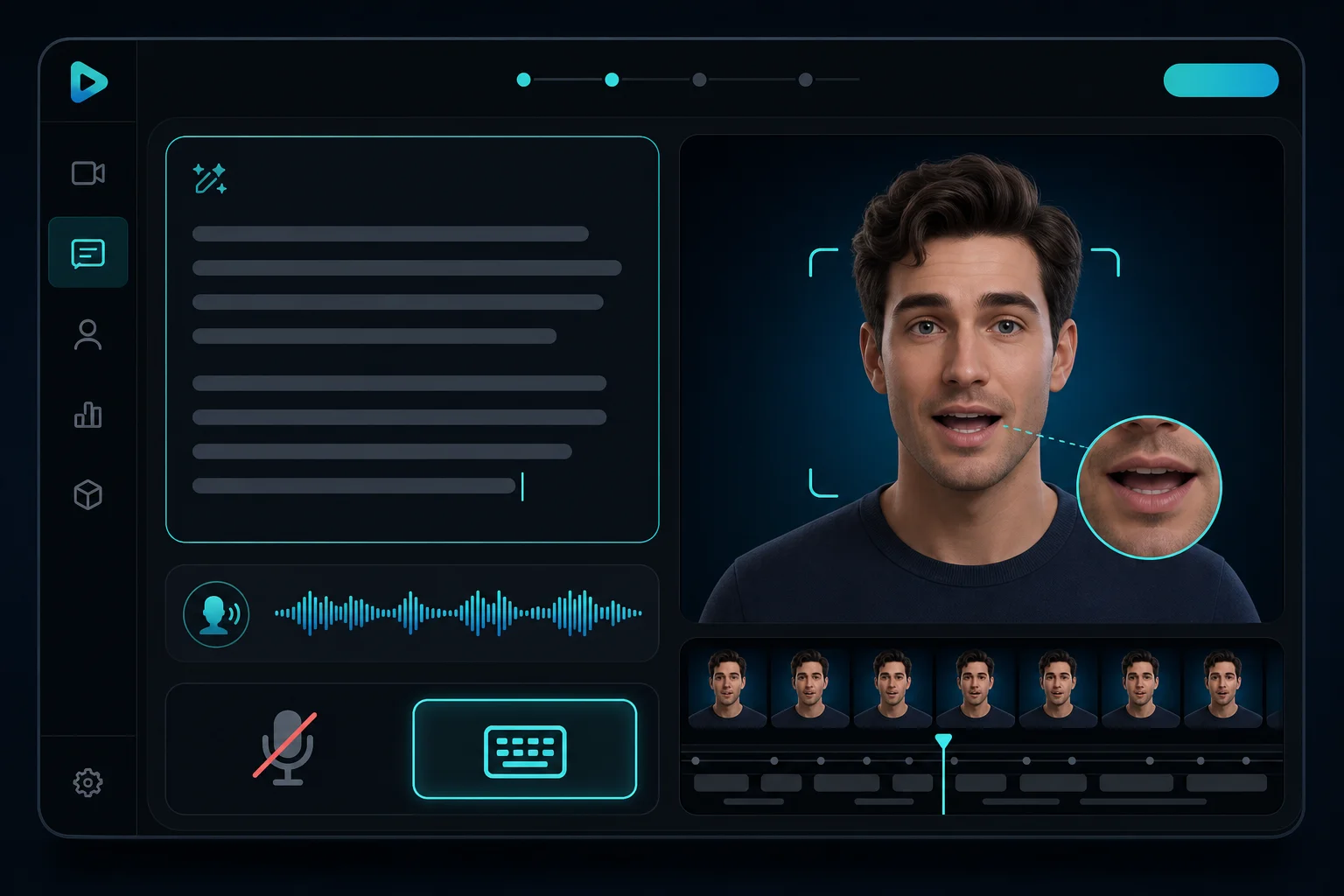
Type, don't record
Write your script and select a voice. The AI generates speech with natural intonation and syncs lip movements to every syllable — no microphone or teleprompter needed.
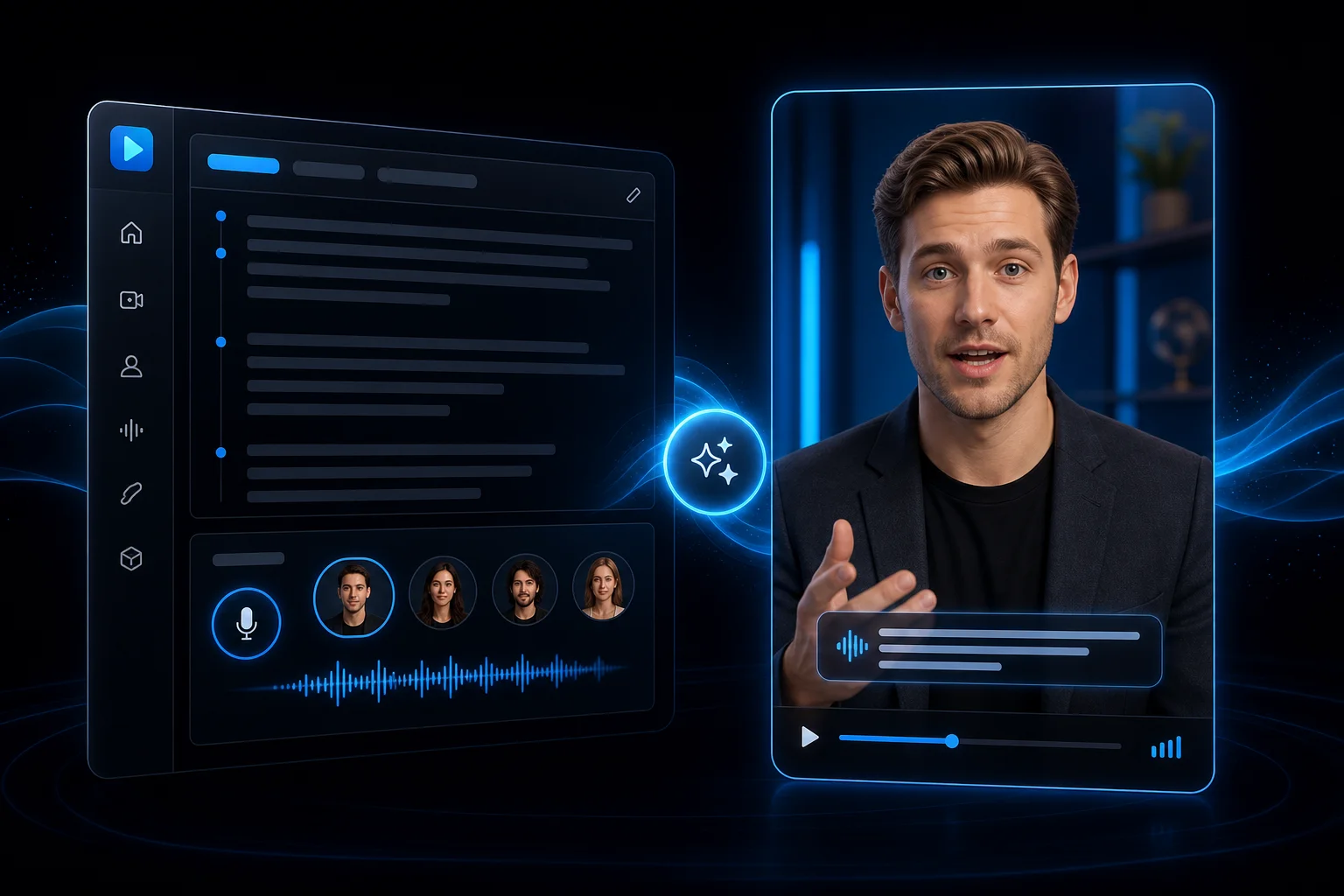
Upload a photo or pick an AI avatar, type your script, choose a voice — and oVideo generates a realistic talking head video with natural lip-sync, expressions, and optional captions. No webcam, no lighting setup, no editing required.
See it in action
Every video ships with natural lip-sync, AI voice, and animated captions — ready for courses, social, and internal comms.
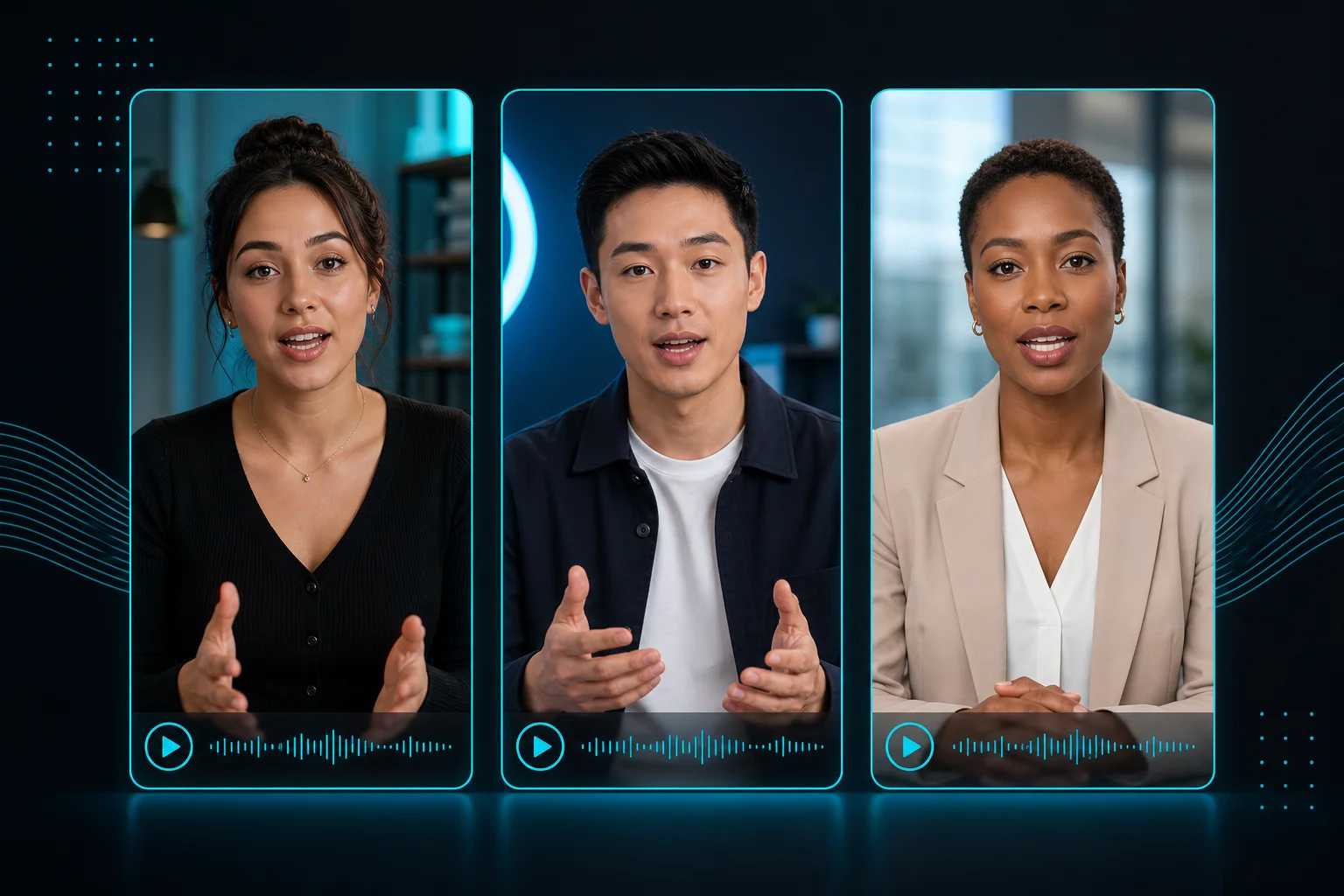
Made with oVideo
Every clip below was produced end-to-end with oVideo — script to voiceover, footage, and captions. Press play to see the actual output.
Zengin Adam ve Balıkçı
9:16 vertical·1080p
How Our Shoulders Changed Human Evolution
16:9 landscape·1080p
Mbappé to Barcelona: The Alternate Football Universe
9:16 vertical·720p
Core capabilities
Lip-sync, avatar upload, voice selection, and captions — built for presenters who type instead of record.
Write your script and select a voice. The AI generates speech with natural intonation and syncs lip movements to every syllable — no microphone or teleprompter needed.
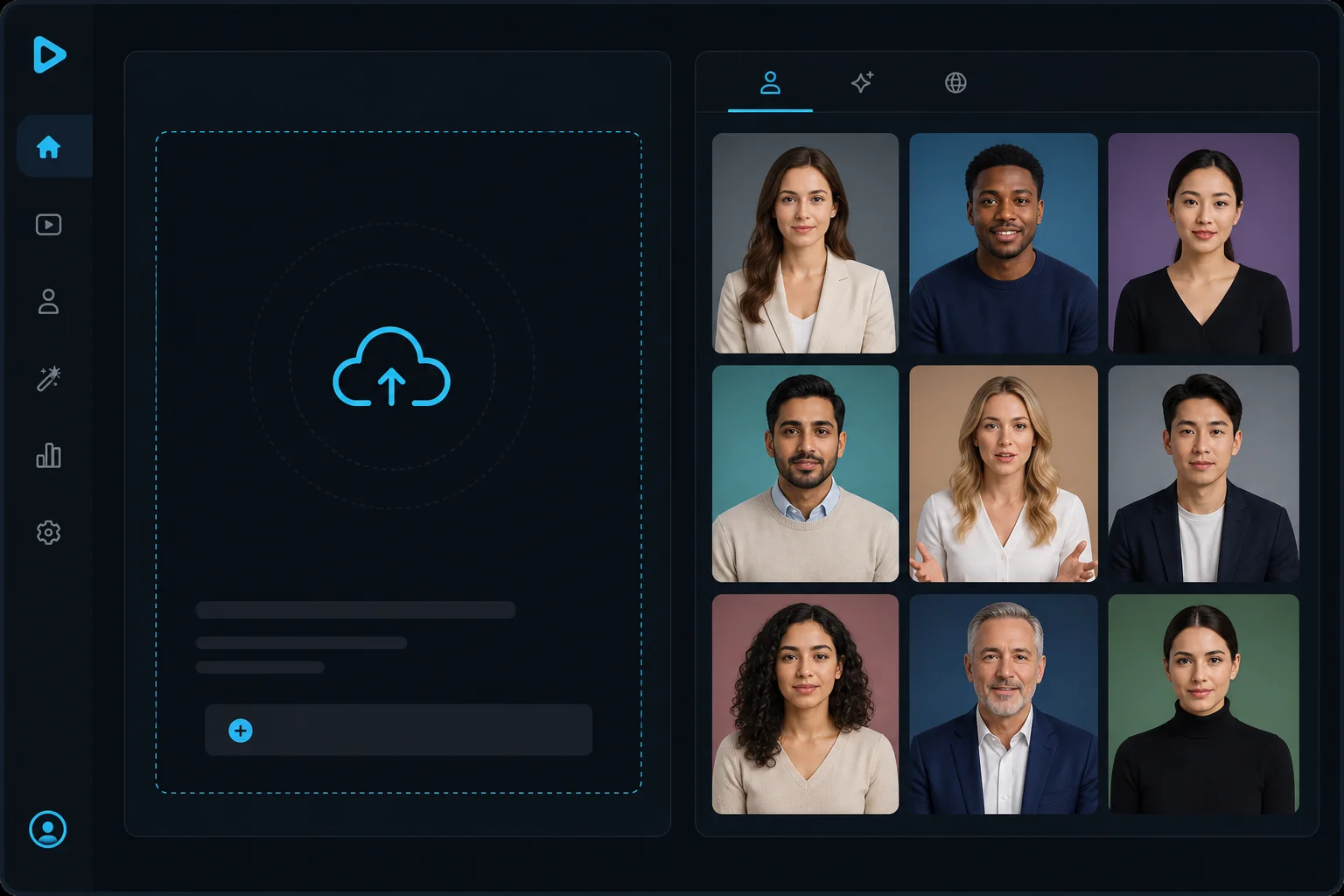
Use a prebuilt AI avatar for instant generation, or upload your own portrait photo to create a personal talking head that matches your brand or identity.
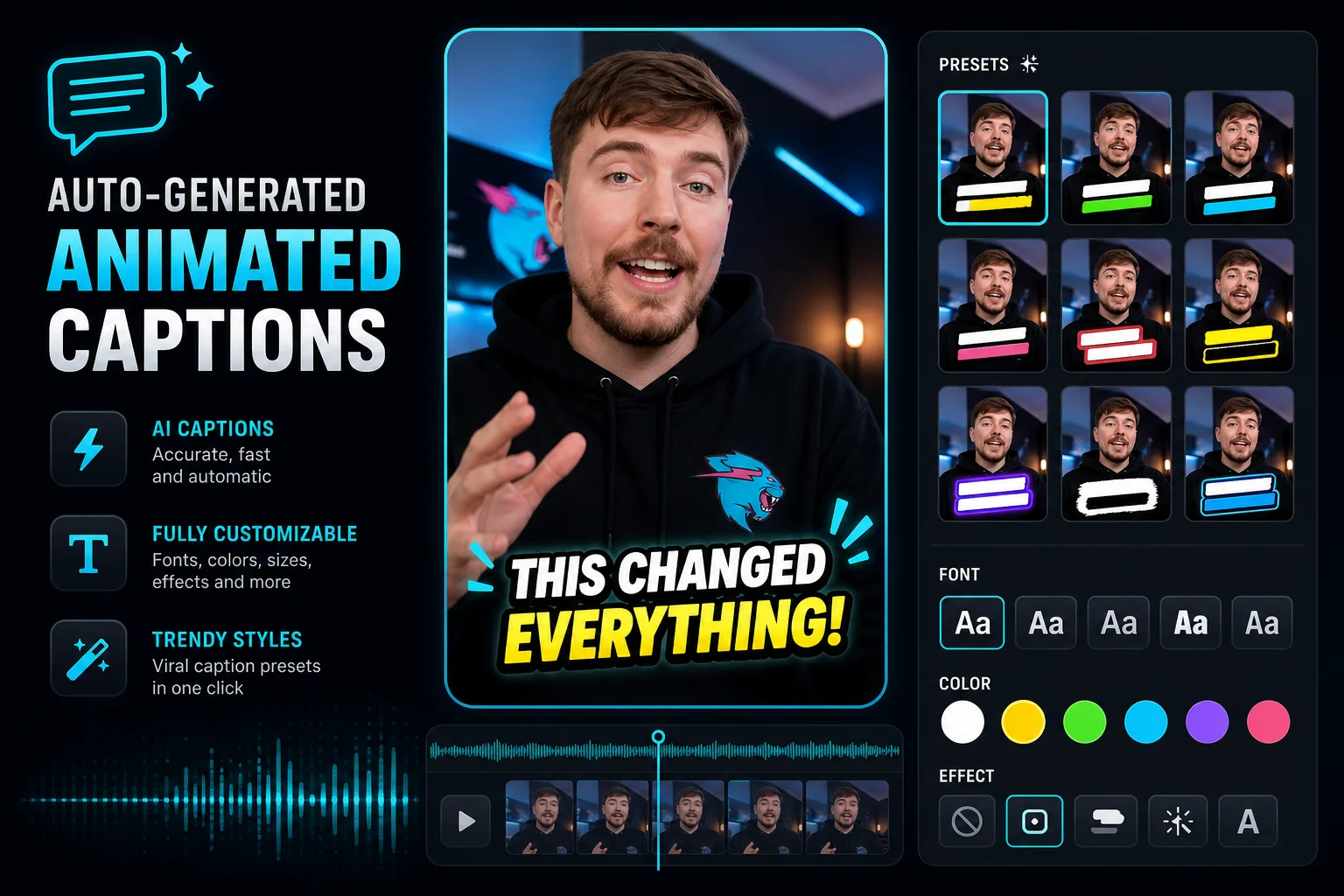
Professional animated captions are generated and timed automatically with MrBeast-style presets, bounce animations, and custom fonts — no third-party subtitle tool required.
The workflow
Three inputs — a face, a script, and a voice — are all you need for a polished presenter video.
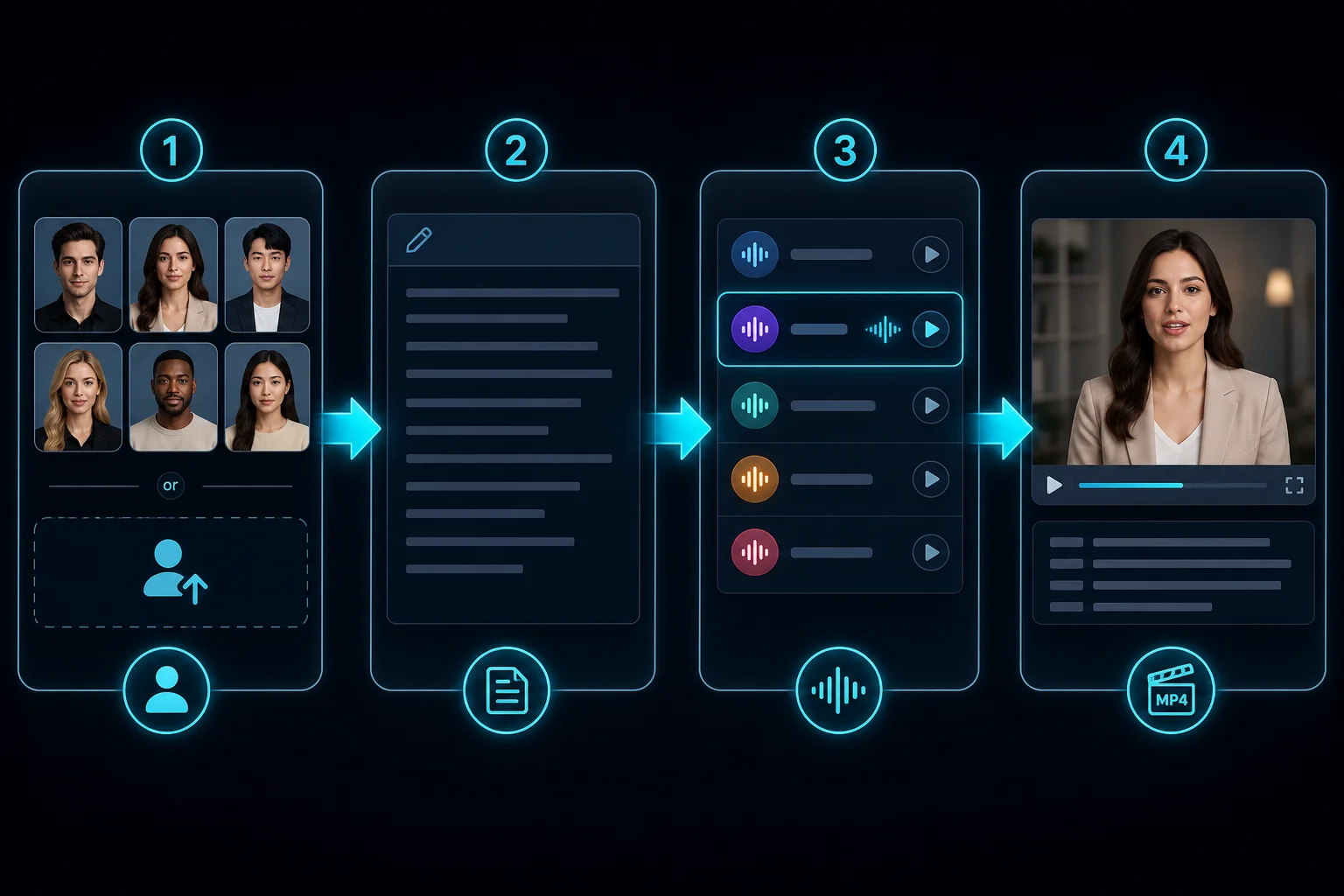
Step 01
Choose an avatar from the library or upload a portrait photo of any person.
Step 02
Write or paste the script your talking head should deliver — up to 90 seconds of content.
Step 03
Select a voice from the AI voice library that matches your tone and language.
Step 04
Generate — the AI renders lip-synced video with captions and exports a ready-to-use MP4.
Where oVideo shows up
Anywhere you need a face on screen without actually being on camera.

Keep exploring
Answers