- Is oVideo or InVideo better for beginners?
- oVideo is better for beginners who want fast results — write a script, click generate, done. InVideo has more options but the template and editing interface has a steeper learning curve for new video creators.
- Does InVideo have better video quality than oVideo?
- Both export in 1080p HD. InVideo's template-based outputs can look more polished for certain formats. oVideo's AI-matched footage is consistently appropriate for the script content, which matters more for performance than visual polish.
- Is InVideo cheaper than oVideo?
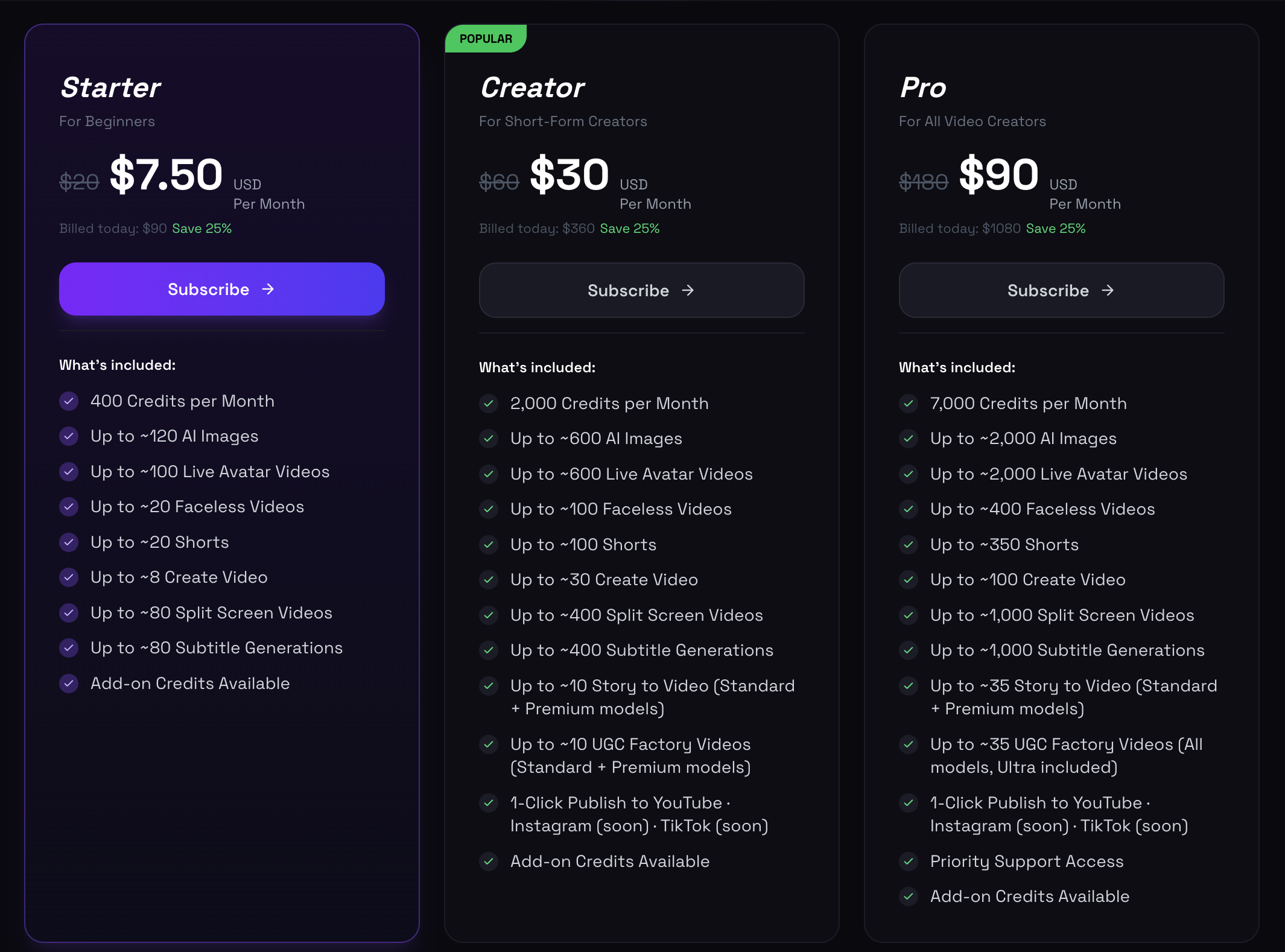
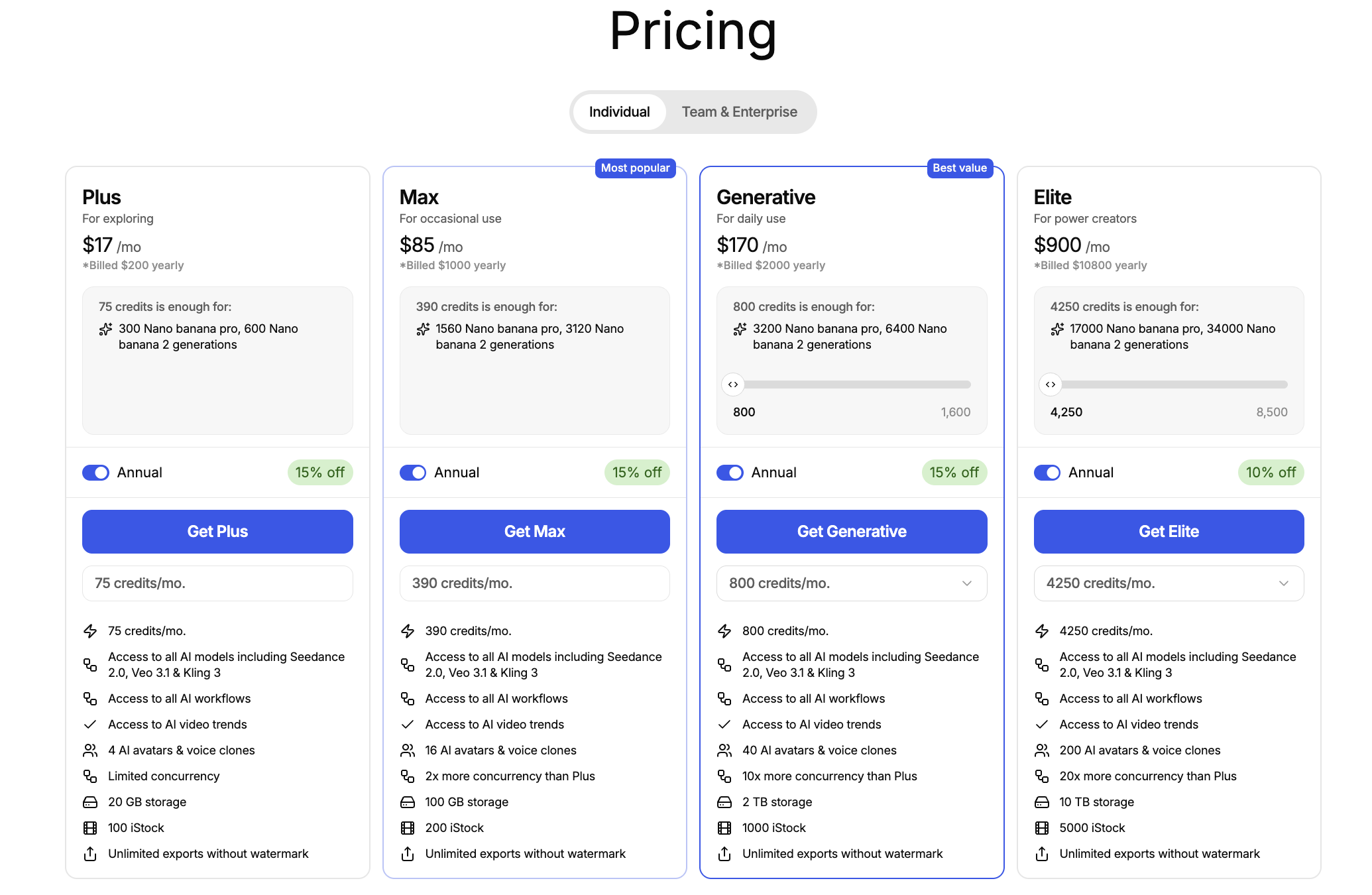
- At low volume (under 20 videos/month), InVideo's $20 plan is comparable. At high volume (50–100+ videos/month), oVideo's credit system is more cost-effective per video produced.
- Can I switch from InVideo to oVideo without losing my content?
- Yes. Your scripts and content belong to you. Export your existing videos from InVideo and continue creating new videos in oVideo. Most creators migrate their workflow within a single week.
- Which is better for YouTube Shorts — oVideo or InVideo?
- oVideo. The 9:16 Shorts workflow in oVideo is optimized by default — hook-first pacing, auto-captions, and 1-click YouTube publishing. InVideo requires more manual configuration to achieve the same result.