
Google Veo 3 and Veo 3.1
Veo makes clips of up to 8 seconds with native sound, from a prompt or, with Veo 3.1, from an image in 720p or 1080p. Use it when dialogue, ambience or lip movement matter.
oVideo has 17 AI video models in one account: 7 text to video and 10 image to video, including Google Veo 3 and 3.1, Kling v3 Pro and v3 4K, Seedance 2 and Grok Imagine, priced from 6 to 63 credits per second. Clips run 3 to 12 seconds depending on the model, most can add native sound, and the cost shows before you generate.
Updated
At a glance
See it in action
Switch between Veo, Kling, Seedance and 14 other models per project, on one account with no API keys.
Made with oVideo
Every clip below was made from start to finish with oVideo: script, voiceover, visuals and captions. Press play to see the actual output.
Ocean Mysteries Unveiled!
9:16 vertical·1080p
Game of Thrones Season 9: Official Teaser Concept
16:9 landscape·2152p
Co kdyby Římská říše nikdy nezanikla?
9:16 vertical·1080p
Core capabilities
Veo 3.1 for text-to-video with audio, Kling Pro for speed and cost, Kling 4K for maximum resolution.
Veo makes clips of up to 8 seconds with native sound, from a prompt or, with Veo 3.1, from an image in 720p or 1080p. Use it when dialogue, ambience or lip movement matter.
Kling v3 Pro animates prompts or images with realistic motion in up to 10 seconds, with optional sound. Kling v3 4K renders image to video at 4K for large screens.
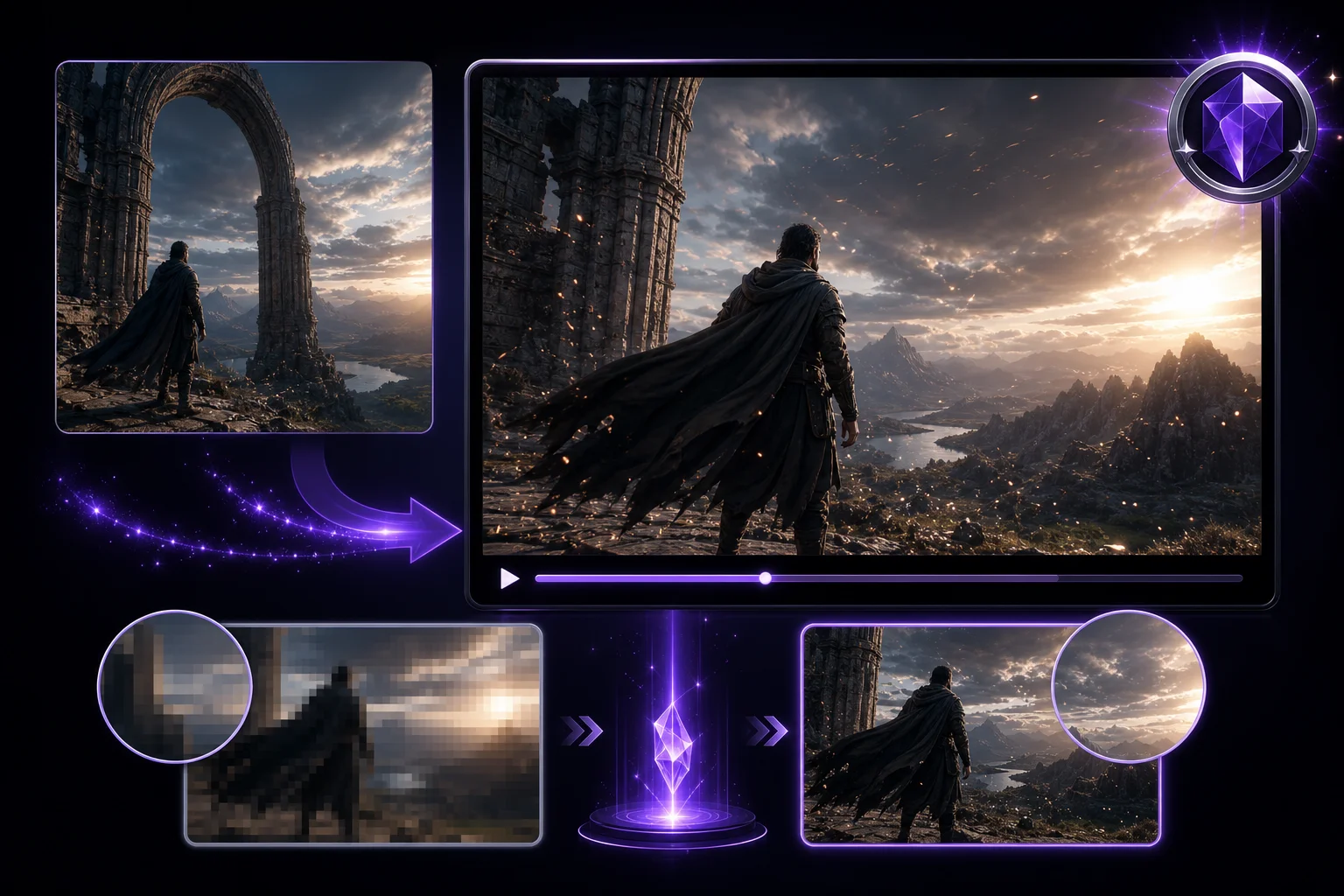
Seedance 2 runs up to 12 seconds with sound, Grok Imagine is the quick everyday choice at 480p or 720p, and PixVerse and Vidu Q1 are lower cost options for drafts.
The workflow
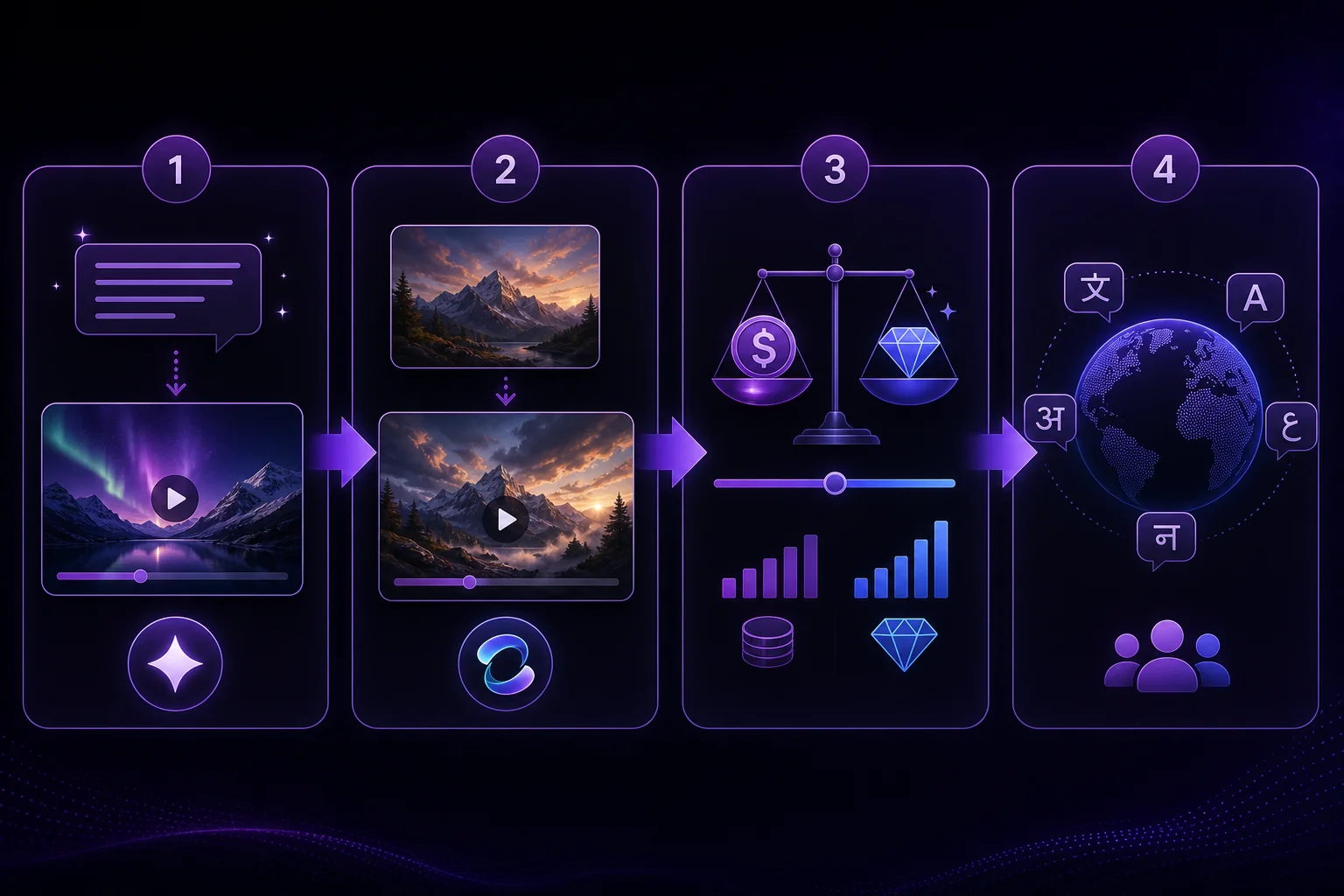
Same steps, whichever model you pick.
Step 01
Open AI Video and pick a model. The image upload turns on when you pick an image to video model.
Step 02
Write your prompt, and upload an image if the model animates one.
Step 03
Pick a model. Length, aspect ratio and sound options change with the model, and the credit cost updates.
Step 04
Generate, preview and download the clip.
Compared
What each model takes as input, whether it adds sound, how long a clip can be and which resolutions it offers. Credit costs depend on length and settings and appear in the app before you generate.
| Model | Input | Native audio | Clip length | Resolution |
|---|---|---|---|---|
| Grok Imagine | Text | Yes | 5 to 10 s | 480p, 720p |
| Kling v2 Master | Text | No | 5 to 10 s | Model default |
| Google Veo 3 | Text | Optional | 8 s | Model default |
| Kling v3 Pro | Text | Yes | 3 to 10 s | Model default |
| Google Veo 3.1 | Text | Yes | 4 to 8 s | Model default |
| PixVerse v5 | Text | No | 5 s | 540p, 720p |
| Vidu Q1 | Text | No | 5 s | 1080p |
| Grok Imagine | Image | Yes | 5 to 10 s | 480p, 720p |
| Seedance Pro | Image | No | 3 to 10 s | 1080p |
| Seedance 2 | Image | Yes | 3 to 12 s | 720p |
| Kling v3 Pro | Image | Optional | 5 to 10 s | Model default |
| Kling v3 4K | Image | Yes | 5 to 10 s | 4K |
| Kling v2.1 Pro | Image | No | 5 to 10 s | Model default |
| PixVerse v6 | Image | Optional | 5 to 8 s | 720p, 1080p |
| Google Veo 3.1 | Image | Optional | 8 s | 720p, 1080p |
| LTX-2 | Image | Yes | 3 to 10 s | Model default |
| Happy Horse 1.0 | Image | Yes | 3 to 10 s | Model default |
Optional means you can switch sound on or off. Model default means the model sets its own output size. Checked October 26, 2026.
Where oVideo shows up
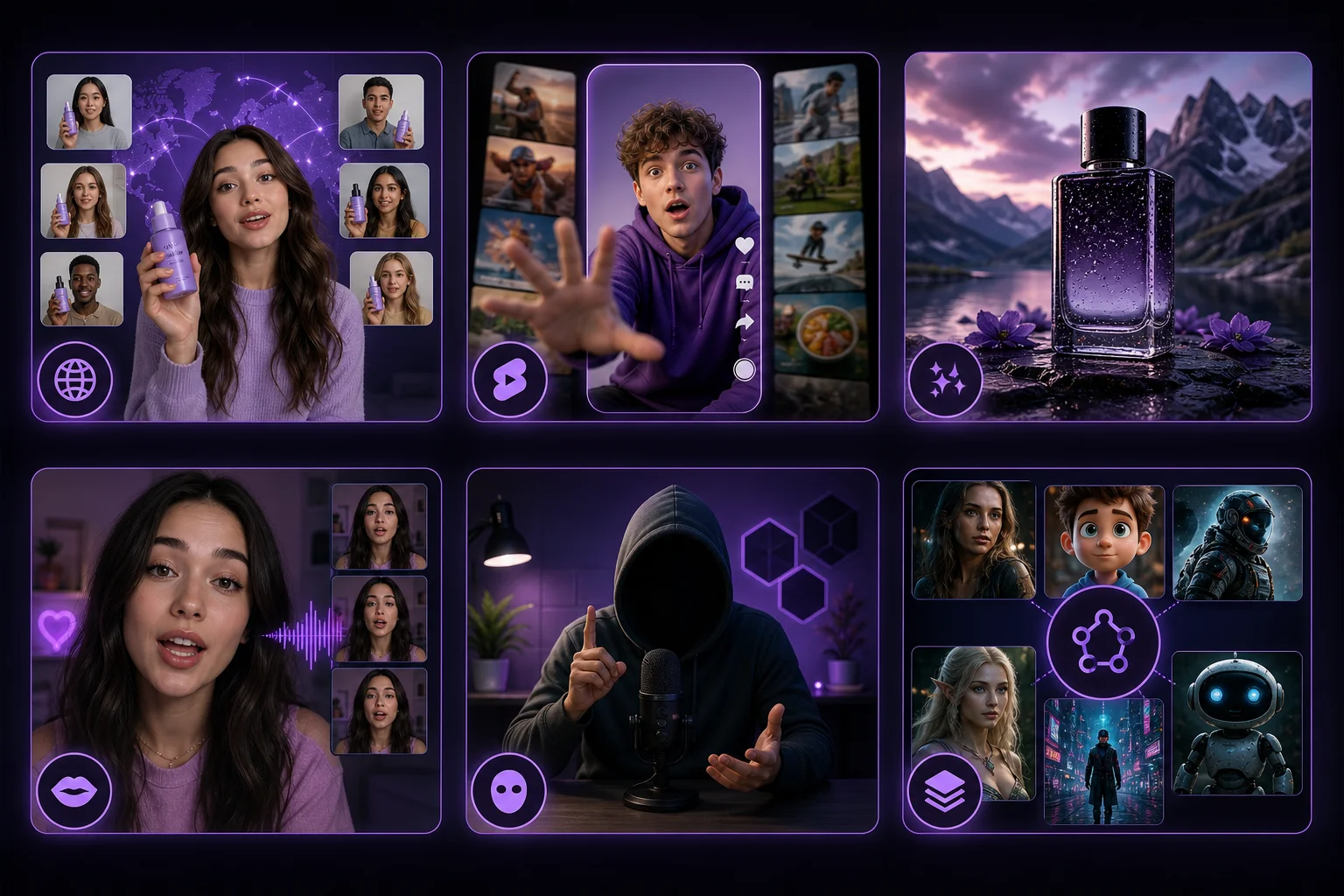
Starting points, not rules.
Keep exploring
Answers