
Put yourself inany YouTube Short
The goal, the trick or the sketch you just watched on Shorts can have you in the lead. Give oVideo the link and one photo; the player, the skater or the comedian turns into you, and the action, the camera work and the sound carry on untouched. Regular YouTube videos up to 3 minutes work as well.
Updated
Link import is free
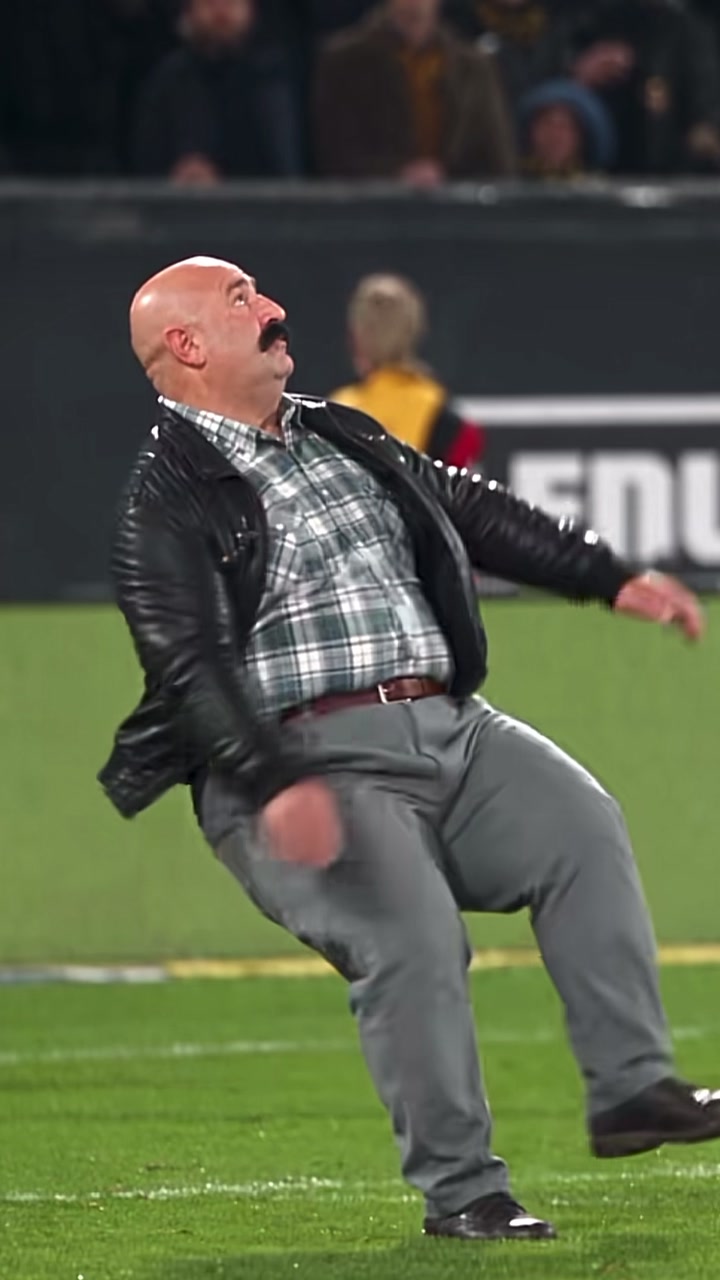
The original clip top left, the same moves and sound with the person from one photo behind it.
Put yourself in a video
Your files stay in your browser until you sign up. You pick the 3 to 15 seconds to use and see the price before anything is made.
Copy the link
Getting the link of a YouTube Short
In the YouTube app
Open the Short, tap Share, then Copy link. You get a youtube.com/shorts/ or youtu.be link; both work.
In a browser
Open the Short or the video on youtube.com and copy the address bar. Extra parts like a time stamp are fine.
A normal video
A watch?v= link works when the video is 3 minutes or shorter. For a longer one, upload just the part you want.
Which videos work
What comes in and what does not
oVideo brings in one public YouTube video at a time, up to its first 60 seconds, and you swap any 3 to 15 seconds of it. When a link cannot be used, save the part you want and upload the file instead.
Want to be the artist in a song's video? Paste the Short of it: put yourself in a music video.
- Public Shorts: yes, from the app or the browser.
- Normal videos up to 3 minutes: yes, the first 60 seconds come in.
- Videos longer than 3 minutes: no, upload the part you want instead.
- Private videos: no, nobody outside can open them.
- Playlists, channels and live streams: no, they are not one video.
How it works
From Short to your version in four steps
- 01
Copy the Shorts link
Share, then Copy link, in the app, or the address bar on youtube.com.
- 02
Paste, no download needed
Put the link in the upload box and oVideo pulls the Short from YouTube by itself.
- 03
Trim to the highlight
Keep 3 to 15 seconds around the moment that matters, like the shot on goal or the landing.
- 04
Add a photo and generate
A sharp, front facing photo works best; a full body shot adds your kit or outfit. The result waits in your gallery.
Before you upload
Posting it back on YouTube
The video downloads without an oVideo watermark. For TikTok and Instagram, see putting yourself in a TikTok and in an Instagram Reel.
- Tick YouTube’s altered or synthetic content setting for realistic AI video.
- Credit the original creator in the description.
- Putting a teammate or friend in? Get their OK and their photo.
- Stick to footage you filmed or are allowed to reuse; match footage and TV clips usually are not yours.
- Sports clips swap best when the player is close to the camera, not a dot on a wide shot.
Answers
Frequently asked questions
- How do I put myself in a YouTube Short?
- In YouTube, tap Share on the Short and then Copy link. Open Put Yourself In on oVideo, paste the link, pick the 3 to 15 seconds you want, add one clear photo of yourself and create. You replace the person in the Short while the moves, the camera and the sound stay.
- Which YouTube links work?
- Links to a Short (youtube.com/shorts/…), to a single video (youtube.com/watch?v=…) and the short youtu.be links the app copies. Playlists, channels and live streams cannot be used.
- Can I use a normal YouTube video, not a Short?
- Yes, if it is 3 minutes or shorter: the first 60 seconds come in and you pick the part to swap. Longer YouTube videos are not brought in from a link.
- The part I want is in a long YouTube video. What can I do?
- Save or record just that part on your device, up to 60 seconds, and upload it as a file. Upload takes MP4, MOV or WebM up to 200 MB.
- Can I use a private video?
- Private videos cannot be opened by anyone outside, so they do not come in. If it is your own video, upload the file instead.
- Does the sound of the Short stay?
- Yes. Commentary, crowd noise, music or dialogue from the seconds you kept goes back under your version, lined up with the action.
- How much does it cost?
- Bringing the Short in from its link is free. The swap costs 19 credits per second at 720p and 26 at 1080p, shown before you create; a 15 second swap at 720p is 285 credits, about $3.66 to $7.13 depending on the plan and billing.
- Can I upload the result to YouTube?
- Use videos you made or have the right to use, credit the original creator, and tick YouTube’s altered or synthetic content setting when you upload realistic AI video.
Your photo, your video
- Used only for your videoYour photo and clip go only to the AI that makes your video, and they are kept in your account.
- Private until you share itThe finished video waits in your gallery; nothing is posted for you unless you choose to publish it.
- Deleted when you askEmail support@ovideo.io and your uploads and videos are deleted within 30 days.
- Only people who said yesUse photos of yourself or of people who agreed, and turn on the AI label when you post.
Details in the privacy policy.
Related
- AI character swap videoPut yourself in any video from one photo, sound kept.
- Video face swapSwap your face into a clip online with one photo.
- AI dance generatorDance any viral dance from one photo, solo or with friends.
- AI trend videosJoin viral trends with one photo per person.
- AI face swap videoPut your face into any clip with one photo.
- AI body swapSwap your whole look, build and outfit into a video.
- AI character swapReplace anyone in a video with someone new.
- AI dance videoMake yourself dance from one photo.
- Make a photo move like a videoYour photo copies the moves of any clip.
- Recreate a video with yourselfRemake any clip with you in the main role.
- Swap yourself in from a linkPaste a TikTok, Reel or YouTube Short and add one photo.
- Put yourself in a TikTokCopy the TikTok link, paste it and add one photo.
- Put yourself in an Instagram ReelPaste a Reel or video post link and add one photo.
- Put yourself in a music videoBecome the singer, rapper or dancer, with the song kept.
- AI face swapSwap faces in any photo, hair included.
- AI head swapSwap the whole head in a photo, not just the face.
- Multiple face swap videoSwap two or three people into one clip.
- AI pet swapSwap your own dog or cat into a viral pet clip.
- AI video trendsReady made viral templates for one or two people.
- Viggle AI alternativesFive swap tools compared, prices checked October 2026.
- Higgsfield alternativesFive tools for viral templates and swaps, prices checked October 2026.
- PixVerse alternativesFive tools for viral templates, swaps and dance videos, checked October 2026.
- Best AI character swap toolsEight swap tools, ordered by what each is best for.
- Best face swap video appsSix face swap tools for video, compared October 2026.
- Best AI body swap appsFive whole body swap apps for dance trends and duos, compared November 2026.
- Best face swap appsSeven face swap tools for photos, compared October 2026.
- Best AI pet dance appsSix tools that make a dog or cat dance, compared October 2026.
Browse by theme
All AI video templates- Rich lifestyleSupercars, private jets, cash and champagne.
- Action movie scenesExplosions, stunts and fight scenes.
- Fashion and runwayRunway walks, studio shoots, street style.
- Sports highlightsGoals, dunks and boxing.
- Singing and rapStudio sessions, rap duos, DJ sets.
- FantasyDragons, wolves and epic places.
- DanceViral dances, shuffles and duos.
- PetsDogs and cats that dance, play music and pose.
- Halloween costumesWitches, vampires, zombies and skeletons.
- ChristmasSanta, Christmas dresses and holiday dances.
Be the one scoring in the Short
Paste the Shorts link, add a photo and upload your own take to your channel.