
212 AI video templates,starring you from one photo
Pick a clip, add one photo and oVideo puts you in it. Dances, rap verses, goals, stunts, supercars, runway walks, Halloween costumes and Christmas scenes, with the moves and the original sound kept.
Updated
What is an AI video template?
An AI video template is a ready made short clip, such as a dance, a goal or a rap verse, where the AI replaces the person with you. On oVideo you open a template, add one clear photo and press create: oVideo copies every move and camera cut onto you and the original sound is put back, so there is no prompt to write and nothing to edit.
- Templates
- 212 in 10 categories
- Length
- 5 to 15 seconds
- People
- 1 to 3, one photo each
- Price
- 19 credits per second at 720p
Rich lifestyle templates
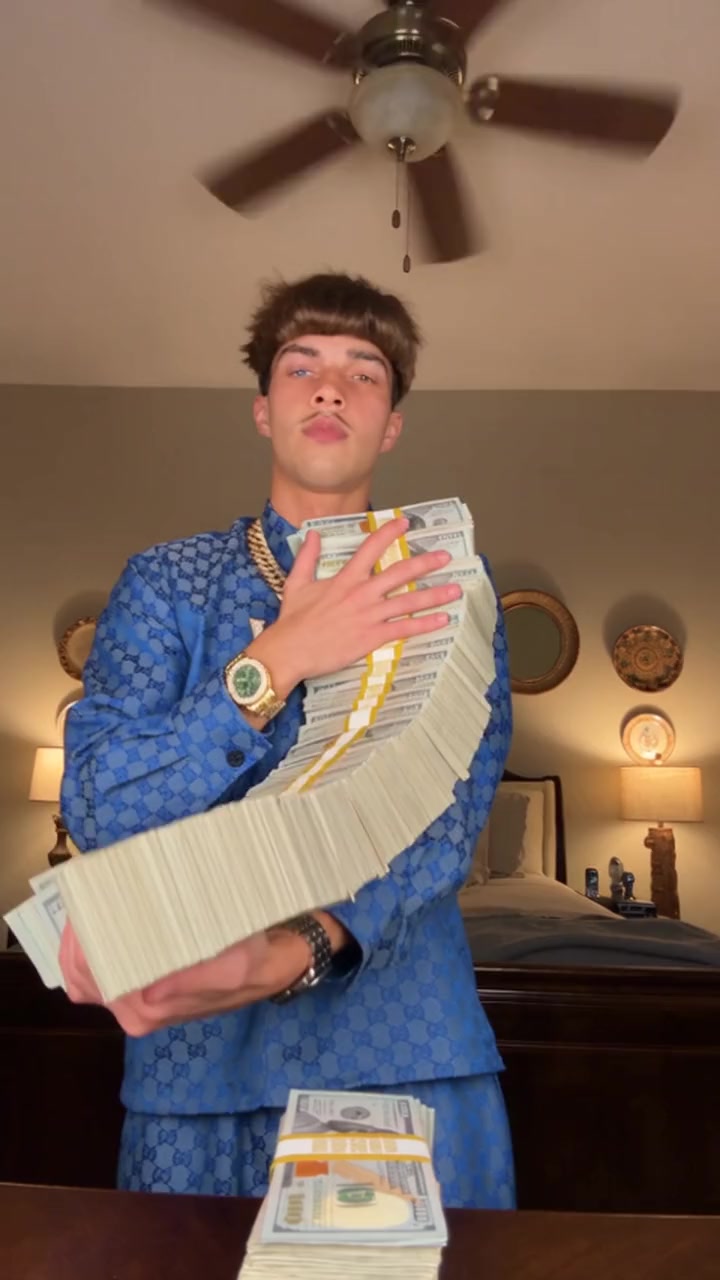
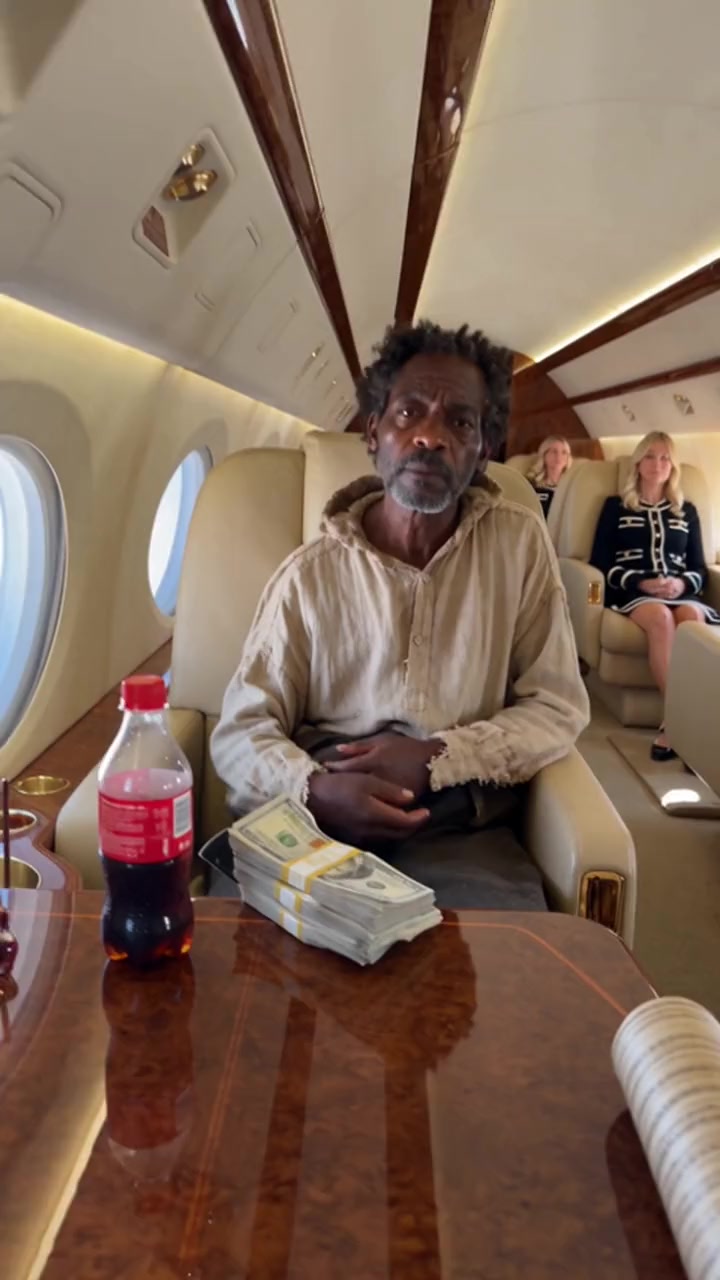
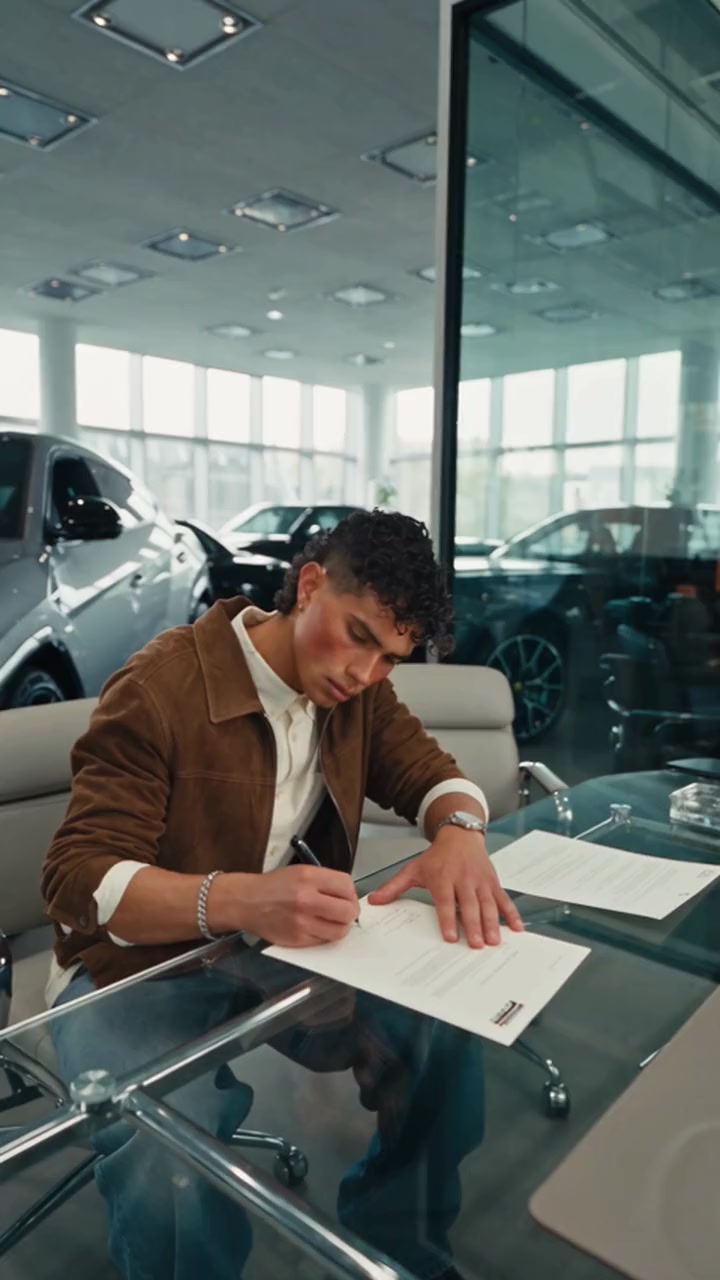
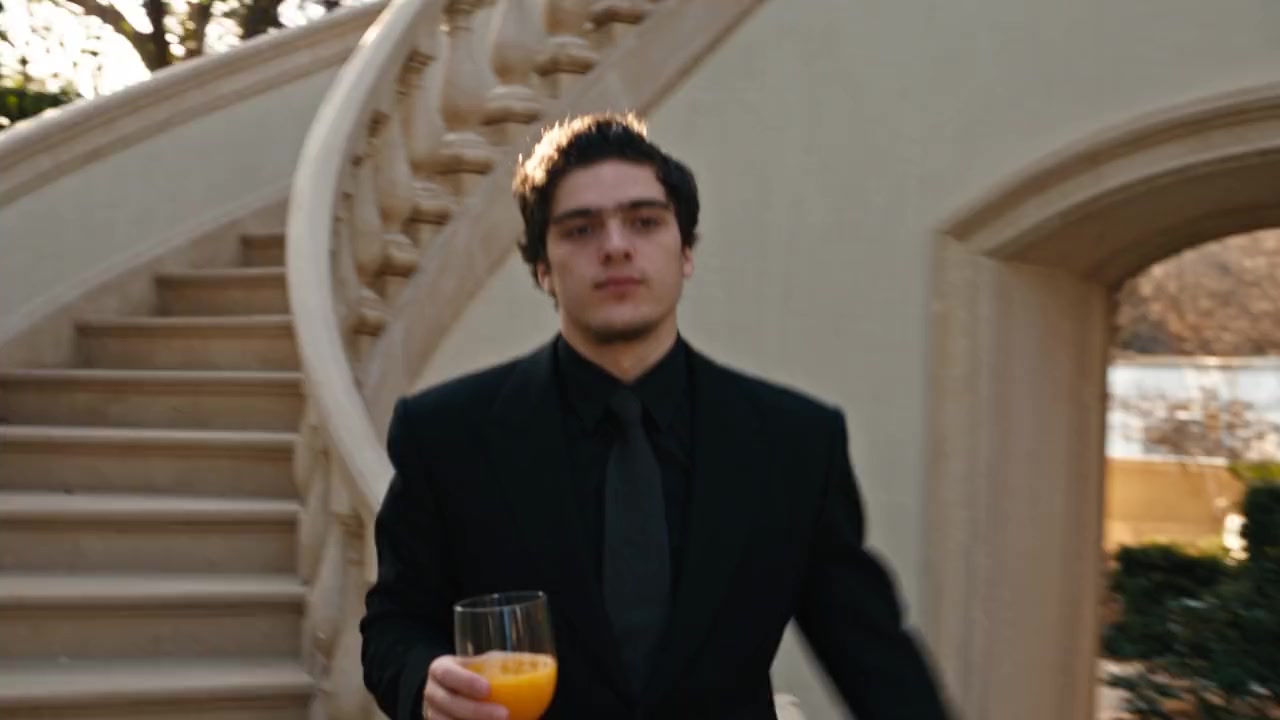
Supercars, private jets, cash and champagne. 18 templates.
- 1 person · 13s
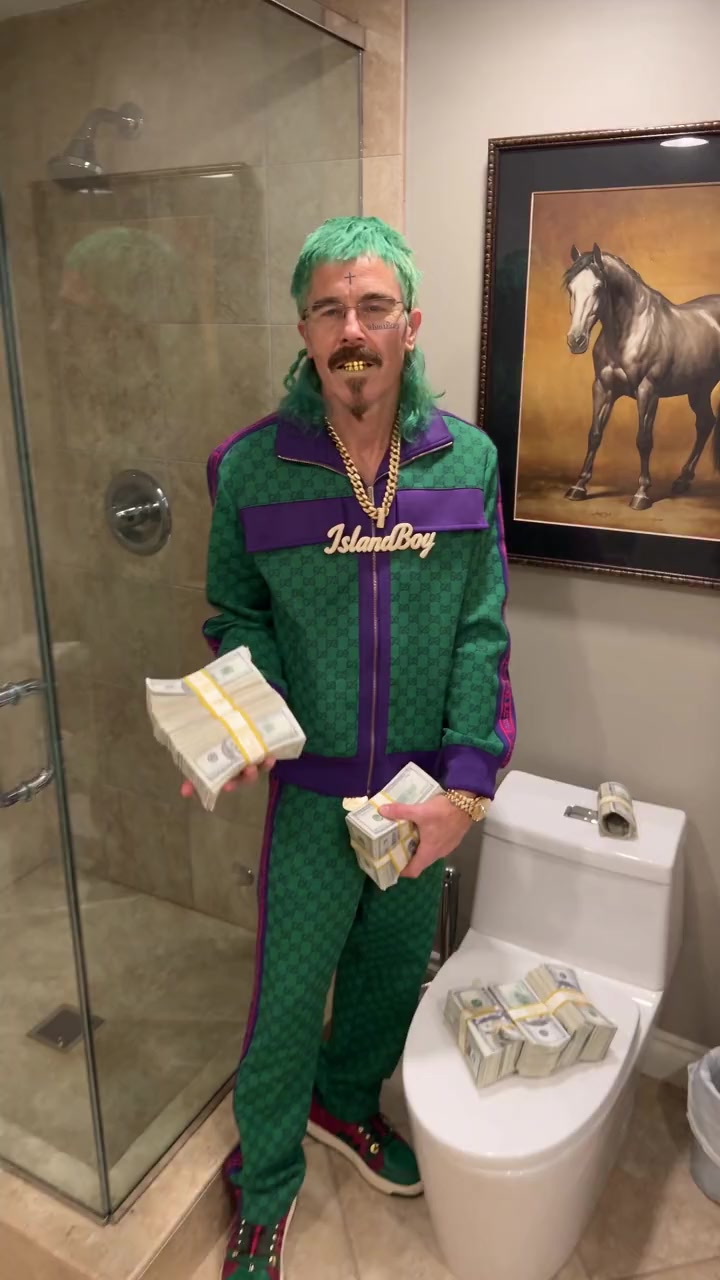
Money Fan
247 credits
- 1 person · 12s
Private Jet Vibes
228 credits
- 1 person · 15s
Dream Car Purchase
285 credits
- 1 person · 15s
Wall Street Mogul
285 credits
- 1 person · 15s
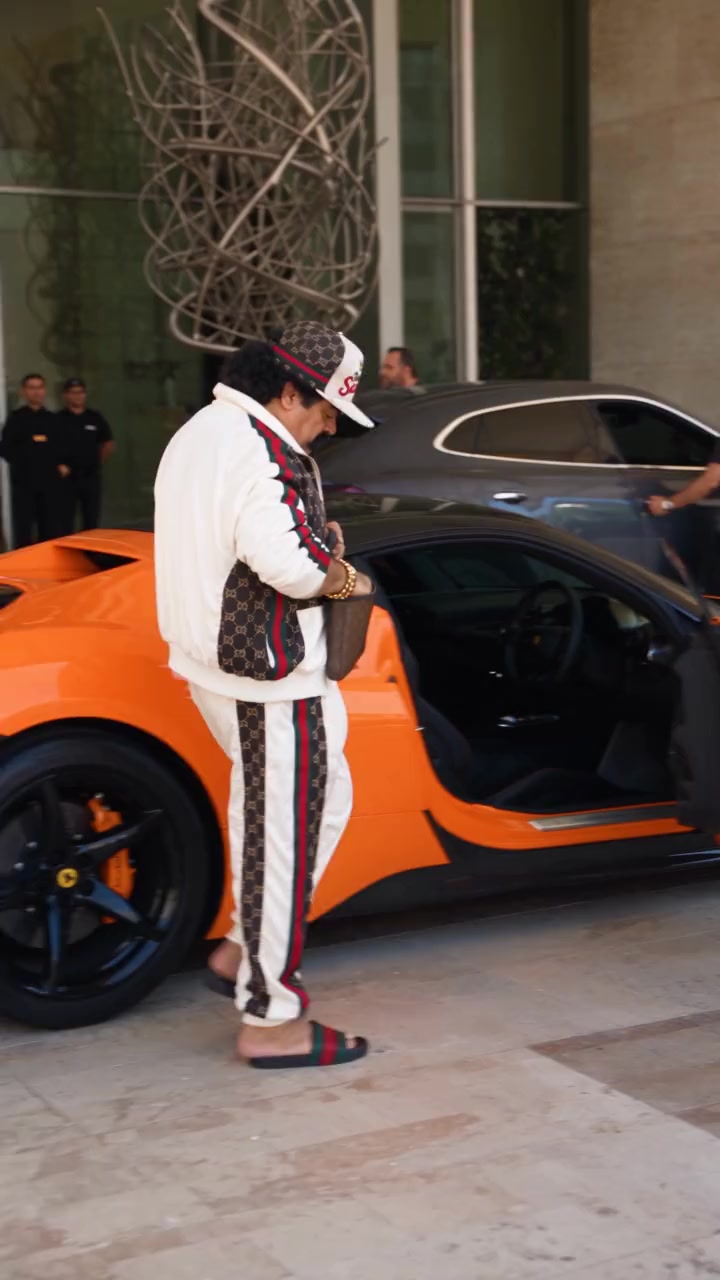
Supercar Pickup
285 credits
- 1 person · 8s
Champagne Morning
152 credits
- 1 person · 12s
Money Flash
228 credits
- 1 person · 15s
Valet Supercar
285 credits
Action movie scenes templates
Explosions, stunts and fight scenes. 23 templates.
- 1 person · 15s
Explosion Walk
285 credits
- 1 person · 14s
Helicopter Jump
266 credits
- 1 person · 15s
Fight the Agents
285 credits
- 1 person · 12s
Truck Jump
228 credits
- 1 person · 12s
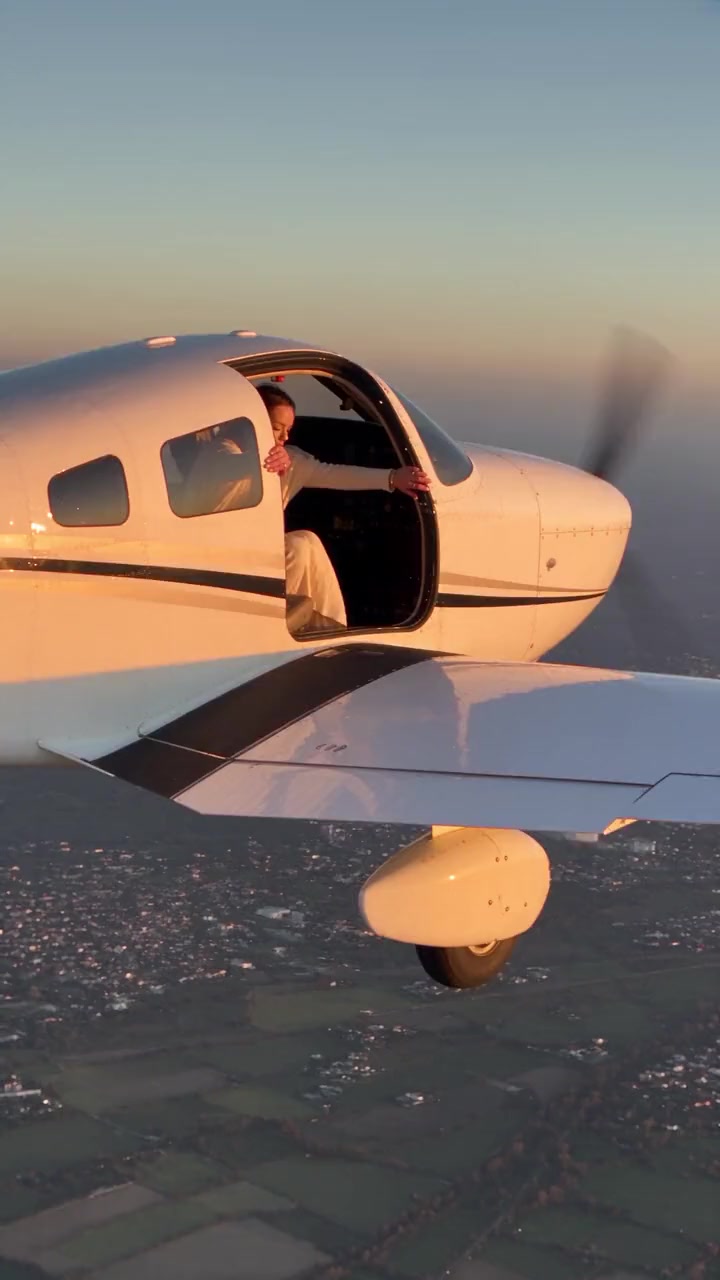
Wing Walk Backflip
228 credits
- 1 person · 14s
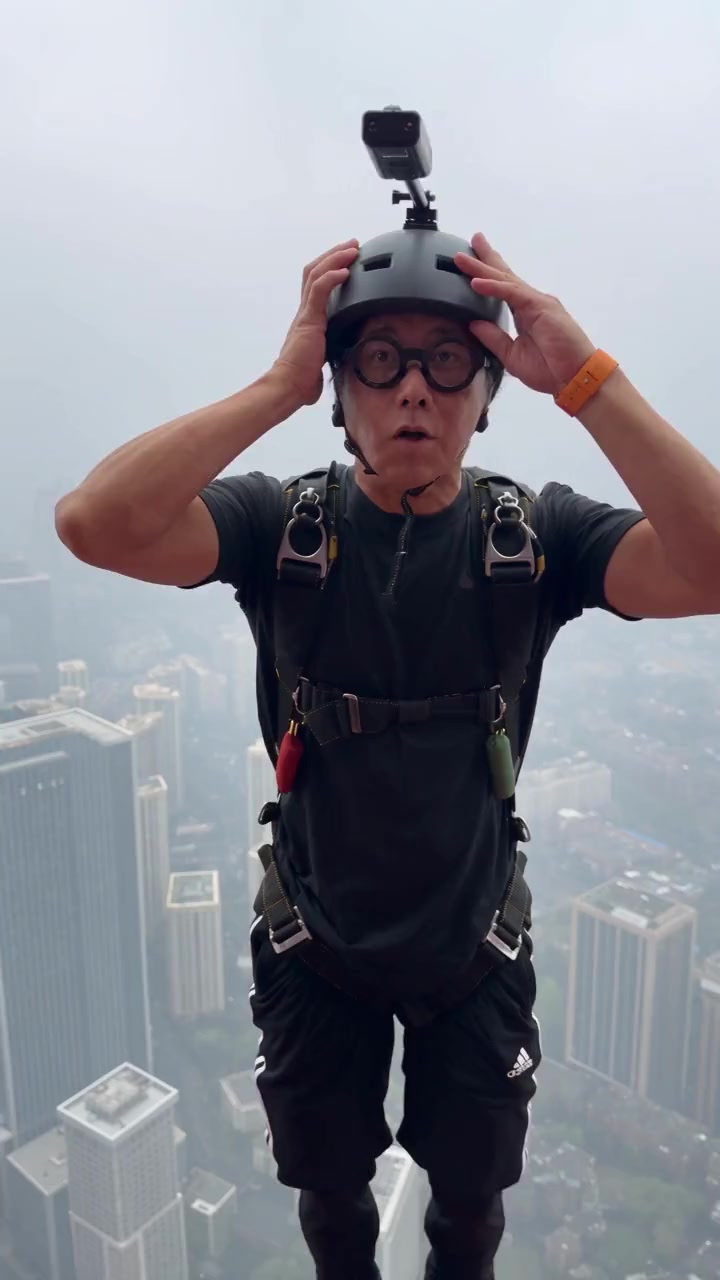
Base Jump
266 credits
- 1 person · 15s
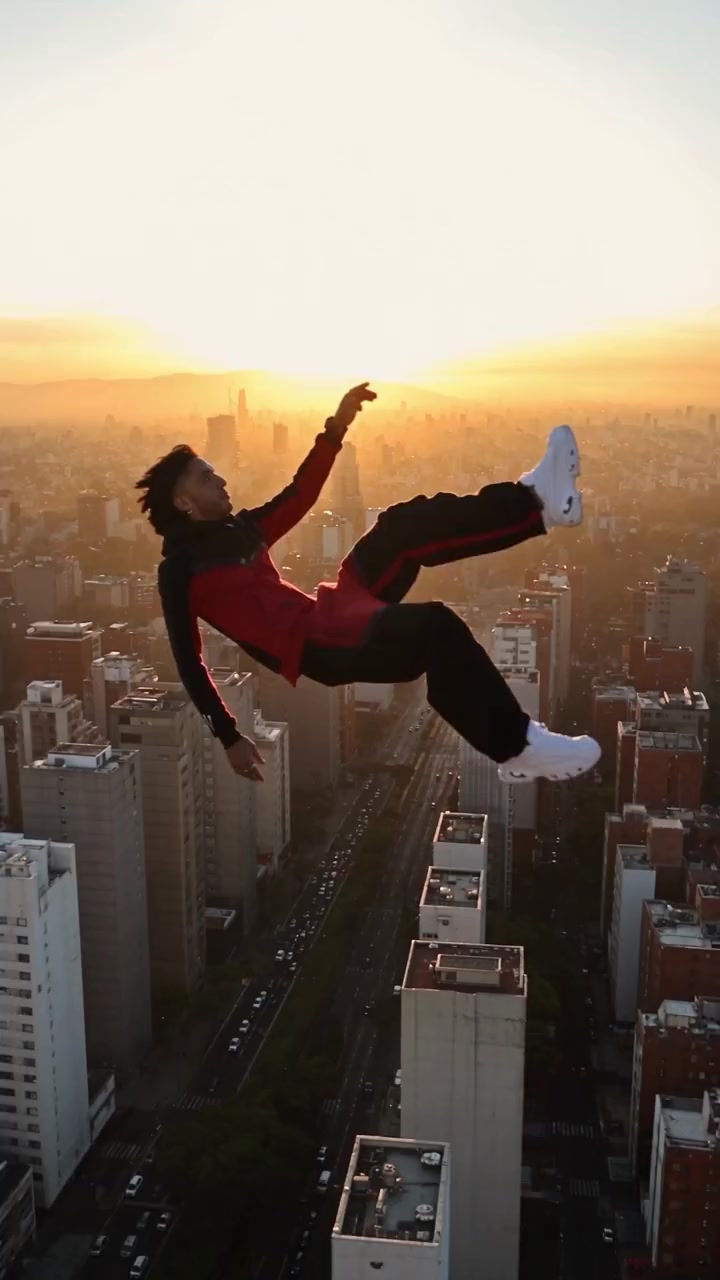
Skyline Fall
285 credits
- 1 person · 15s
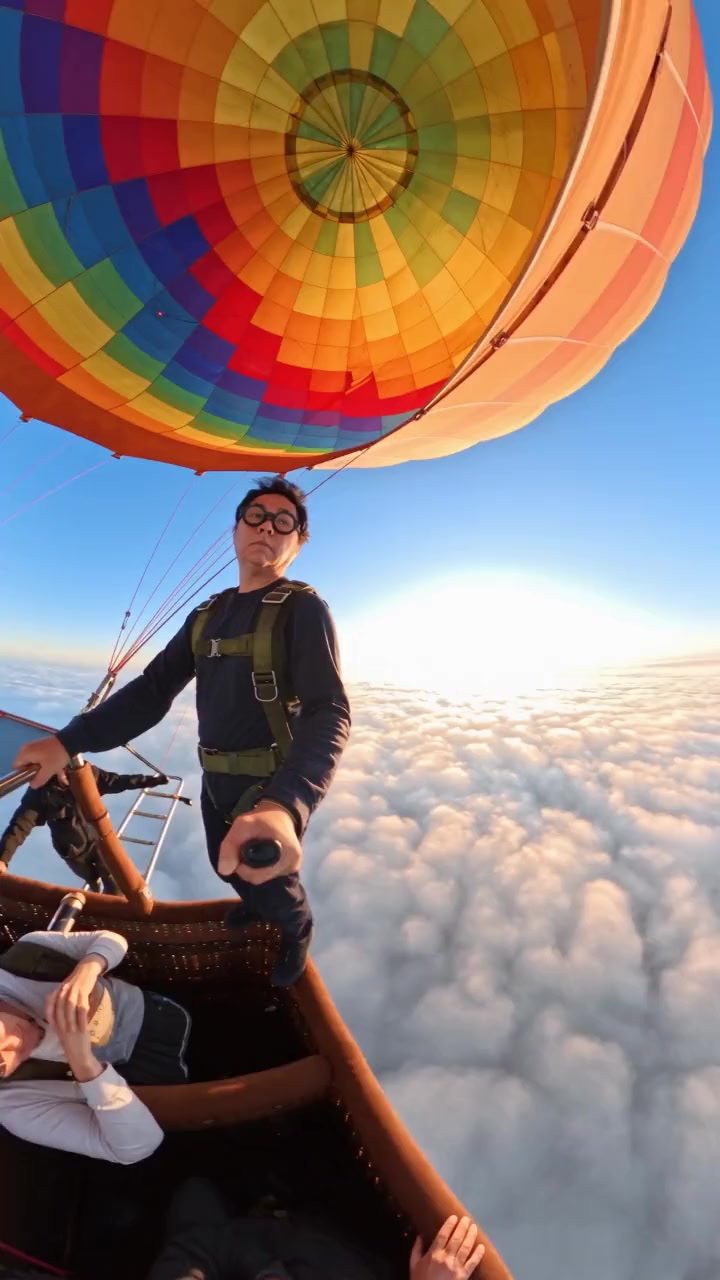
Balloon Skydive
285 credits
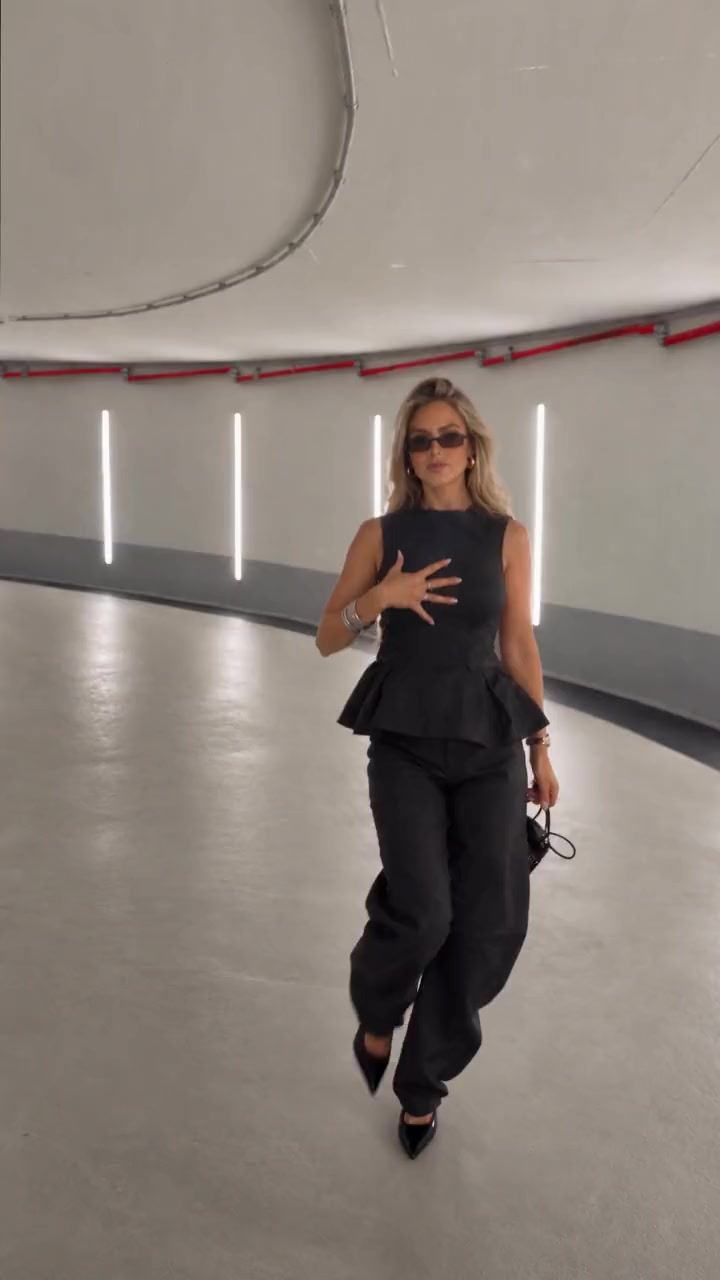
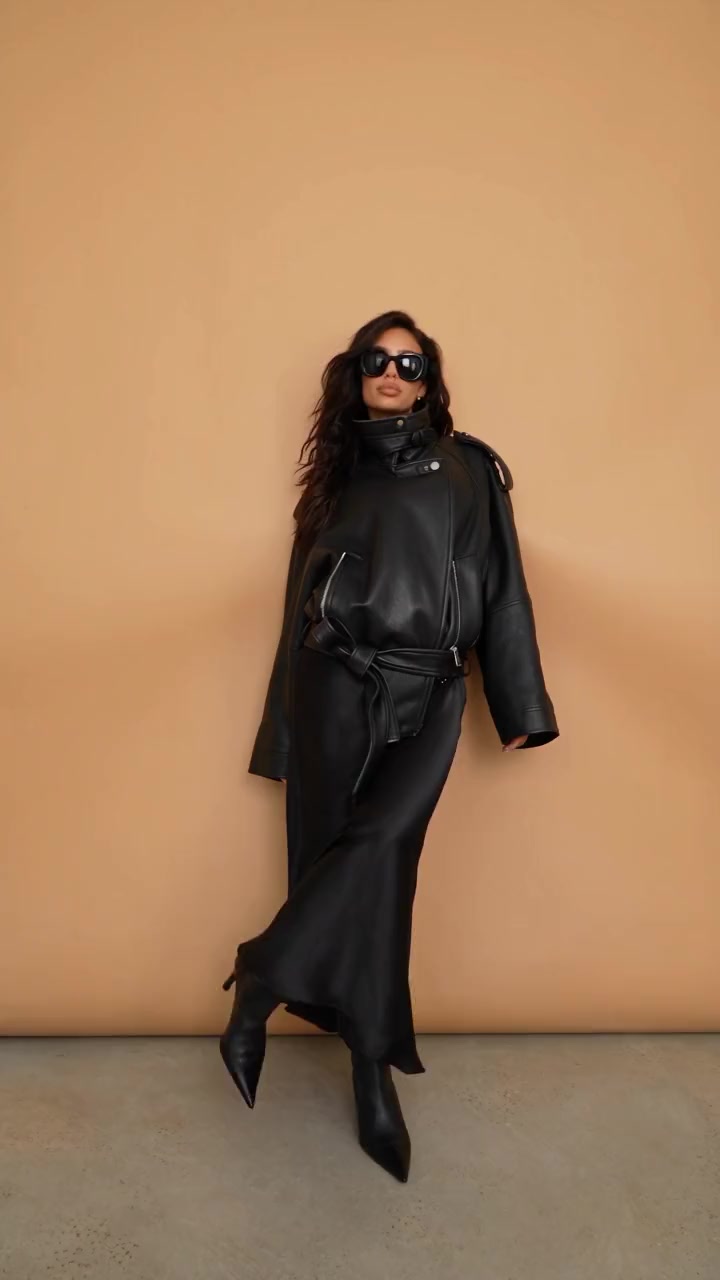
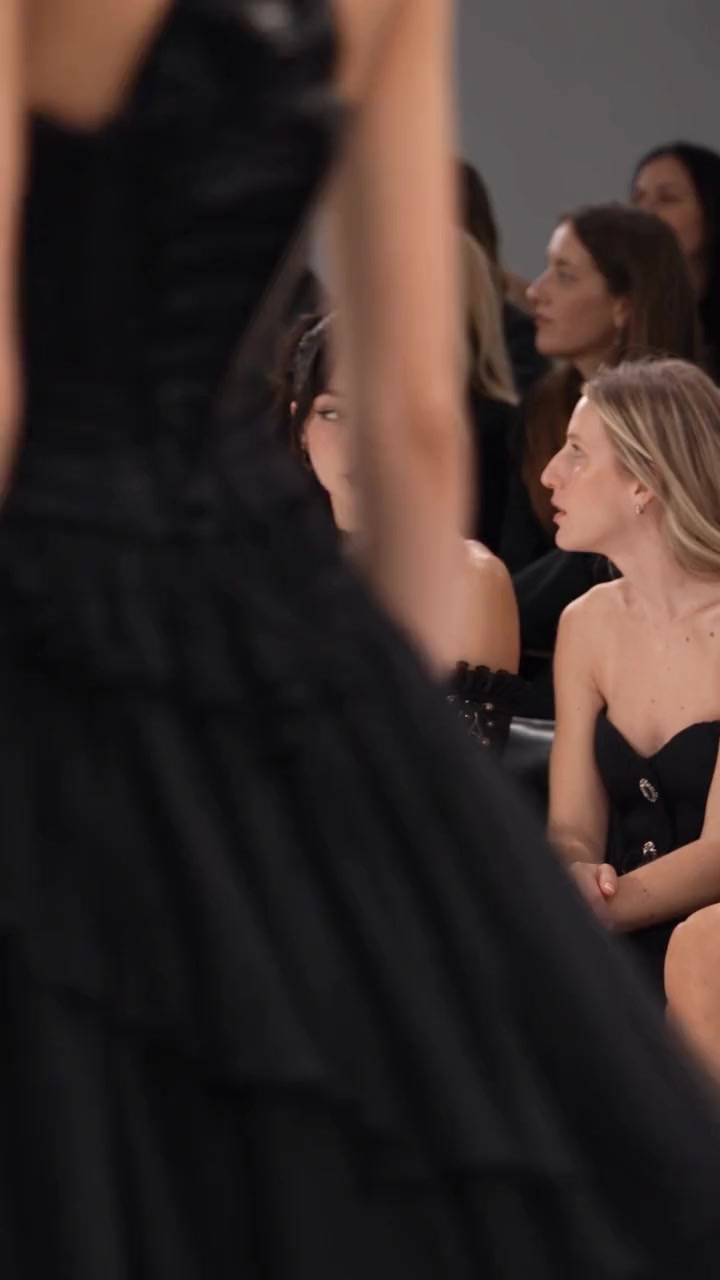
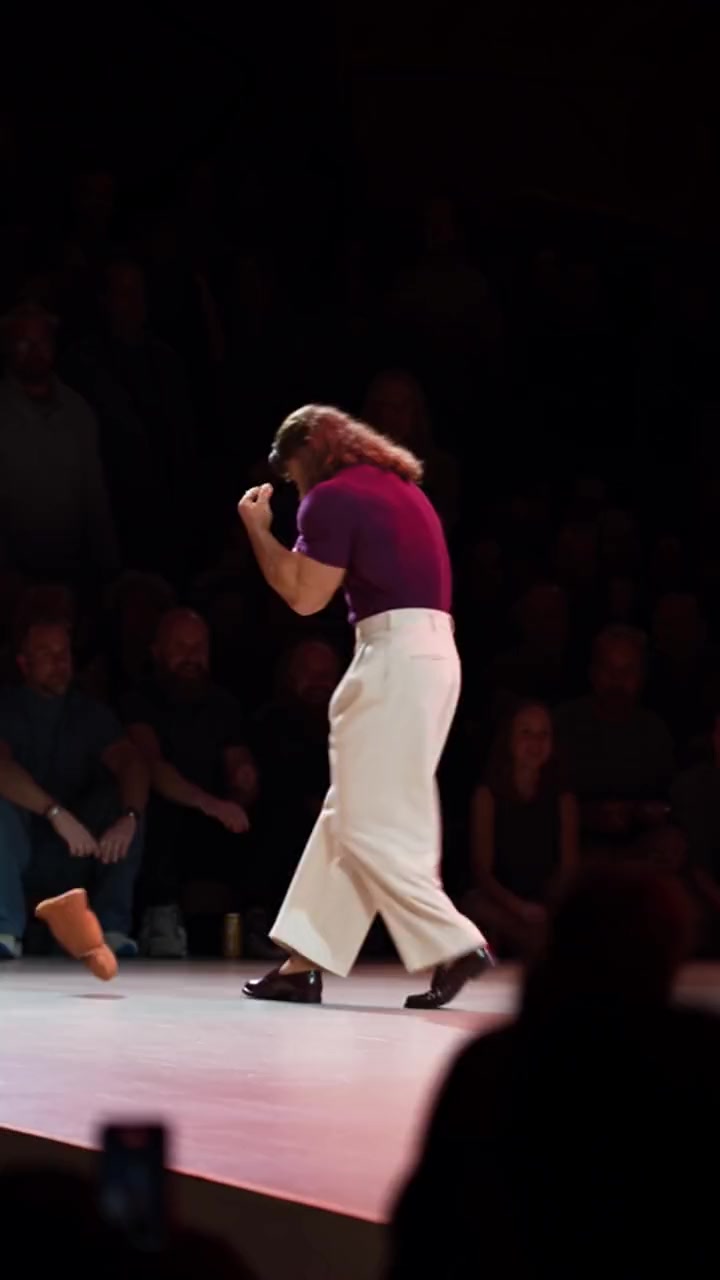
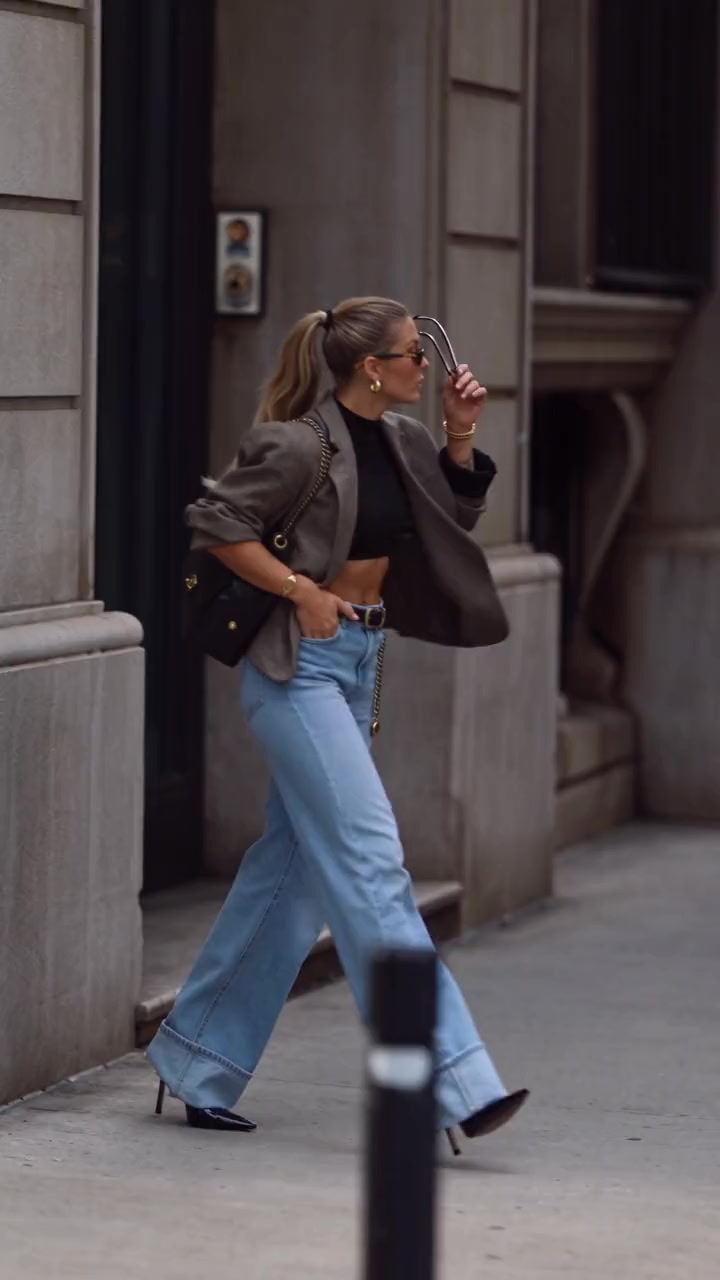
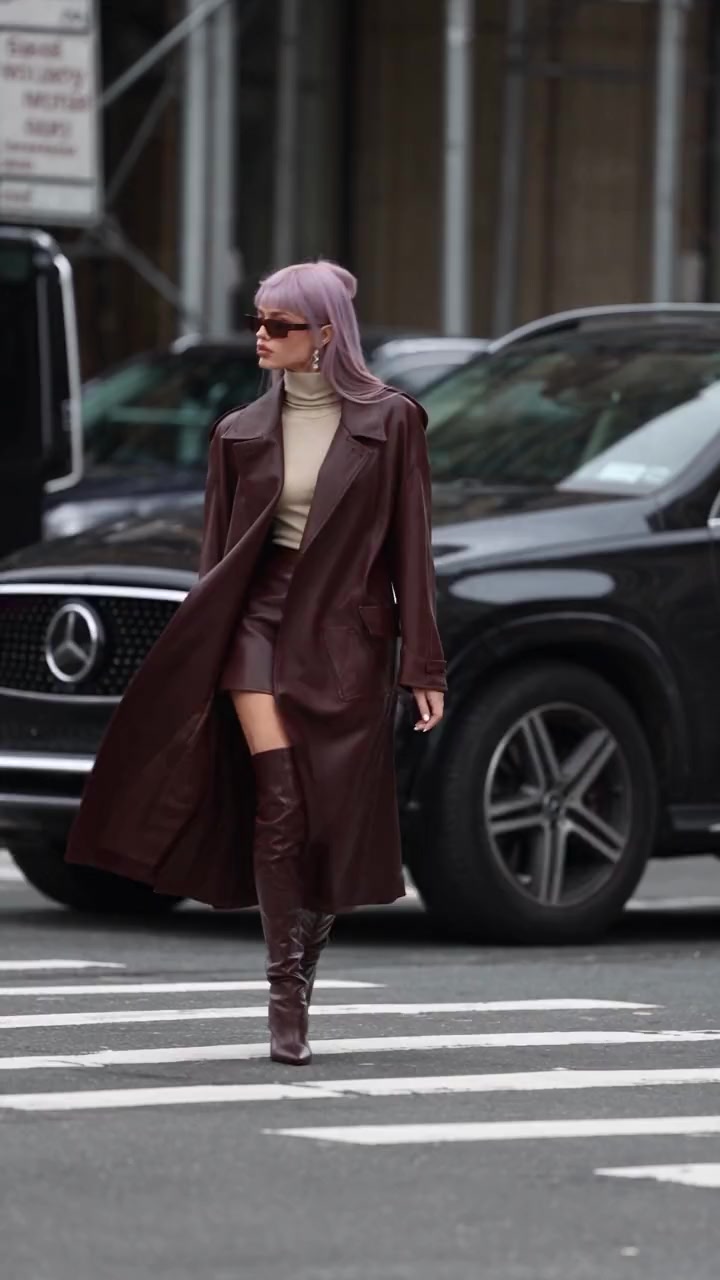
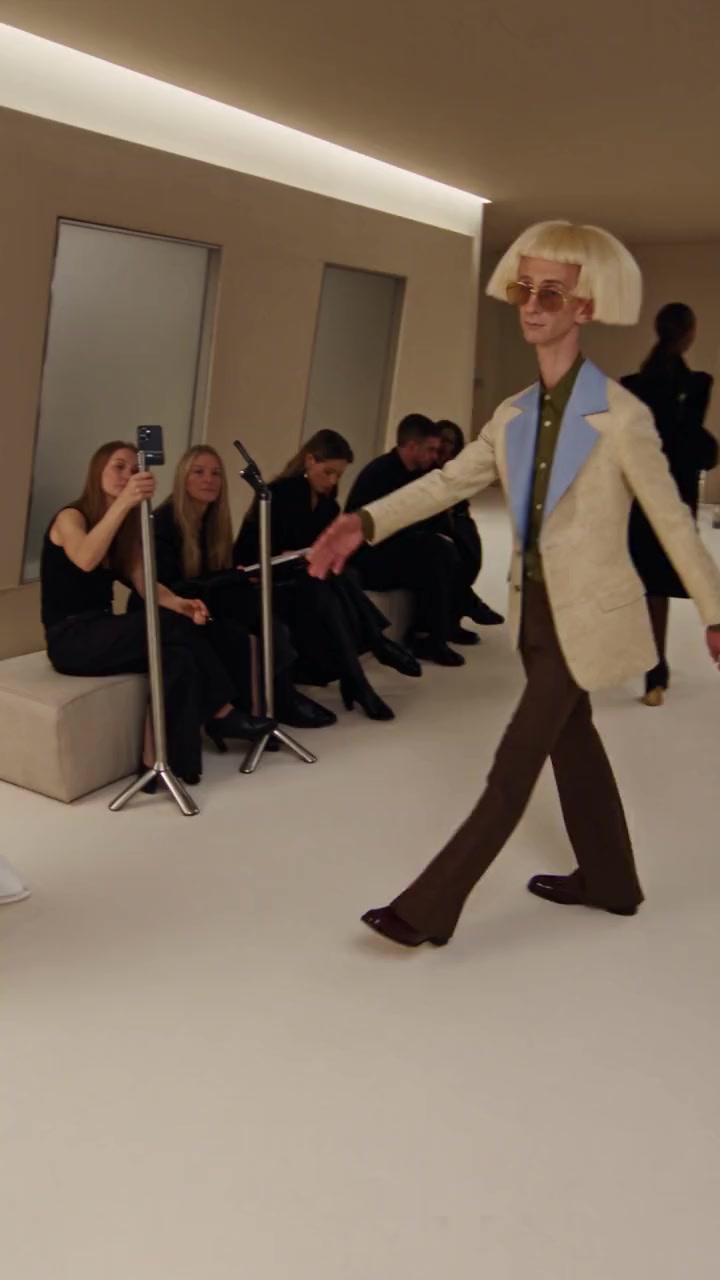
Fashion and runway templates
Runway walks, studio shoots, street style. 21 templates.
- 1 person · 15s
Tunnel Runway
285 credits
- 1 person · 12s
Outfit Check
228 credits
- 1 person · 14s
Studio Fashion Shoot
266 credits
- 1 person · 10s
Front Row Glam
190 credits
- 1 person · 14s
Runway Dance
266 credits
- 1 person · 6s
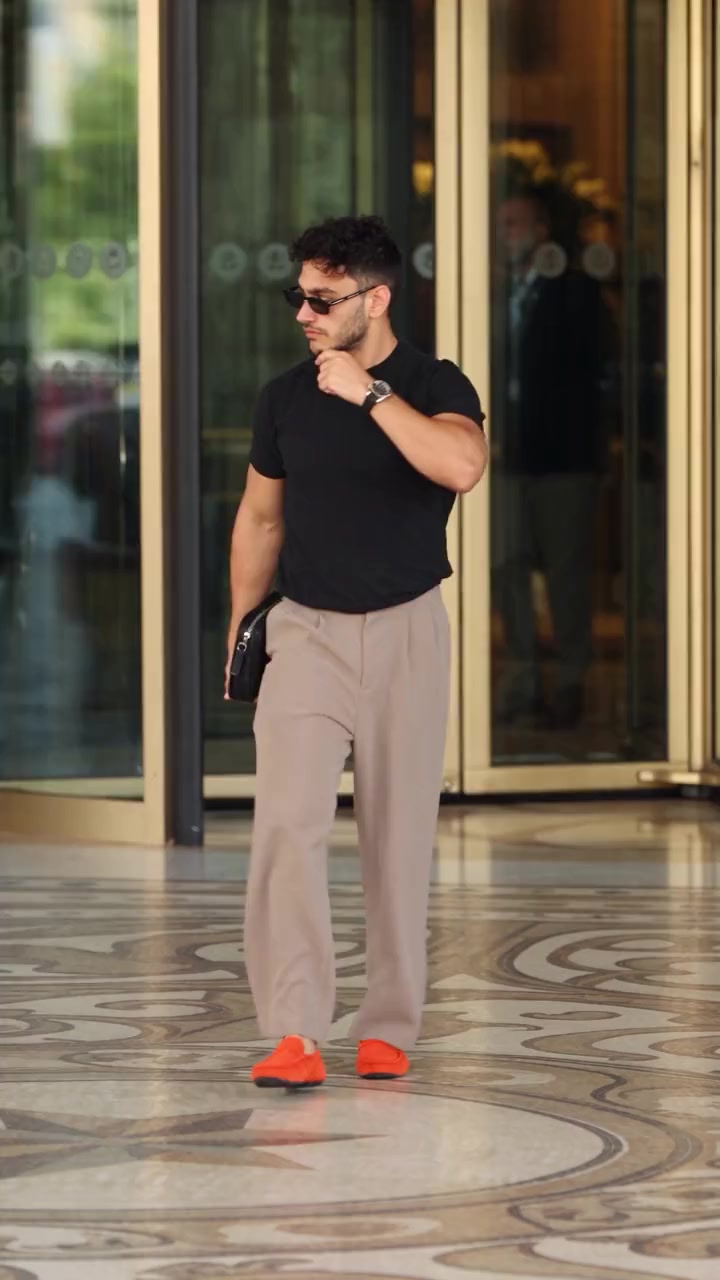
Street Style Walk
114 credits
- 1 person · 6s
Crosswalk Strut
114 credits
- 1 person · 14s
Fashion Week Greeting
266 credits
Sports highlights templates
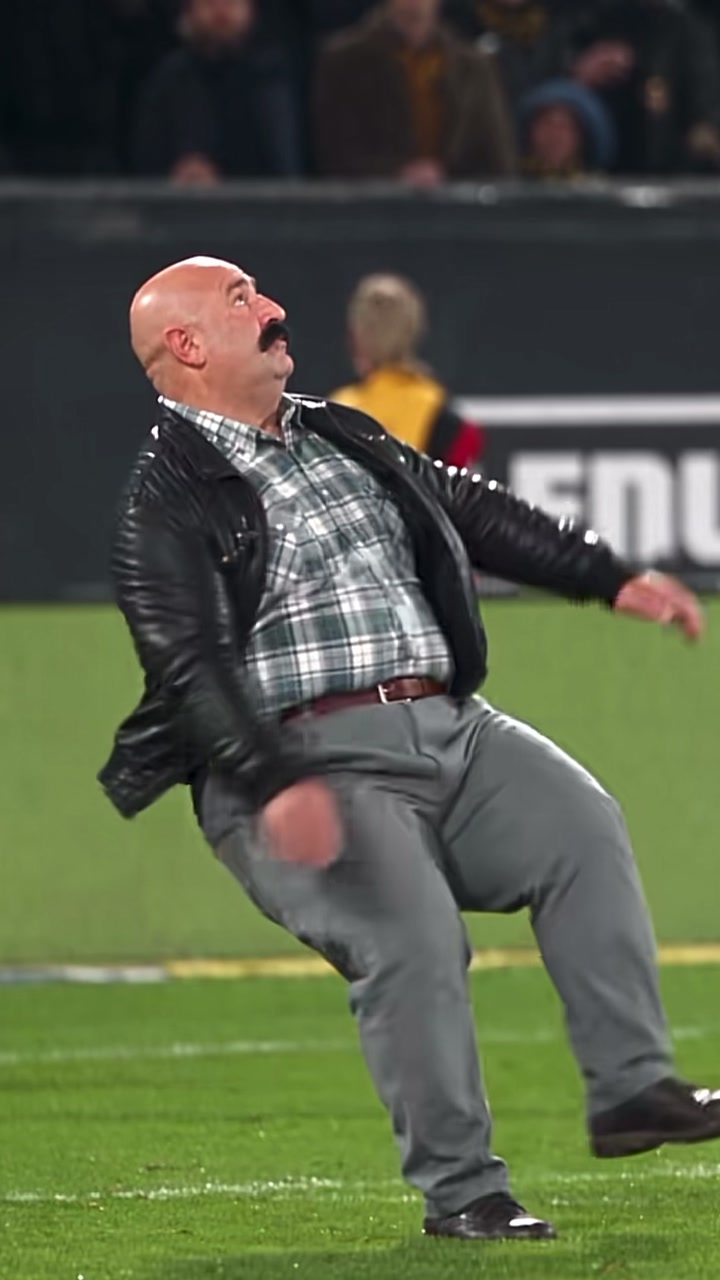
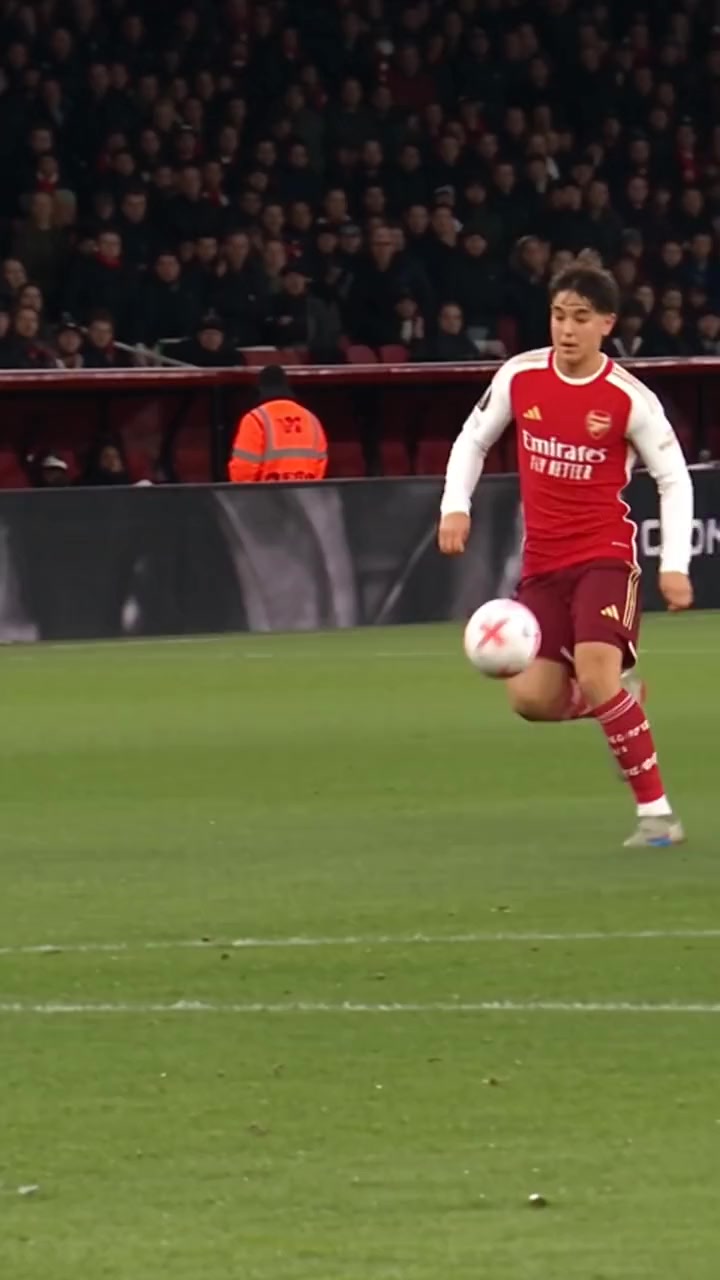
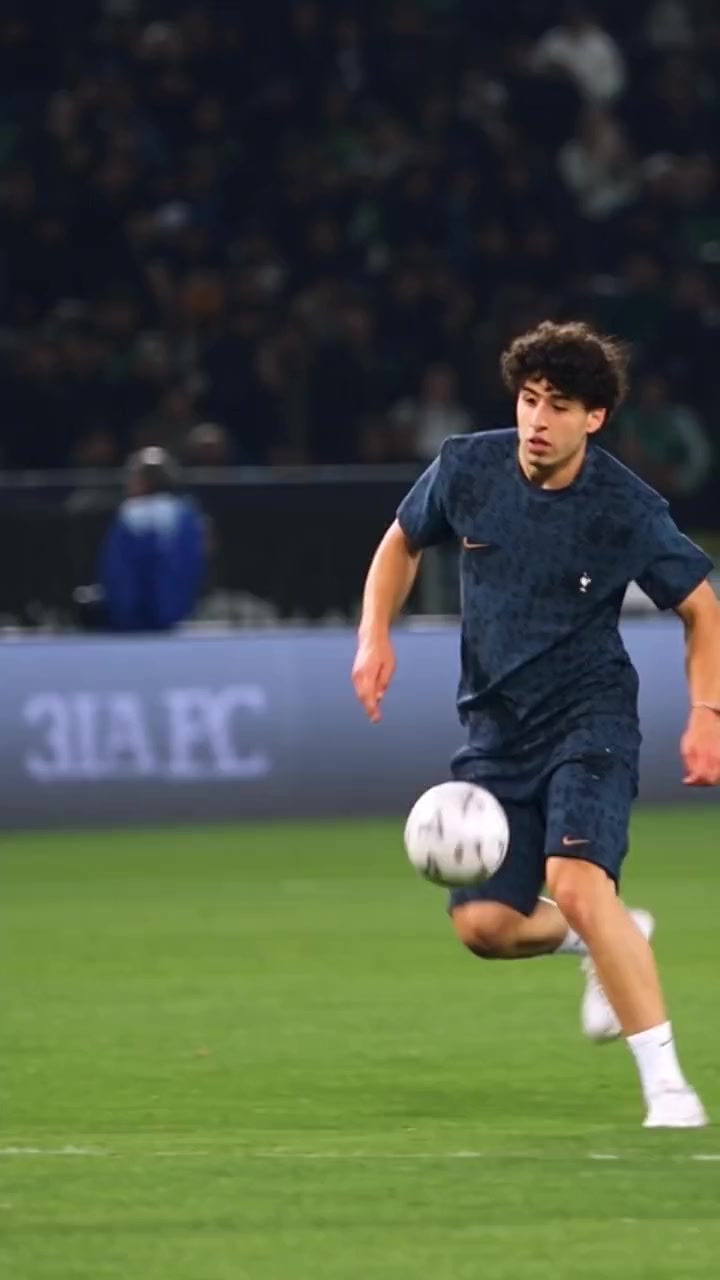
Goals, dunks and boxing. 19 templates.
- 1 person · 10s
Bicycle Kick Goal
190 credits
- 1 person · 15s
Solo Goal
285 credits
- 1 person · 15s
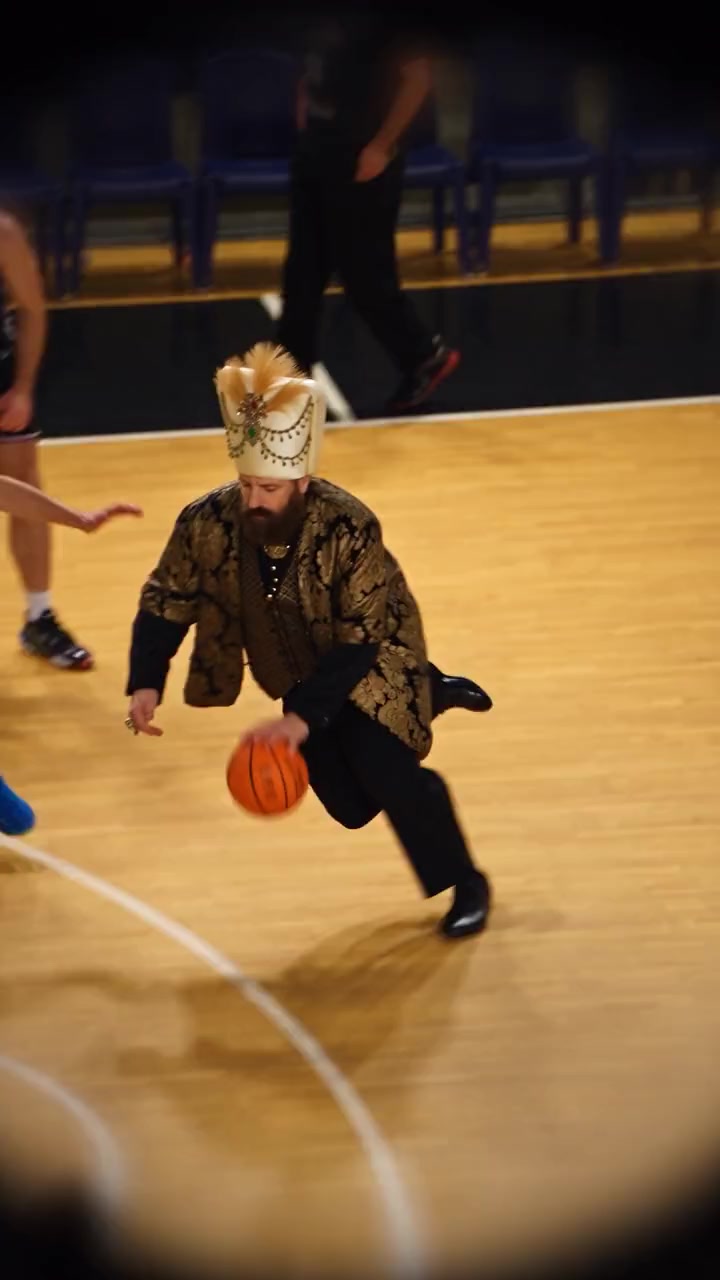
Soccer Dribble Show
285 credits
- 1 person · 12s
Football Backflip
228 credits
- 1 person · 10s
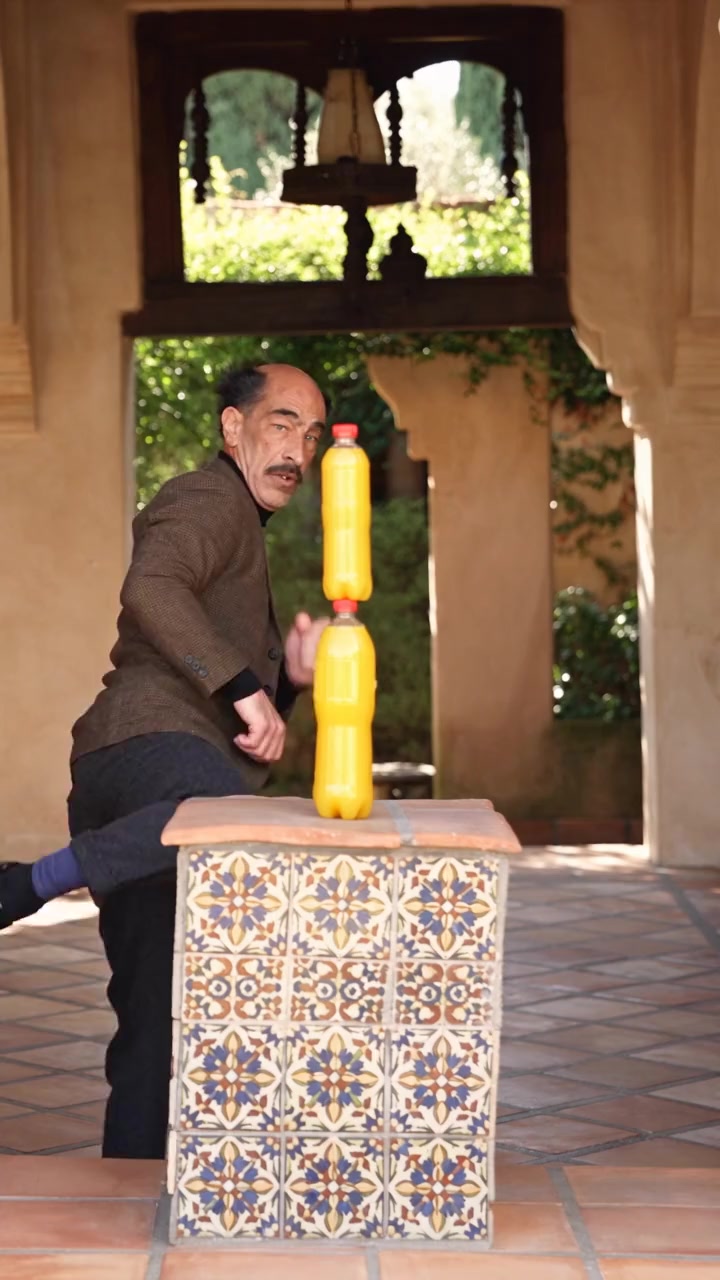
Bottle Cap Kick
190 credits
- 1 person · 7s
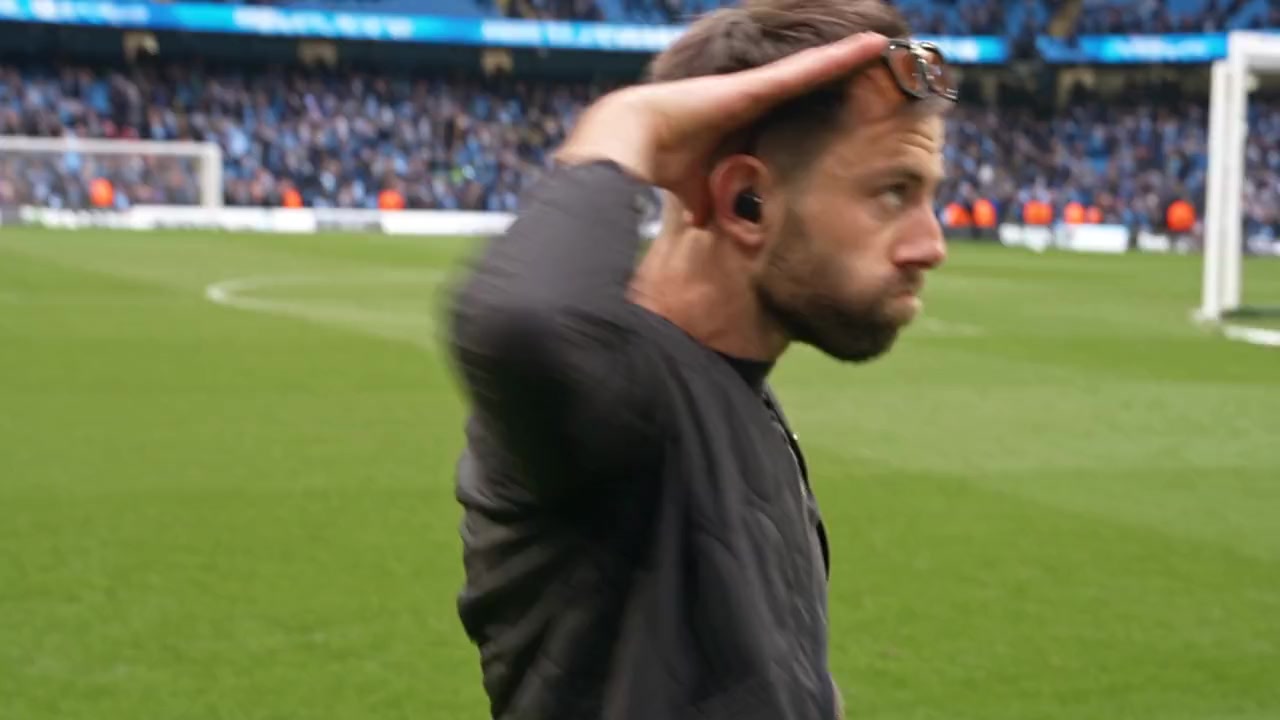
Stadium Salute
133 credits
- 1 person · 9s
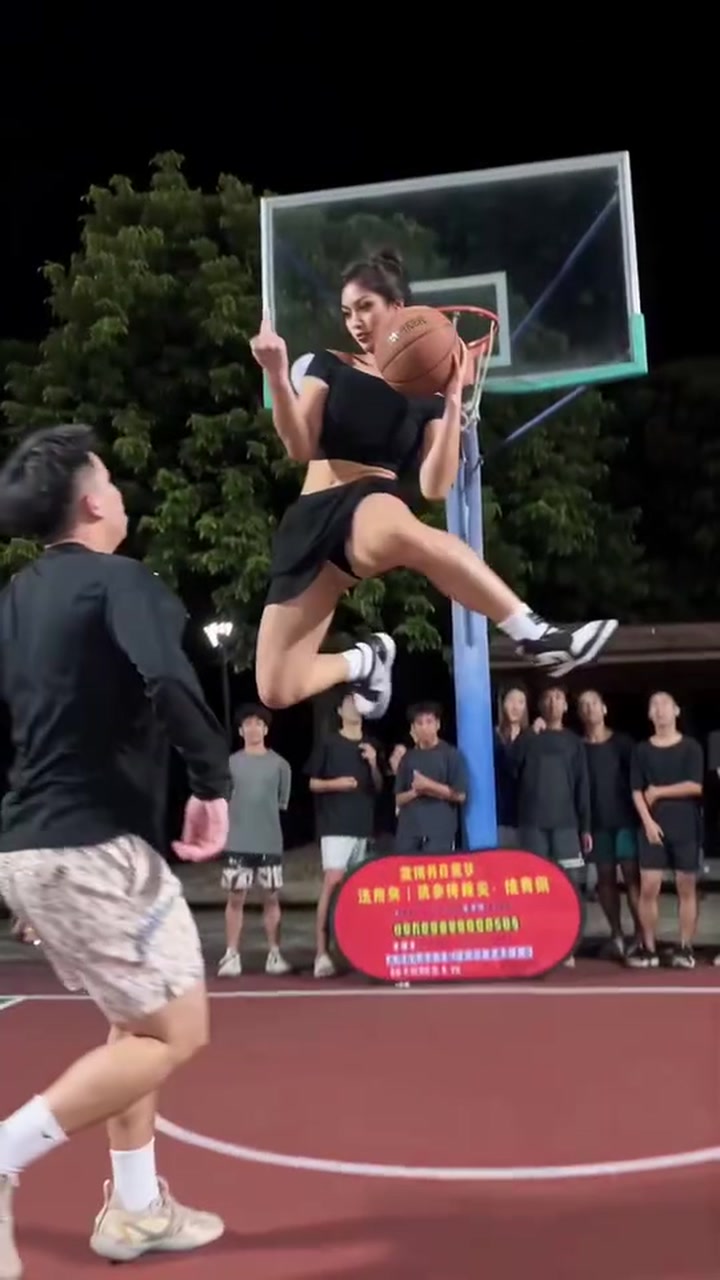
Court Dunk
171 credits
- 1 person · 9s
Unlikely Dunk
171 credits
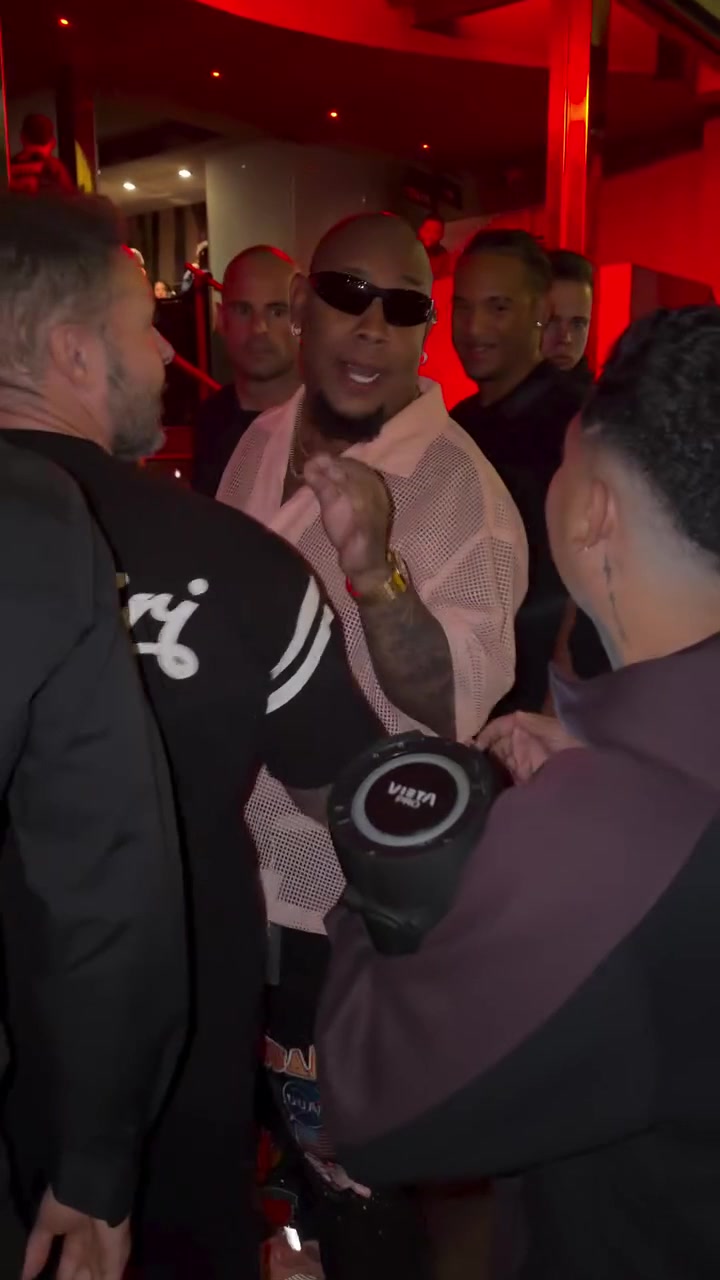
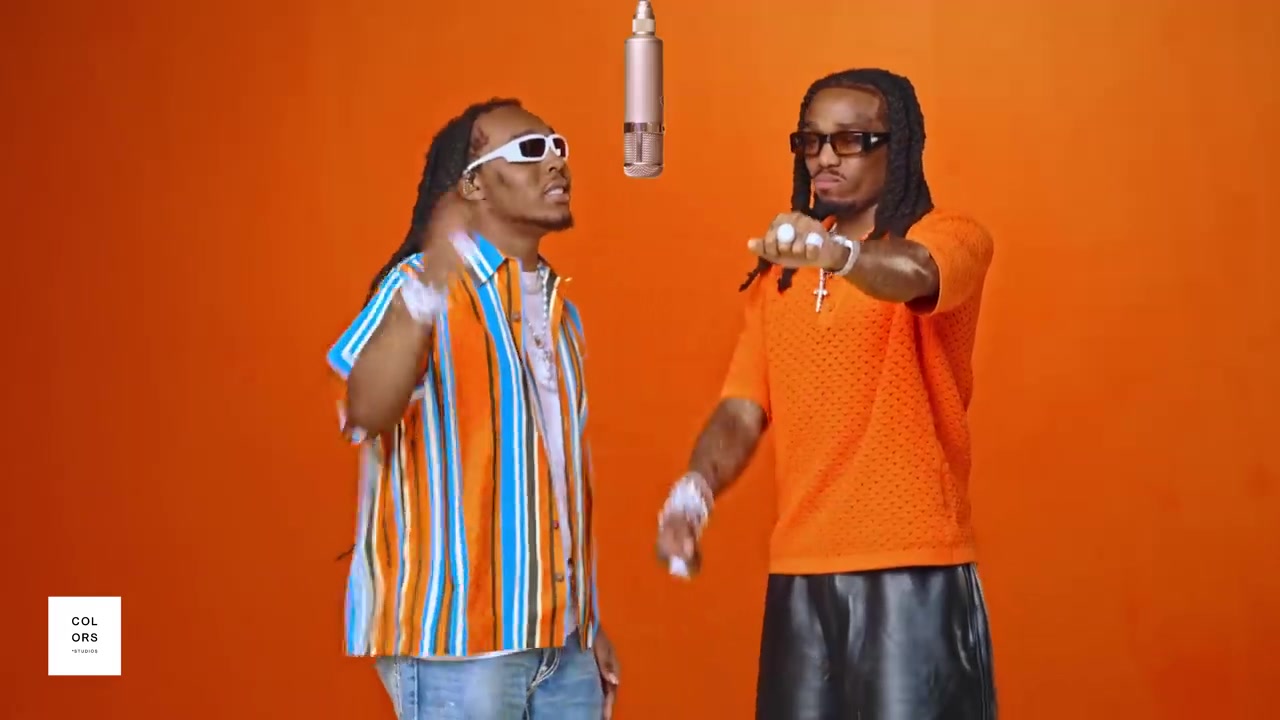
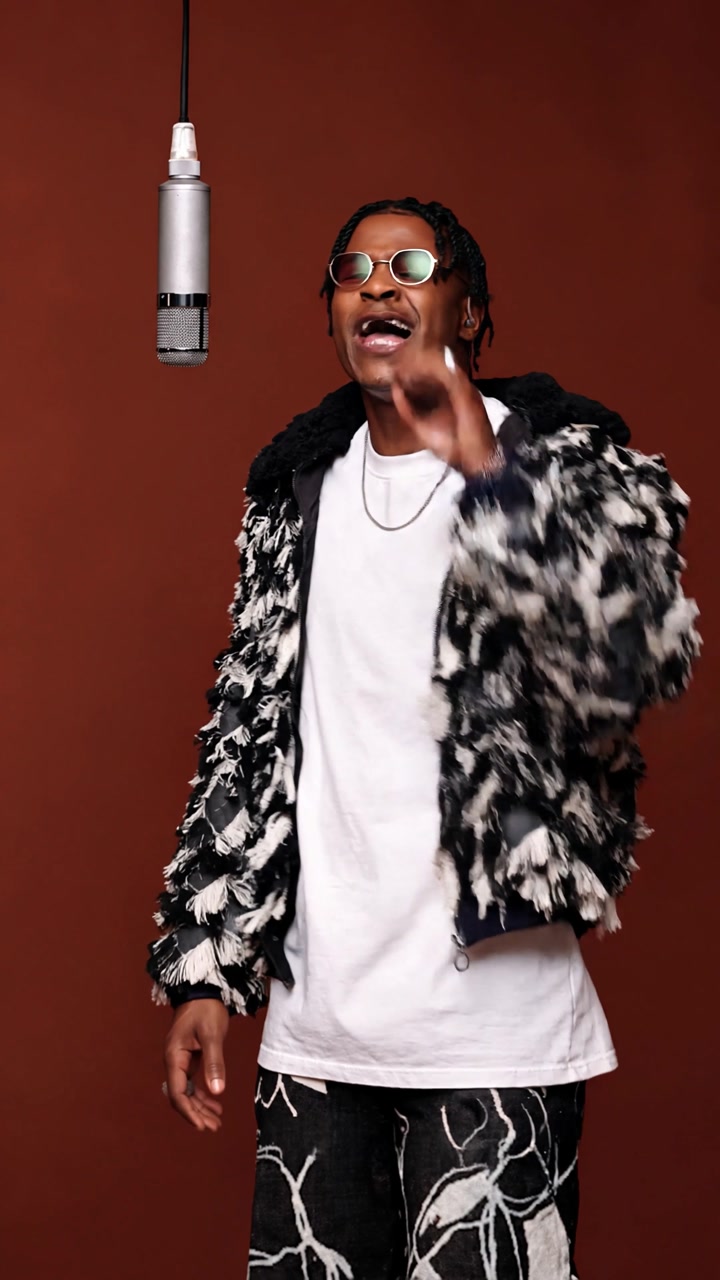
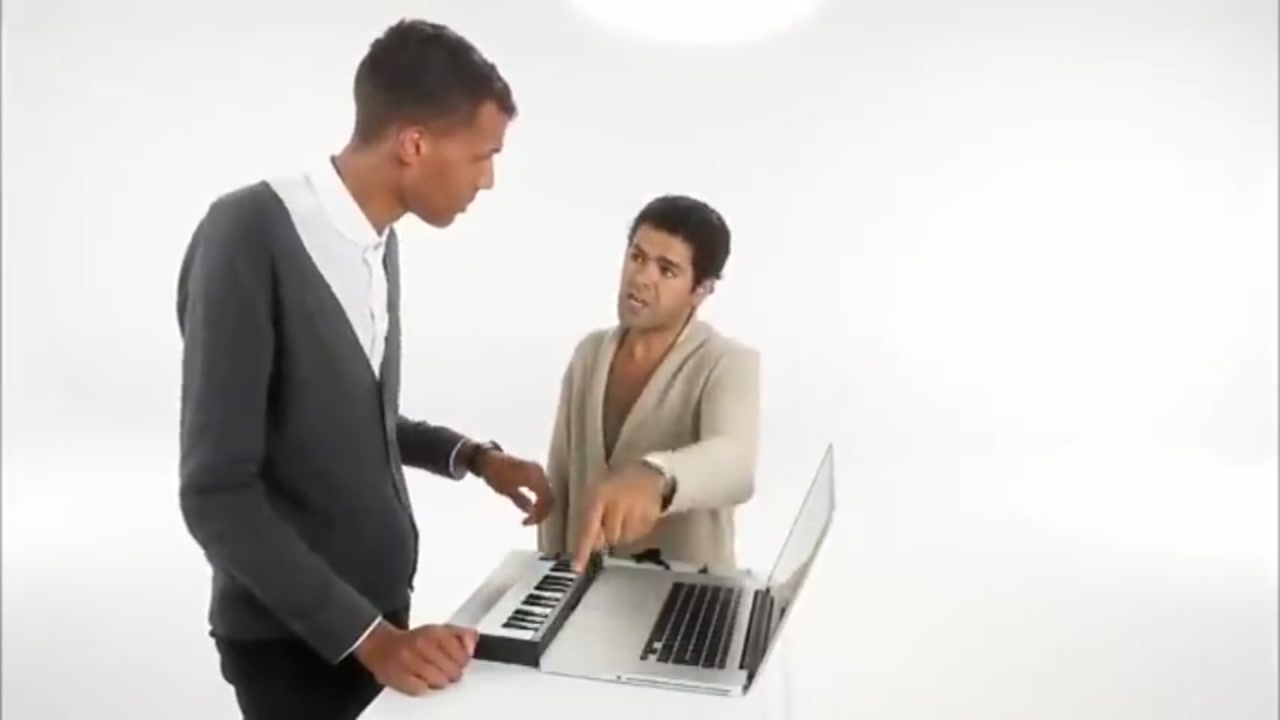
Singing and rap templates
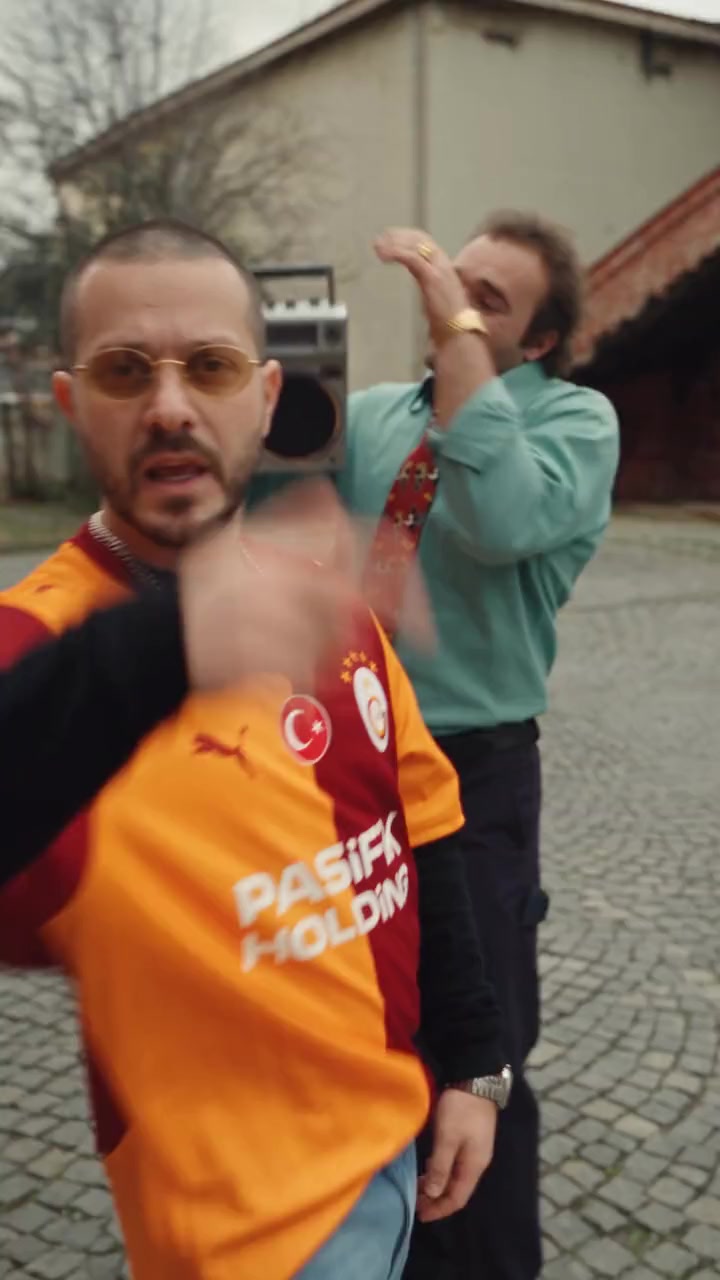
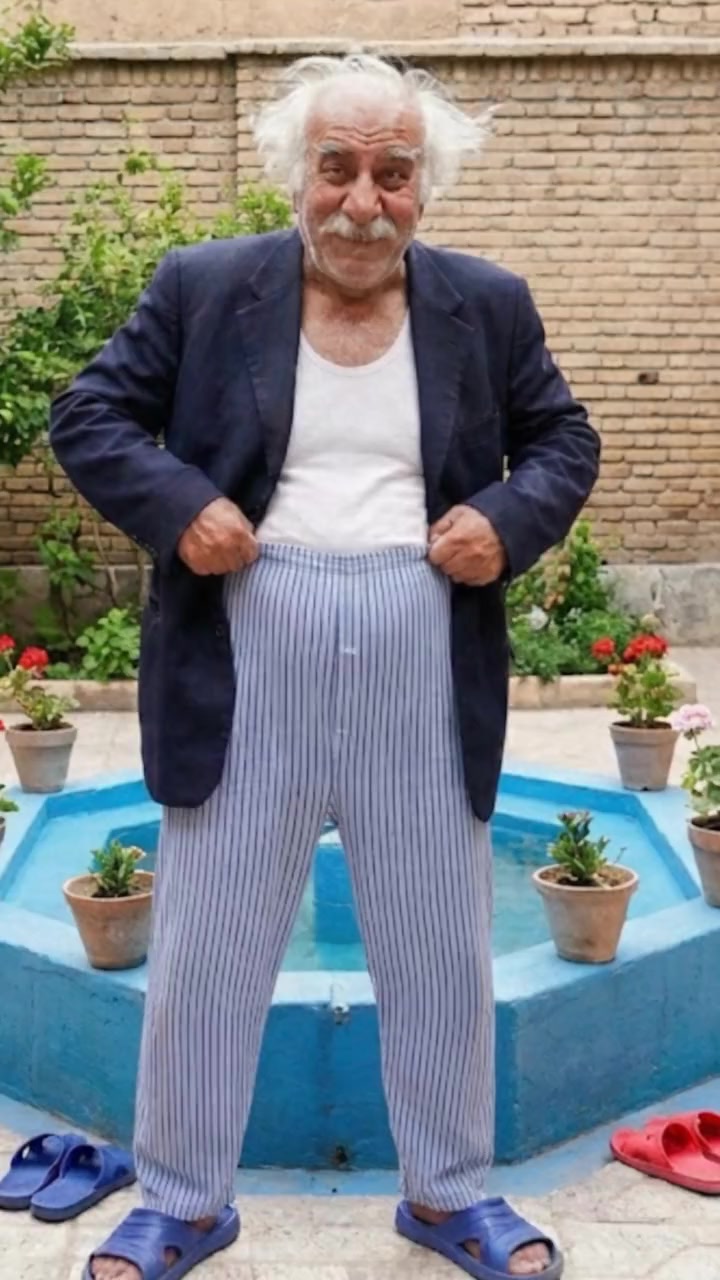
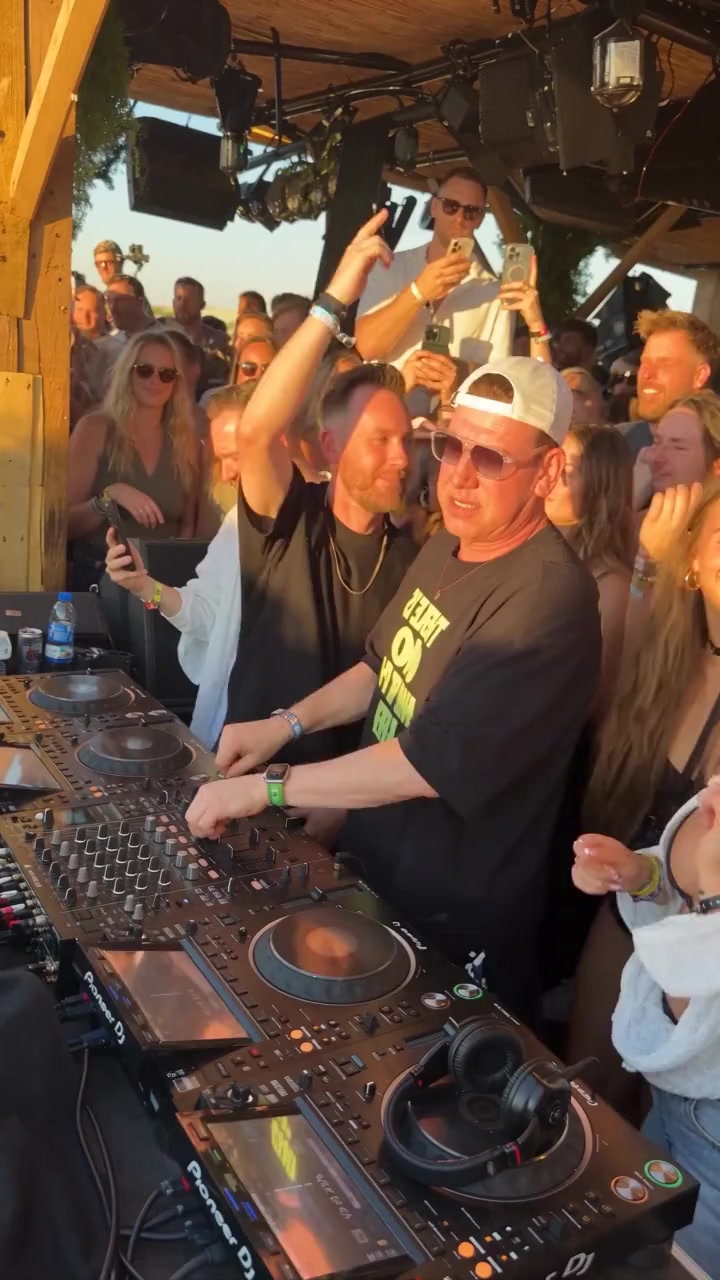
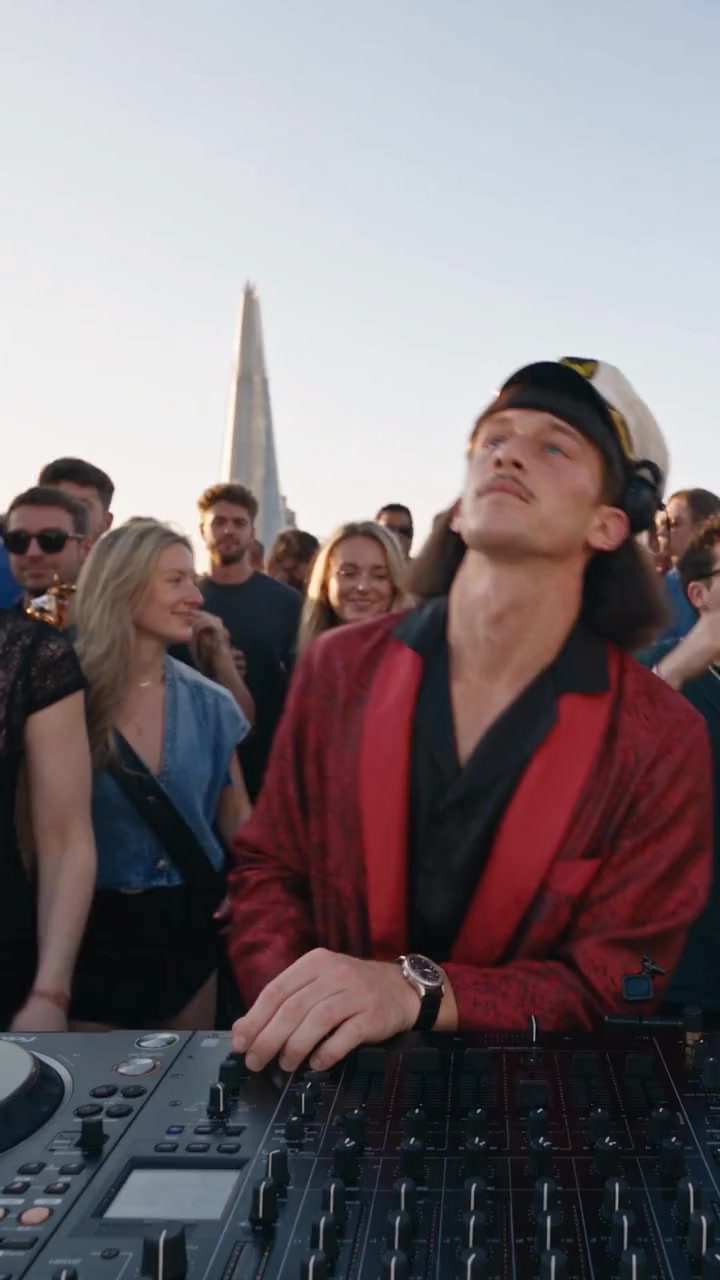
Studio sessions, rap duos, DJ sets. 17 templates.
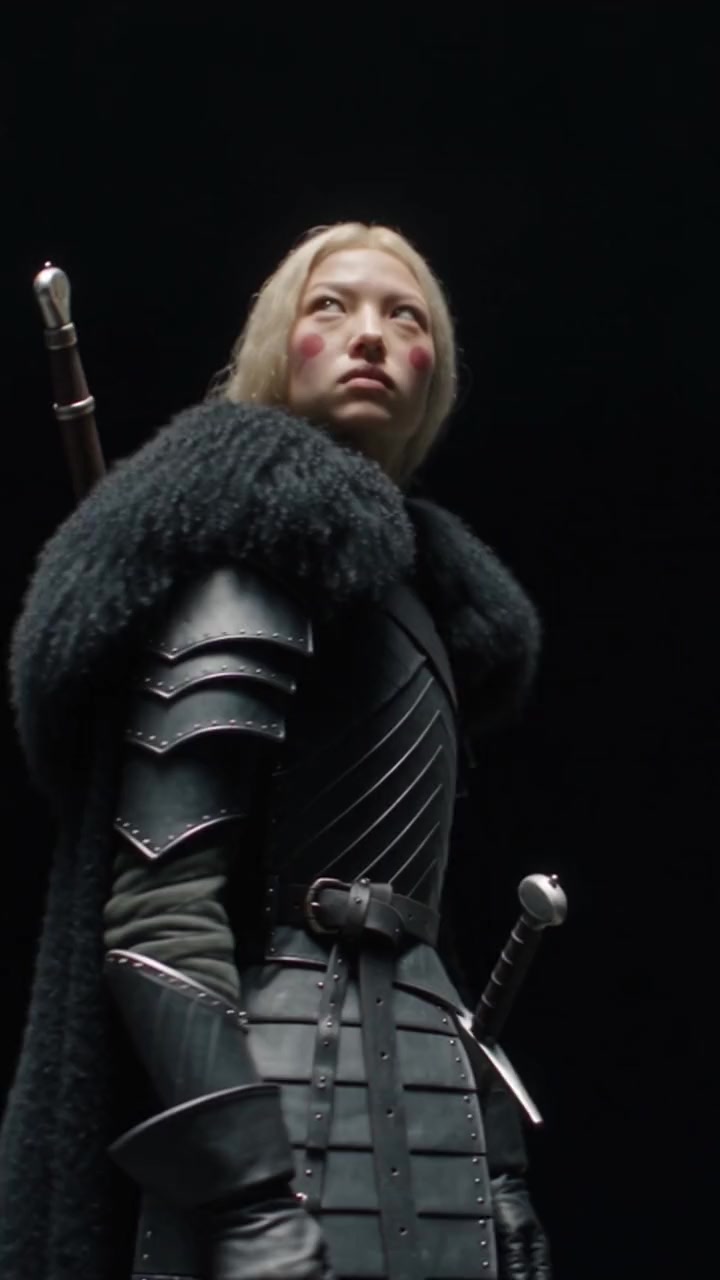
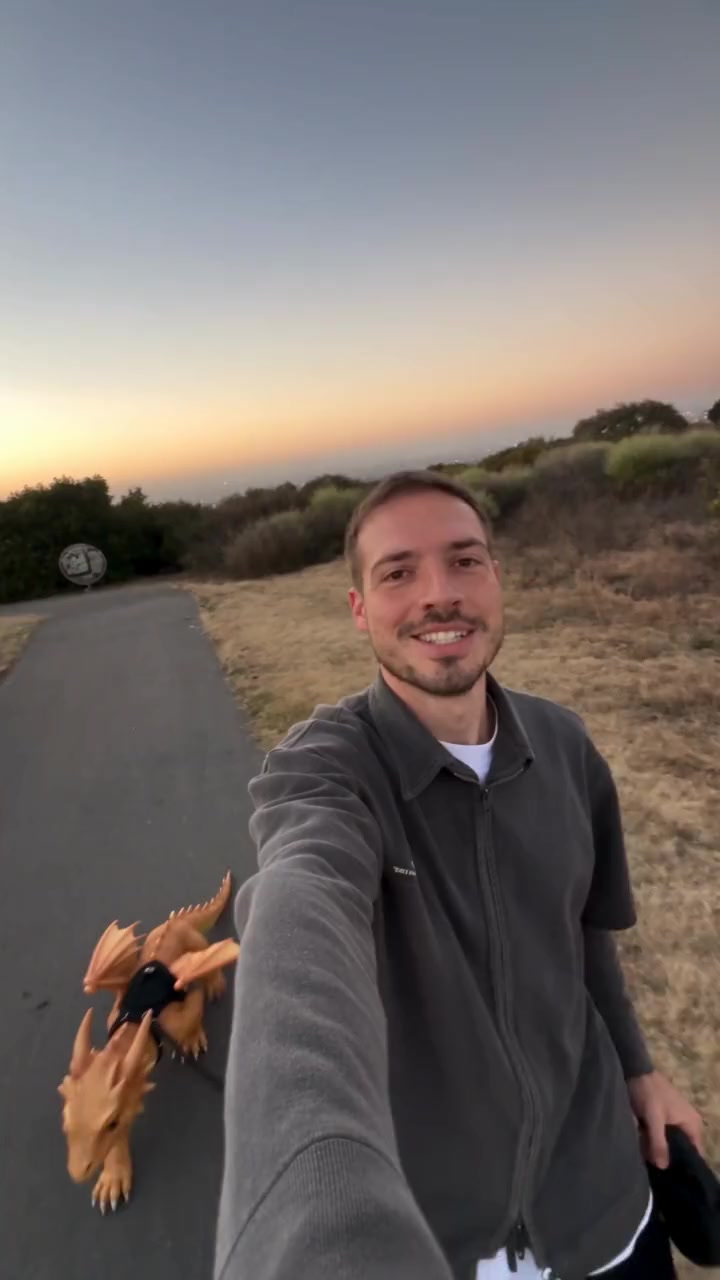
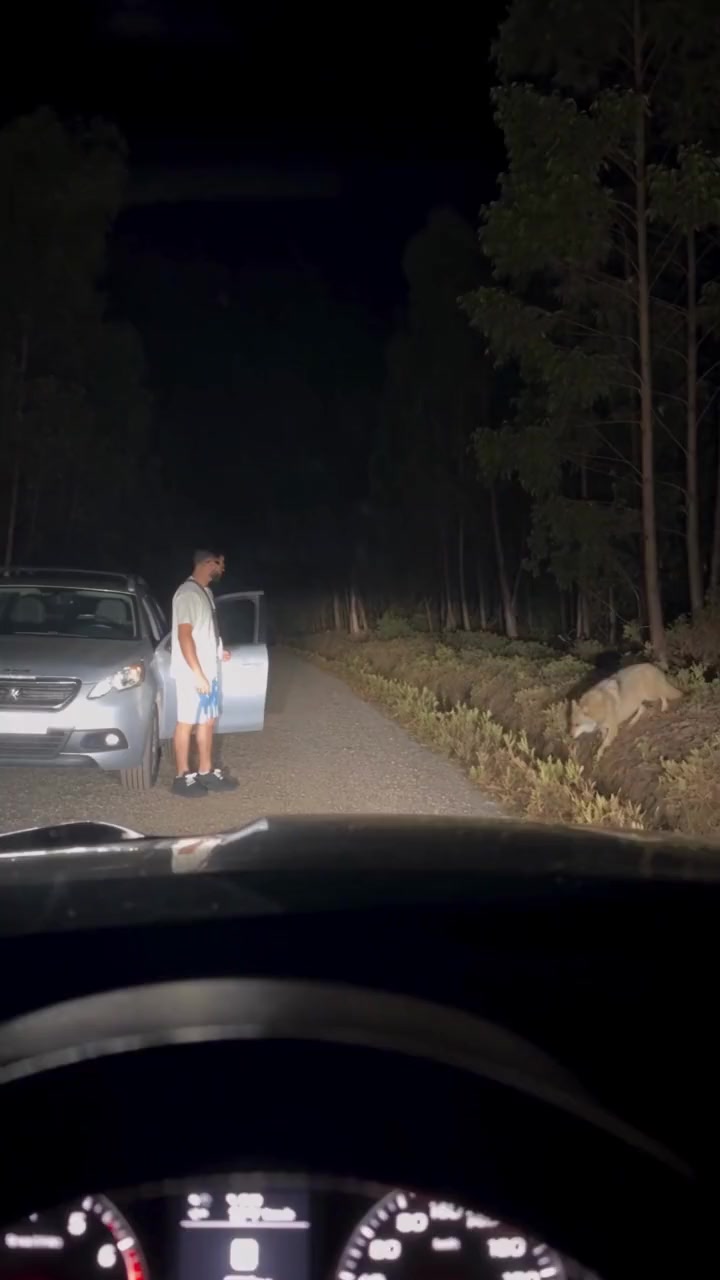
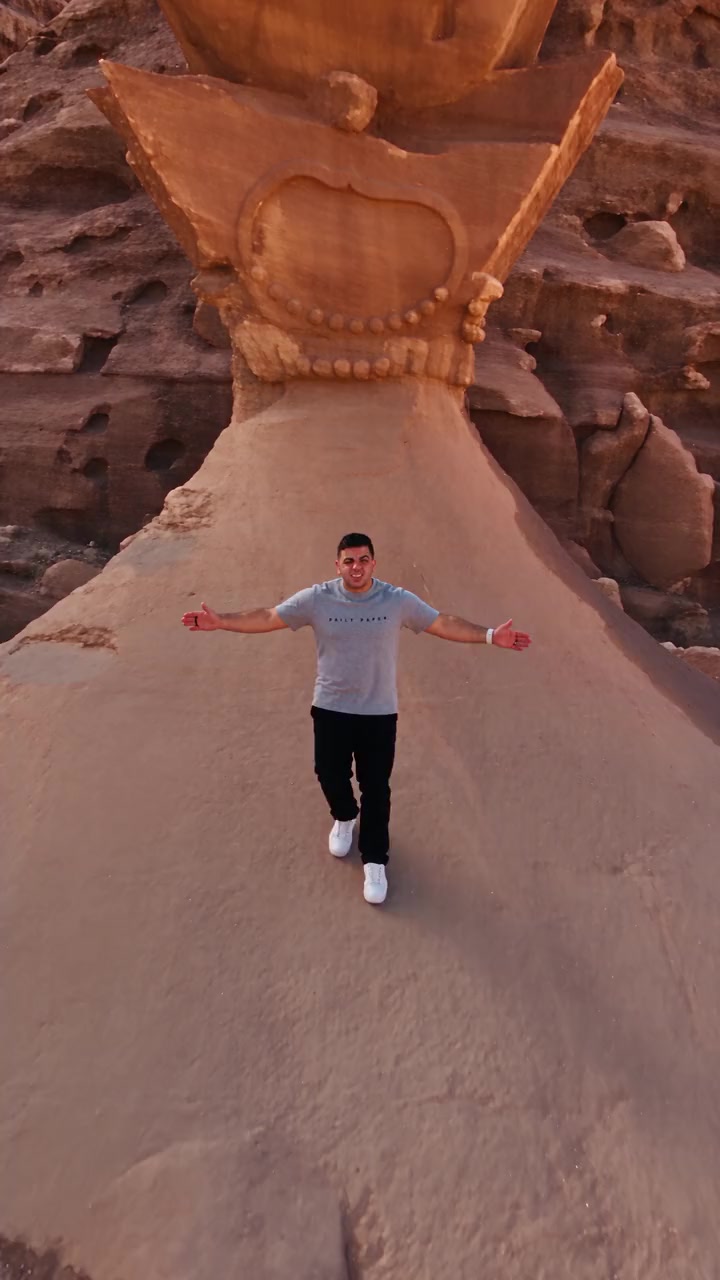
Fantasy templates
Dragons, wolves and epic places. 6 templates.
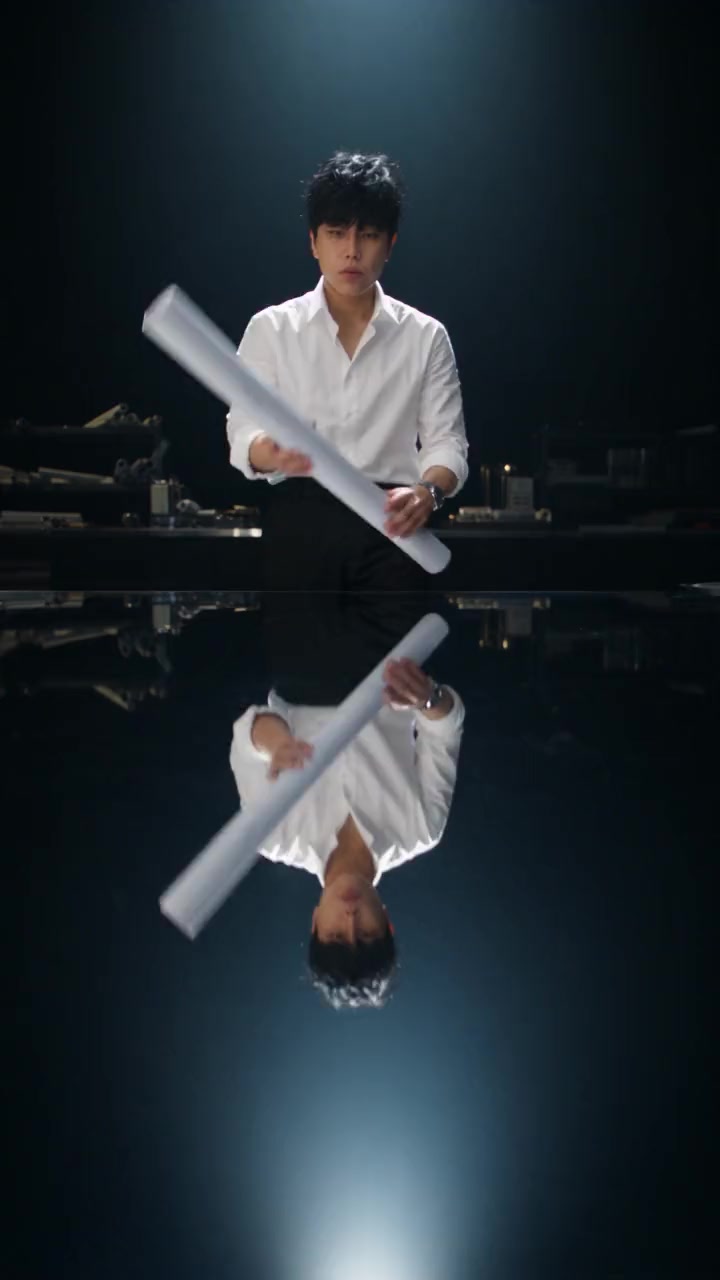
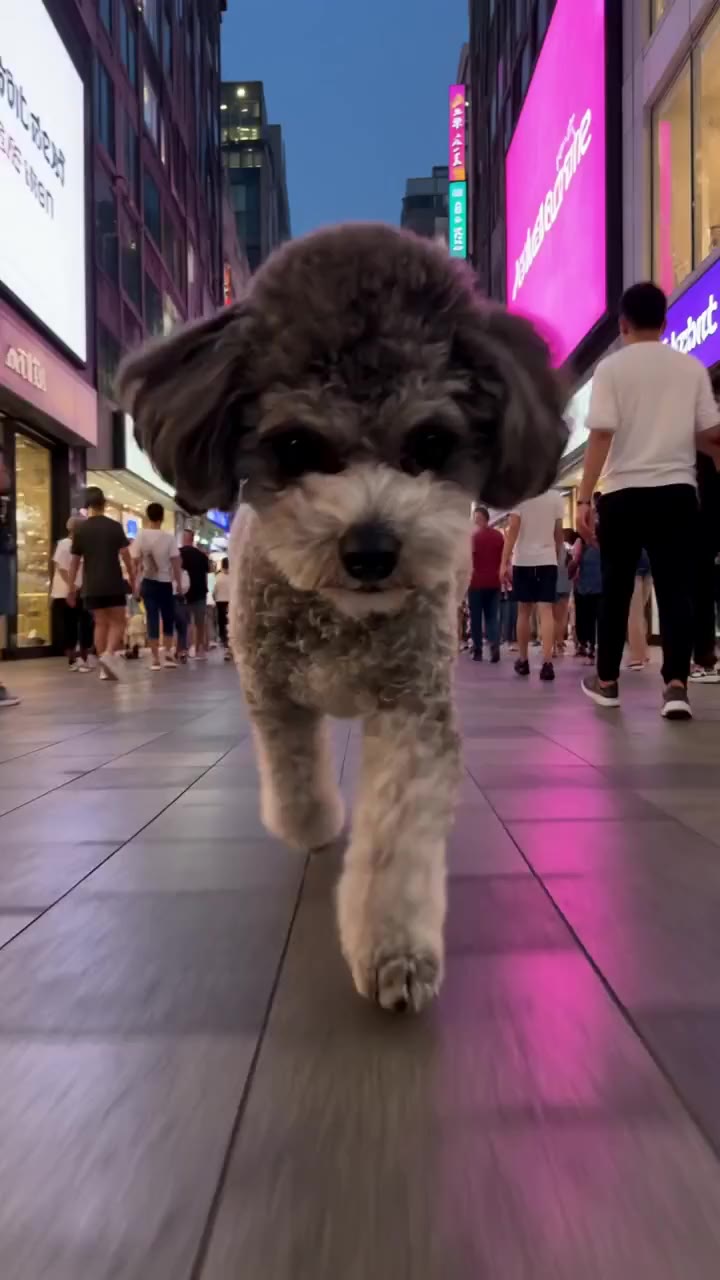
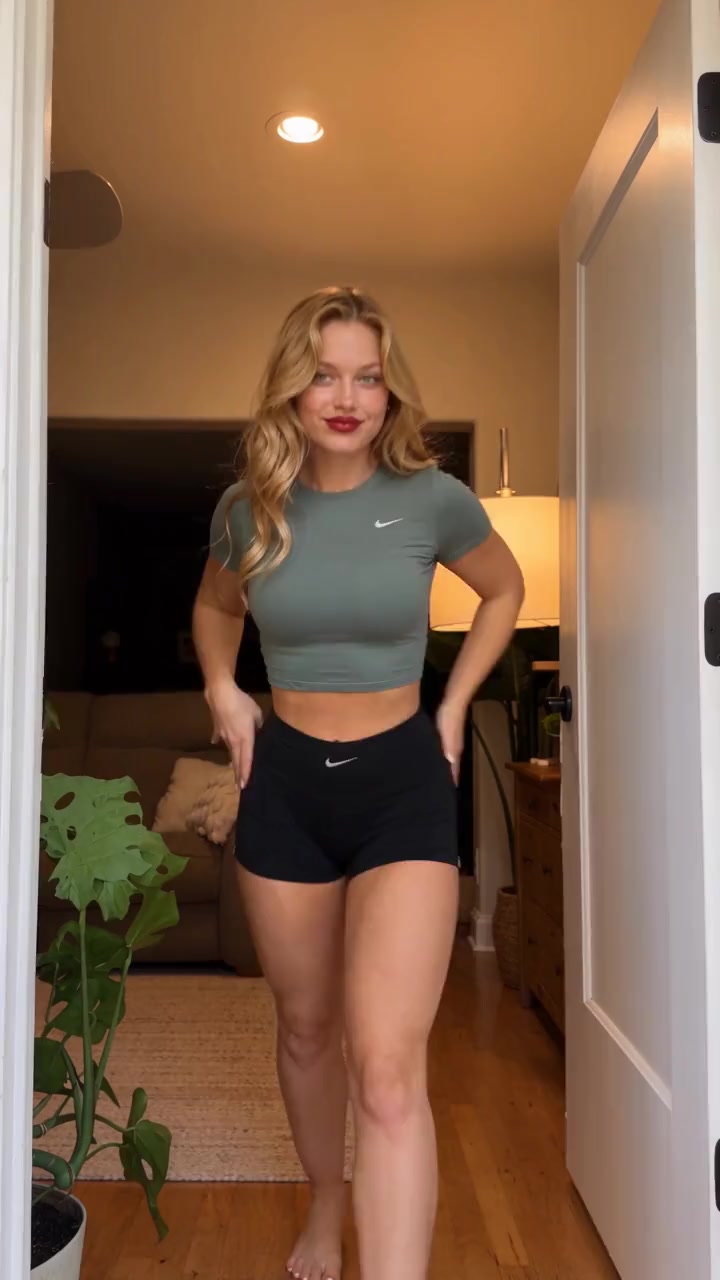
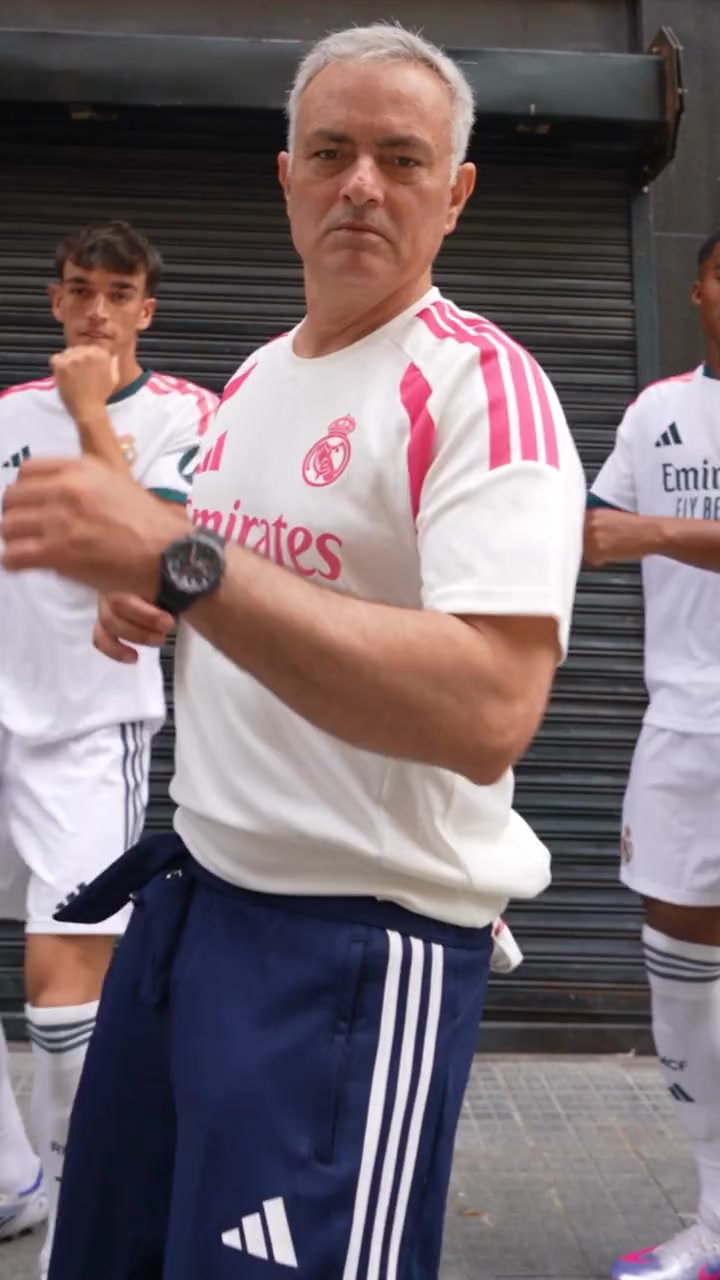
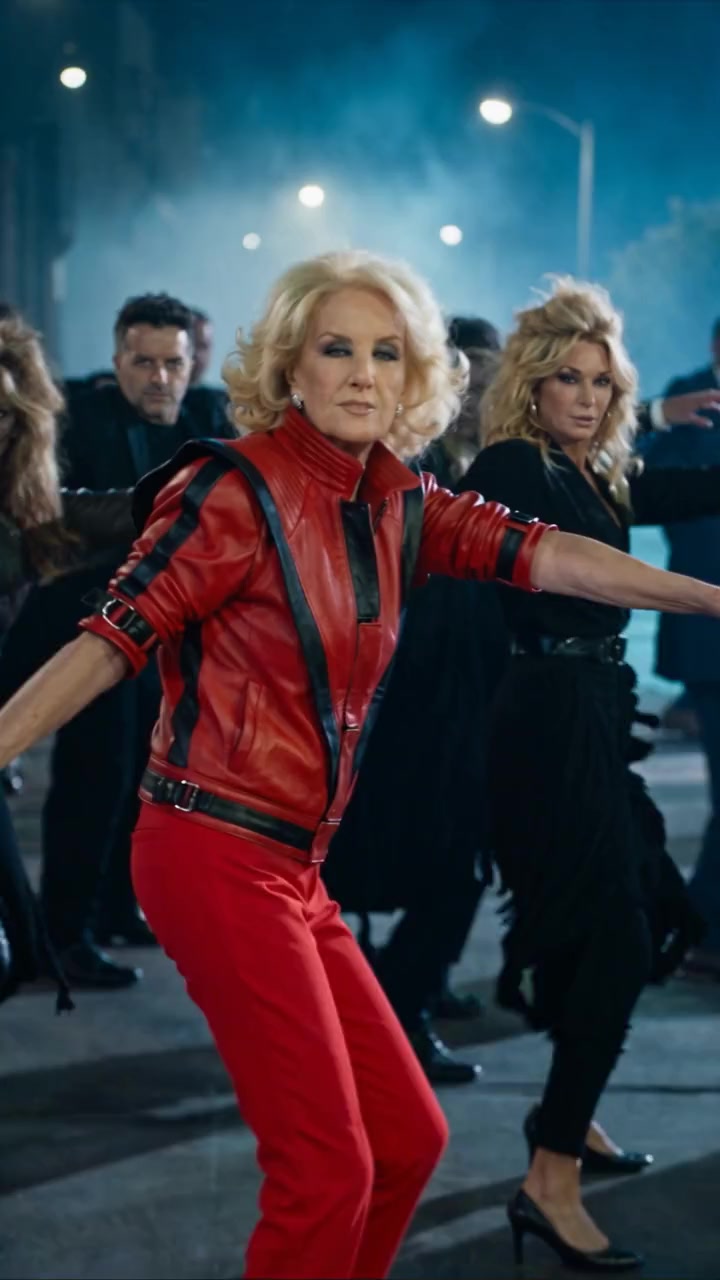
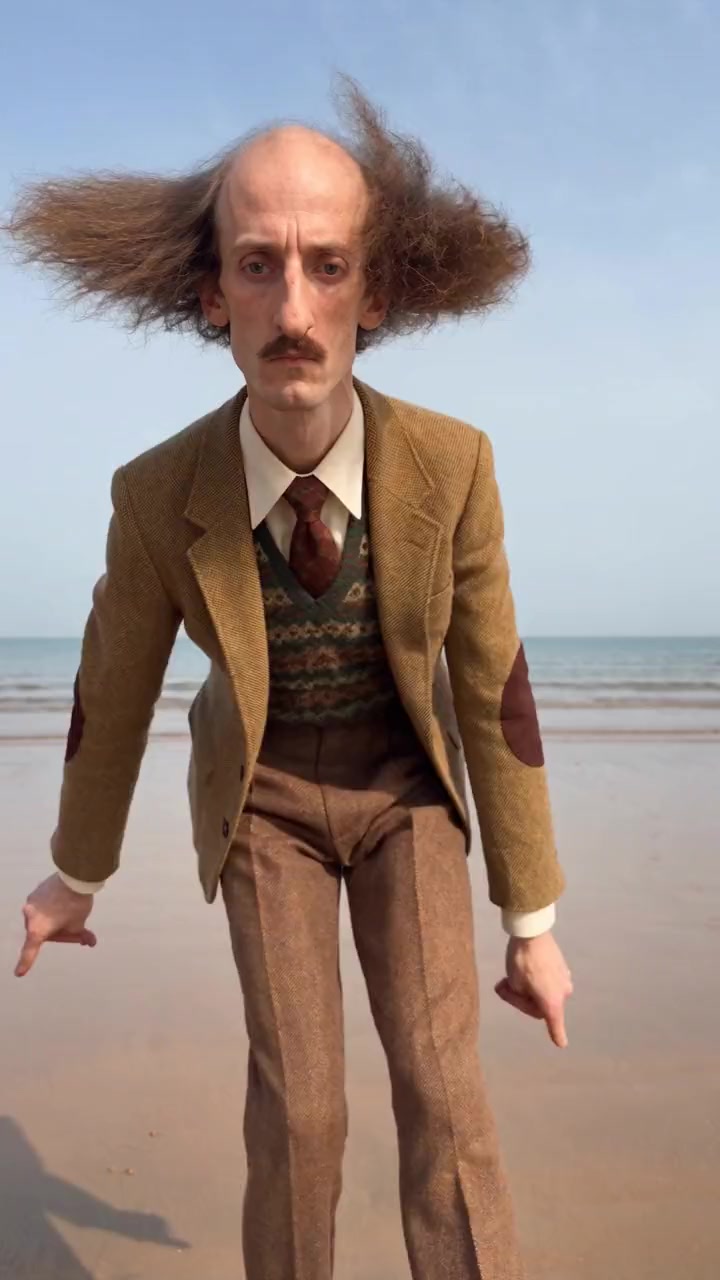
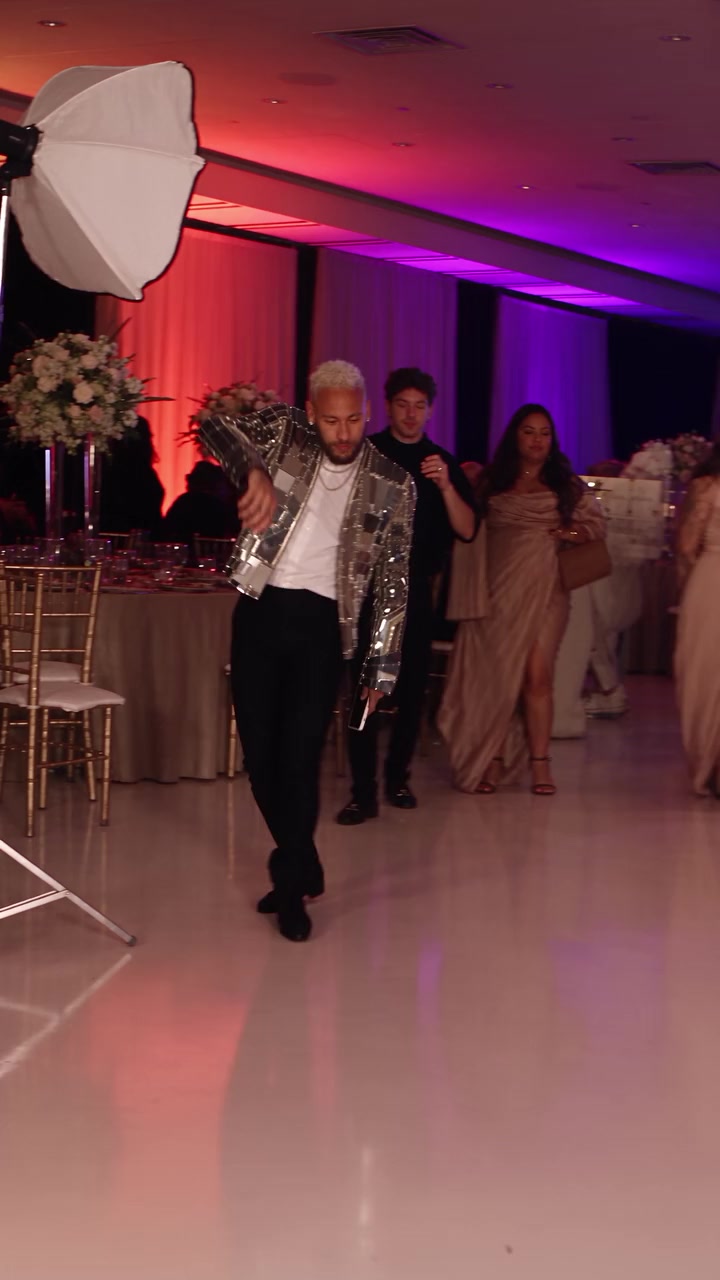
Dance templates
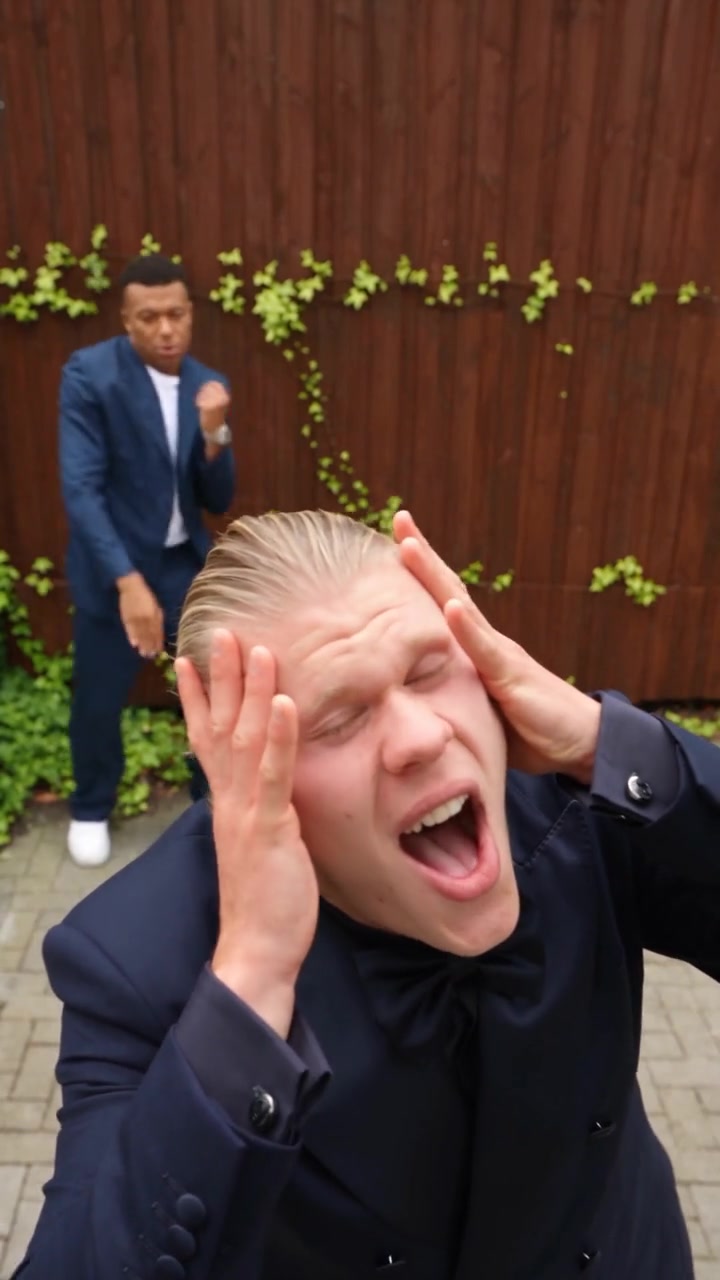
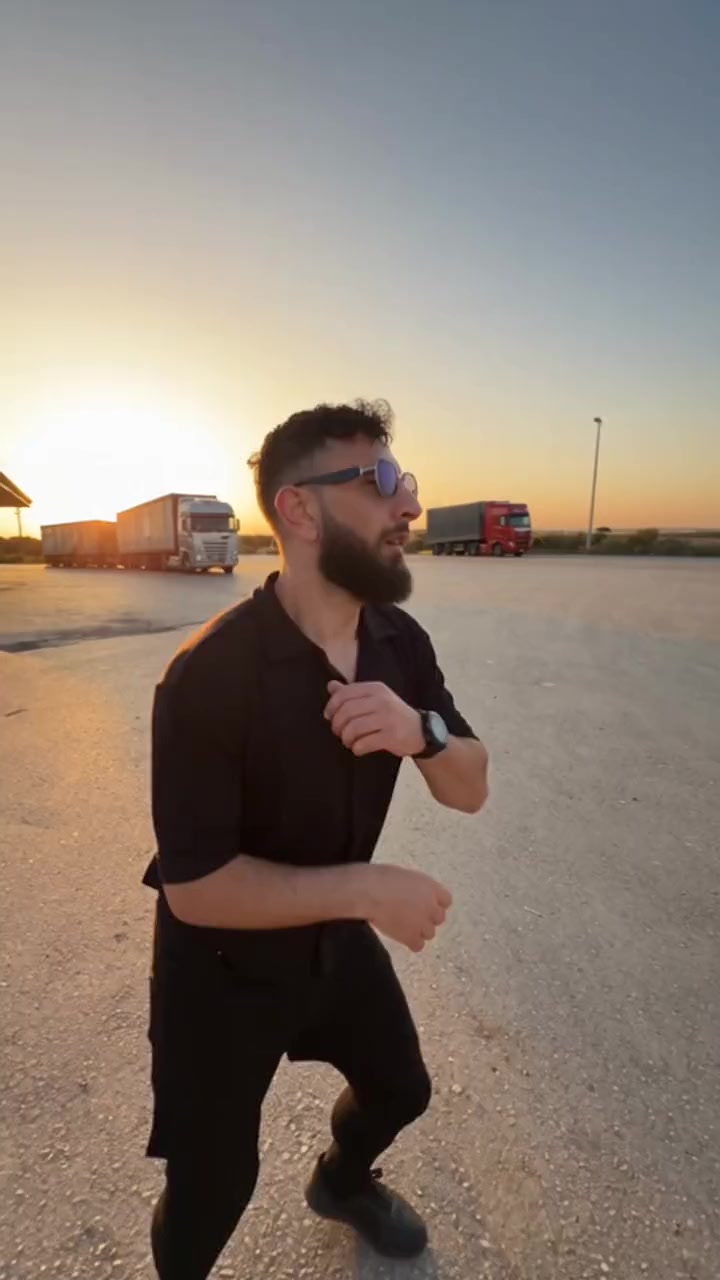
Viral dances, shuffles and duos. 65 templates.
- 1 person · 10s
Doorway Dance
190 credits
- 1 person · 11s
Courtyard Dance
209 credits
- 1 person · 15s
Lead Dancer
285 credits
- 1 person · 10s
Zombie Dance
190 credits
- 1 person · 11s
Funny Shuffle
209 credits
- 1 person · 14s
Party Dance
266 credits
- 2 people · 15s
Hype Dance Duo
285 credits
- 1 person · 15s
Roadside Dance
285 credits
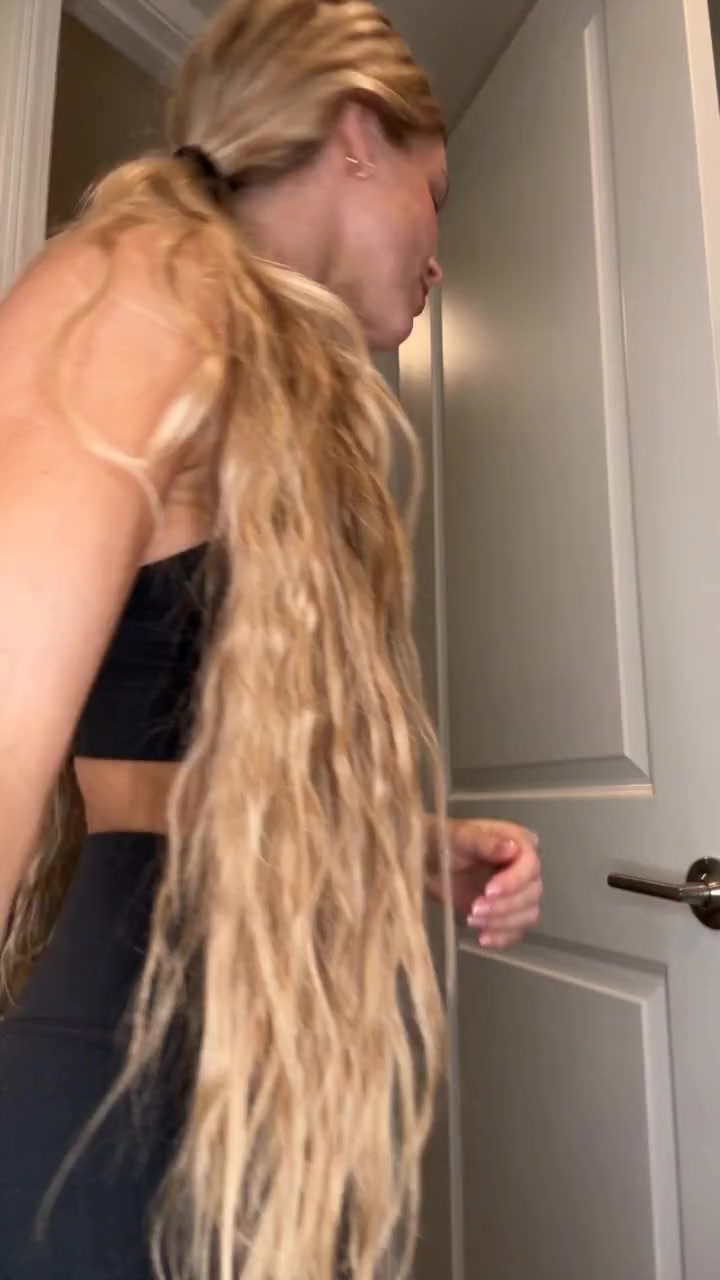
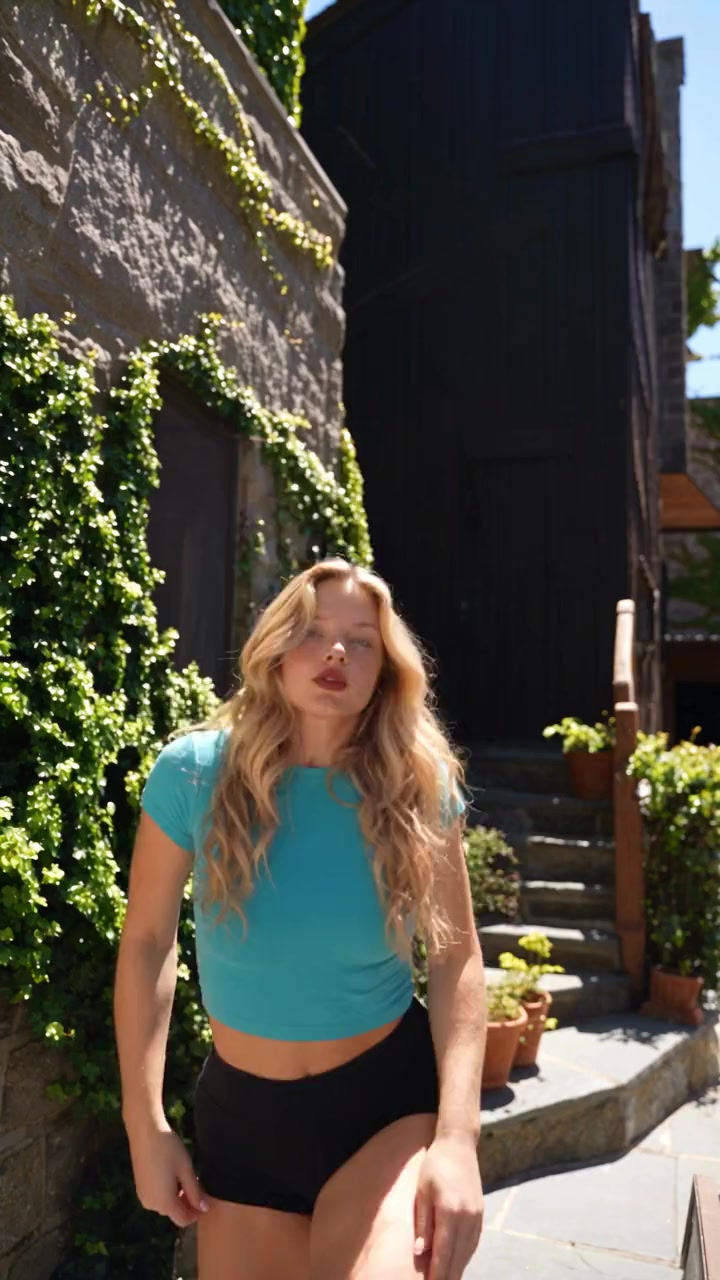
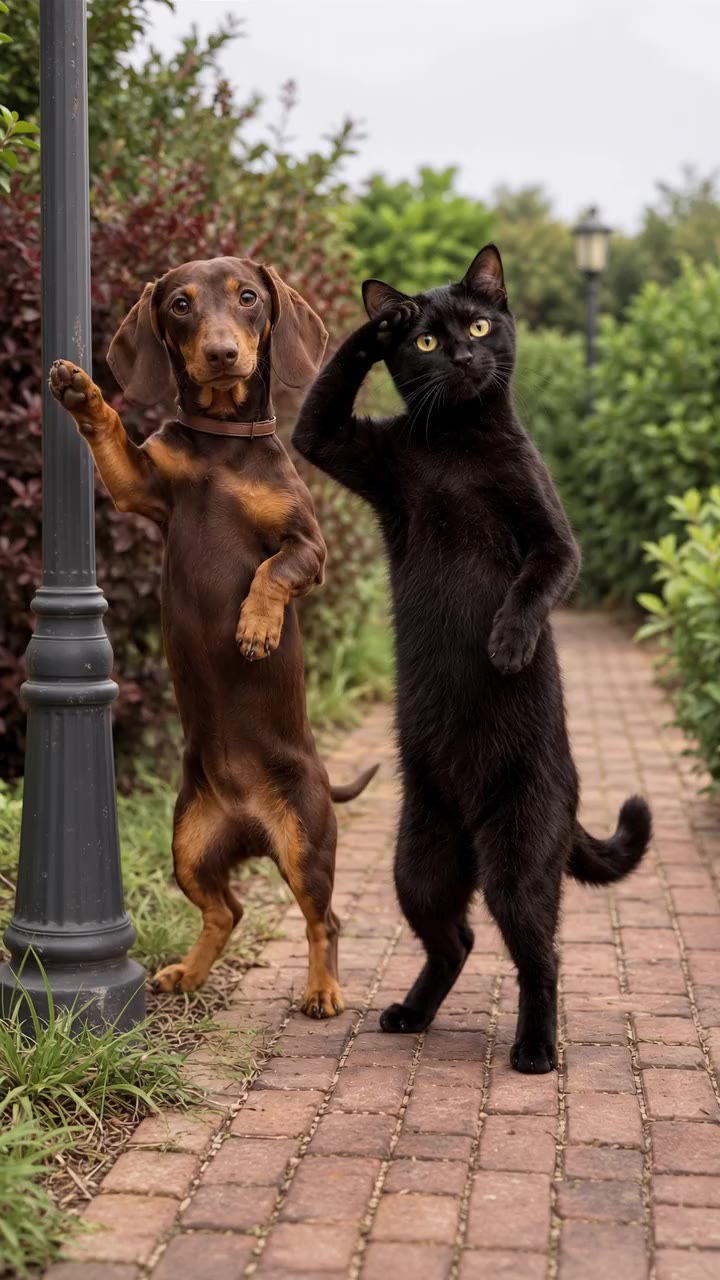
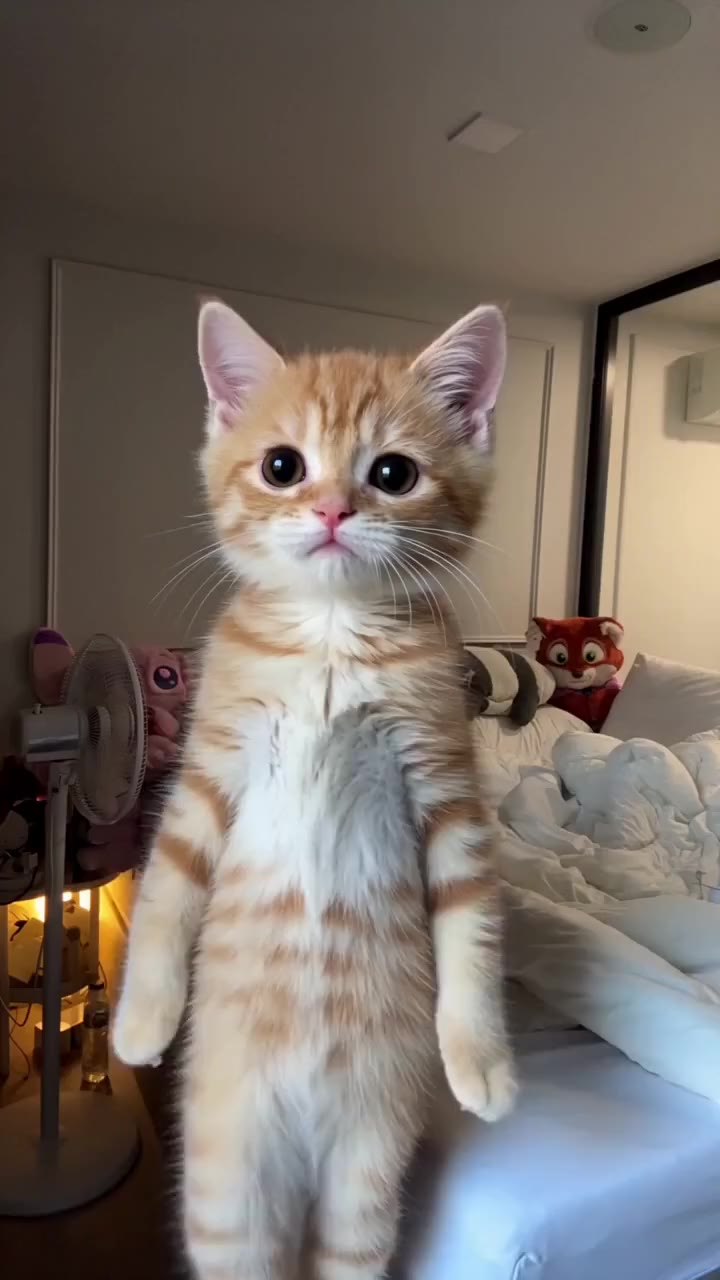
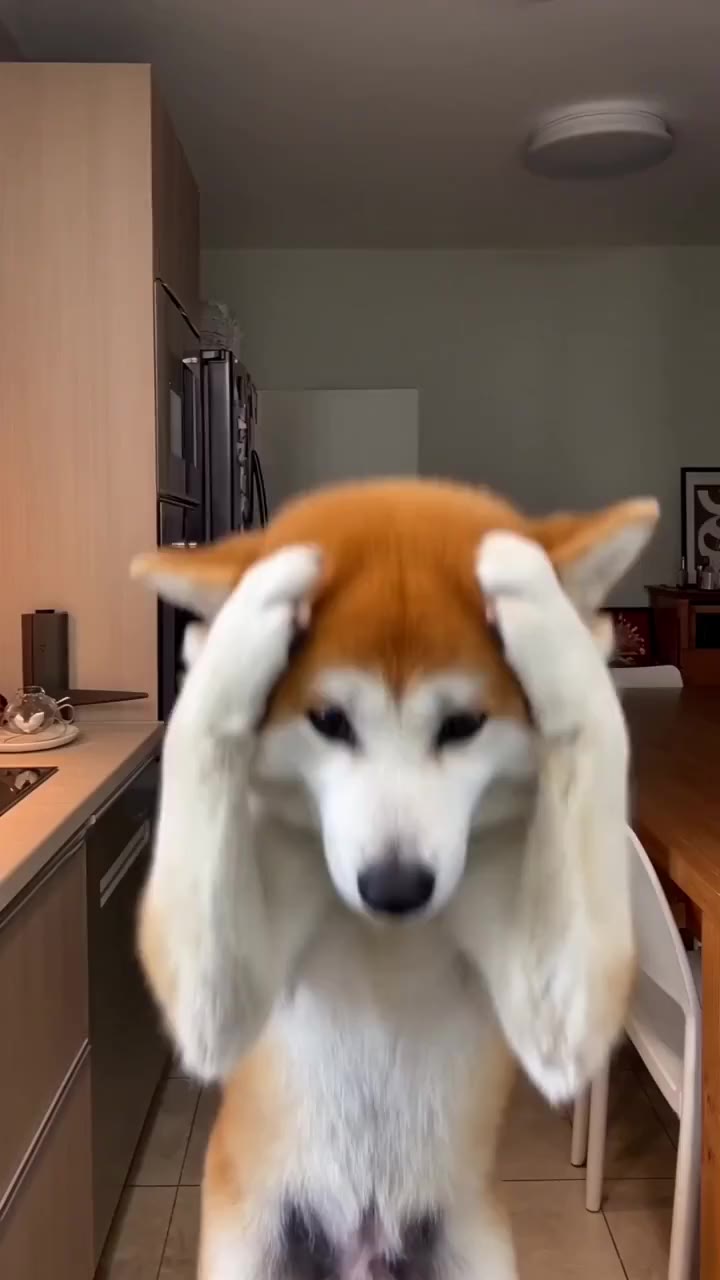
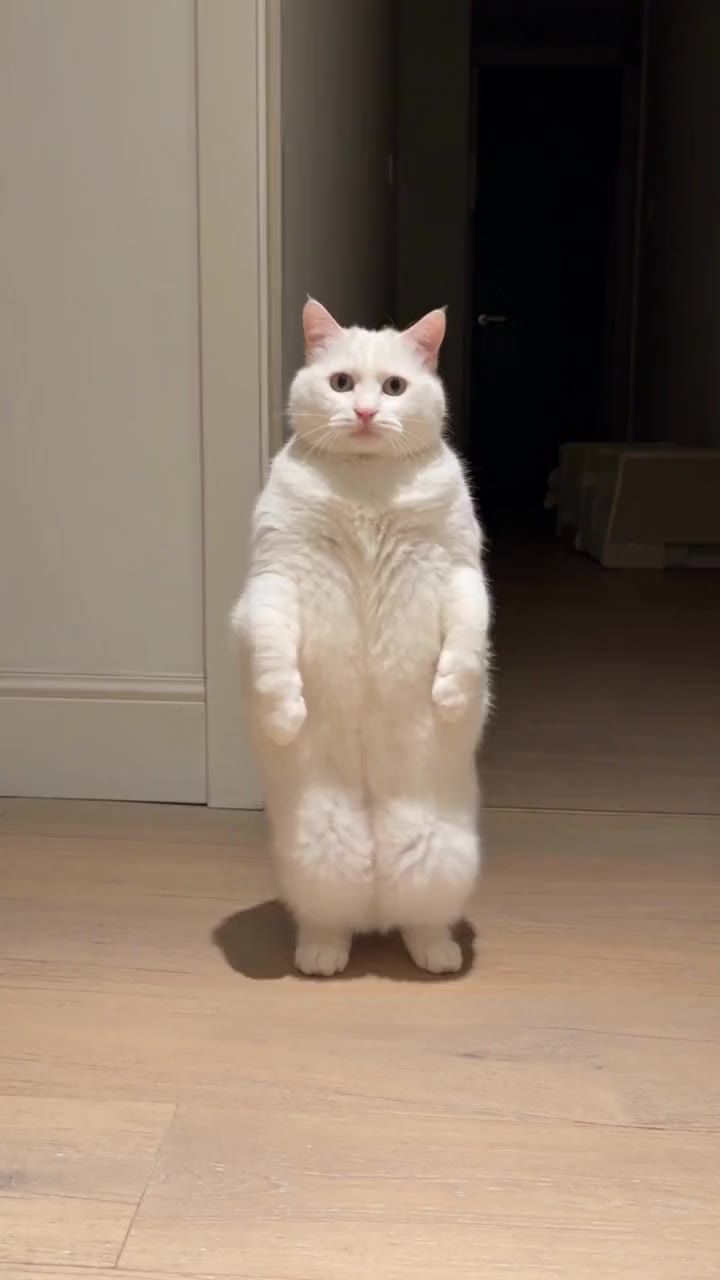
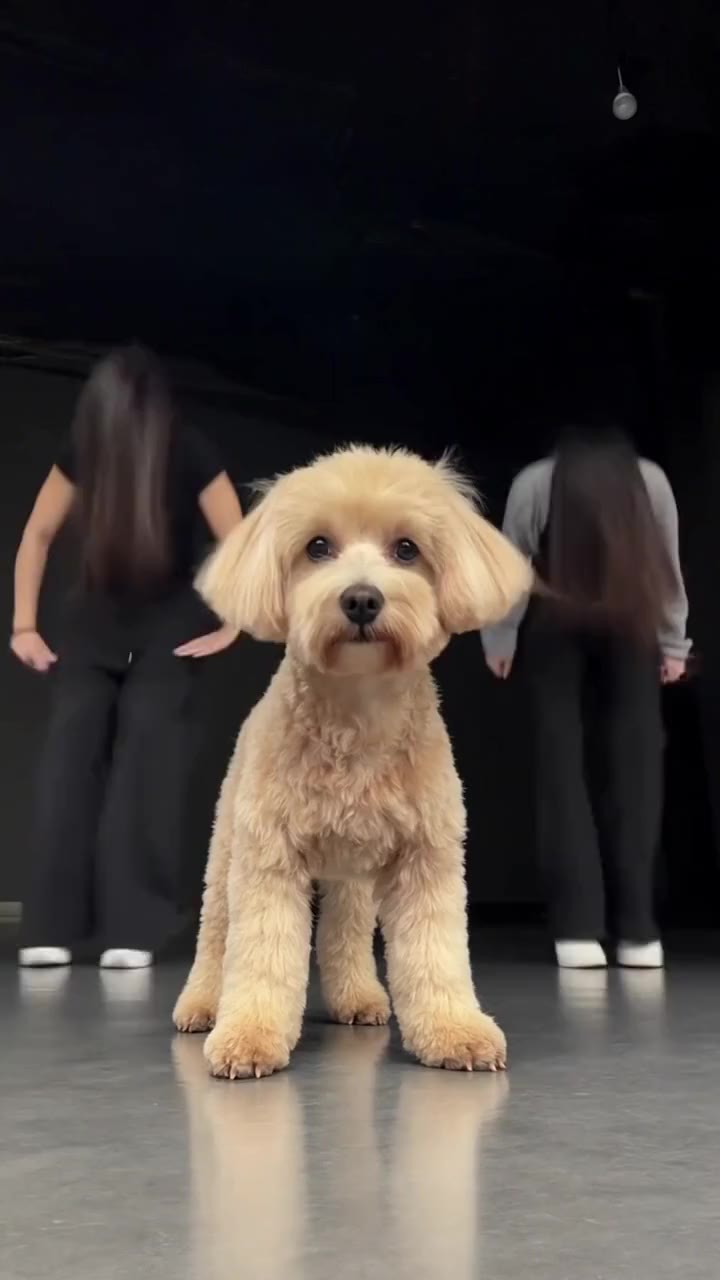
Pets templates
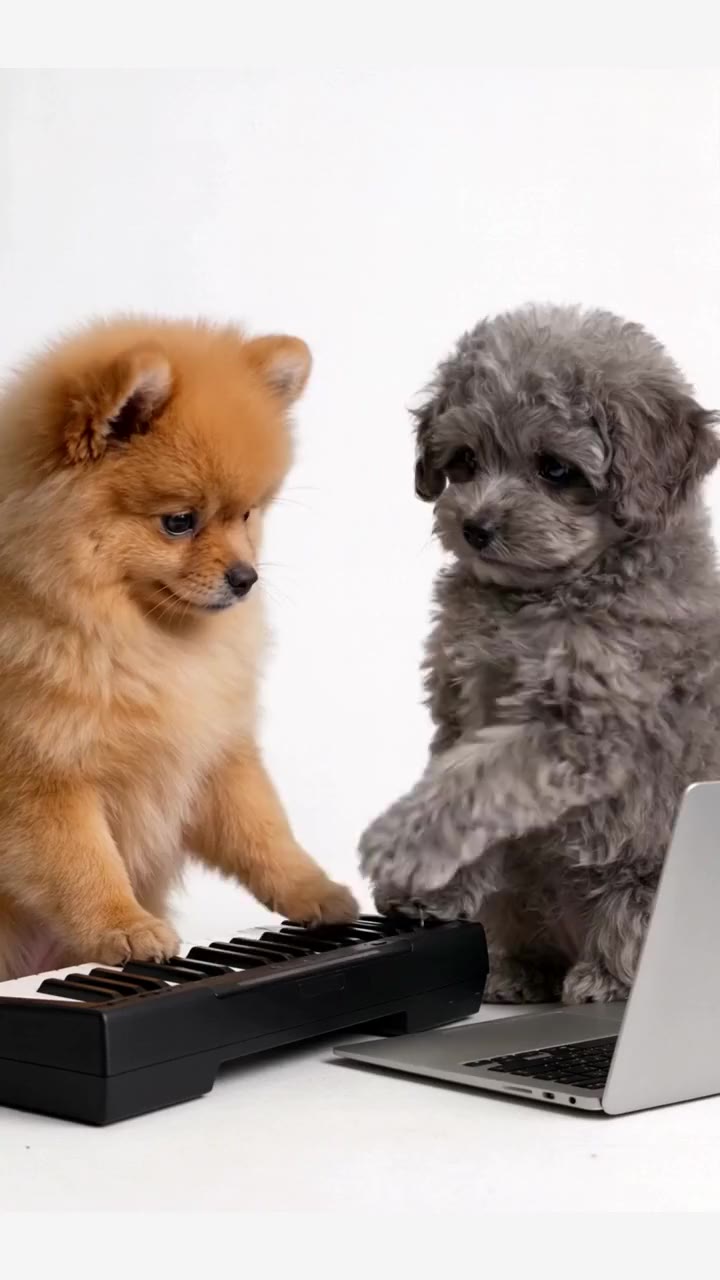
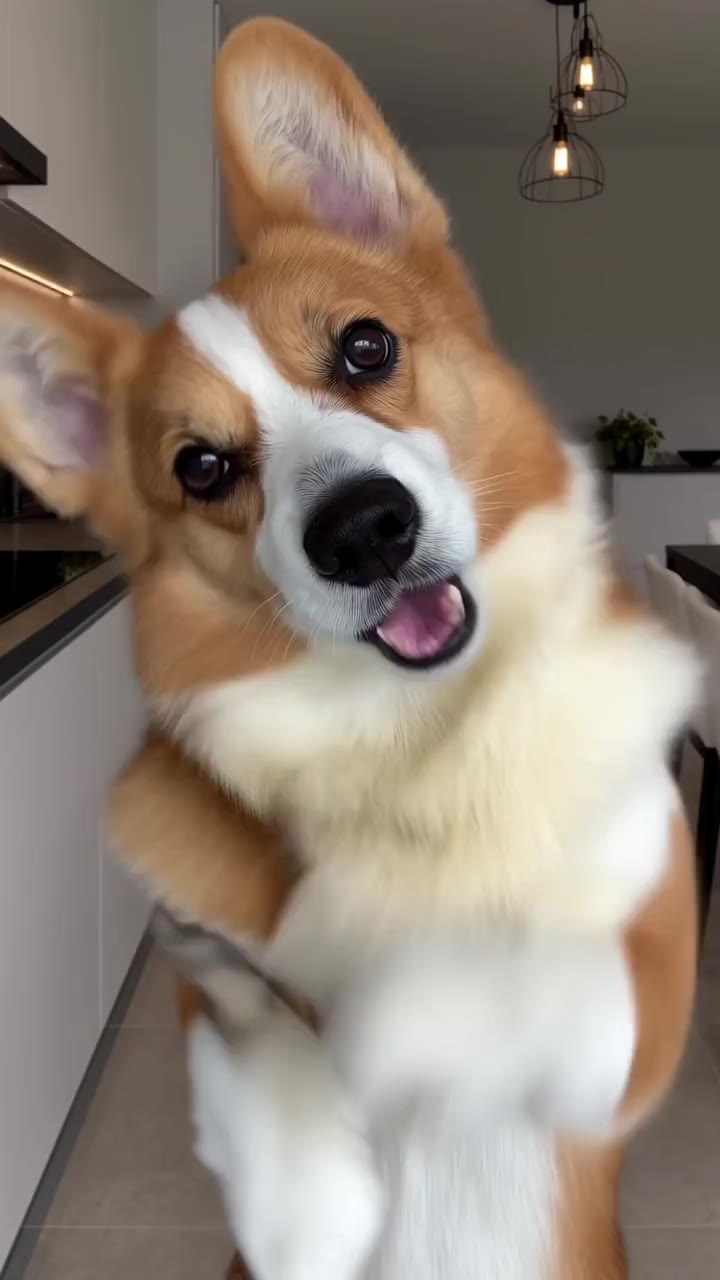
Dogs and cats that dance, play music and pose. 13 templates.
- 2 photos · 15s
Alors on Danse Pets
285 credits
- 1 photo · 15s
Pet Dance
285 credits
- 2 photos · 10s
Cat and Dog Dance
190 credits
- 1 photo · 15s
Kitten Dance
285 credits
- 1 photo · 15s
Pet Paw Dance
285 credits
- 1 photo · 15s
Cat Groove
285 credits
- 3 photos · 15s
Dance Studio with Your Pet
285 credits
- 1 photo · 10s
Giant Pet in the City
190 credits
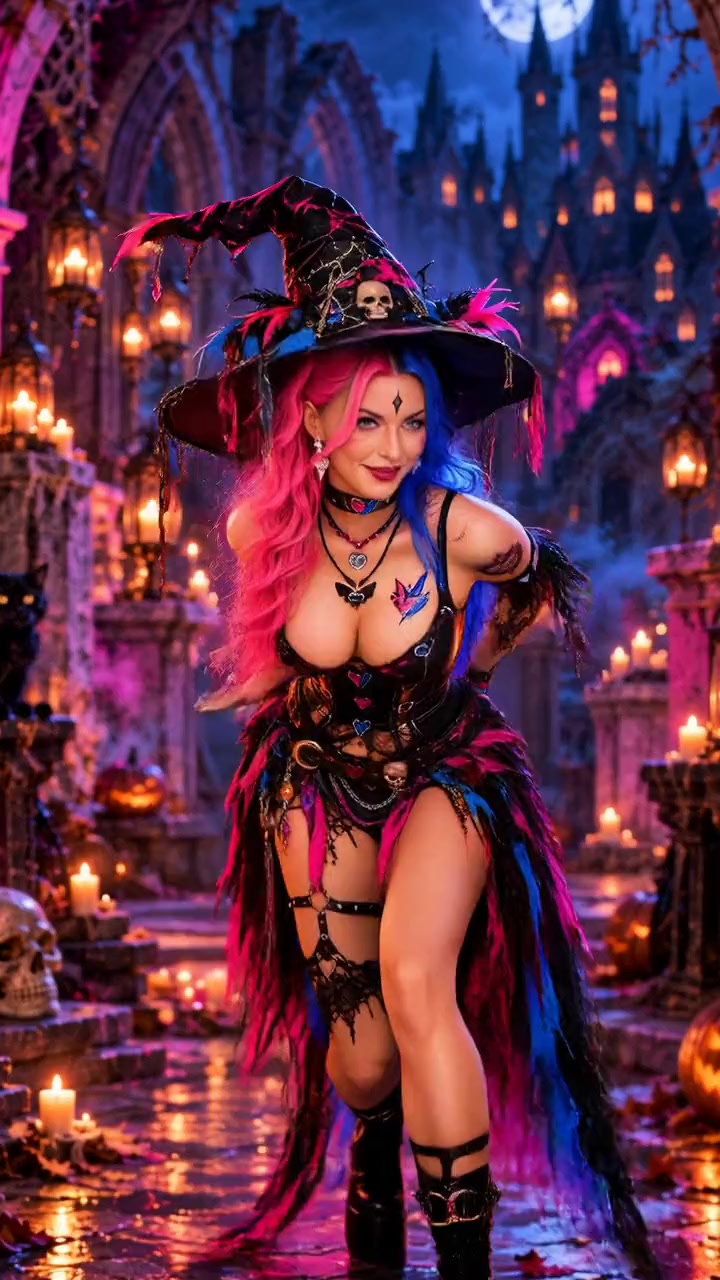
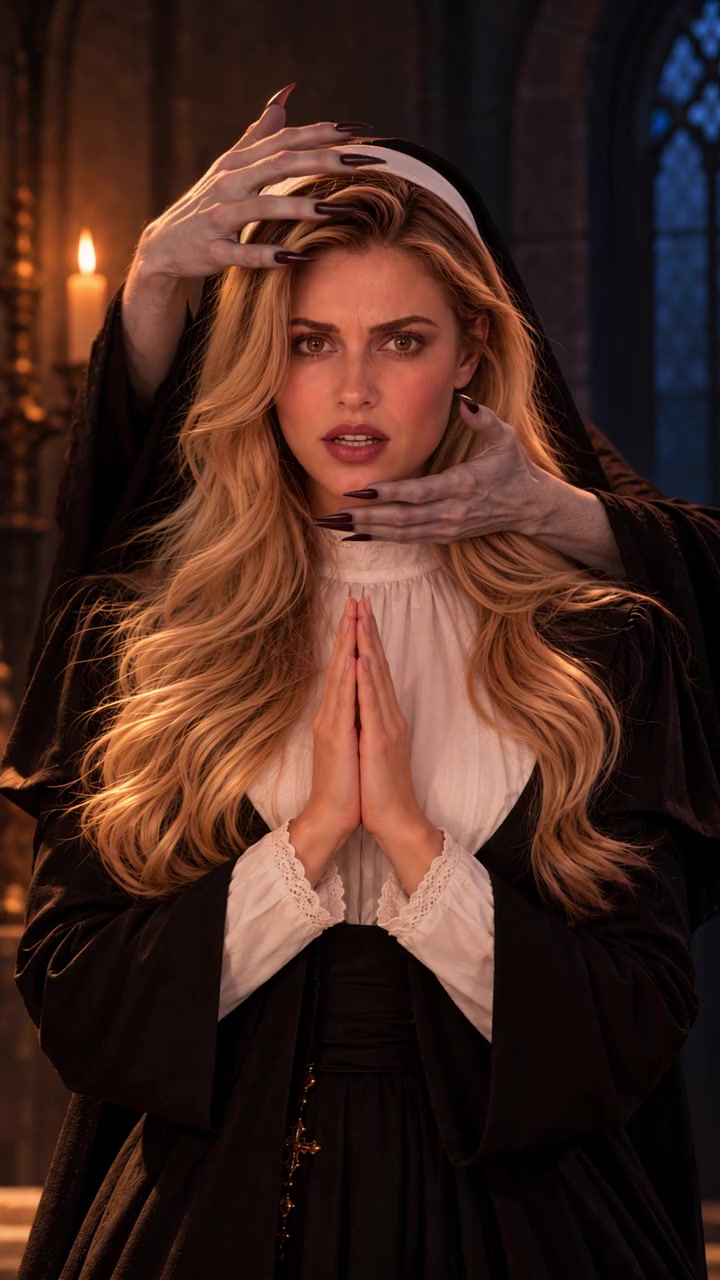
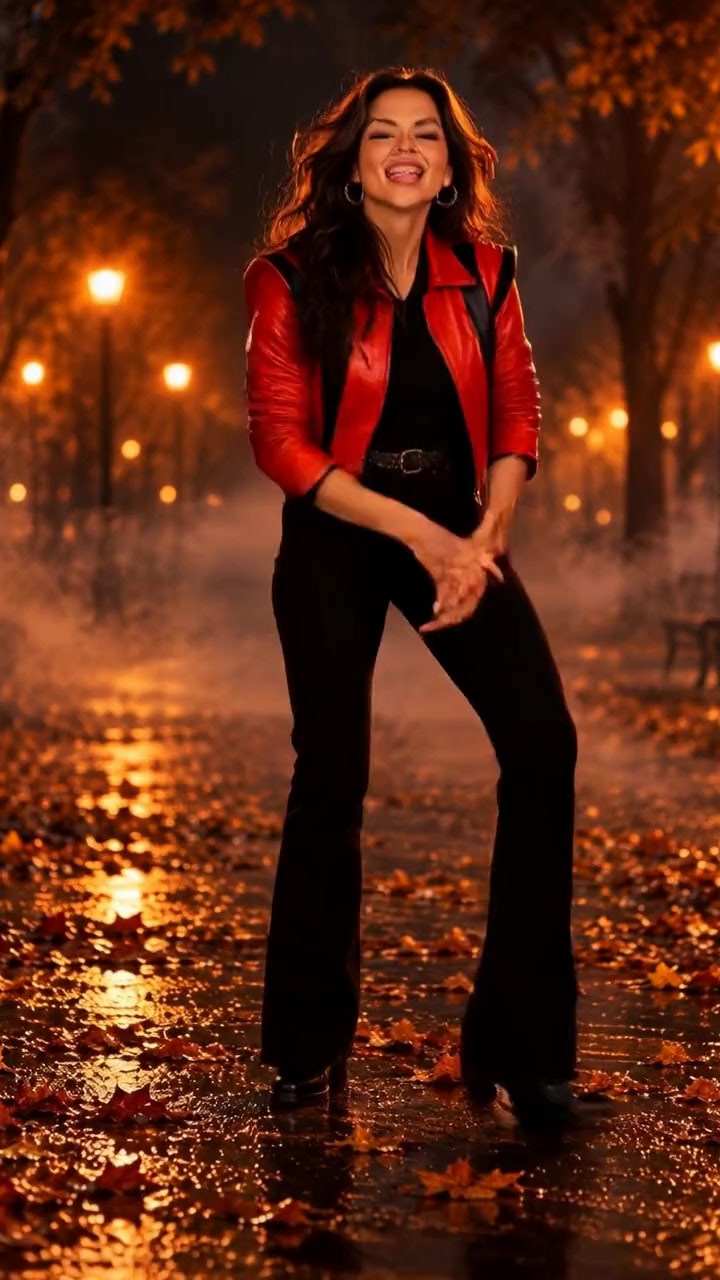
Halloween costumes templates
Witches, vampires, zombies and skeletons. 25 templates.
- 1 person · 14s
Neon Witch Dance
266 credits
- 1 person · 15s
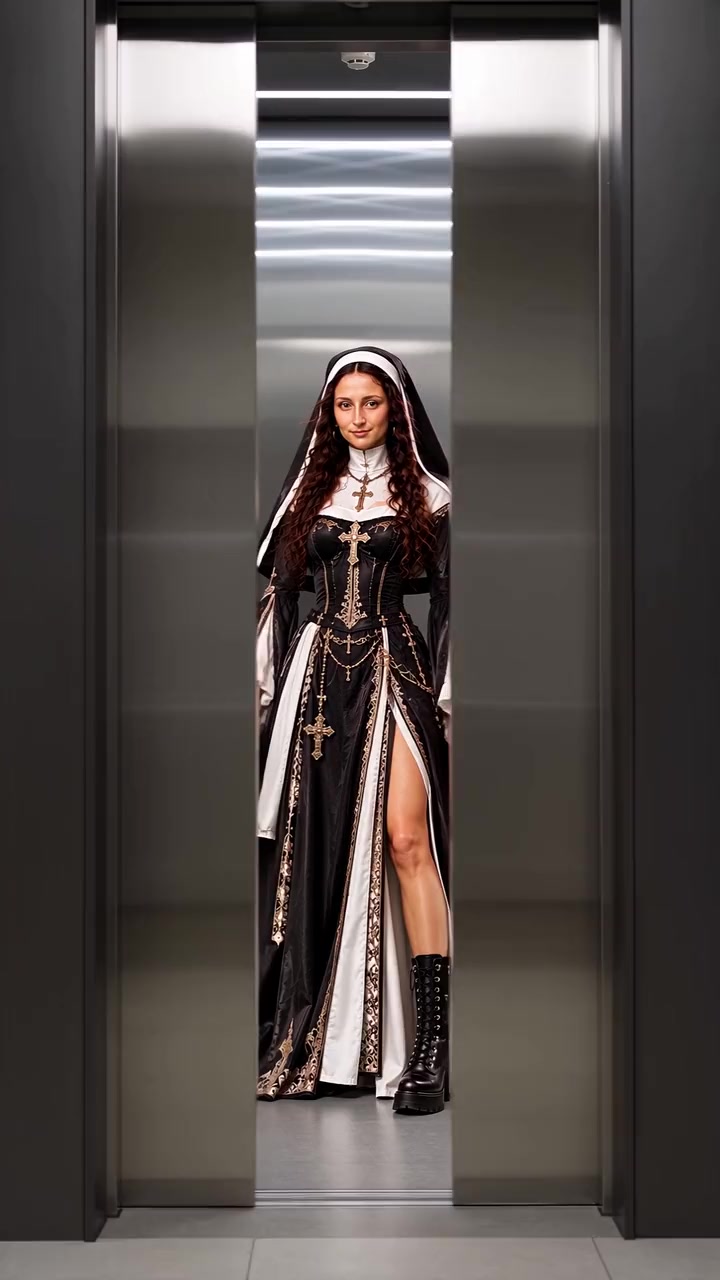
Nun to Vampire
285 credits
- 1 person · 15s
Zombie Street Dance
285 credits
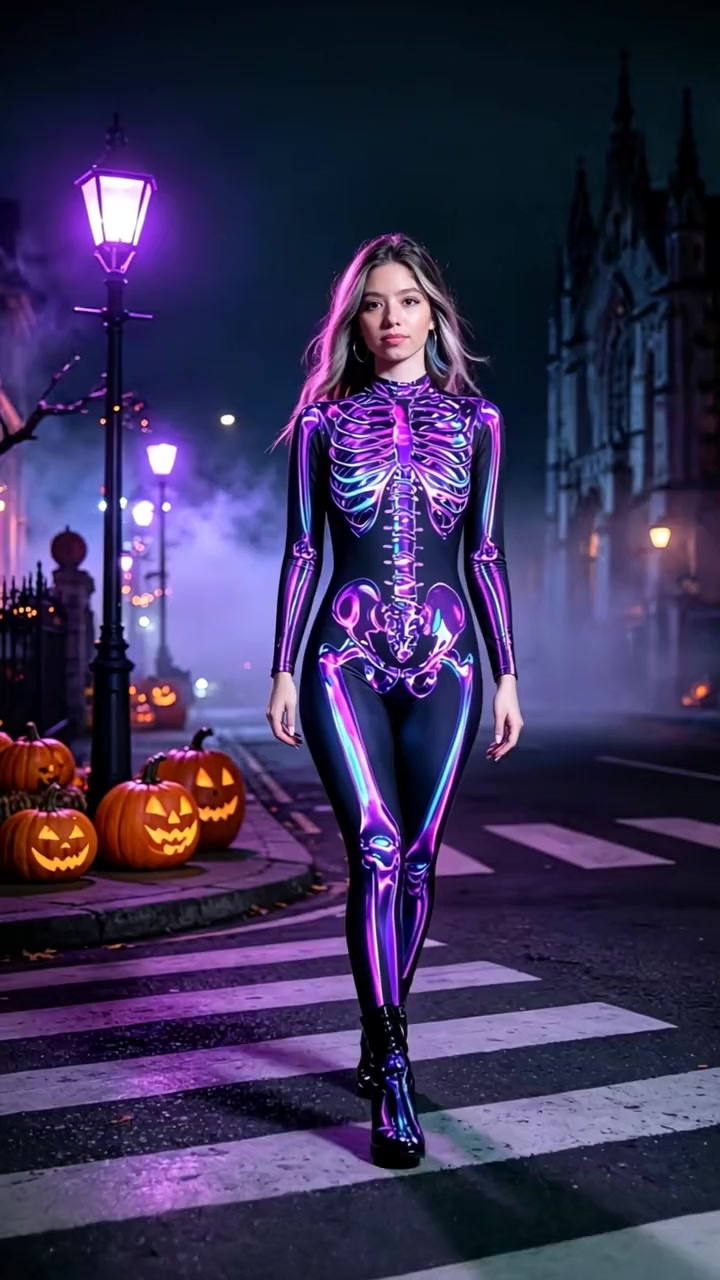
- 1 person · 5s
Neon Skeleton Walk
95 credits
- 1 person · 14s
Elevator Witch Reveal
266 credits
- 1 person · 10s
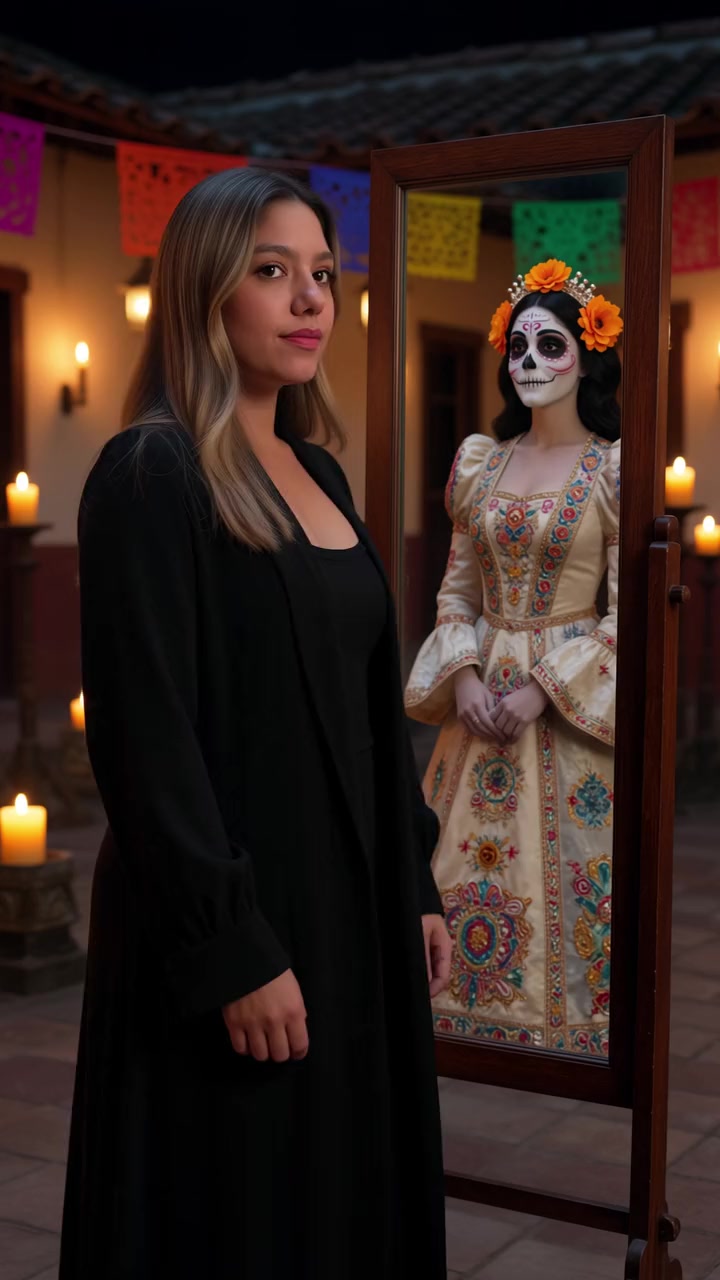
Day of the Dead Mirror
190 credits
- 2 people · 10s
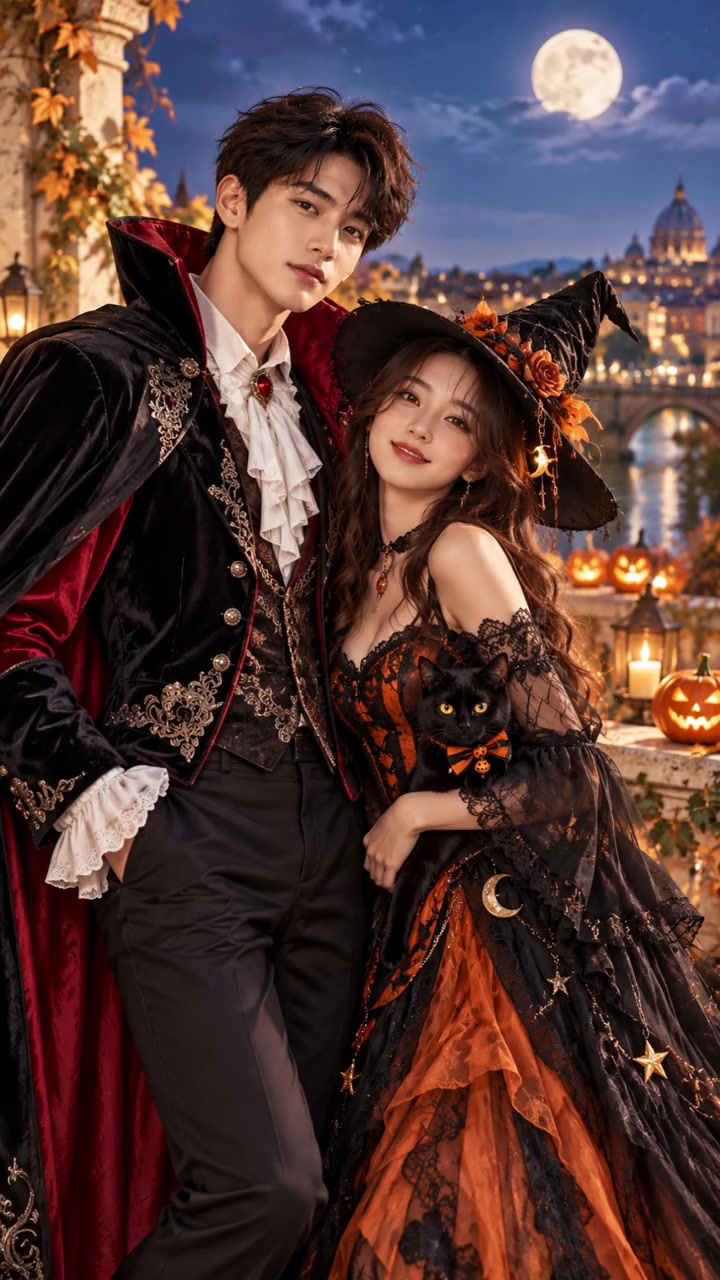
Vampire and Witch Couple
190 credits
- 1 person · 15s
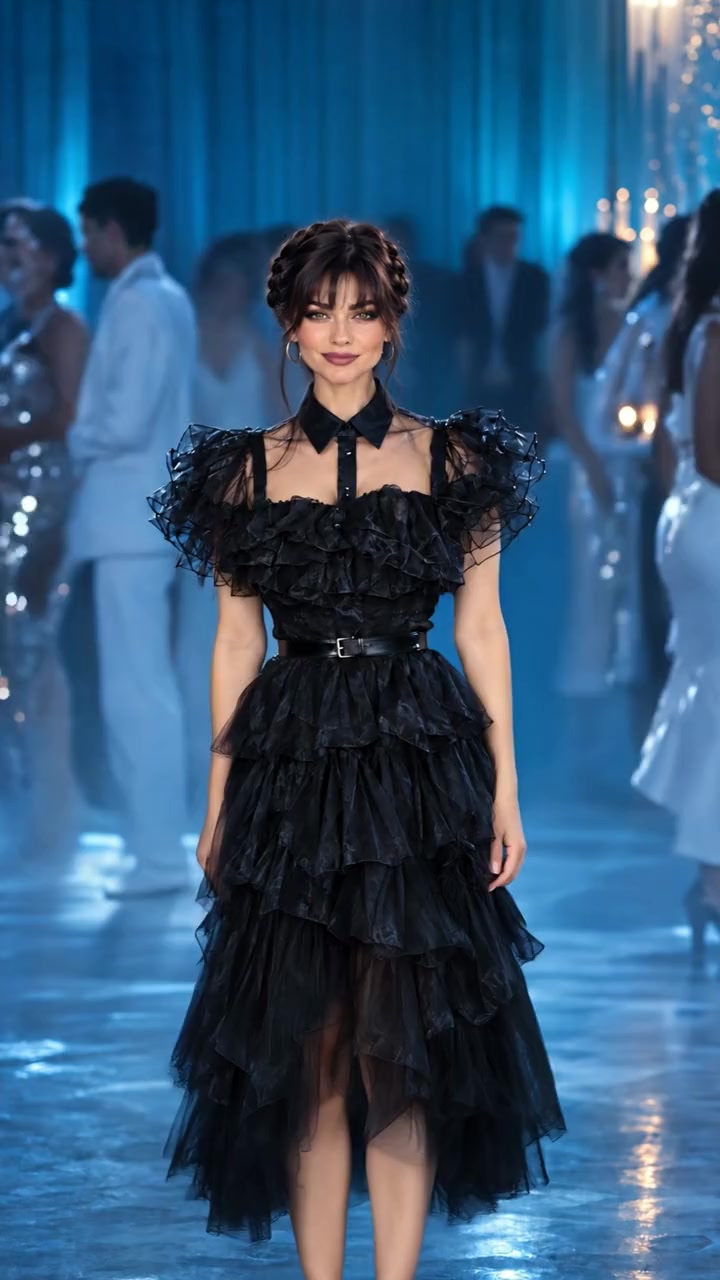
Goth Ballroom Dance
285 credits
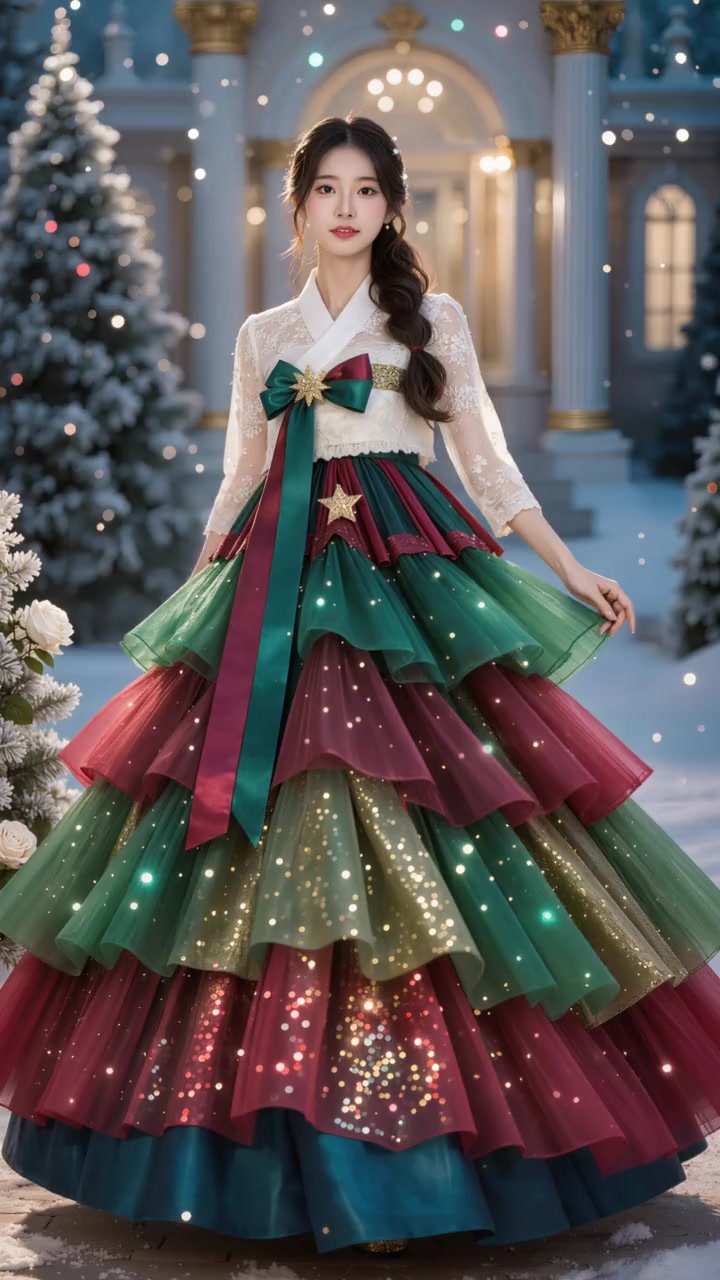
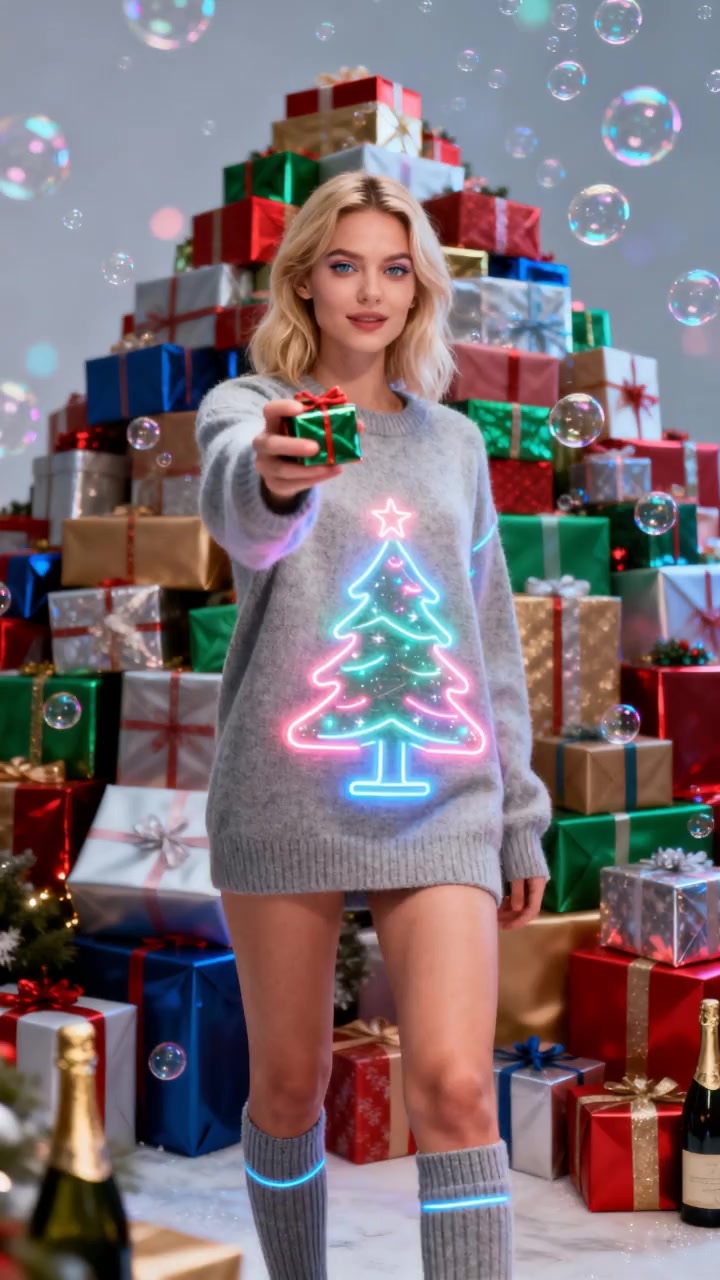
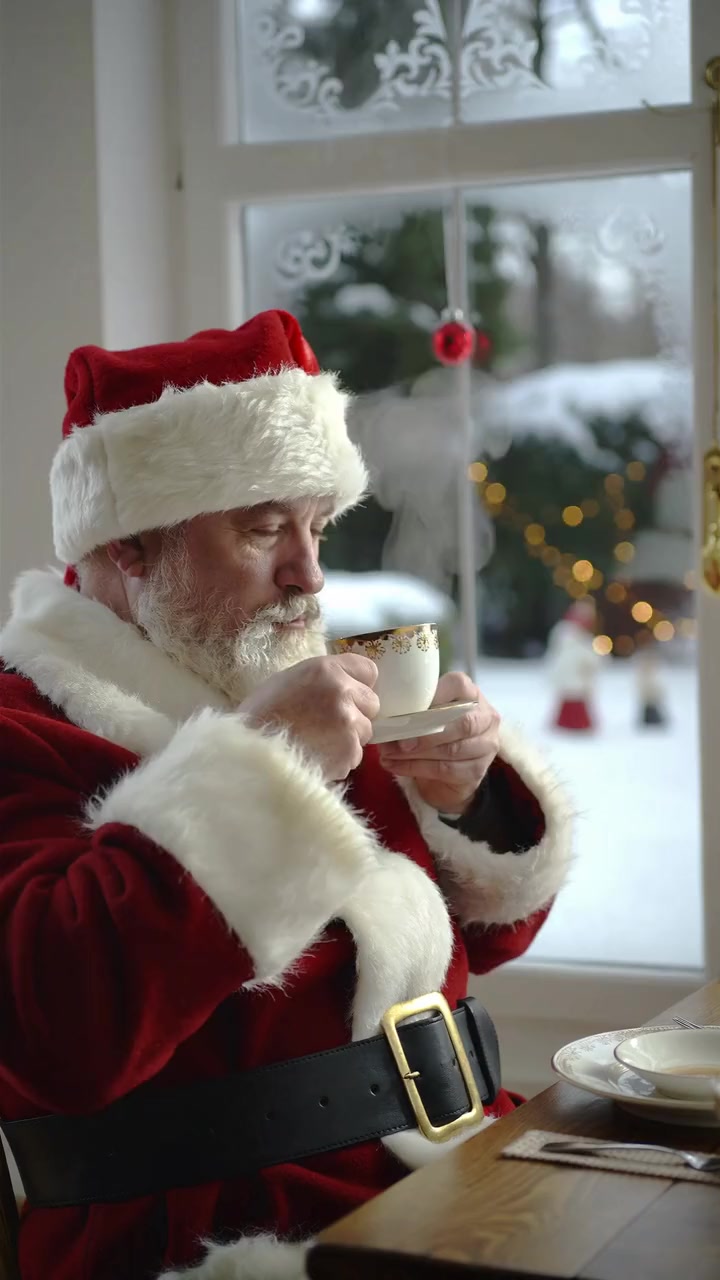
Christmas templates
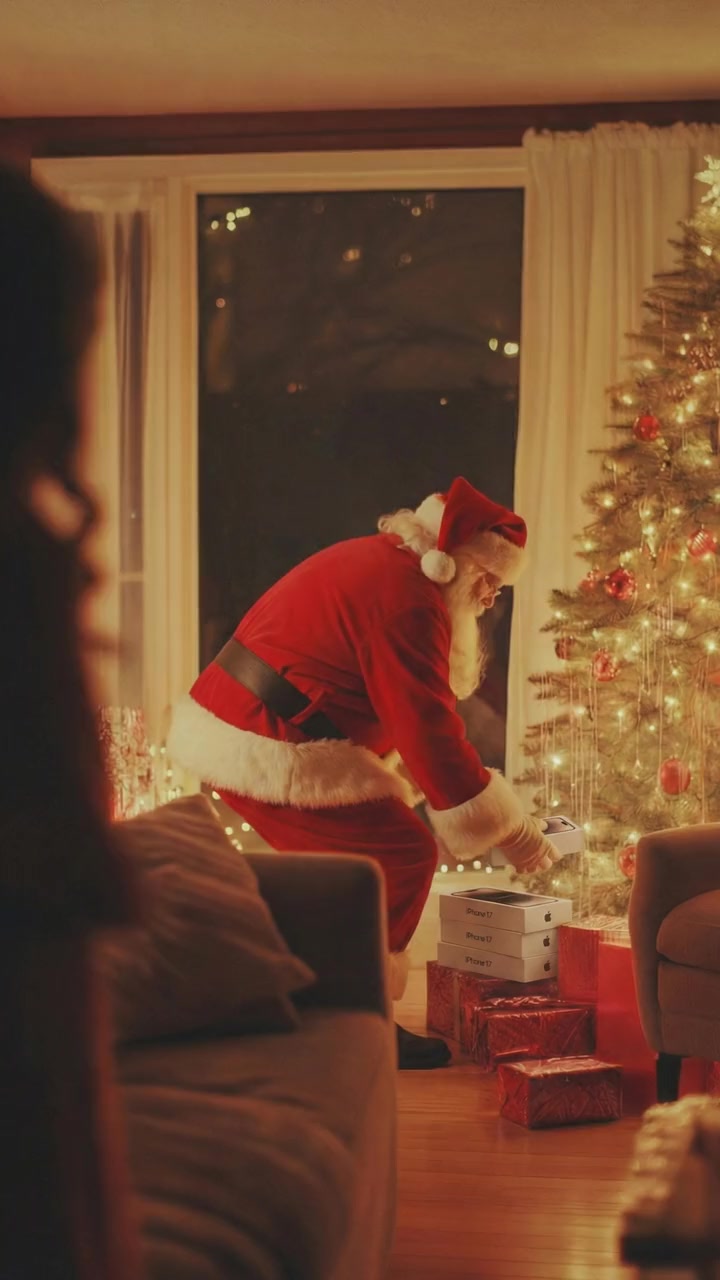
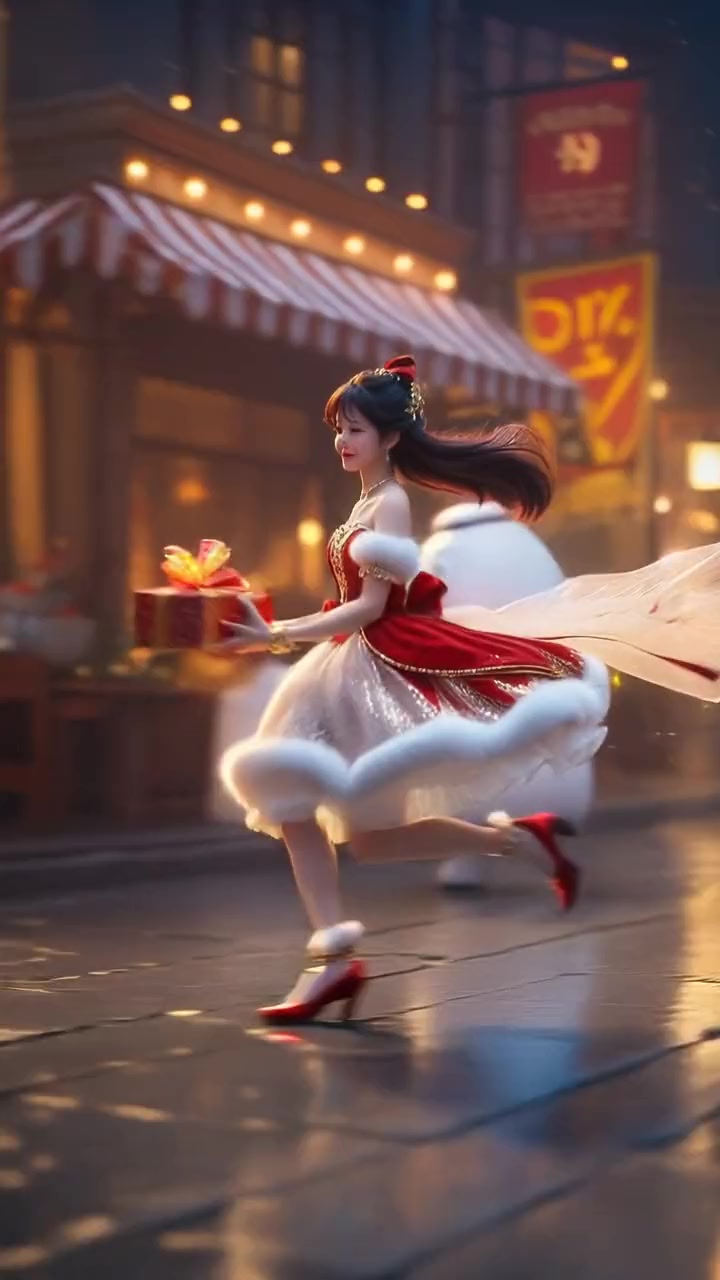
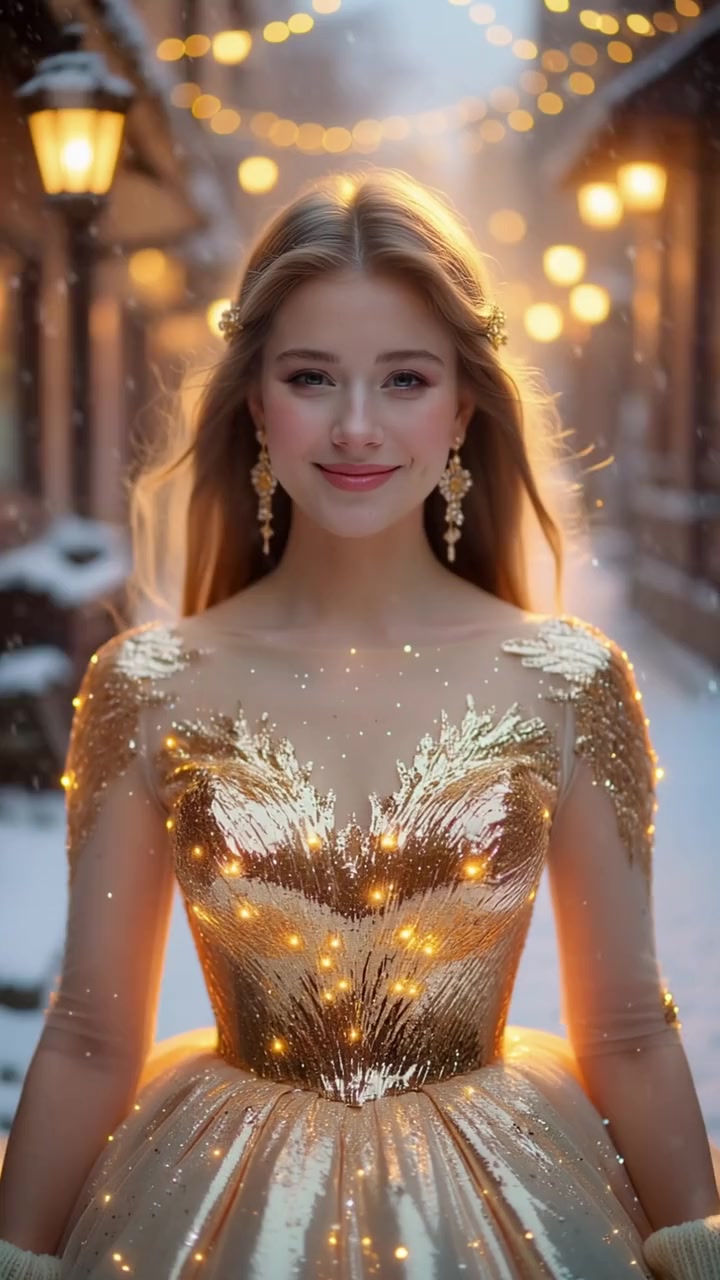
Santa, Christmas dresses and holiday dances. 6 templates.
Viral right now
Trending AI video challenges
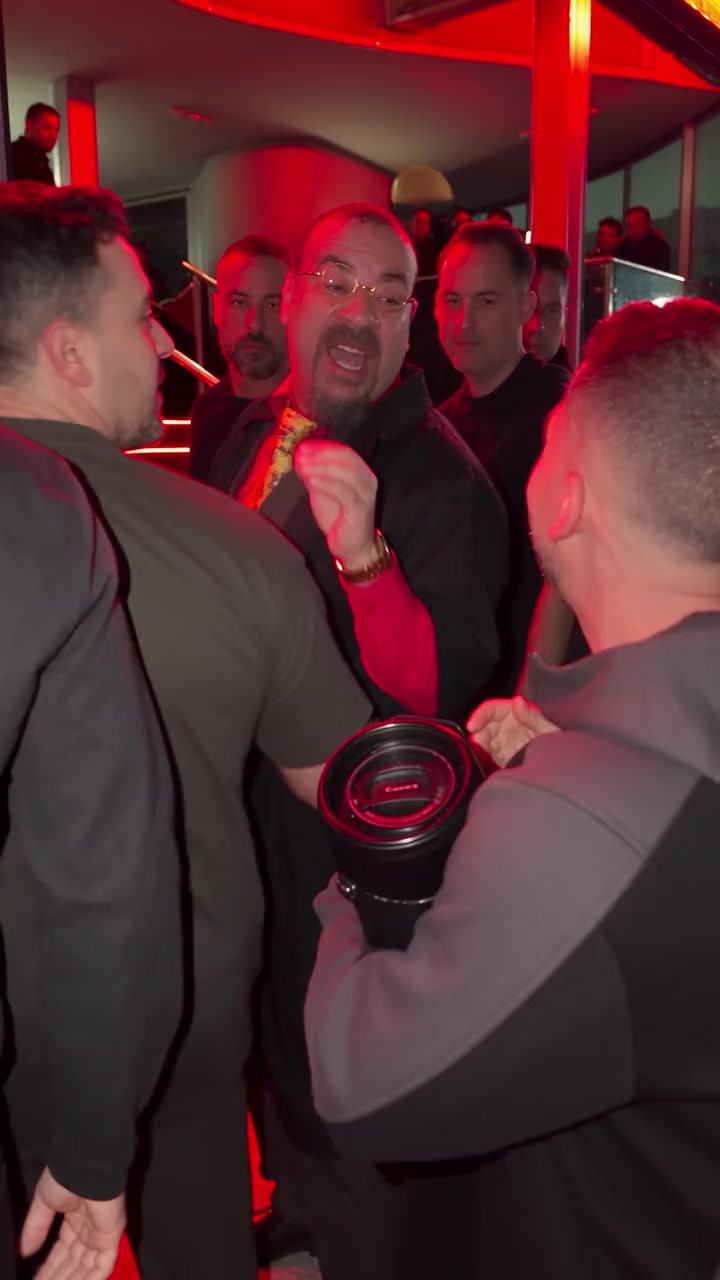
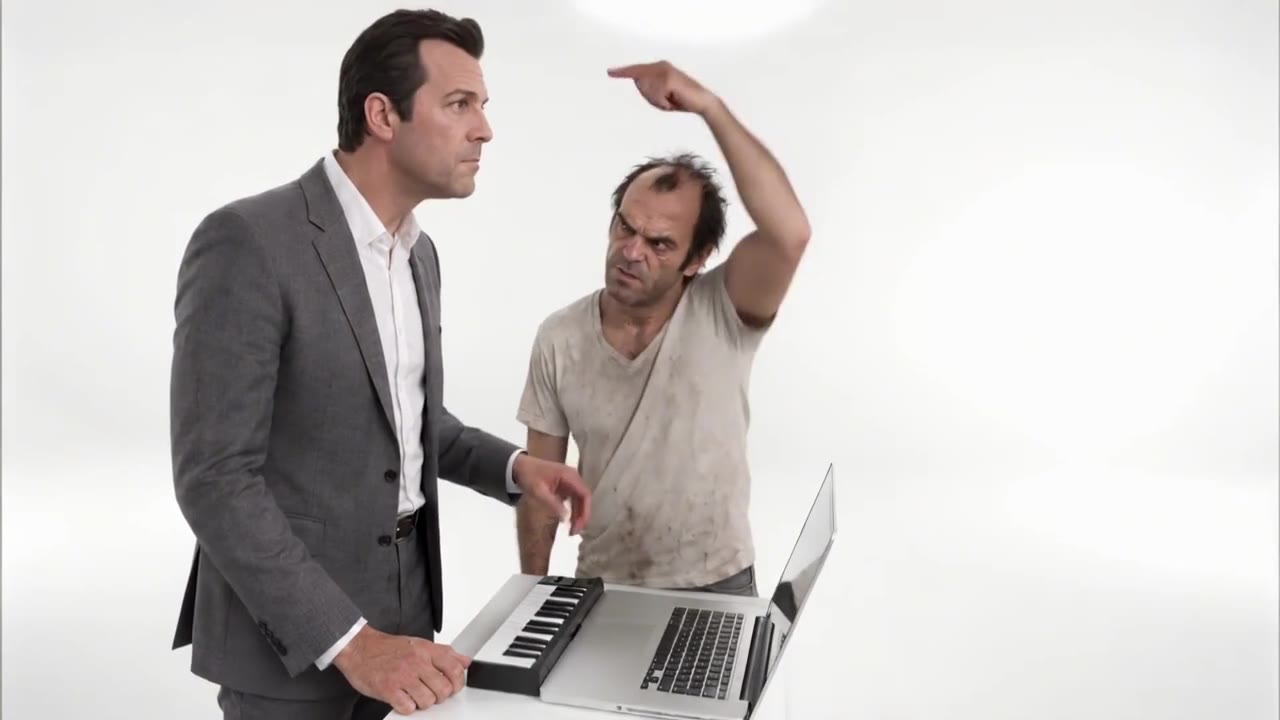
Bulin 47 AI trend
285 credits
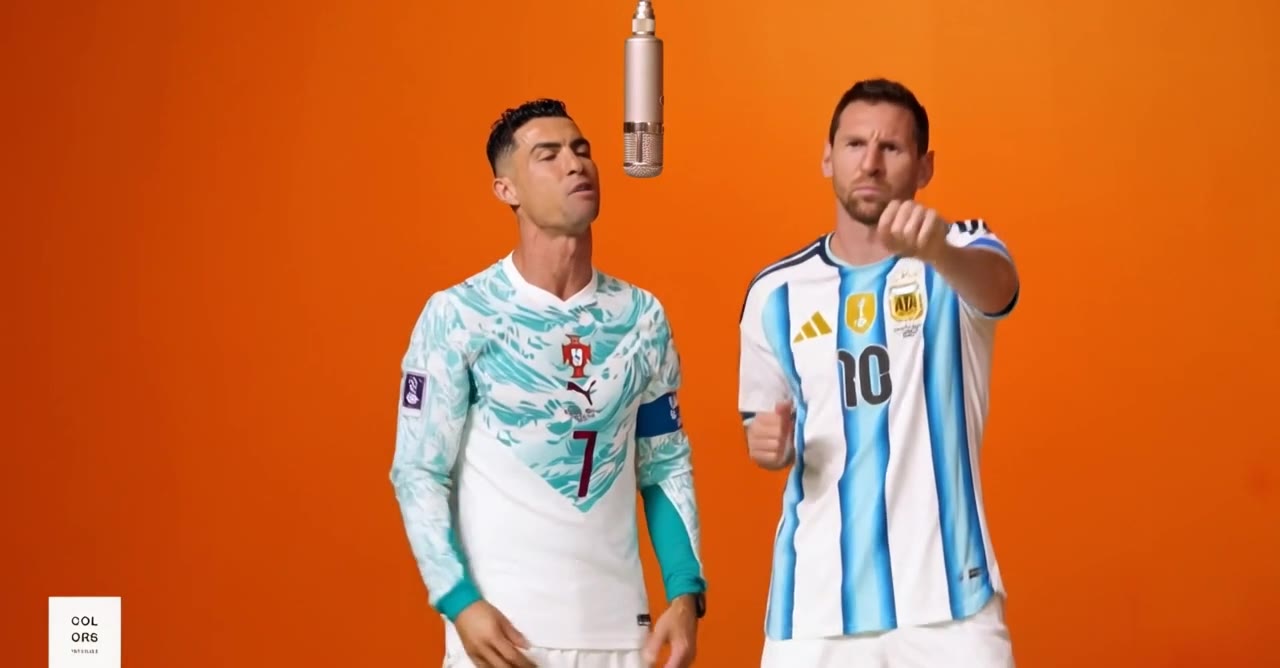
Alors on Danse AI trend
285 credits
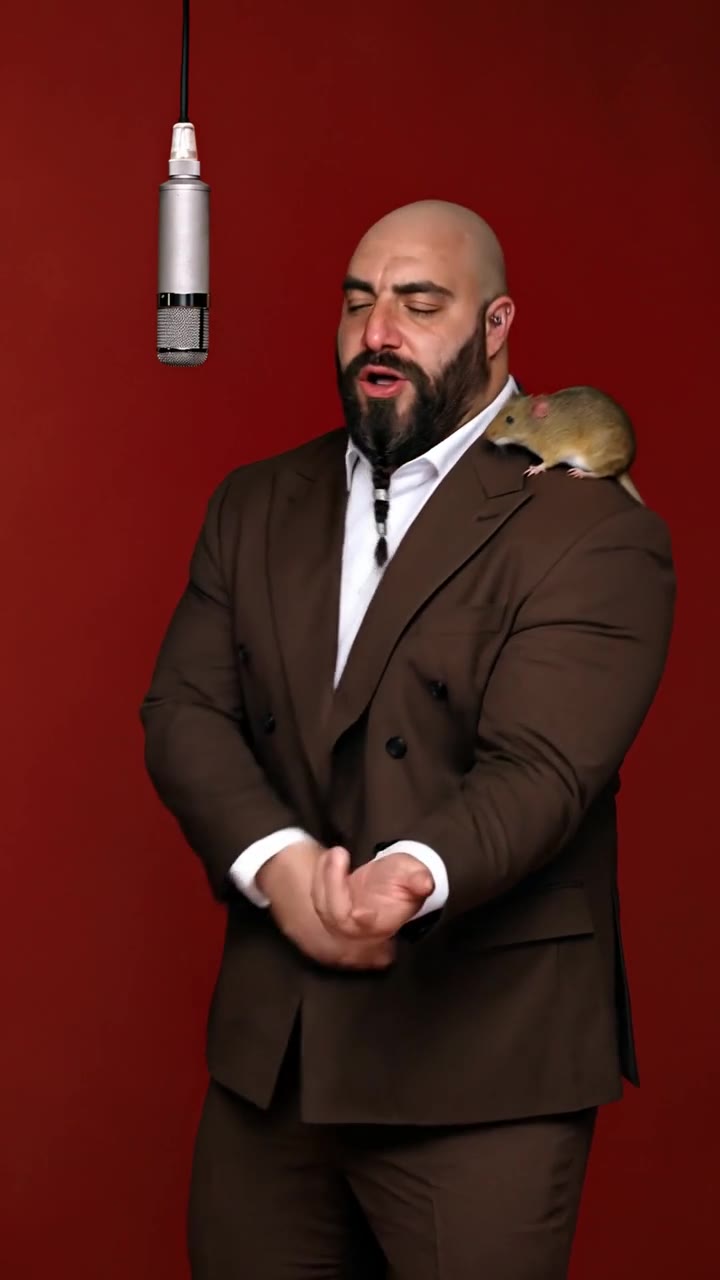
AI rap duo trend
285 credits
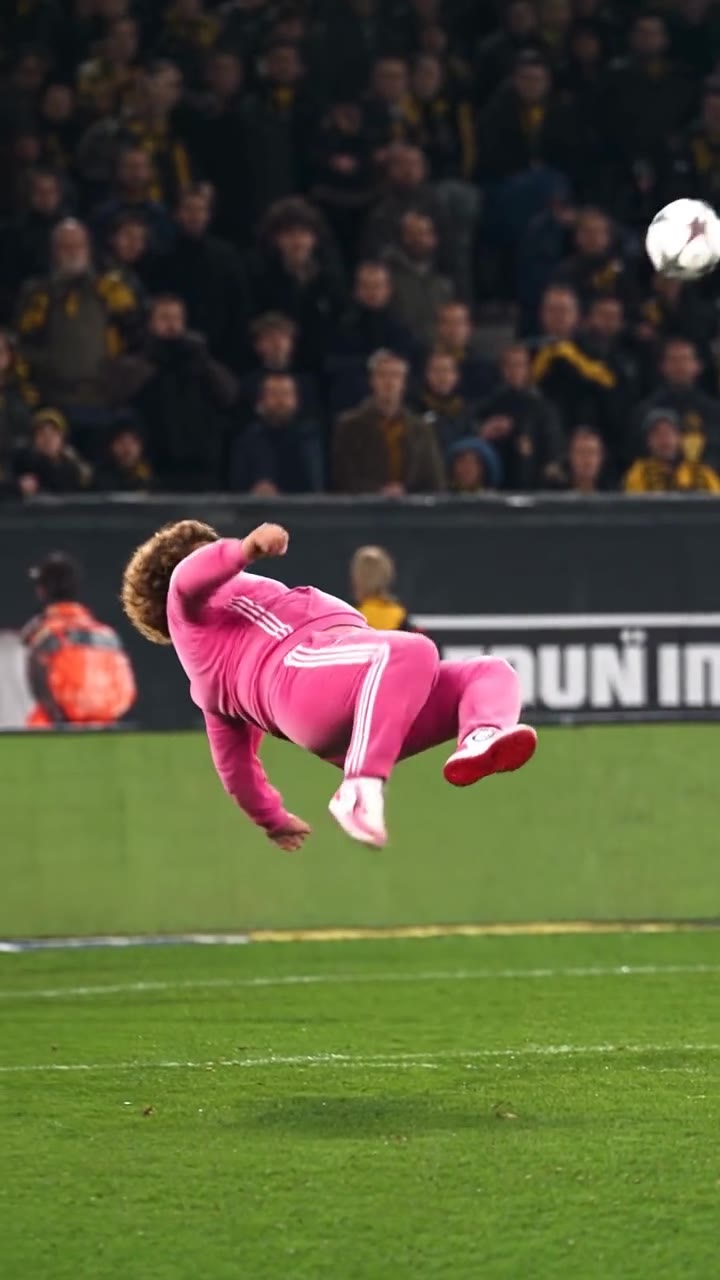
Bécane AI trend
285 credits
AI football video trend
190 credits
Alors on Danse pets AI trend
285 credits
See every trend on the AI video trends page.
How it works
Use a template in three steps
- 01
Pick a template
Each template shows the clip, how many people it needs and its price.
- 02
Add your photo
One clear photo per person, face visible, good light.
- 03
Create and share
The AI puts you in the clip with the original sound, ready for TikTok, Reels or Shorts.
Answers
Frequently asked questions
- What AI video templates does oVideo have?
- oVideo has 212 ready made templates in 10 categories: dance, singing and rap, sports, action movie scenes, rich lifestyle, fashion and runway, fantasy, dancing pets, Halloween costumes and Christmas. Each one is a real short clip, 5 to 15 seconds long, where the AI replaces the person with you and keeps the moves and the sound.
- How do I put myself in a template video?
- Open a template, add one clear photo of yourself and press create. The AI copies every move and camera cut from the clip onto you and puts the original sound back. You do not write a prompt or edit anything.
- How much does a template video cost?
- Templates are priced per second: 19 credits per second at 720p, so a 5 second clip costs 95 credits and a 15 second clip 285 credits. The price is on the button before you create, and credits for a failed video are returned automatically.
- Can two or three people be in one template?
- Yes. 24 templates have two or more people, up to 3. You add one photo per person, and numbered badges on the clip show who replaces whom.
- Can I use my own video instead of a template?
- Yes. With Put Yourself In (AI character swap) you upload any short clip and a photo, and you become the main character while the motion and sound stay the same.
- How does the AI make the template videos?
- The template clip sets the timing, poses and camera moves, and your photo sets the person, so the moves stay the same while the face, body and look come from your photo.
- Can I make an AI couple video?
- Yes. Duo templates swap two people at once: add one photo for each person and you both take the places of the pair in the clip, with the same moves and the original song.
- Do I need to write a prompt?
- No. Templates have no prompt box: pick a template, add one photo per person and create. The template already sets the moves, the camera and the sound.
Pick a template and make your version
Sign in, open any template, add your photo and share the result.