
Sing it, rap it,without recording
Be the one singing in the studio, rapping in the booth or playing the DJ set. Pick a performance clip, add one photo, and the AI makes you the performer with your lips in sync with the original song.
Updated
17 templates, from 133 credits
The Bulin 47 Freestyle template. Add your photo and you take this place.
Add your photo to try Bulin 47 Freestyle
Your photos stay in your browser until you sign up. You see the price before anything is made.
What is an AI singing video?
It is a short music video where you are the performer: singing, rapping or playing a set, with the mouth following the song. On oVideo you choose a performance template, add one photo, and the AI swaps you in while the song, the stage and the camera stay exactly as they were.
At a glance
AI singing video: the facts
- Input
- One clear photo of you per person in the clip. No prompt to write
- Templates
- 17 ready clips in this theme, some for two people
- Clip length
- 7 to 15 seconds, vertical or landscape like the original
- What changes
- The person in the clip becomes you: face, hair, body and outfit from your photo
- What stays
- Every move, the camera, the scene and the original sound
- Price
- 19 credits per second at 720p: 133 to 285 credits per video, shown before you create. Failed videos are refunded
- How it works
- The original clip sets the moves and the camera, your photo sets the person. Runs in the browser
Templates
Performances to take over
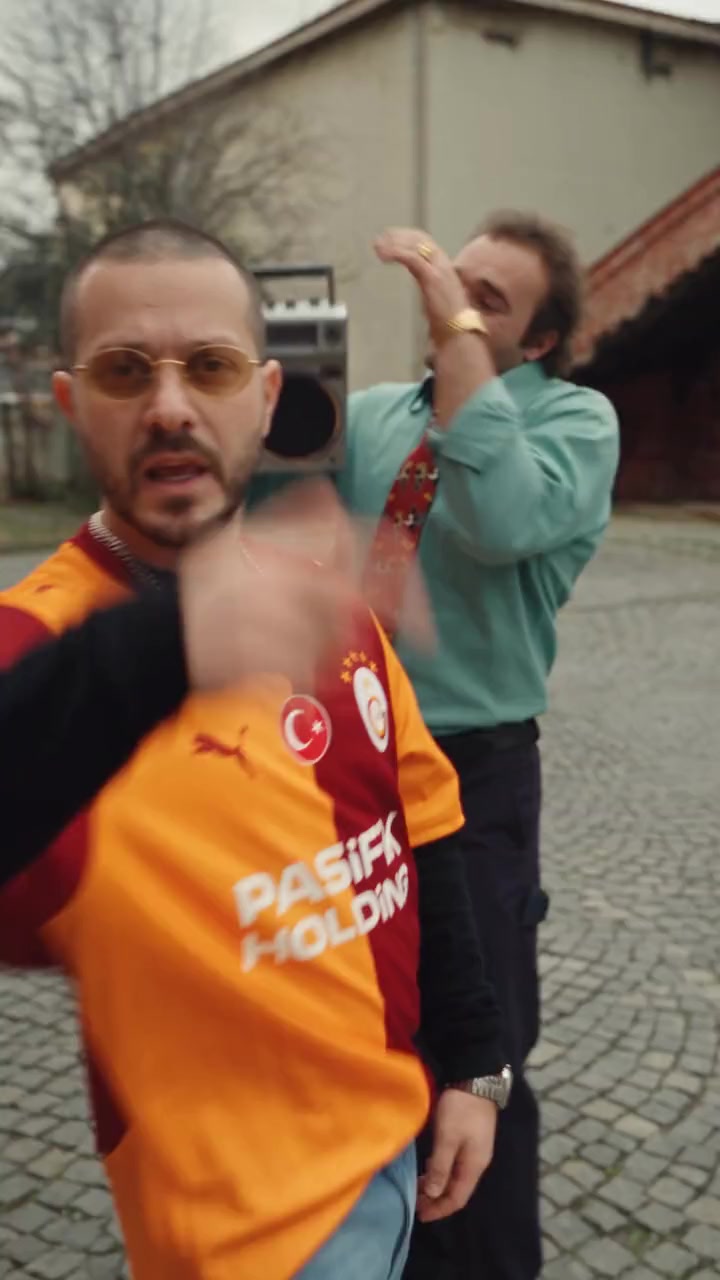
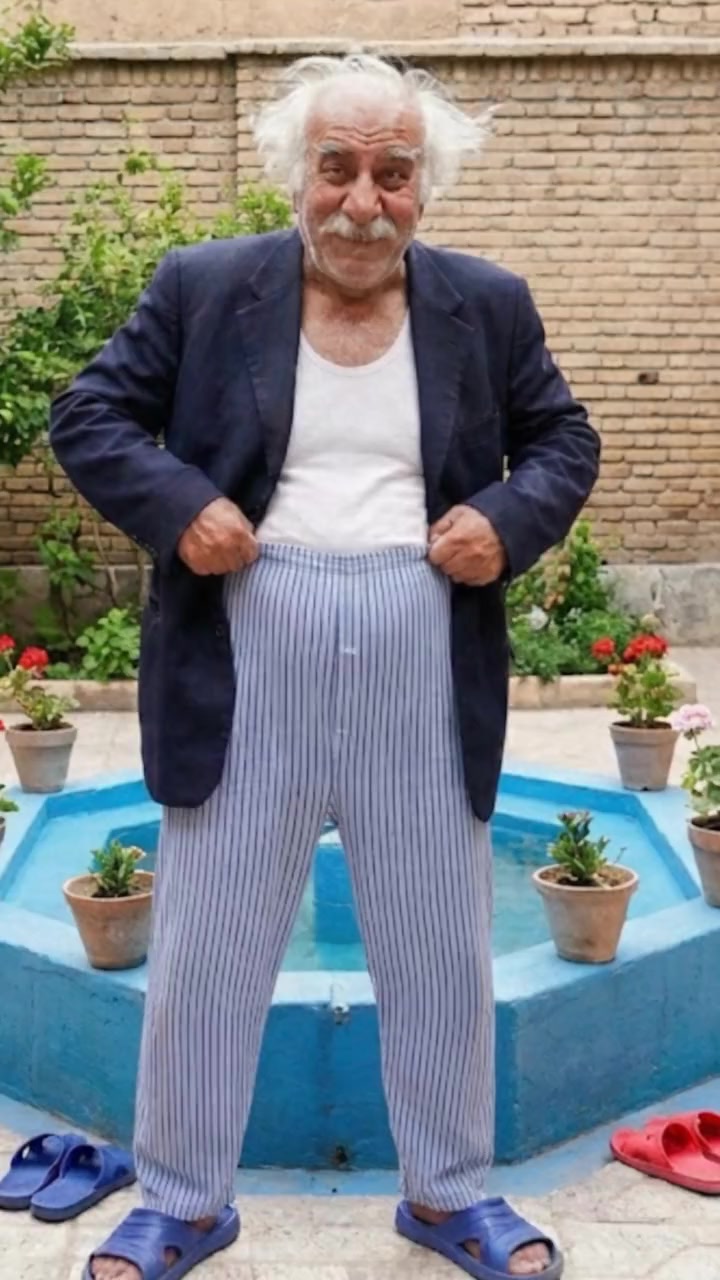
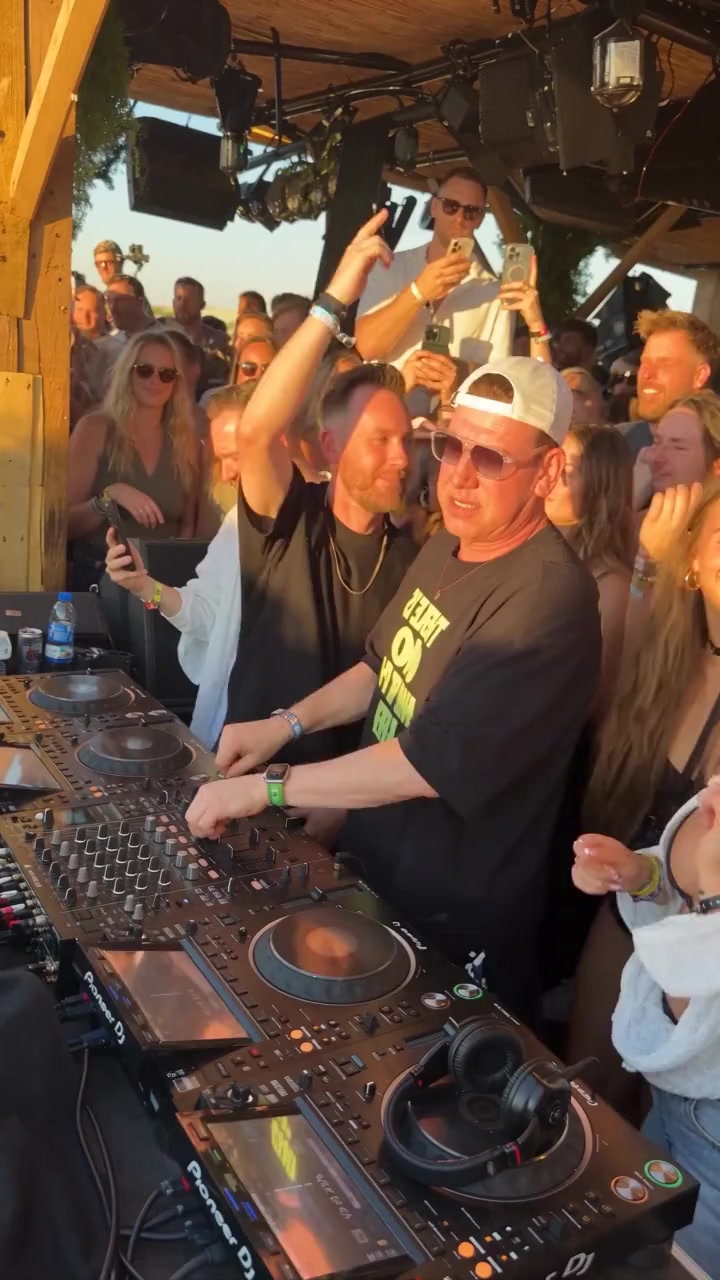
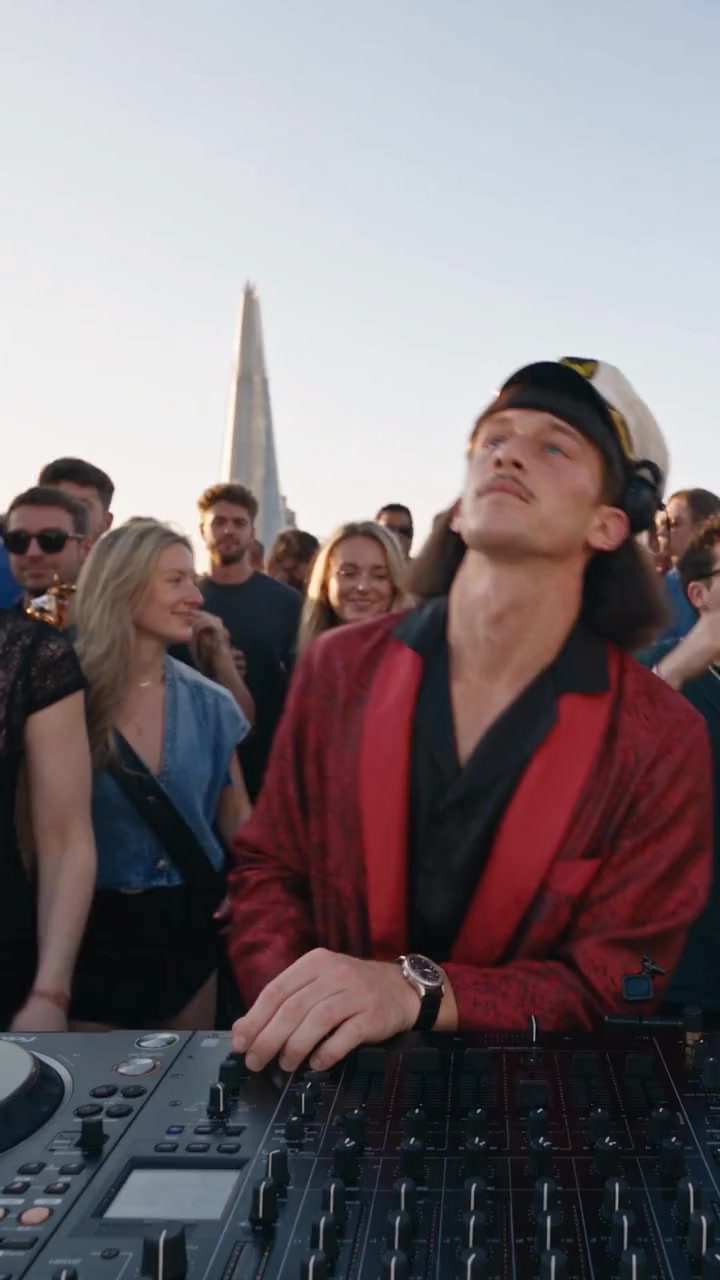
Studio sessions, rap duos, DJ sets and concerts. Tap one, add your photo and create.
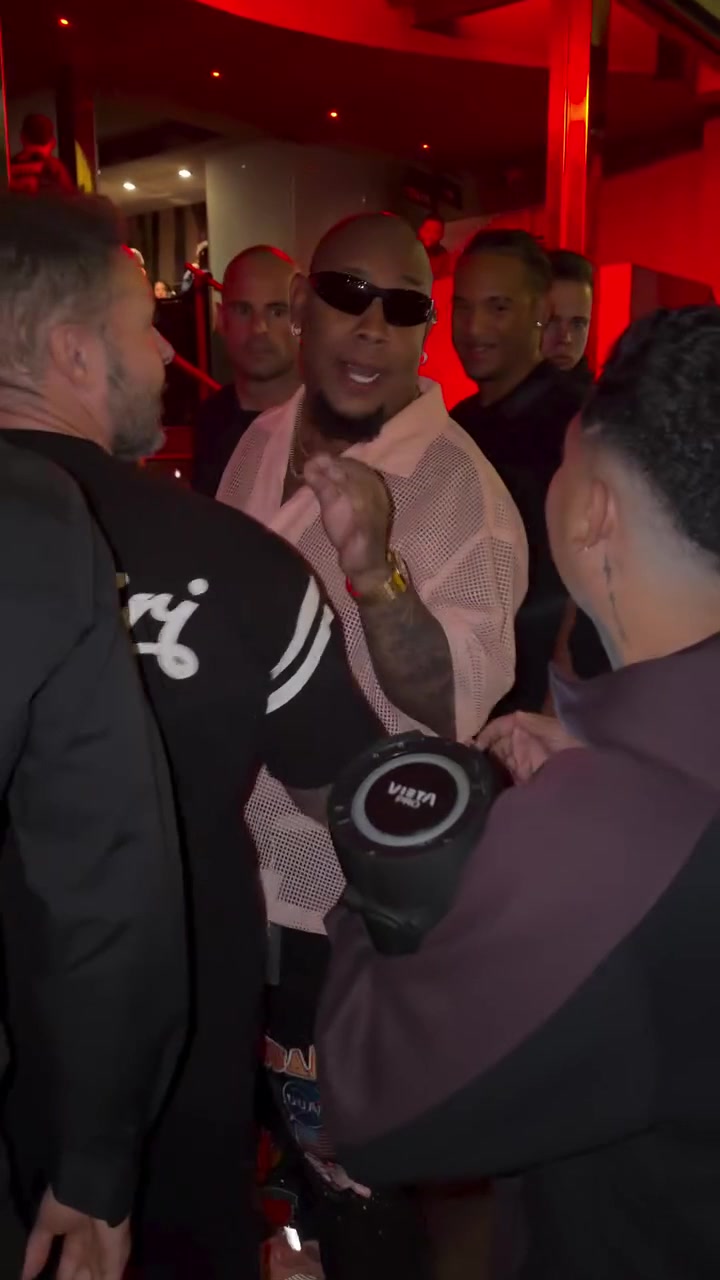
- 1 person · 15s
Bulin 47 Freestyle
285 credits
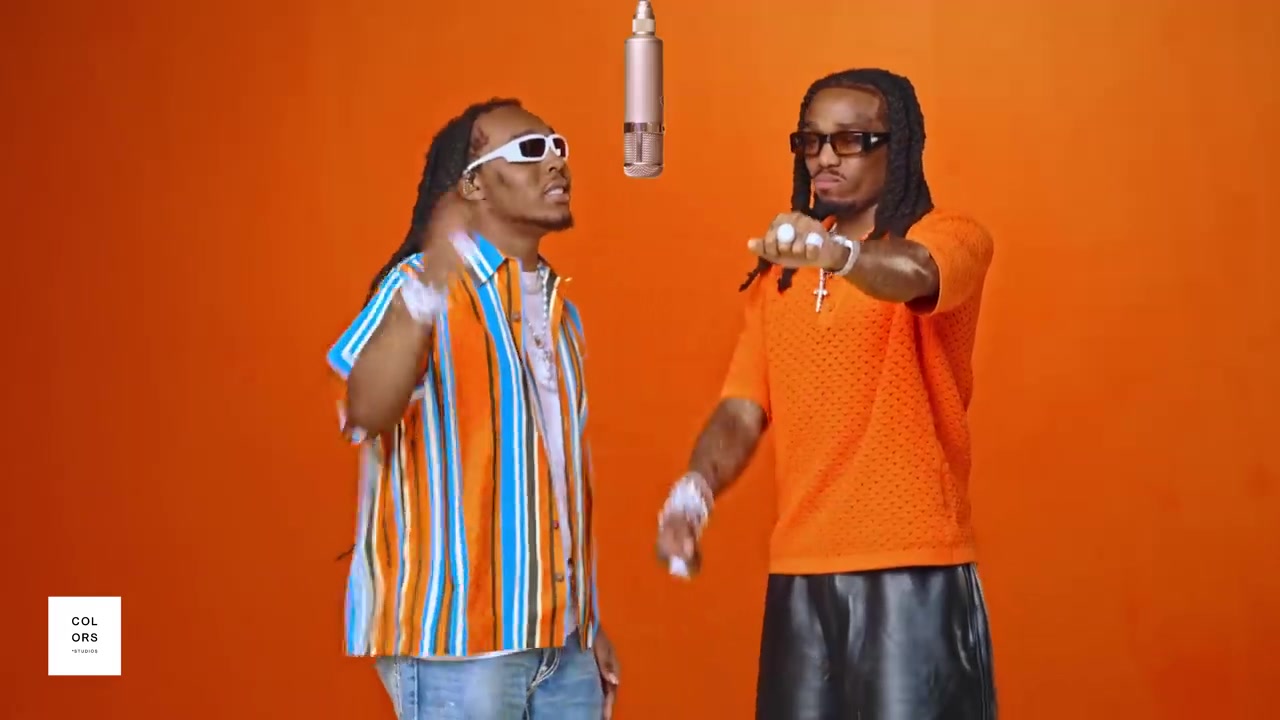
- 2 people · 7s
Orange Rap Duo
133 credits
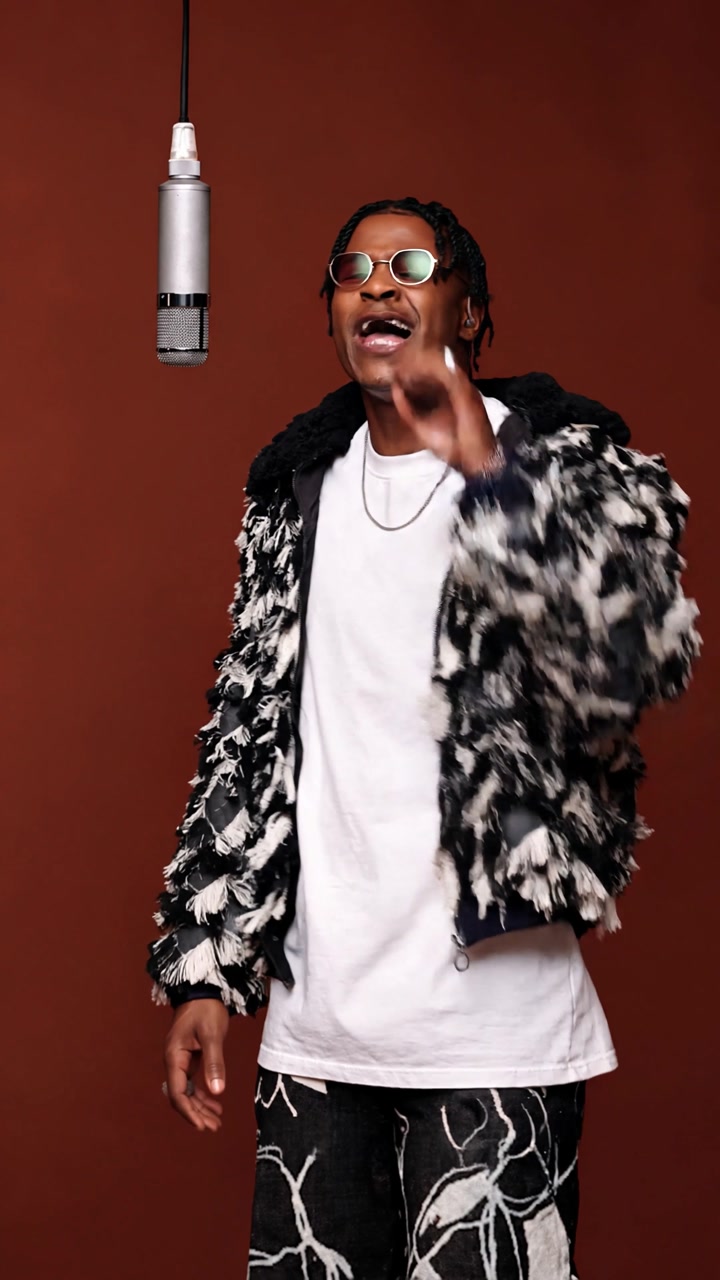
- 1 person · 15s
Studio Singer
285 credits
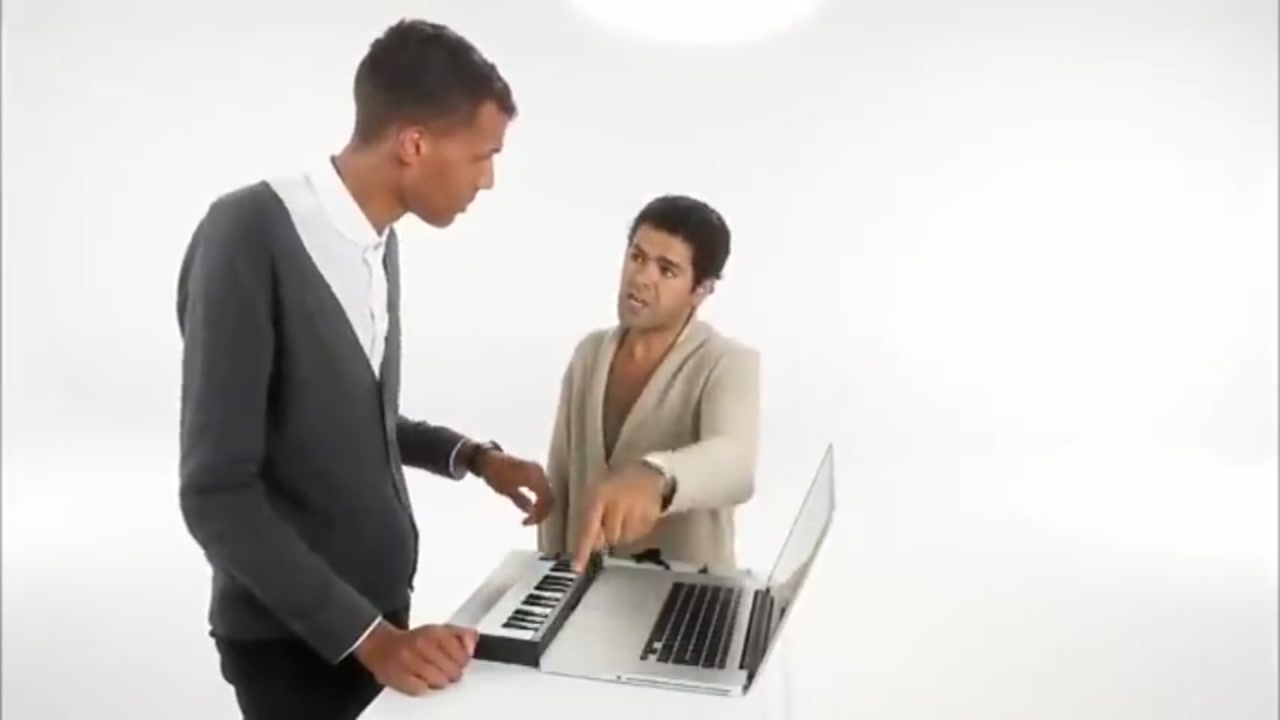
- 2 people · 15s
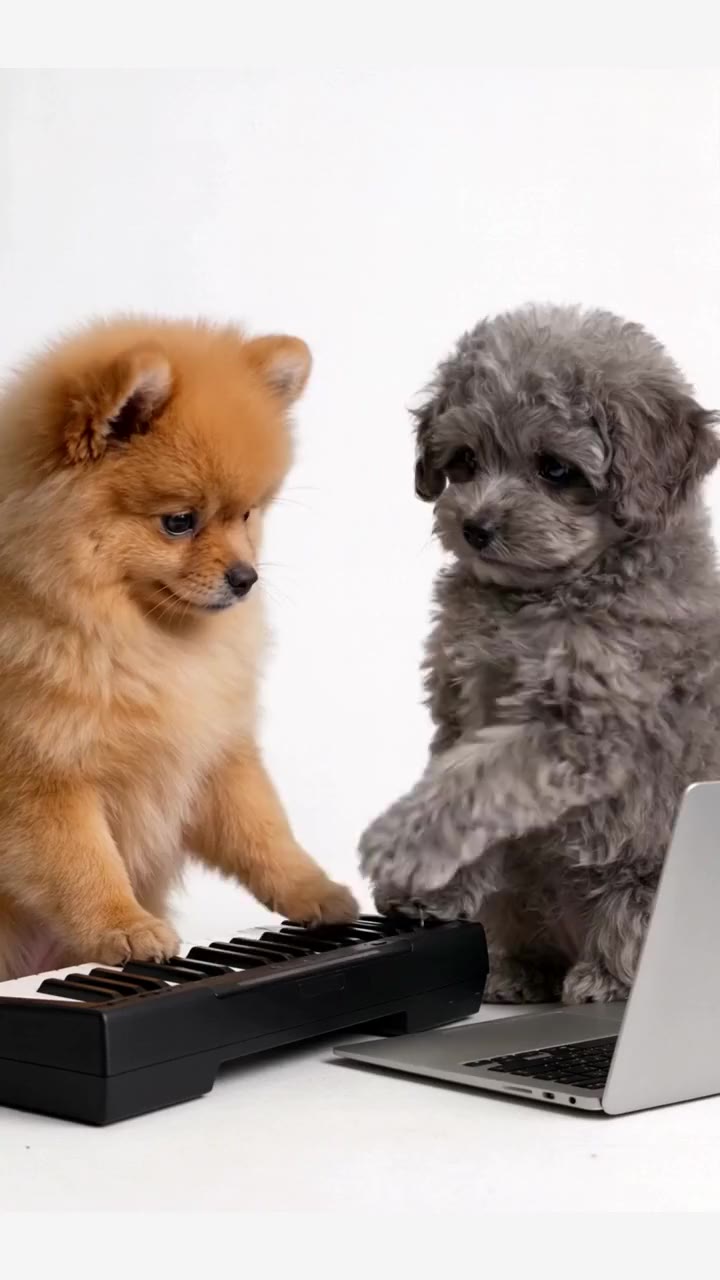
Keyboard Duo
285 credits
- 2 people · 15s
Rap Duo Walk
285 credits
- 1 person · 10s
Courtyard Rap
190 credits
- 1 person · 10s
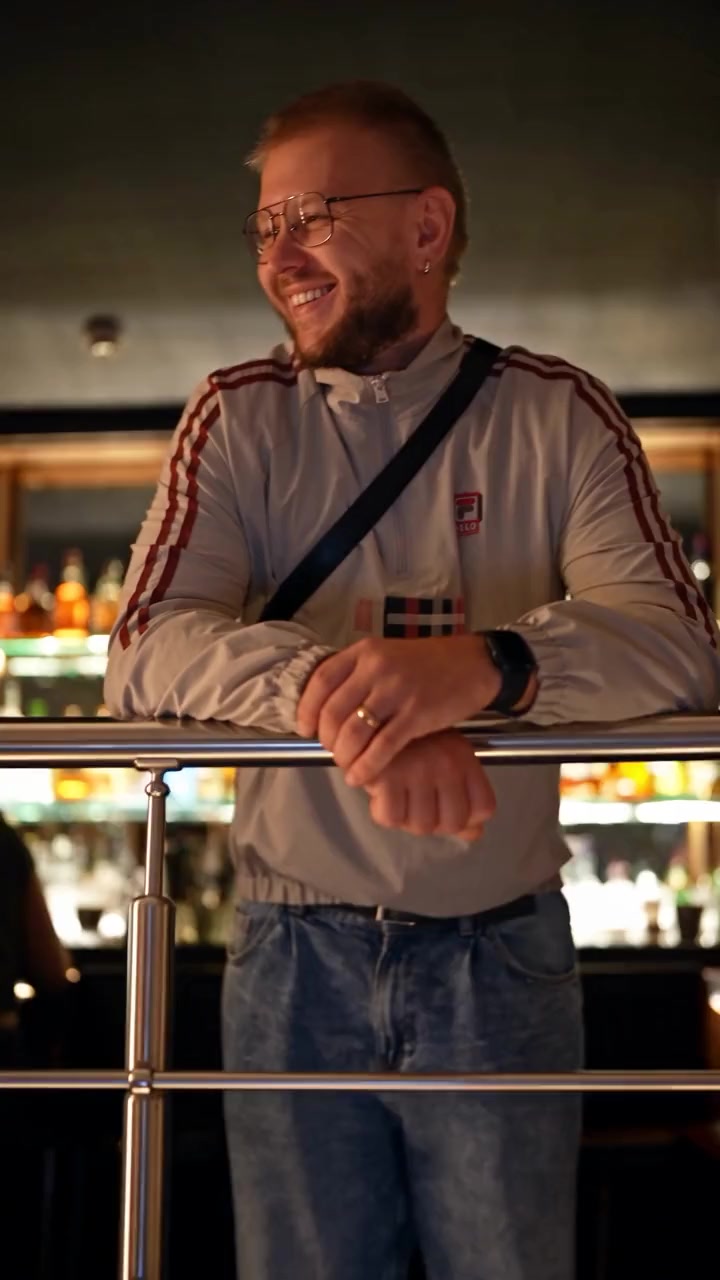
Party DJ
190 credits
- 1 person · 15s
Rooftop DJ
285 credits
- 1 person · 15s
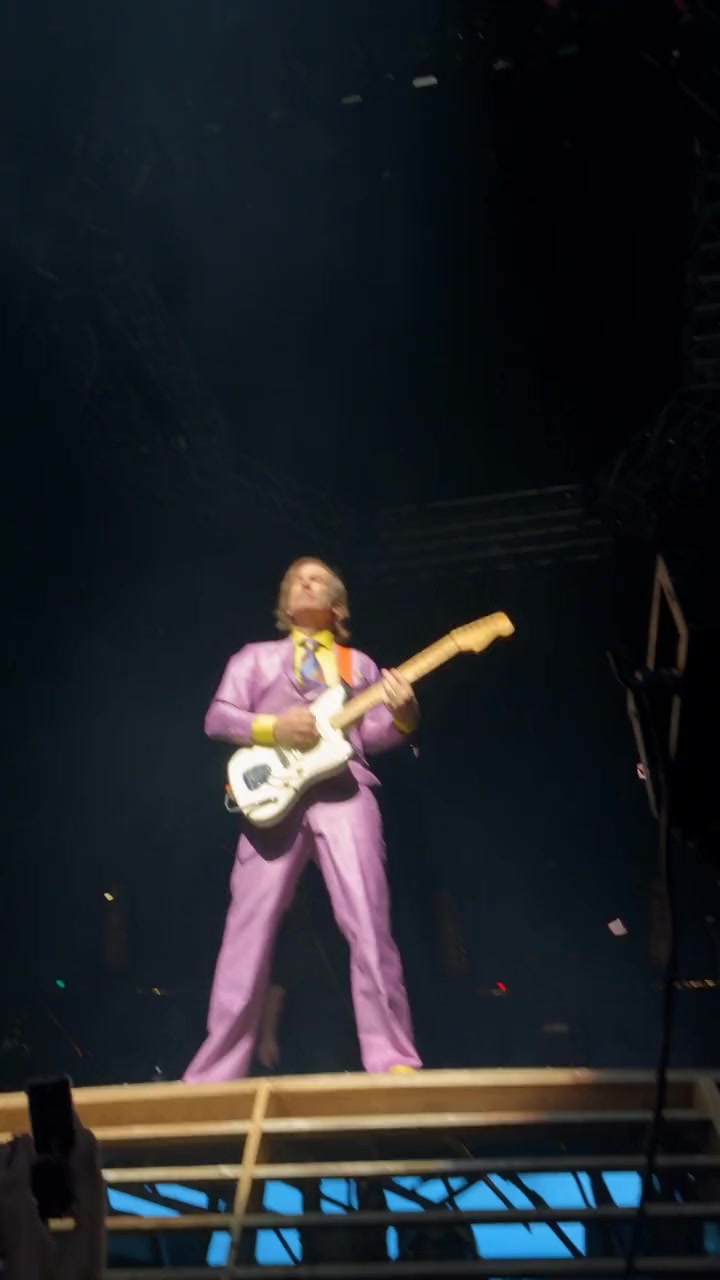
Concert Guitarist
285 credits
- 1 person · 15s
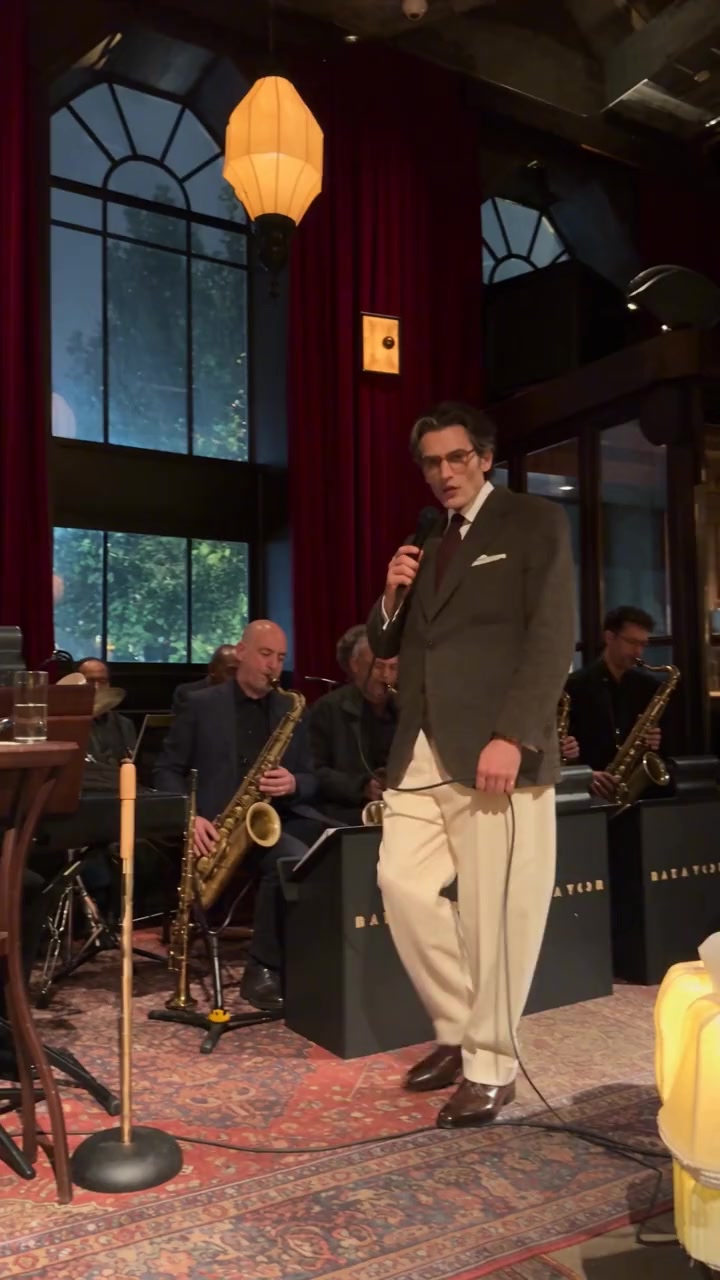
Jazz Club Singer
285 credits
- 1 person · 15s
Concert Balcony
285 credits
- 1 person · 15s
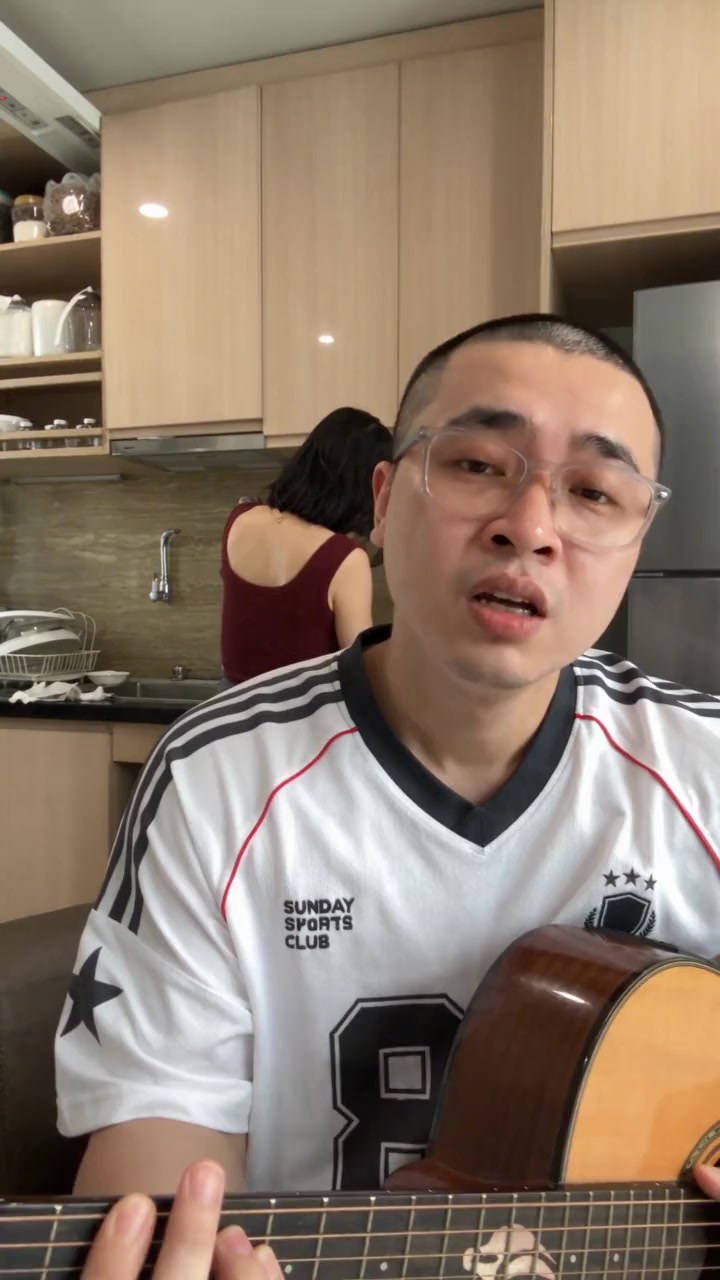
Kitchen Serenade
285 credits
- 1 person · 15s
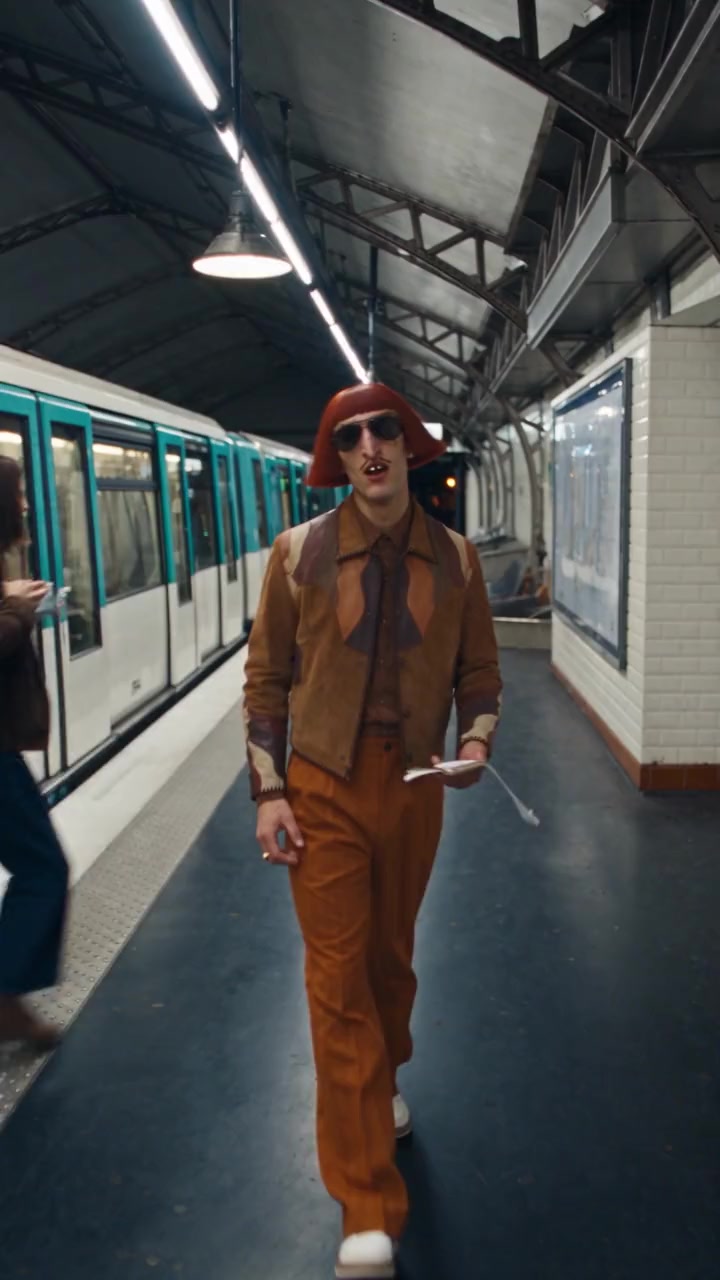
Metro Serenade
285 credits
- 1 person · 15s
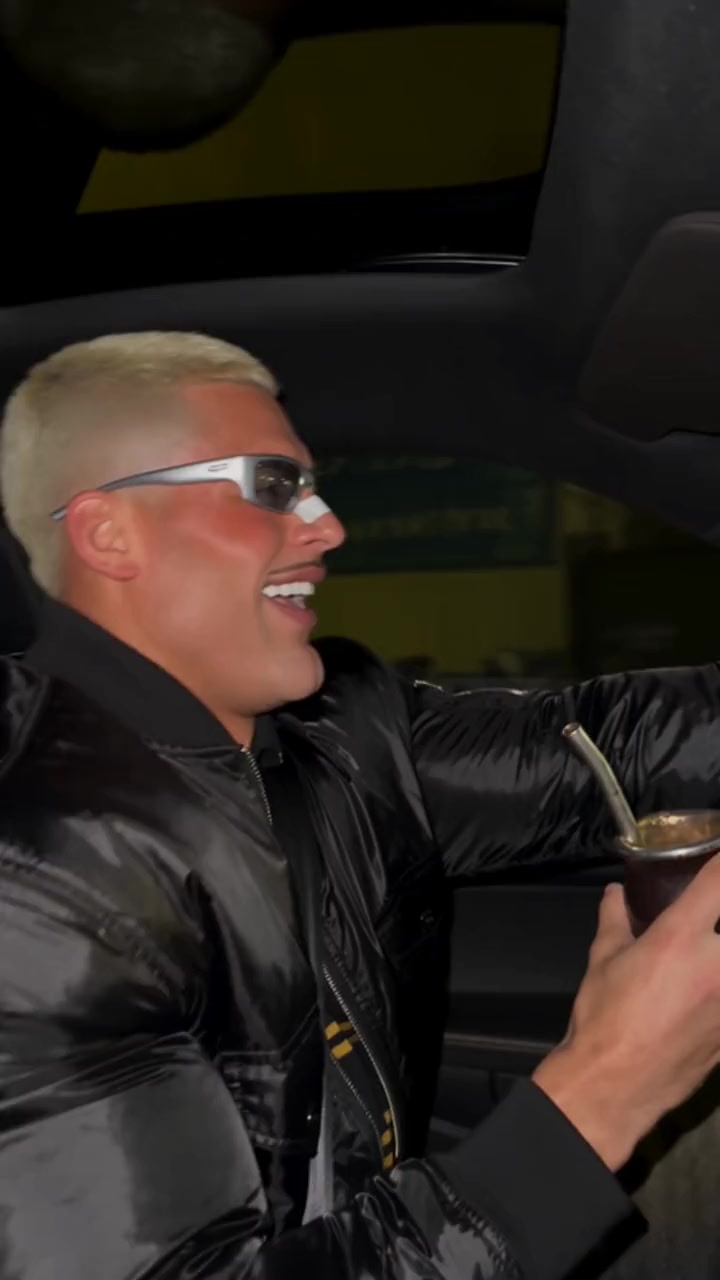
Car Singalong
285 credits
- 1 person · 15s
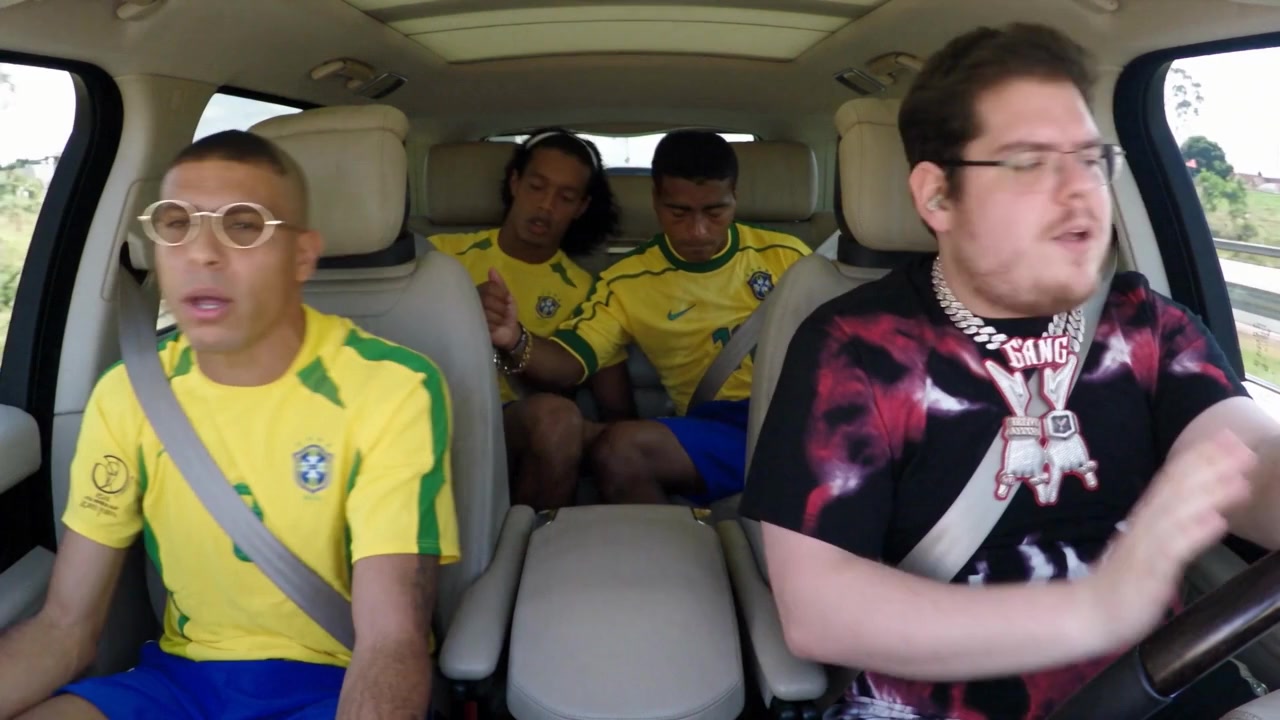
Carpool with Legends
285 credits
- 2 people · 15s
Alors on Danse Pets
285 credits
- 2 people · 7s
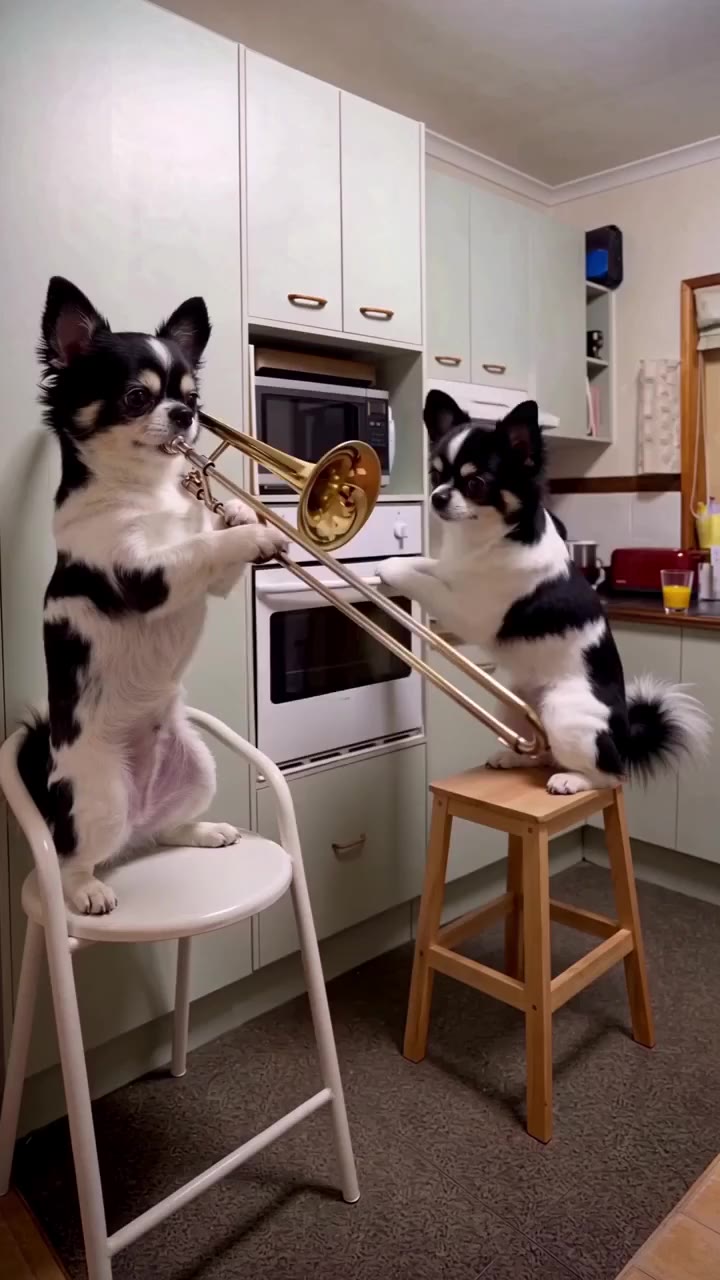
Trombone Pets
133 credits
How it works
Your video in three steps
- 01
Pick a performance
Studio singer, rap duo, DJ set or a concert stage.
- 02
Add your photo
One clear photo of you; duo clips take one photo per person.
- 03
Create and post
You perform the track, lips in sync, with the original song.
Ideas
Music videos people make with their photo
- Rap with your best friend. Duo rap clips with one photo each, both of you on the mic.
- Birthday serenades. Sing a kitchen or metro serenade to someone special.
- DJ moments. Play the rooftop or party set for your profile.
- Viral freestyles. Drop into the freestyles everyone is sharing.
Better results
Photos that swap cleanly
Want a clip of your own instead? Use AI character swap with any video, or browse all AI video trends.
- Face clearly visible and looking roughly at the camera, for the best lip sync.
- Waist up photos fit studio and stage clips.
- Good light, no sunglasses, nothing covering the mouth.
- For duo clips, check which numbered badge is which person before adding photos.
Answers
Frequently asked questions
- How can I make an AI video of myself singing?
- Pick a performance template on oVideo, such as Studio Singer or Jazz Club Singer, add one clear photo of yourself and press create. You appear as the singer and your lips follow the original song.
- Do I need to record my voice?
- No. The original song of the clip is kept and your mouth follows it. Nothing is recorded or cloned.
- Can I make an AI rap video with a friend?
- Yes. Rap duo templates such as Orange Rap Duo take one photo per person, and both of you rap the track together.
- Can I use my own song?
- The templates keep their own song. To use your own clip and audio, upload it with AI character swap (up to 60 seconds) and put yourself into 3 to 15 seconds of it.
- How much does an AI singing video cost?
- 19 credits per second at 720p. These clips run 7 to 15 seconds, so 133 to 285 credits, shown before you create. Failed videos are refunded.
- Is this an AI music video generator?
- Not the kind that turns a song into visuals. It puts you into an existing performance clip, so the result looks like real footage of you performing.
More themes
All AI video templates- Rich lifestyleSupercars, private jets, cash and champagne.
- Action movie scenesExplosions, stunts and fight scenes.
- Fashion and runwayRunway walks, studio shoots, street style.
- Sports highlightsGoals, dunks and boxing.
- FantasyDragons, wolves and epic places.
- DanceViral dances, shuffles and duos.
- PetsDogs and cats that dance, play music and pose.
- Halloween costumesWitches, vampires, zombies and skeletons.
- ChristmasSanta, Christmas dresses and holiday dances.
Your photo, your video
- Used only for your videoYour photo and clip go only to the AI that makes your video, and they are kept in your account.
- Private until you share itThe finished video waits in your gallery; nothing is posted for you unless you choose to publish it.
- Deleted when you askEmail support@ovideo.io and your uploads and videos are deleted within 30 days.
- Only people who said yesUse photos of yourself or of people who agreed, and turn on the AI label when you post.
Details in the privacy policy.
Related
- AI character swap videoPut yourself in any video from one photo, sound kept.
- Video face swapSwap your face into a clip online with one photo.
- AI dance generatorDance any viral dance from one photo, solo or with friends.
- AI trend videosJoin viral trends with one photo per person.
- AI face swap videoPut your face into any clip with one photo.
- AI body swapSwap your whole look, build and outfit into a video.
- AI character swapReplace anyone in a video with someone new.
- AI dance videoMake yourself dance from one photo.
- Make a photo move like a videoYour photo copies the moves of any clip.
- Recreate a video with yourselfRemake any clip with you in the main role.
- Swap yourself in from a linkPaste a TikTok, Reel or YouTube Short and add one photo.
- Put yourself in a TikTokCopy the TikTok link, paste it and add one photo.
- Put yourself in an Instagram ReelPaste a Reel or video post link and add one photo.
- Put yourself in a YouTube ShortPaste a Shorts link, or a video up to 3 minutes.
- Put yourself in a music videoBecome the singer, rapper or dancer, with the song kept.
- AI face swapSwap faces in any photo, hair included.
- AI head swapSwap the whole head in a photo, not just the face.
- Multiple face swap videoSwap two or three people into one clip.
- AI pet swapSwap your own dog or cat into a viral pet clip.
- AI video trendsReady made viral templates for one or two people.
- Viggle AI alternativesFive swap tools compared, prices checked October 2026.
- Higgsfield alternativesFive tools for viral templates and swaps, prices checked October 2026.
- PixVerse alternativesFive tools for viral templates, swaps and dance videos, checked October 2026.
- Best AI character swap toolsEight swap tools, ordered by what each is best for.
- Best face swap video appsSix face swap tools for video, compared October 2026.
- Best AI body swap appsFive whole body swap apps for dance trends and duos, compared November 2026.
- Best face swap appsSeven face swap tools for photos, compared October 2026.
- Best AI pet dance appsSix tools that make a dog or cat dance, compared October 2026.
Take the mic in one photo
Pick a singing, rap or DJ template and perform it with the original song.