
One photo in,a dance video out
Choose a viral dance and add a photo. You hit every step on the beat without rehearsing or filming, and the original song plays underneath. Add friends for a duo or a trio.
Updated
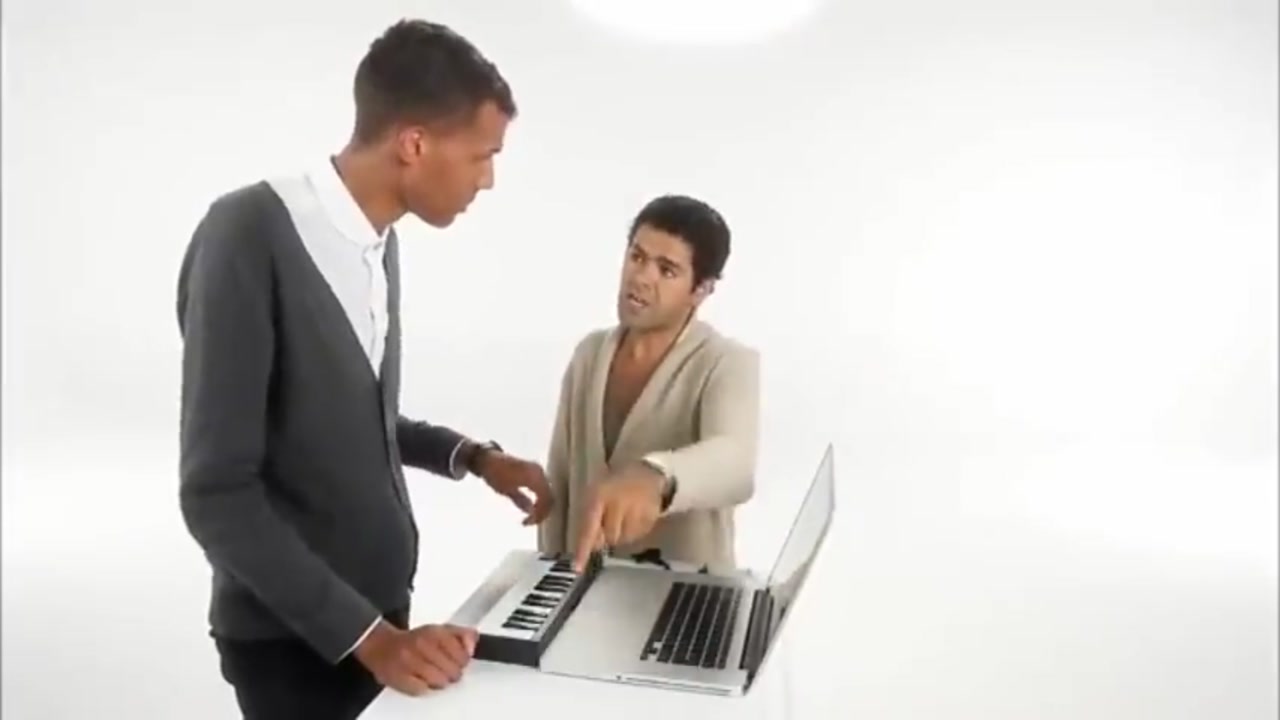
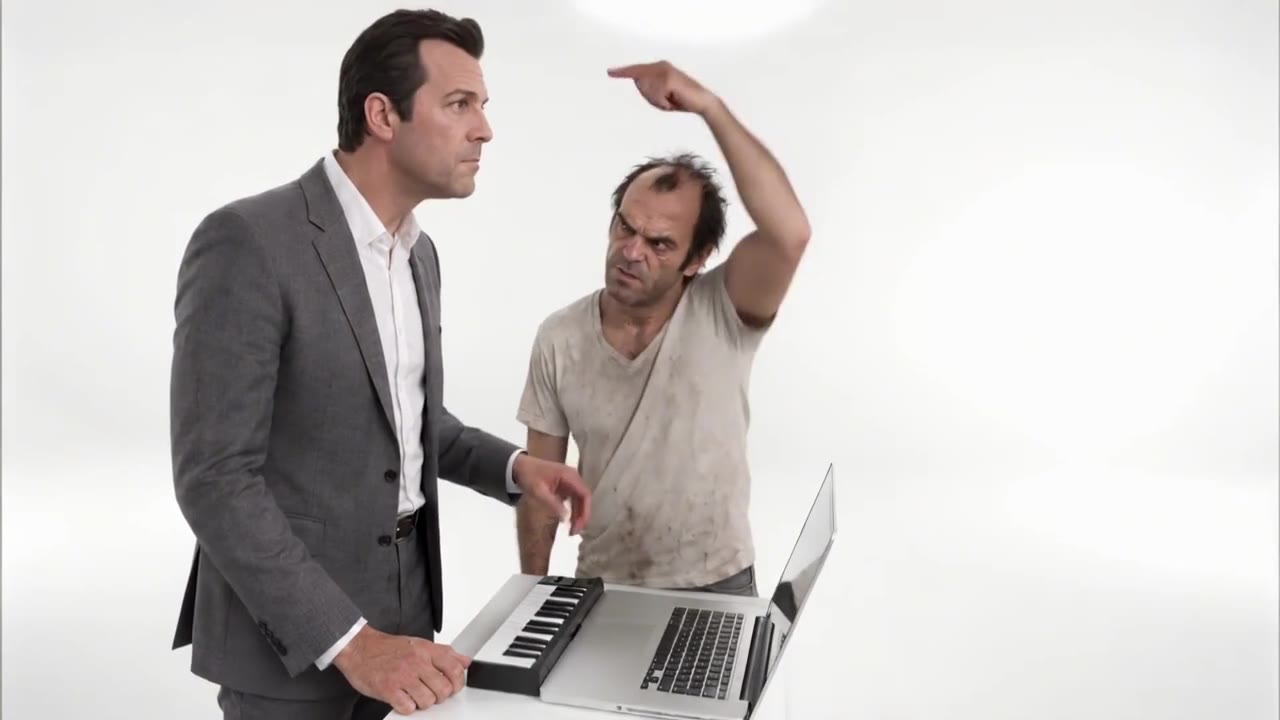
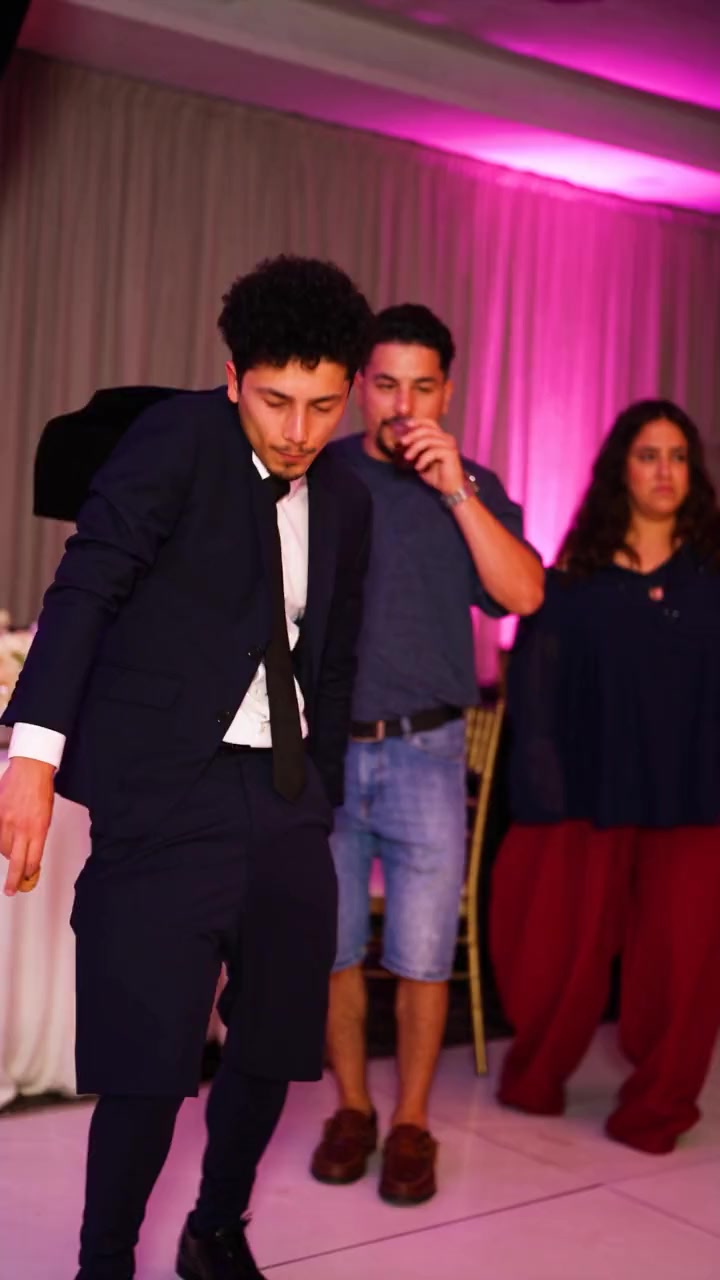
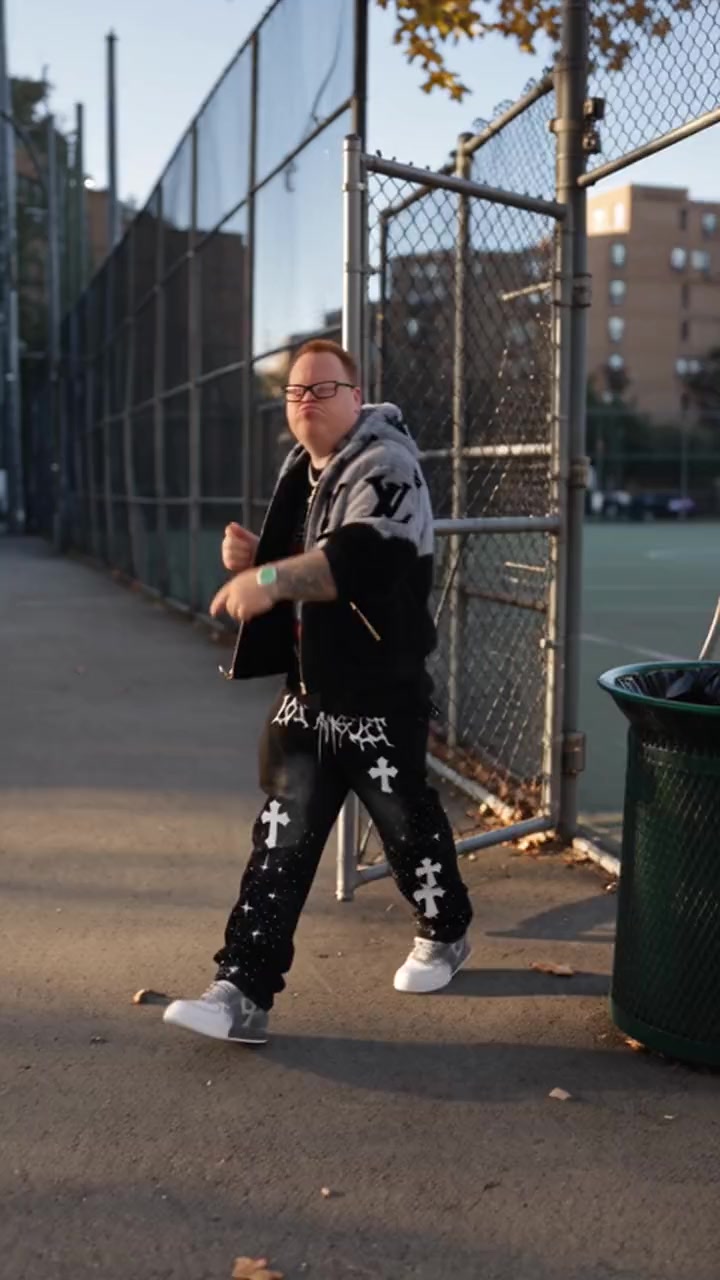
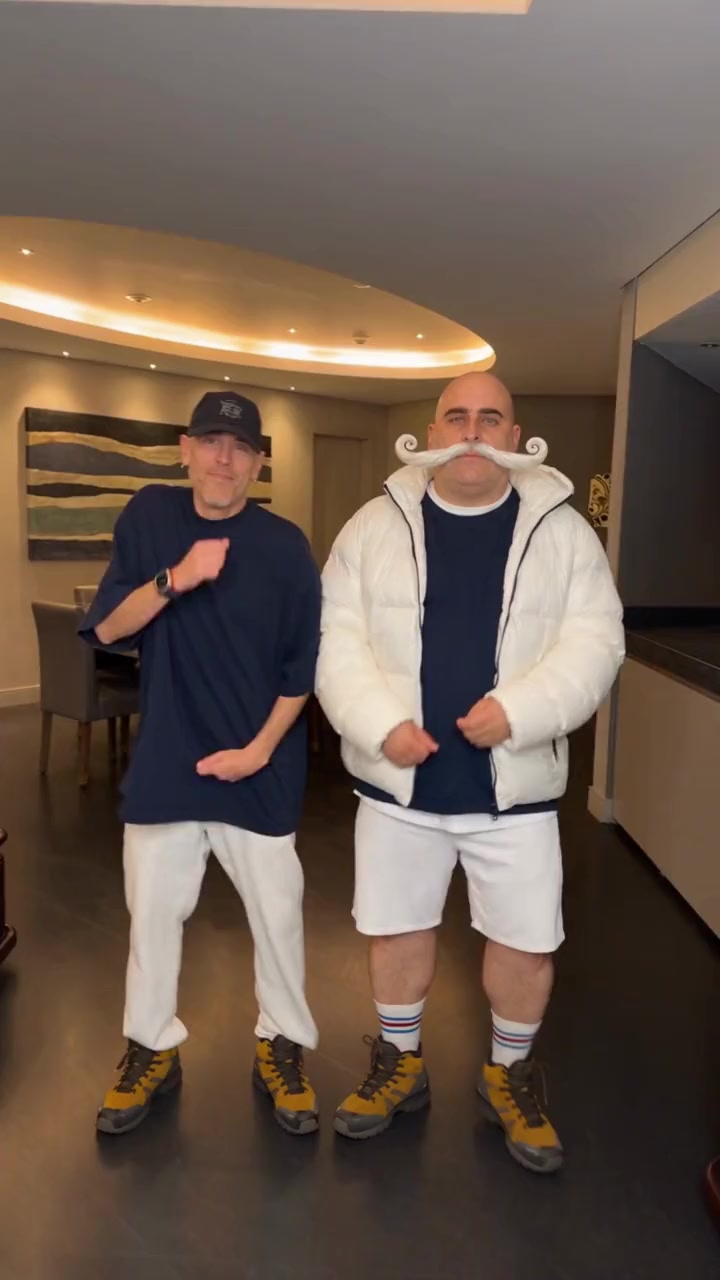
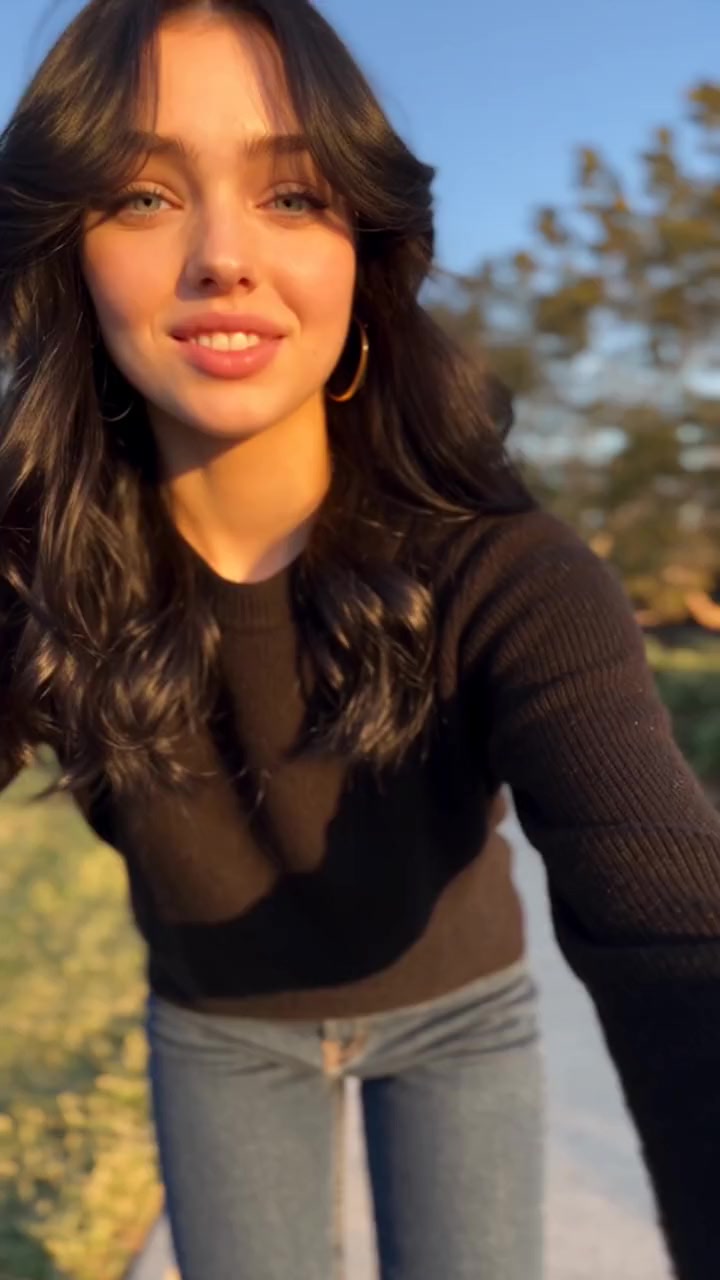
The original dancers top left, the new dancers behind them.
Put yourself in any dance
Your files stay in your browser until you sign up. You pick the 3 to 15 seconds to use and see the price before anything is made.
Facts
AI dance generator: every limit and price
- Input
- One photo per dancer. Choose a dance template, upload your own dance clip or paste a TikTok, Instagram Reels or YouTube Shorts link
- Dances
- 65 dance templates made from real viral clips, solo, duo and trio, plus any dance video you bring
- Clip length
- Dance templates run 15 seconds. With your own clip, upload up to 60 seconds and use any 3 to 15
- Sound
- The original song is put back automatically, in sync with the moves
- Format
- Solo dances are vertical 9:16 for TikTok, Reels and Shorts, the Alors on Danse duo is landscape; your own clip keeps its shape
- Price
- 19 credits per second at 720p, so a 15 second dance is 285 credits. Failed videos are refunded
- Free plan
- The free plan has no swaps; Put Yourself In uses credits from a paid plan
- Watermark
- None. The finished video downloads without a watermark
Dance templates
Viral dances, waiting for your photo
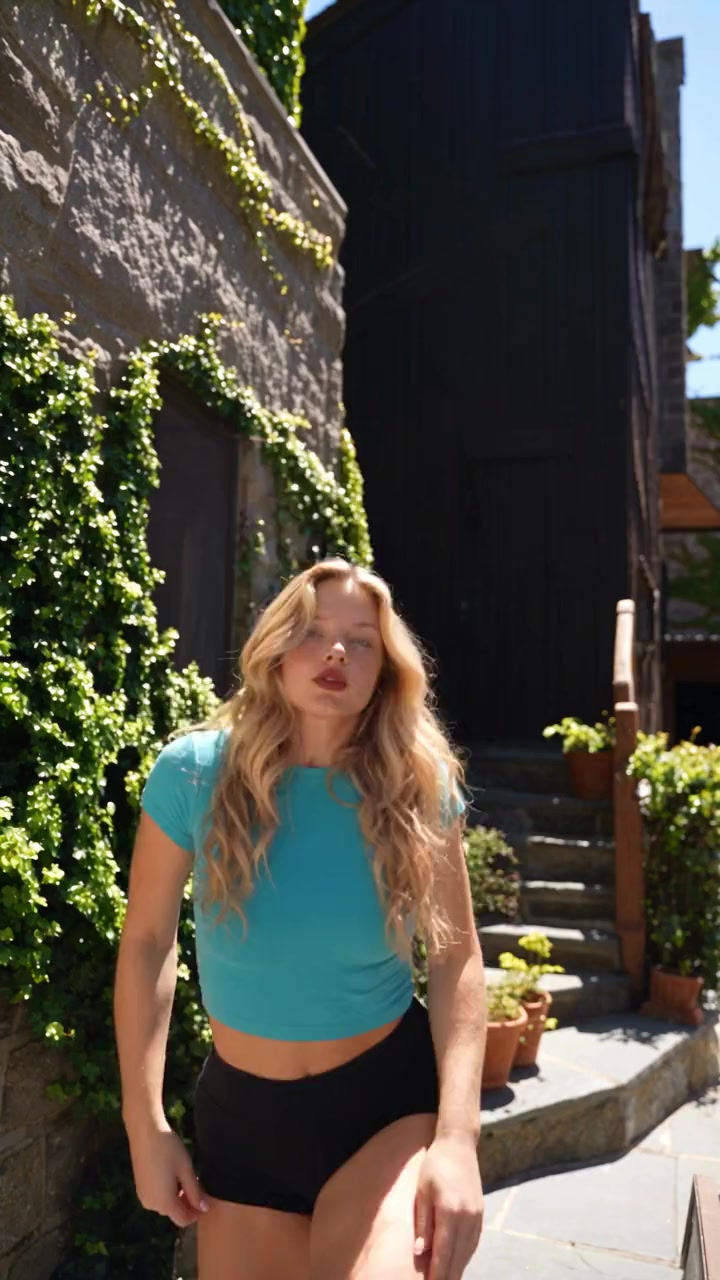
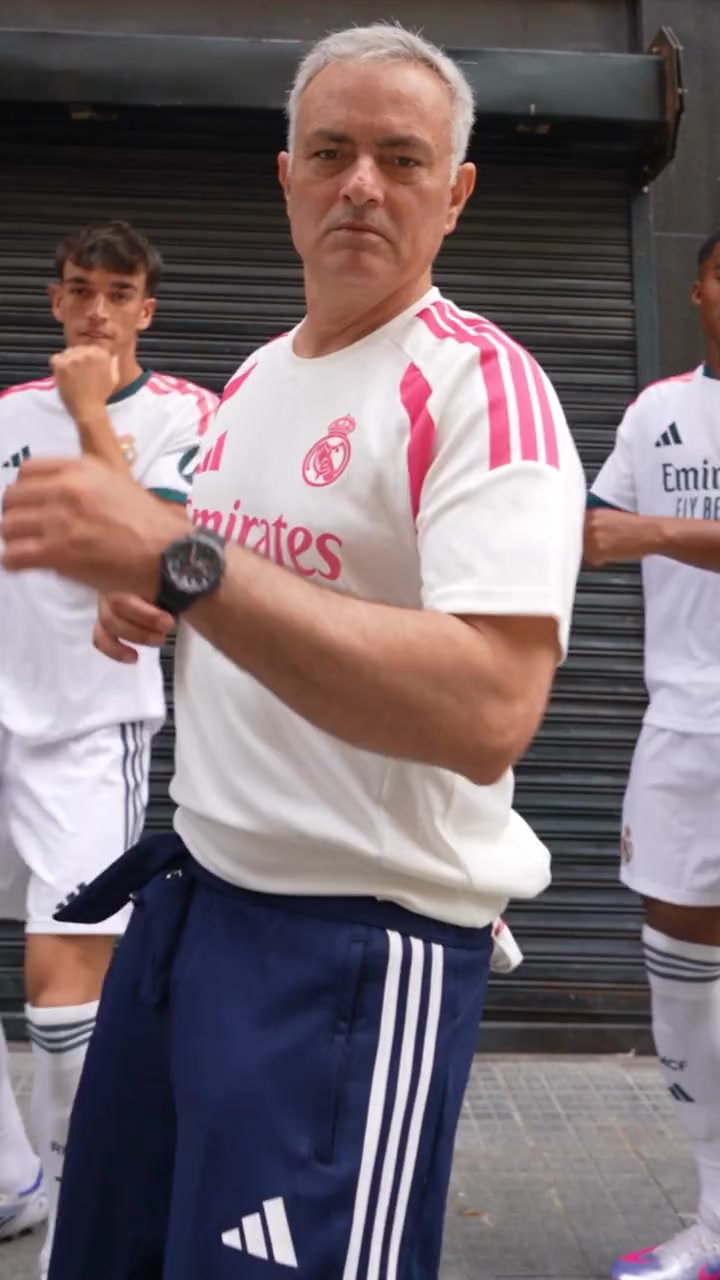
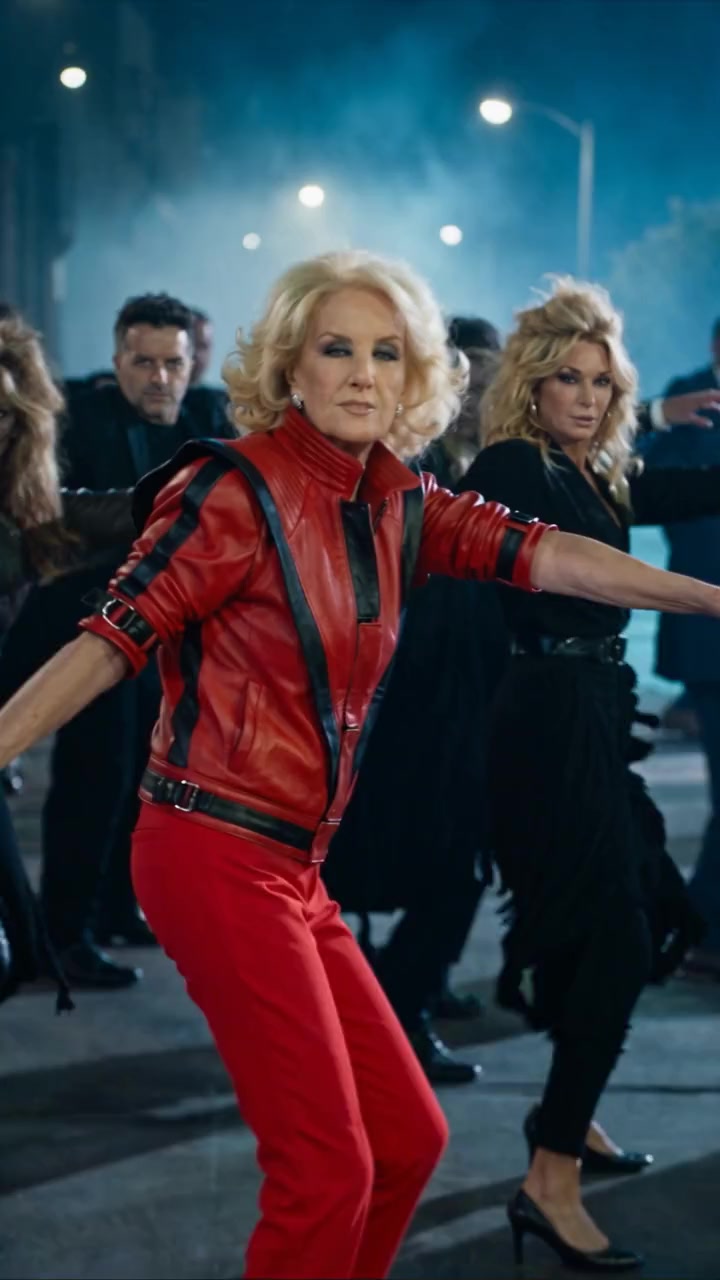
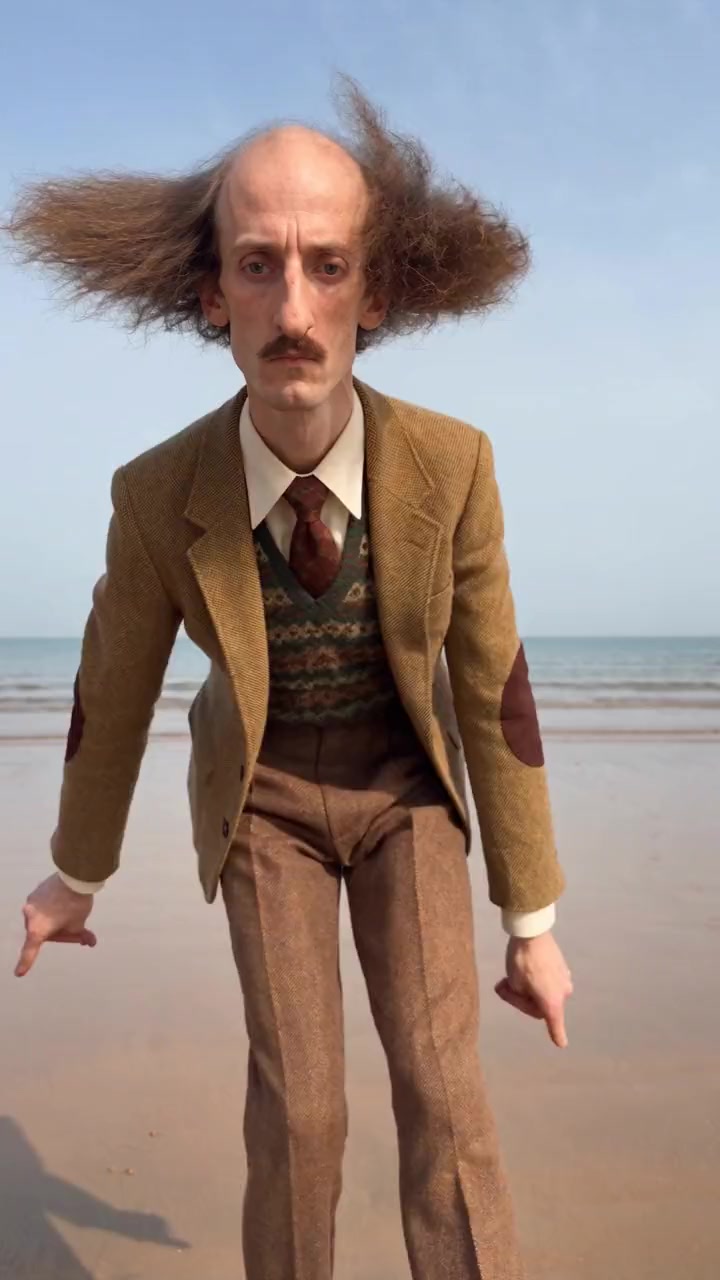
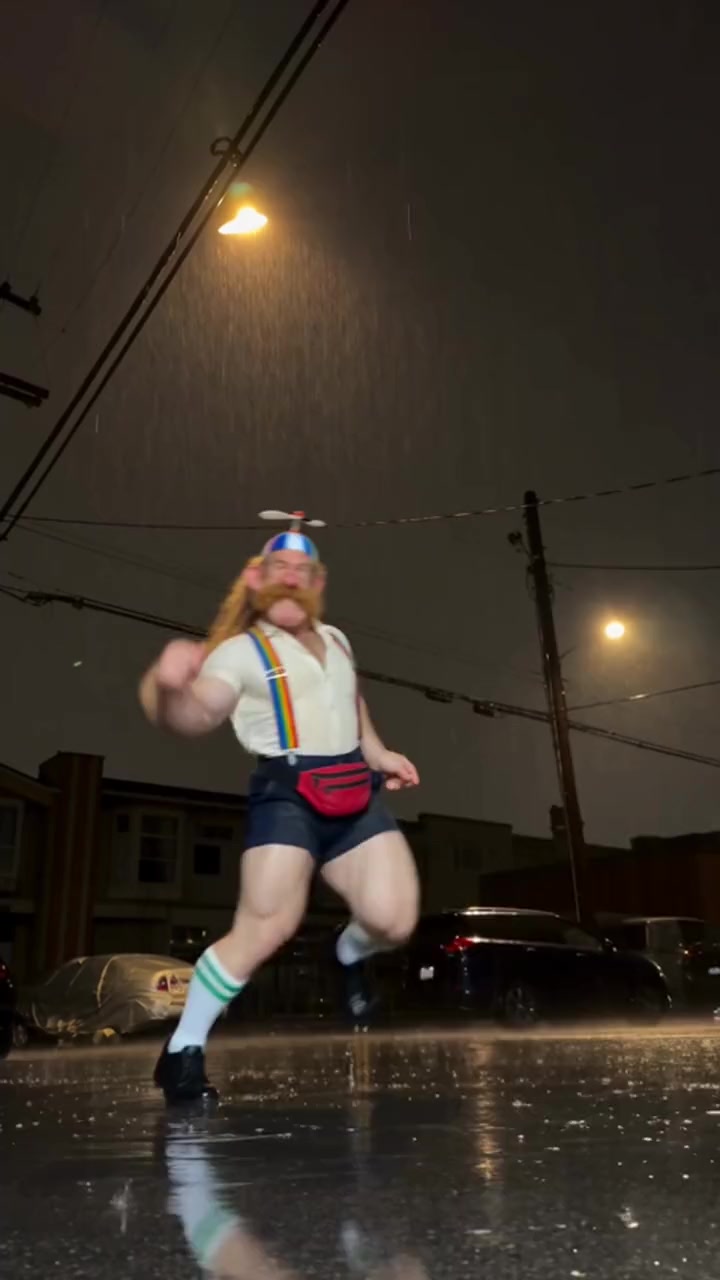
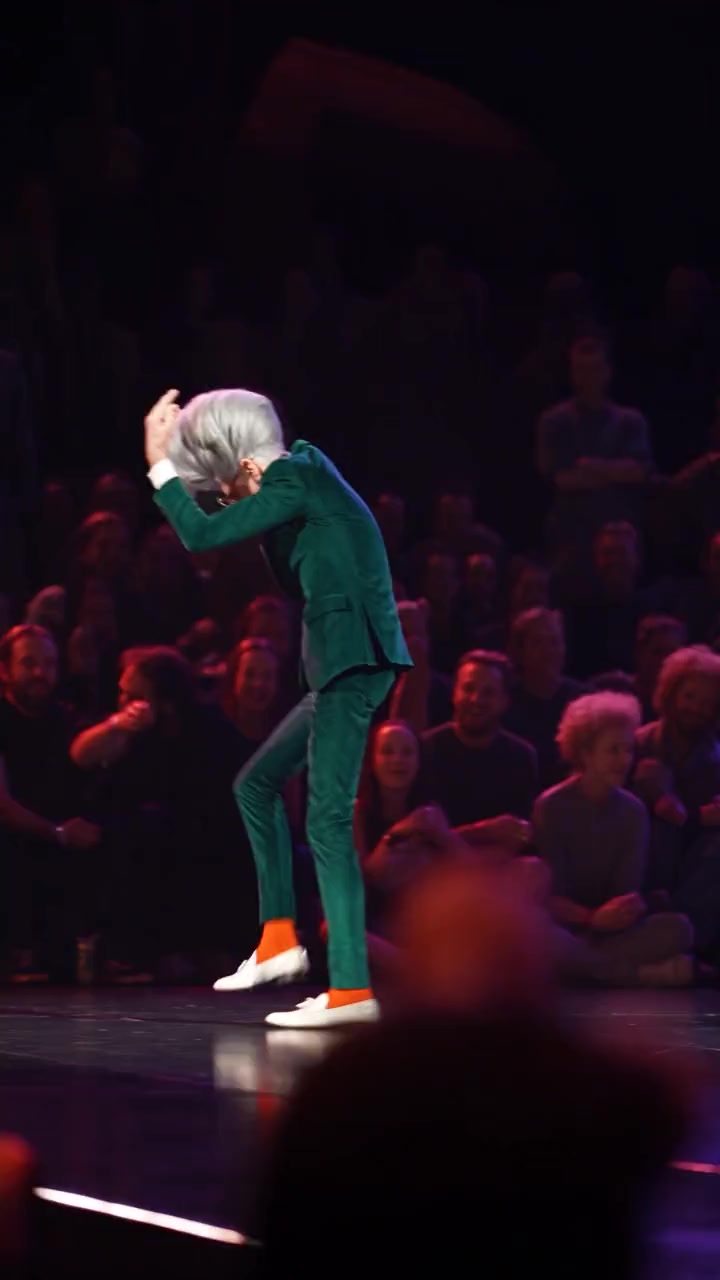
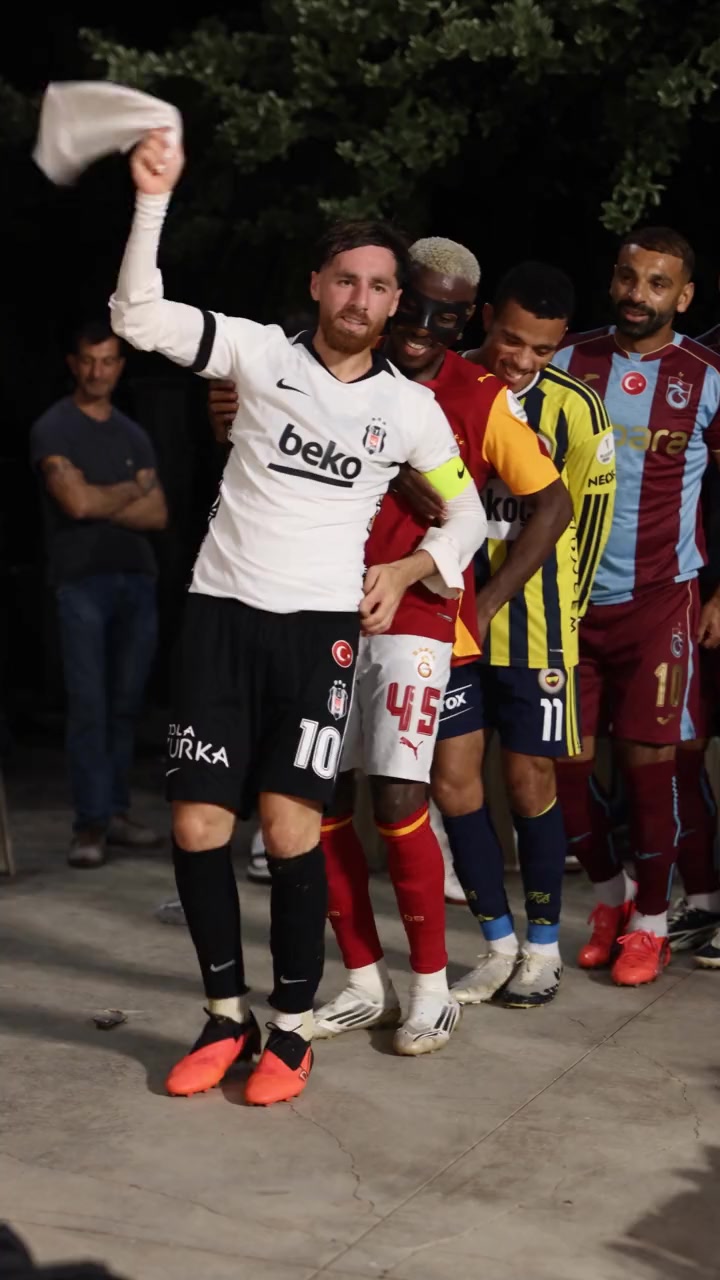
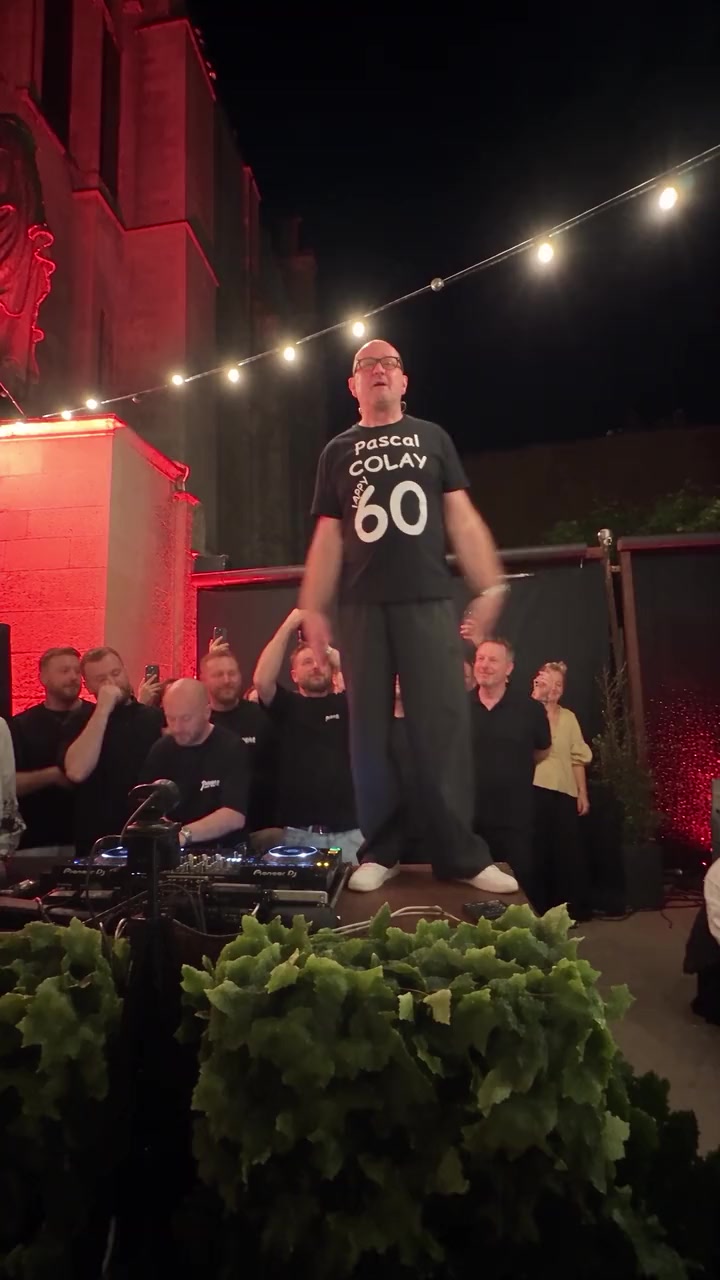
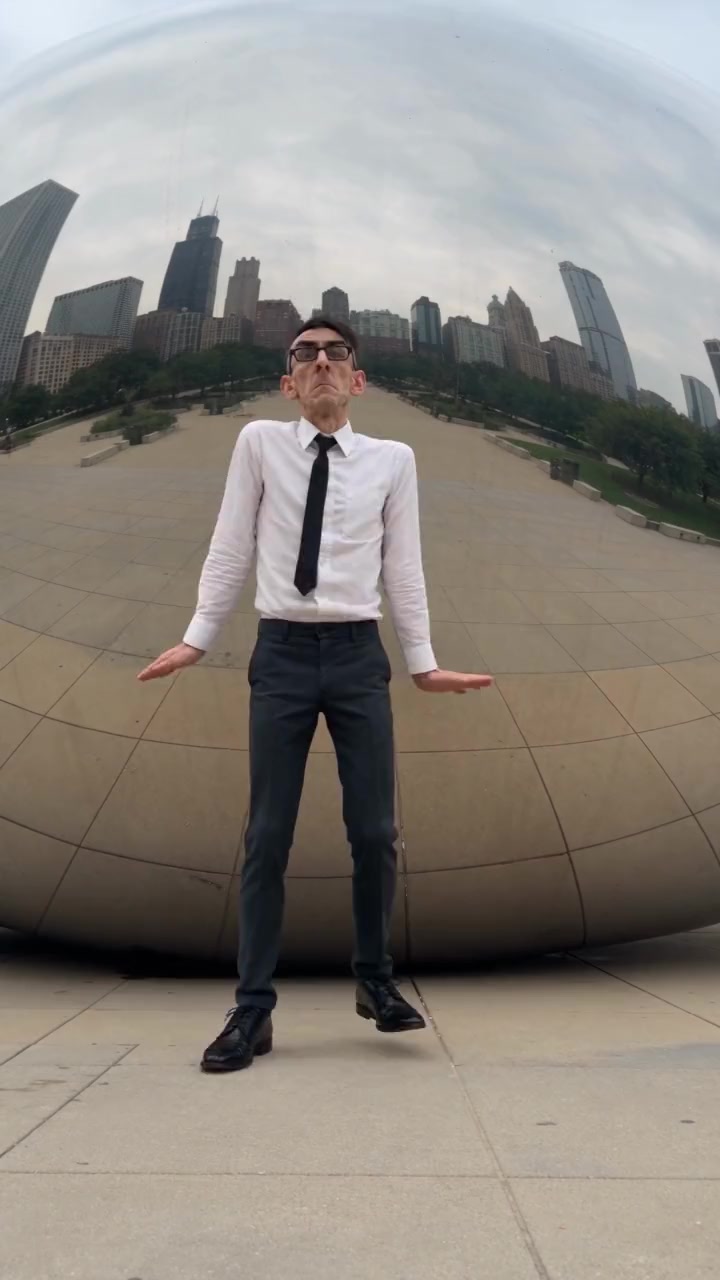
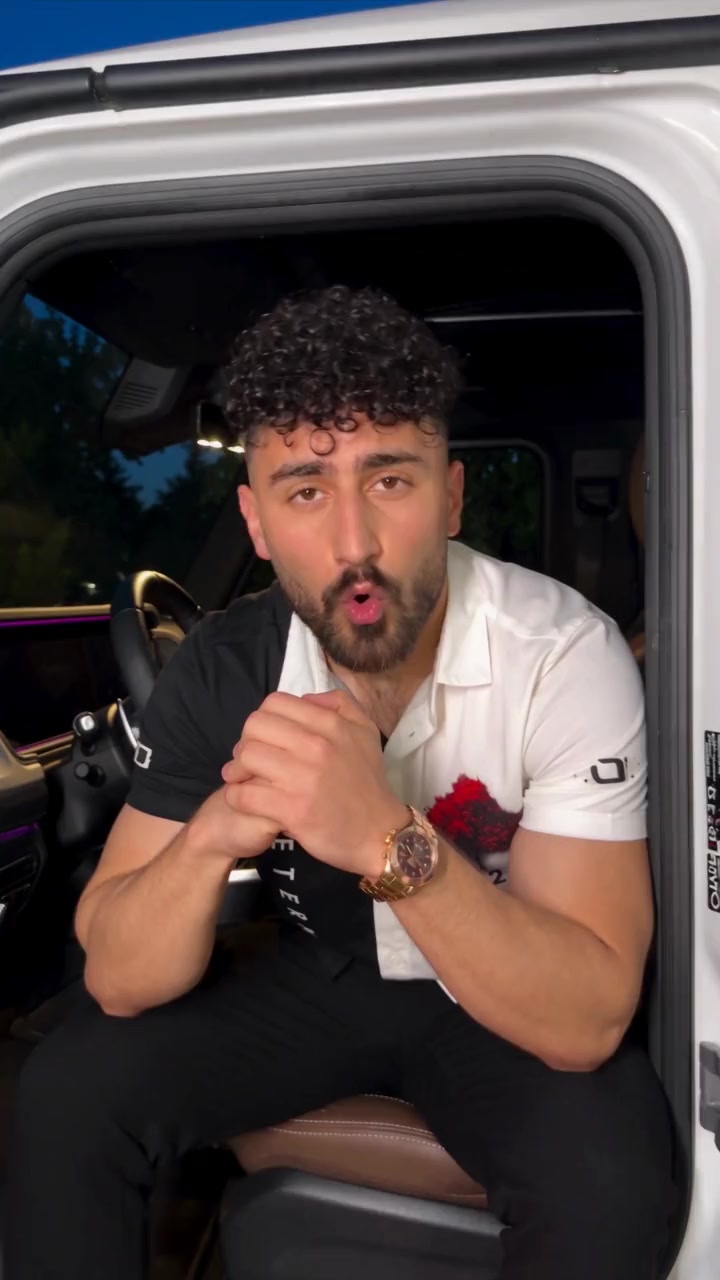
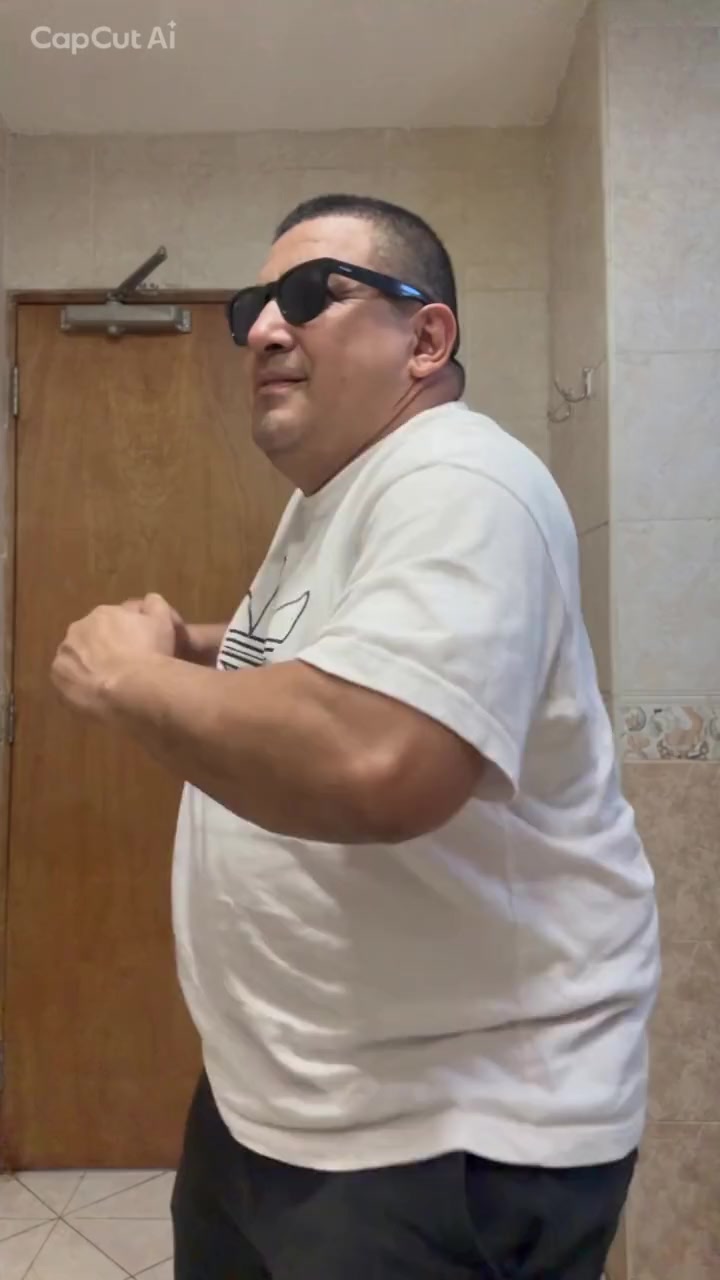
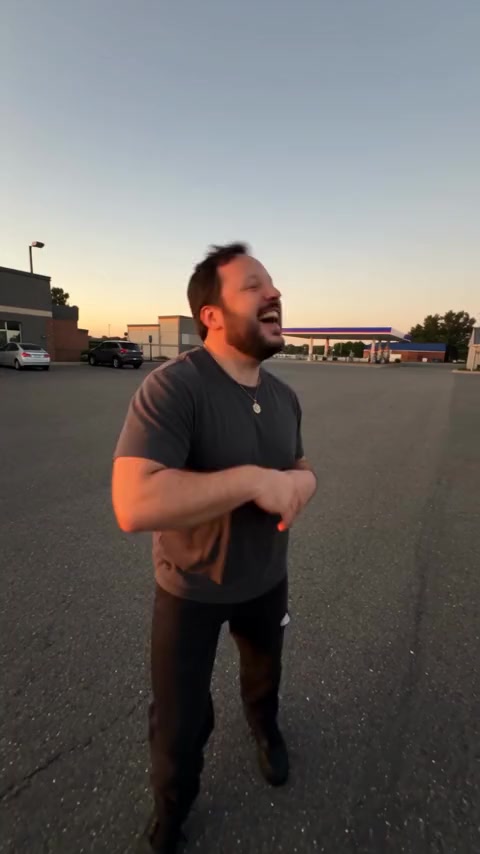
Every template is a real viral clip with its song. Open one, add a photo per dancer and press create.
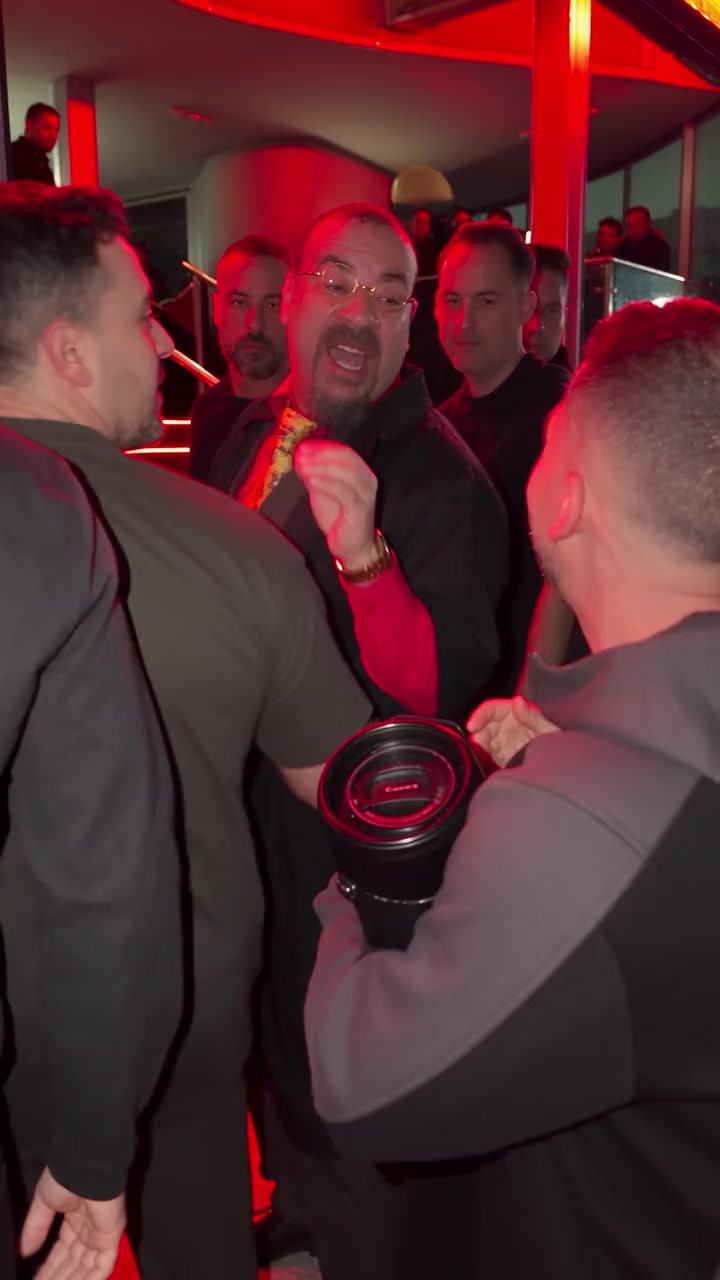
The full dance library
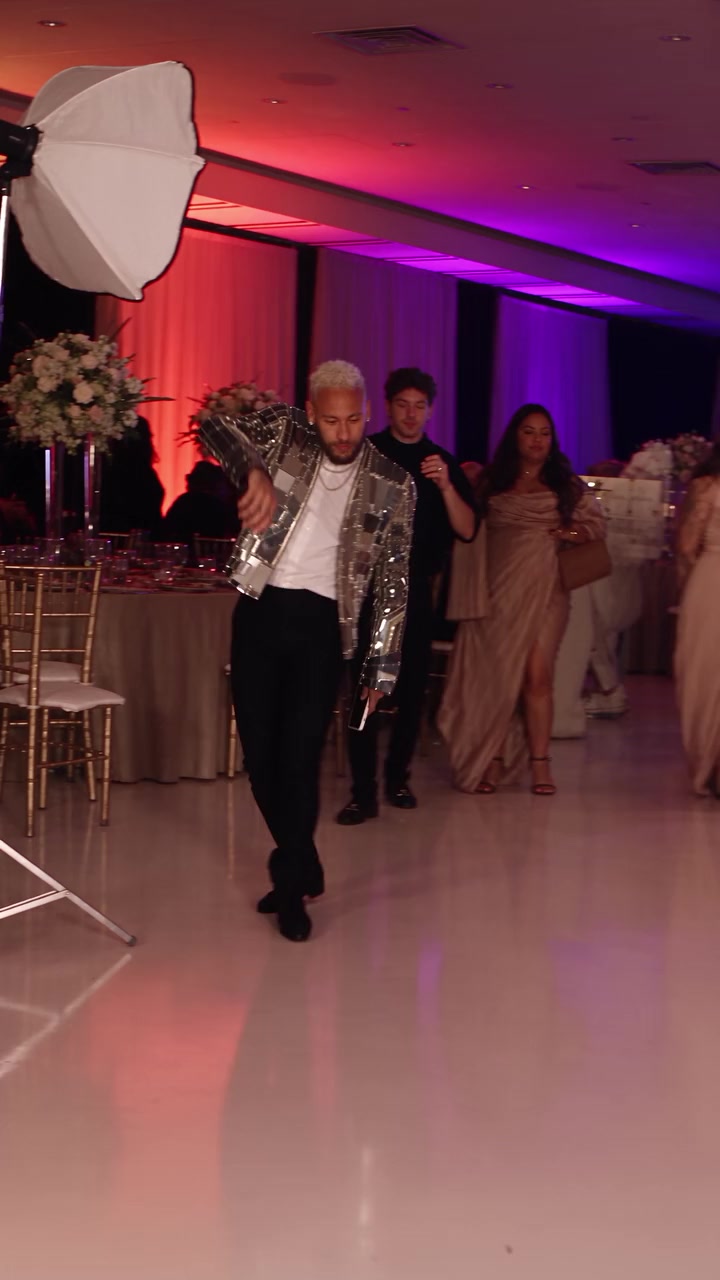
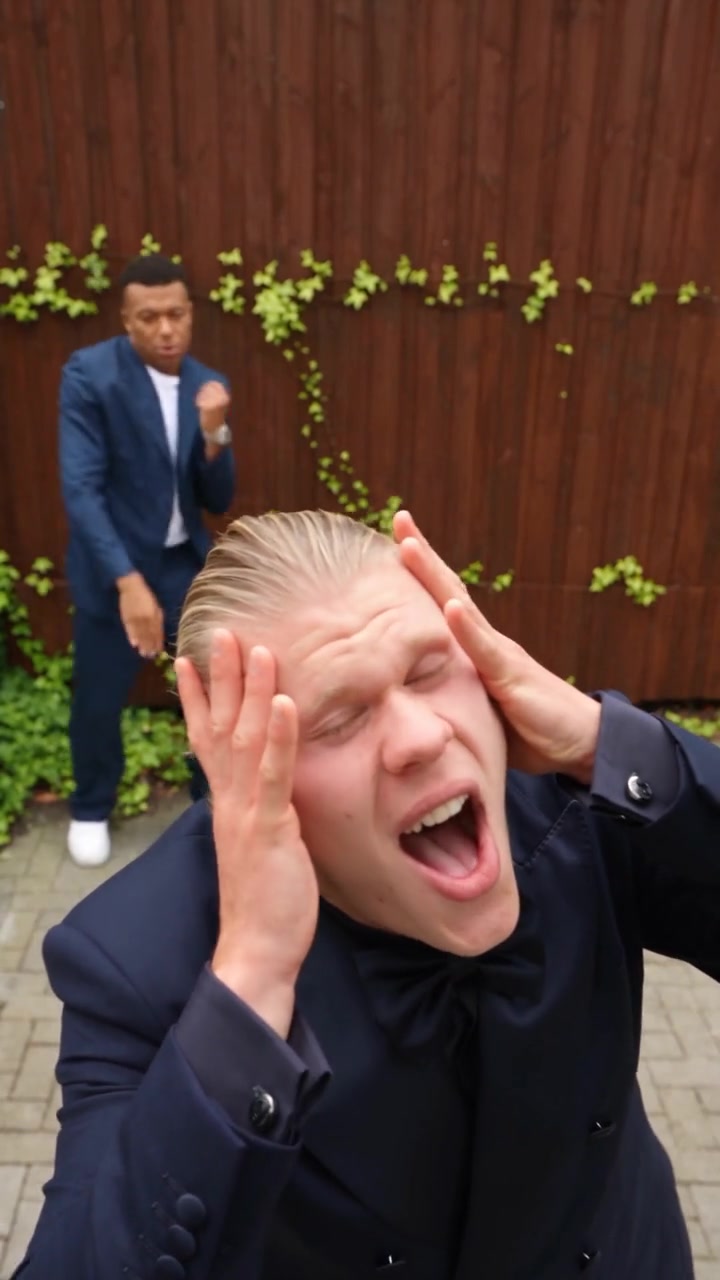
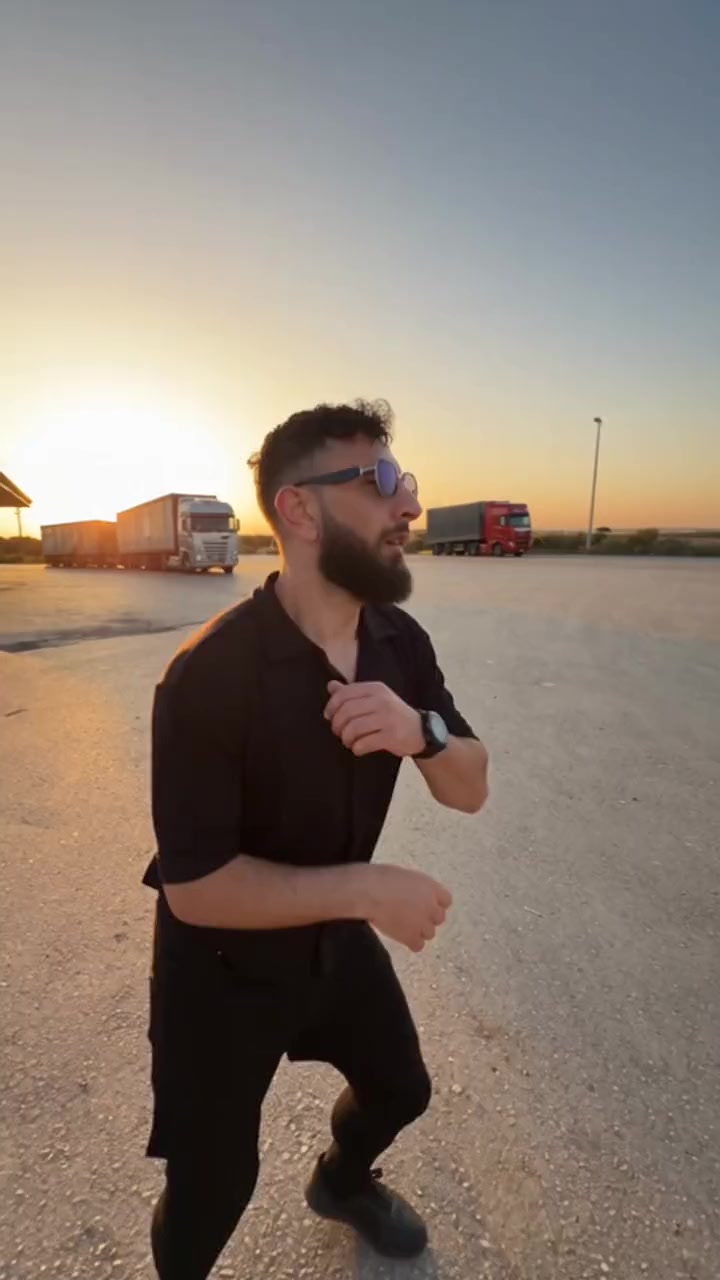
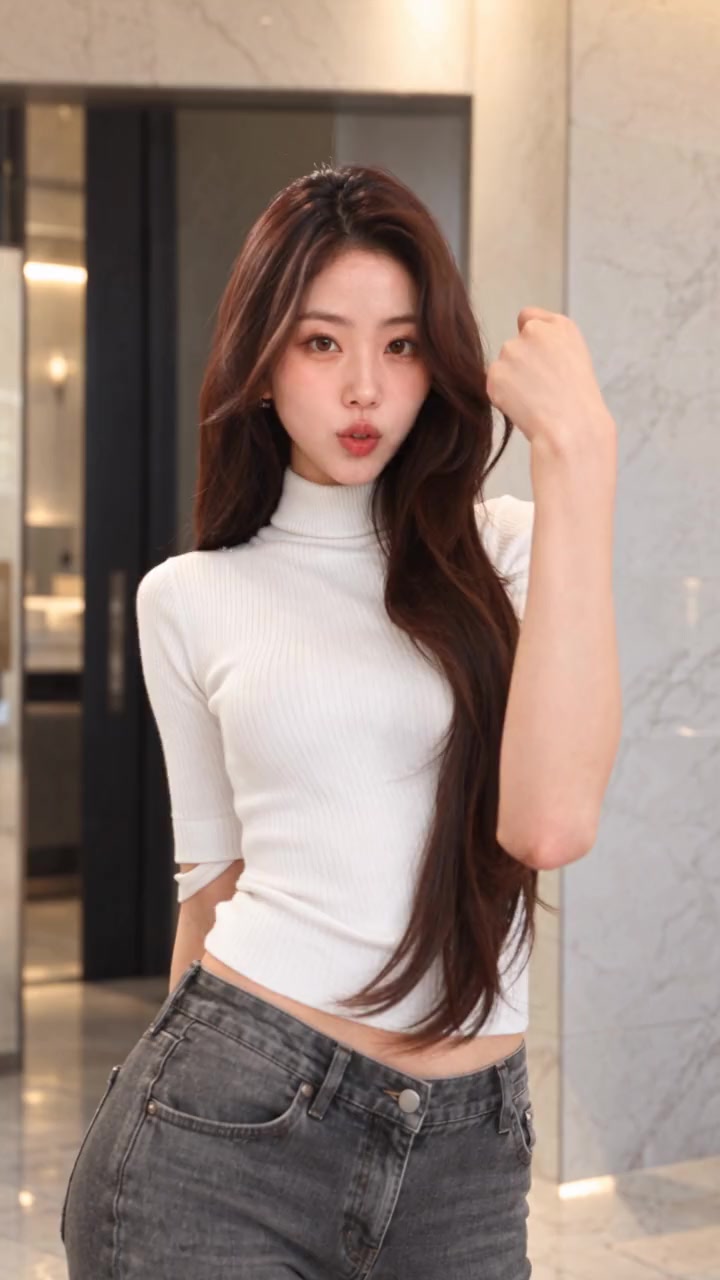
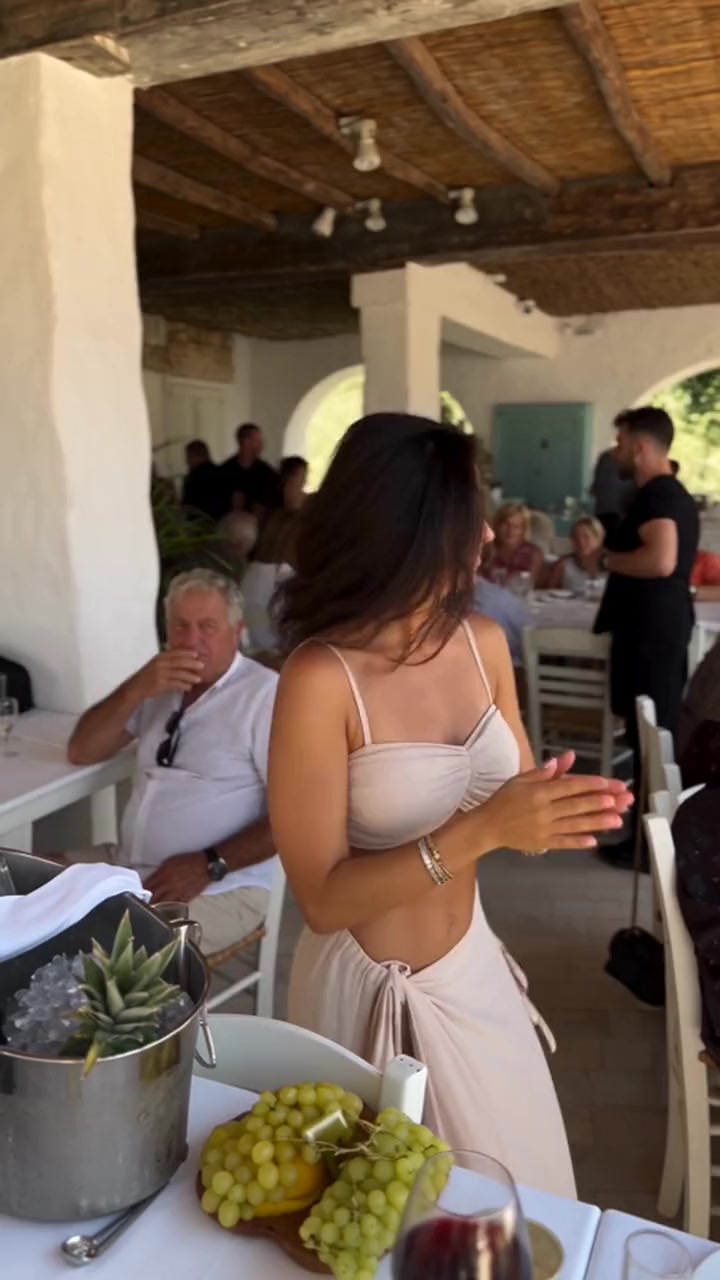
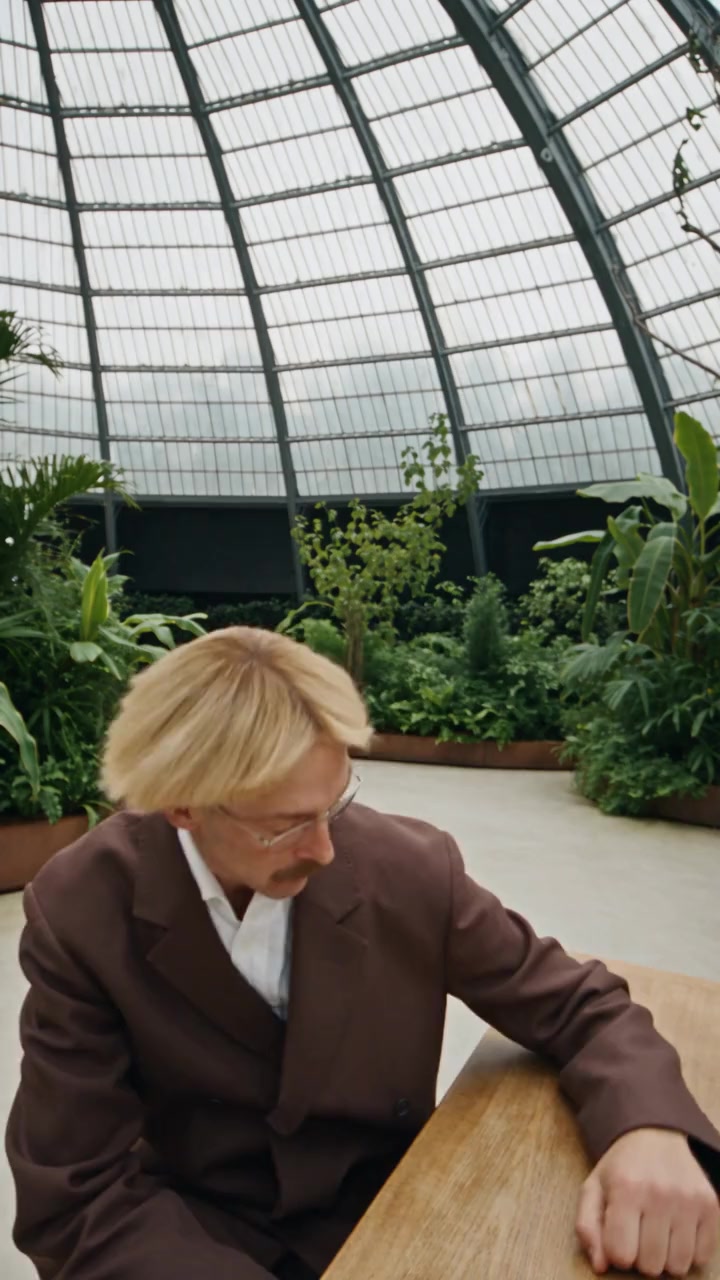
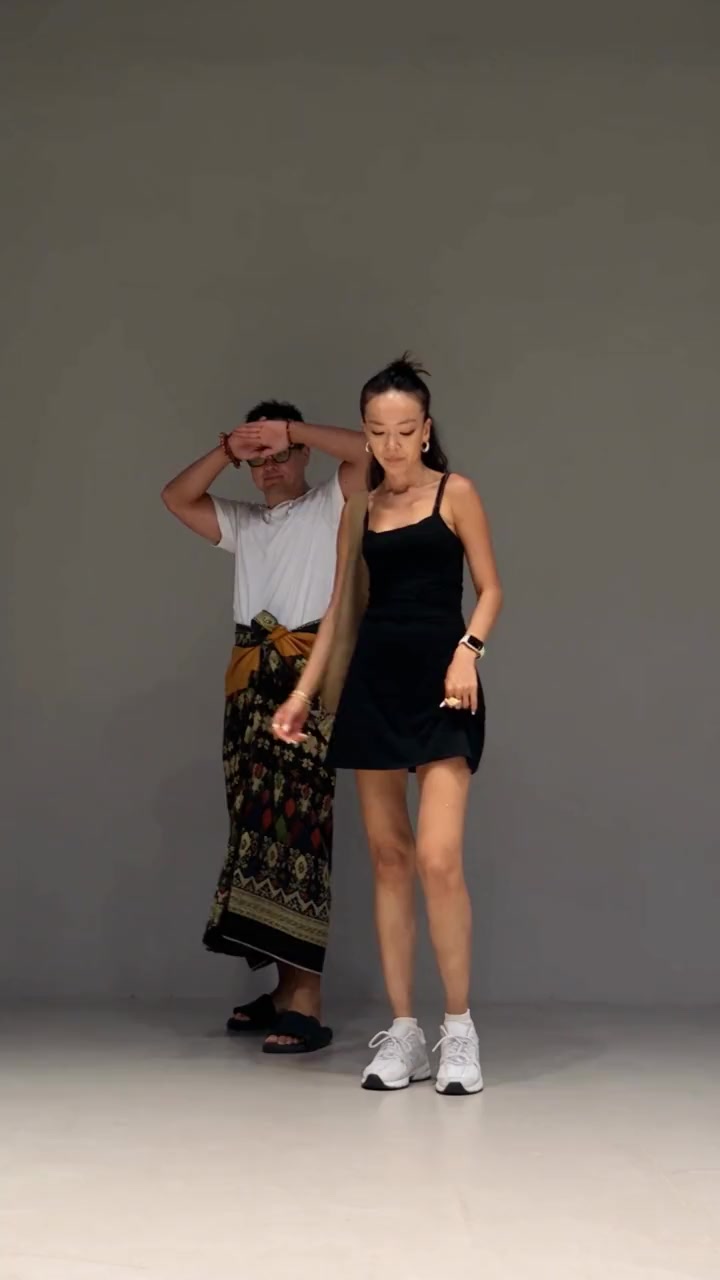
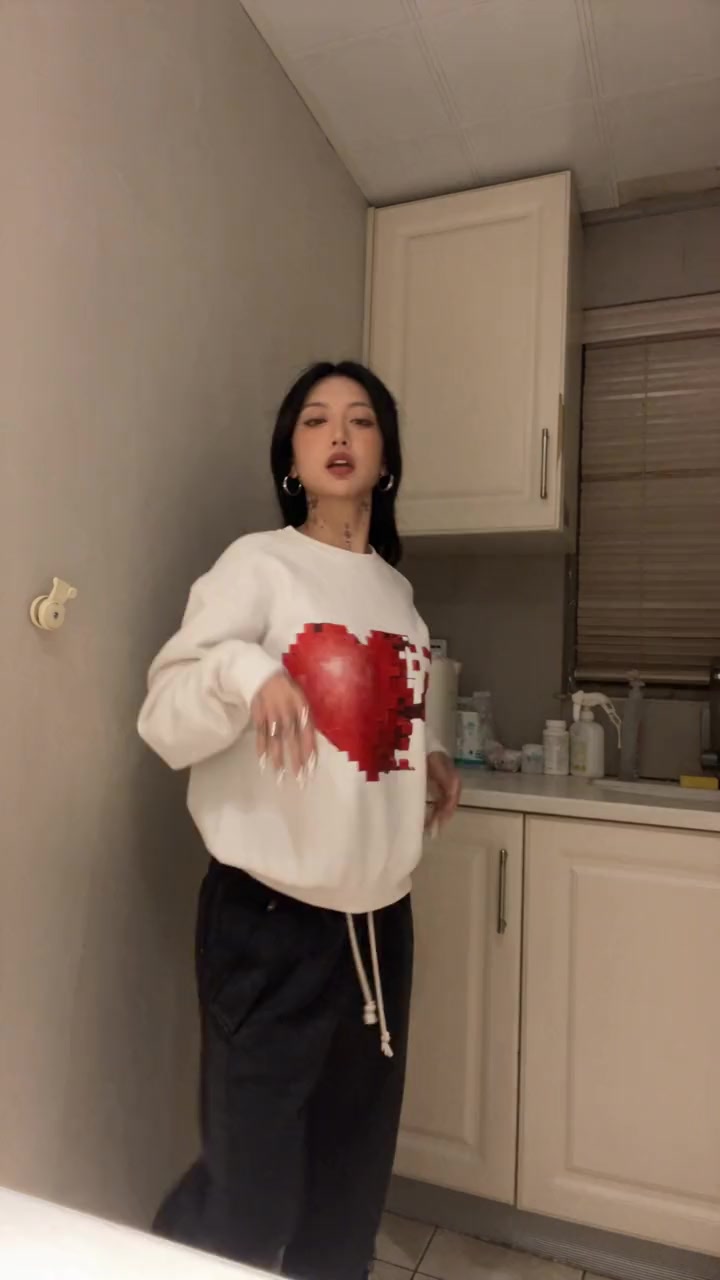
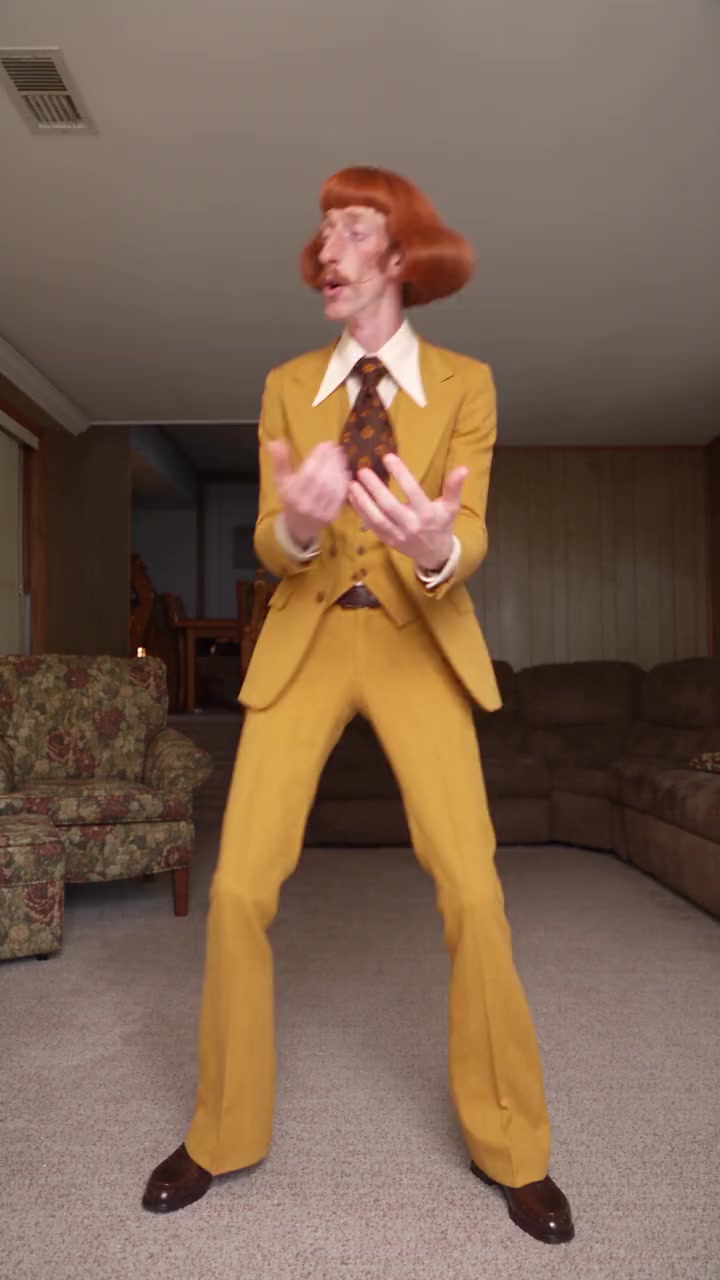
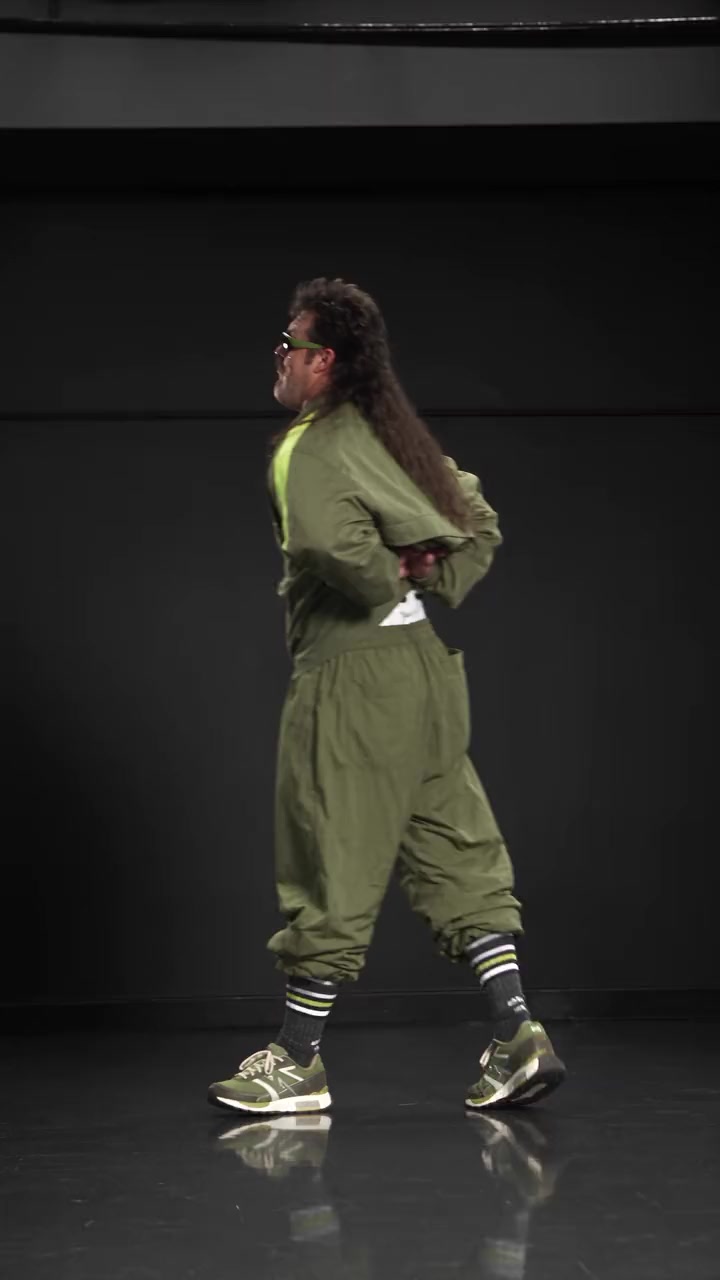
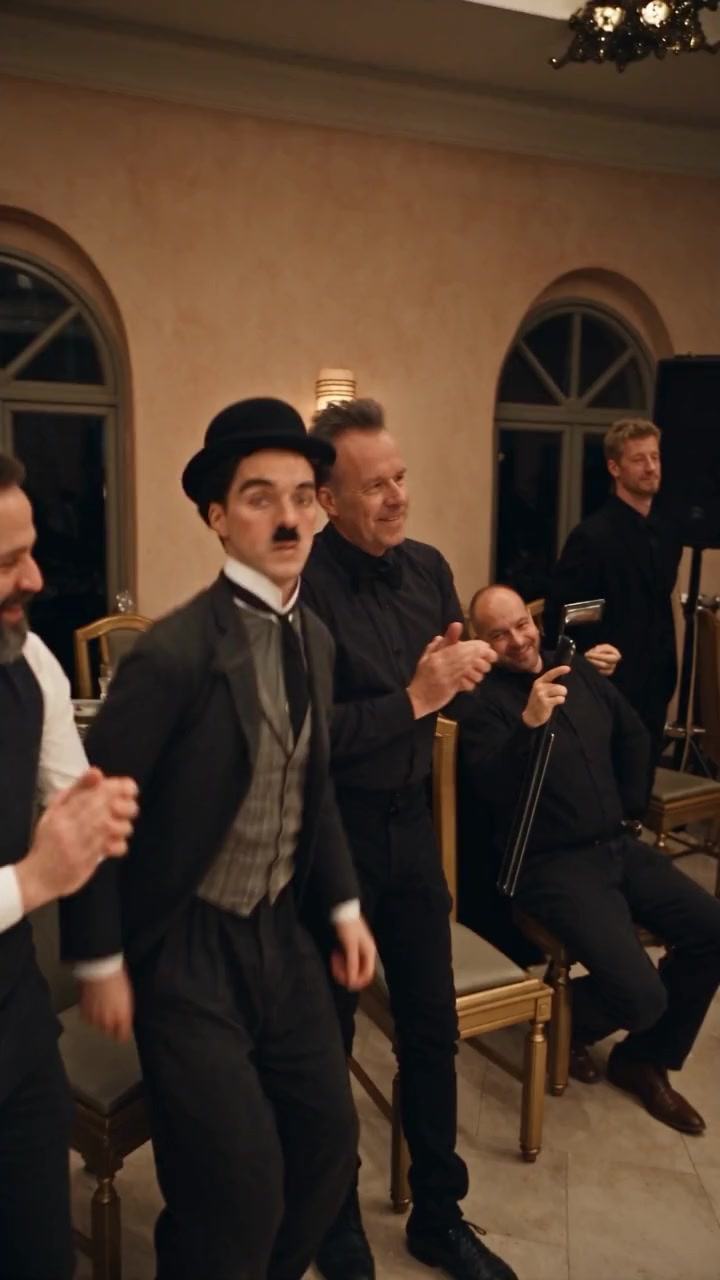
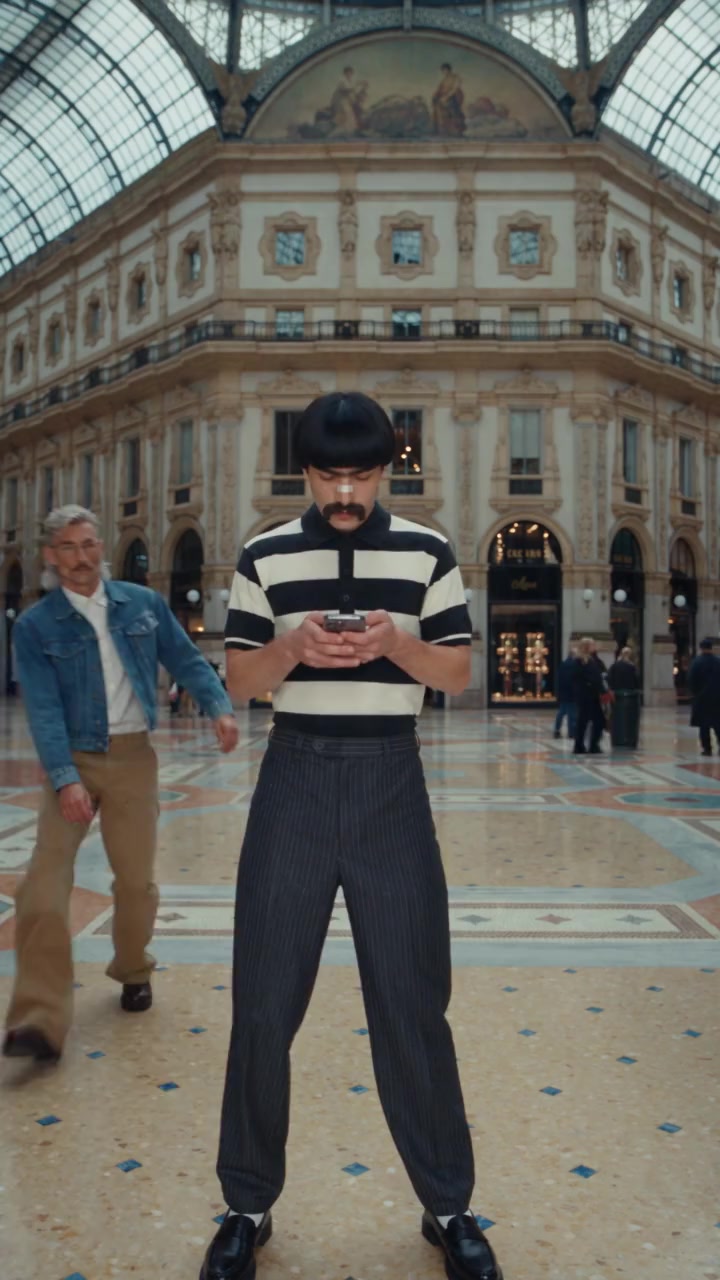
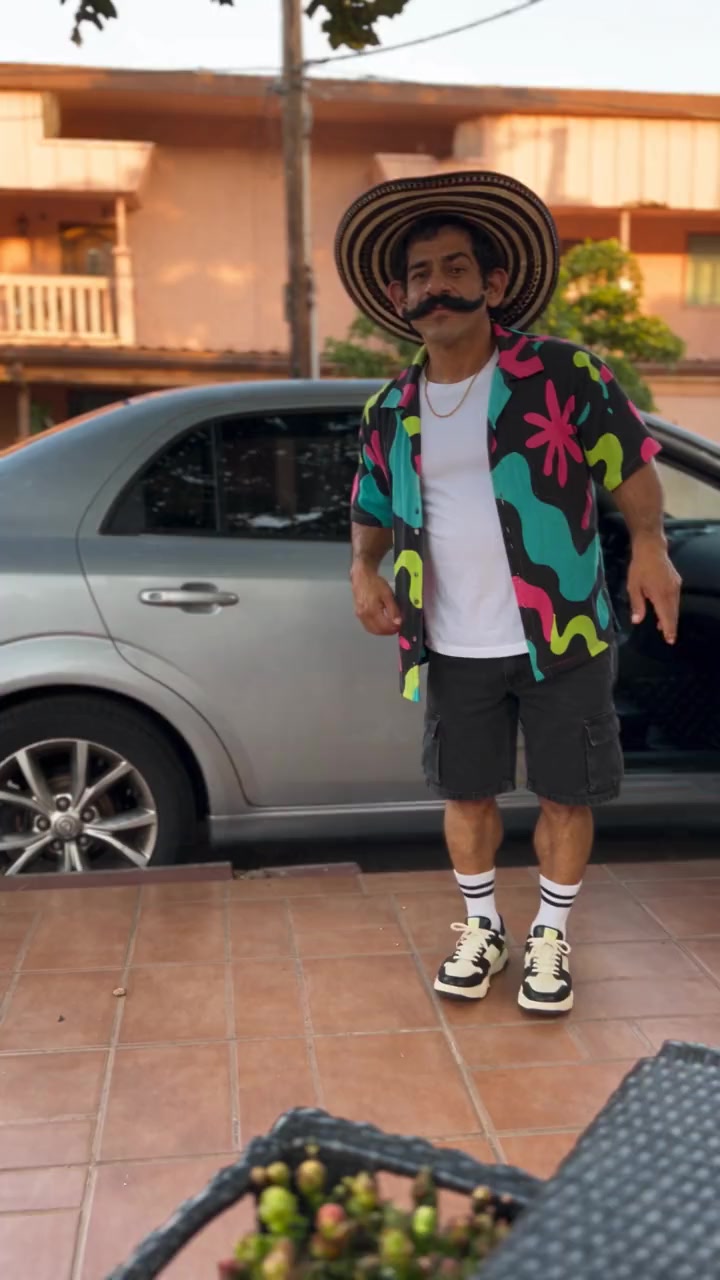
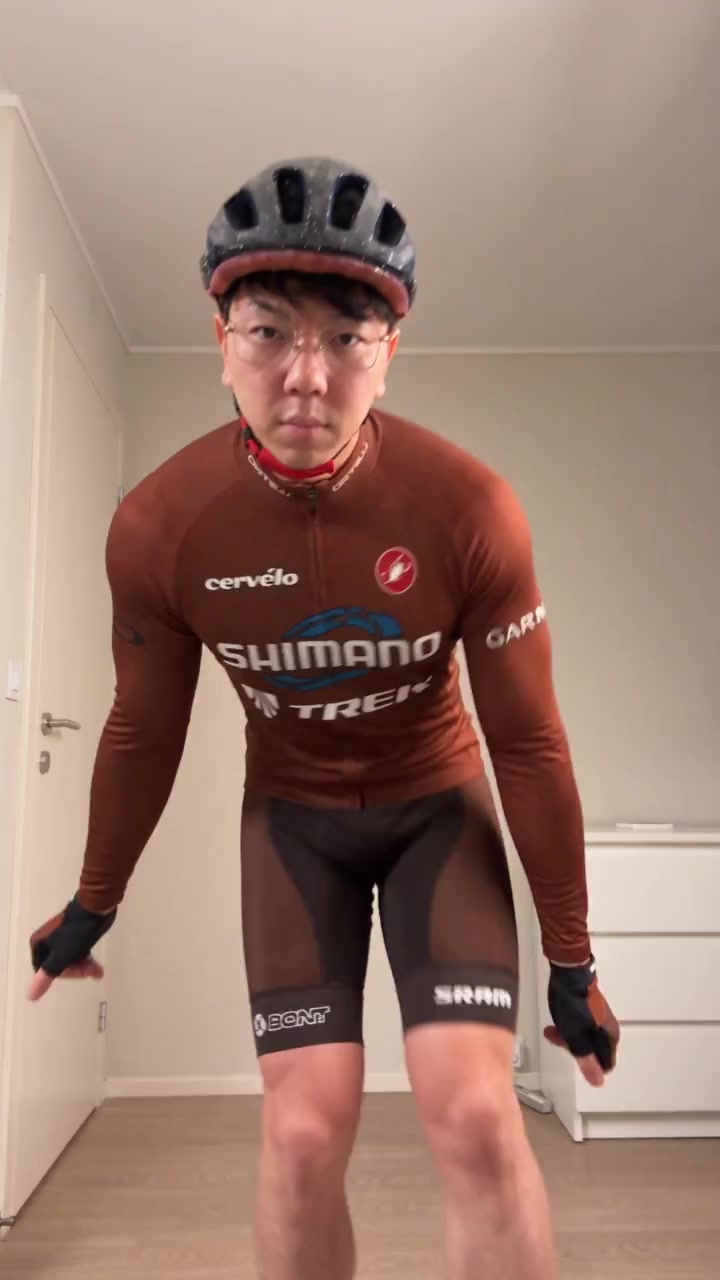
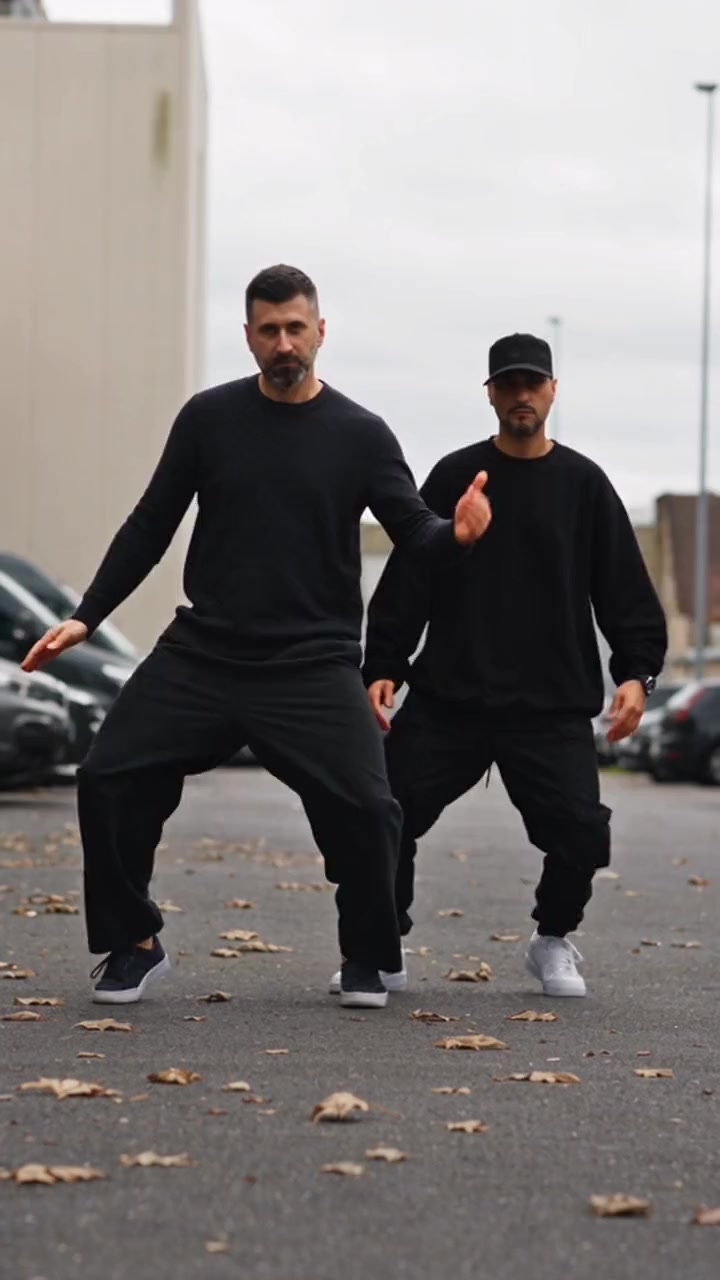
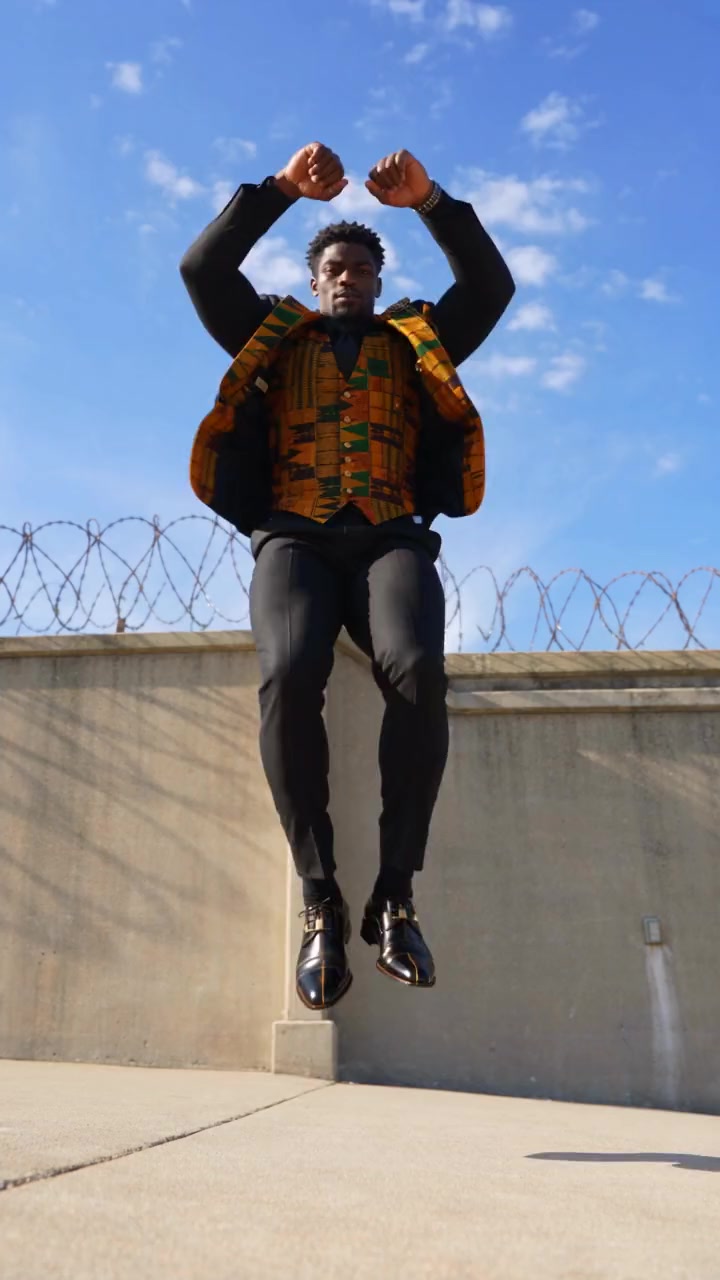
Shuffles, K-pop gestures, street and party dances, breakdance battles, line dances, duos and trios. Tap one to open it in the app with your photo.
- 1 person · 10s
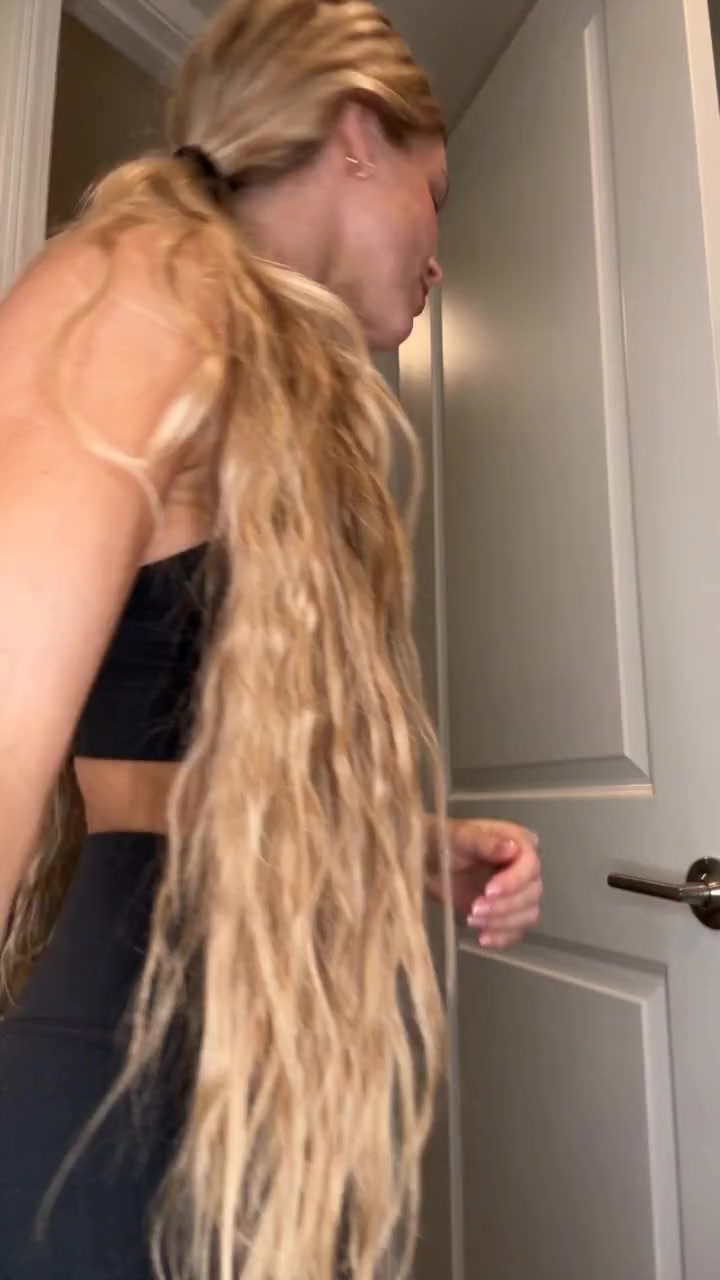
Doorway Dance
190 credits
- 1 person · 11s
Courtyard Dance
209 credits
- 1 person · 15s
Lead Dancer
285 credits
- 1 person · 10s
Zombie Dance
190 credits
- 1 person · 11s
Funny Shuffle
209 credits
- 1 person · 14s
Party Dance
266 credits
- 2 people · 15s
Hype Dance Duo
285 credits
- 1 person · 15s
Roadside Dance
285 credits
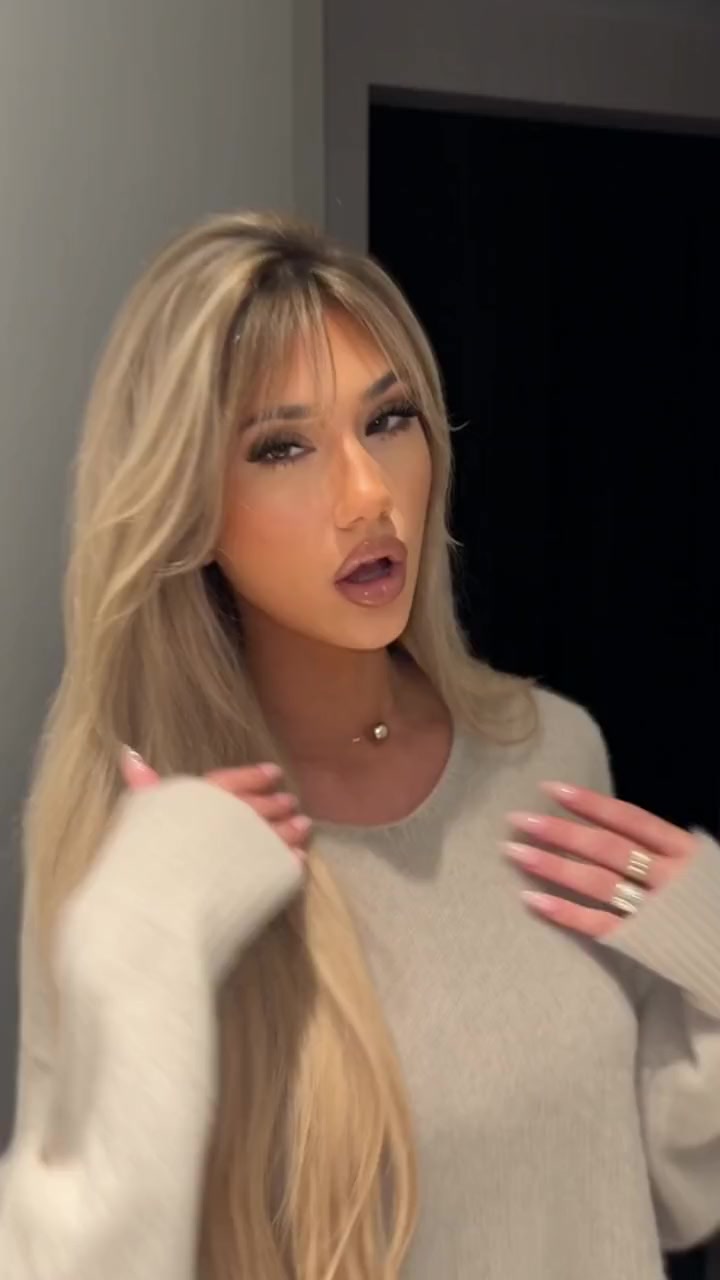
- 1 person · 13s
Hallway Dance
247 credits
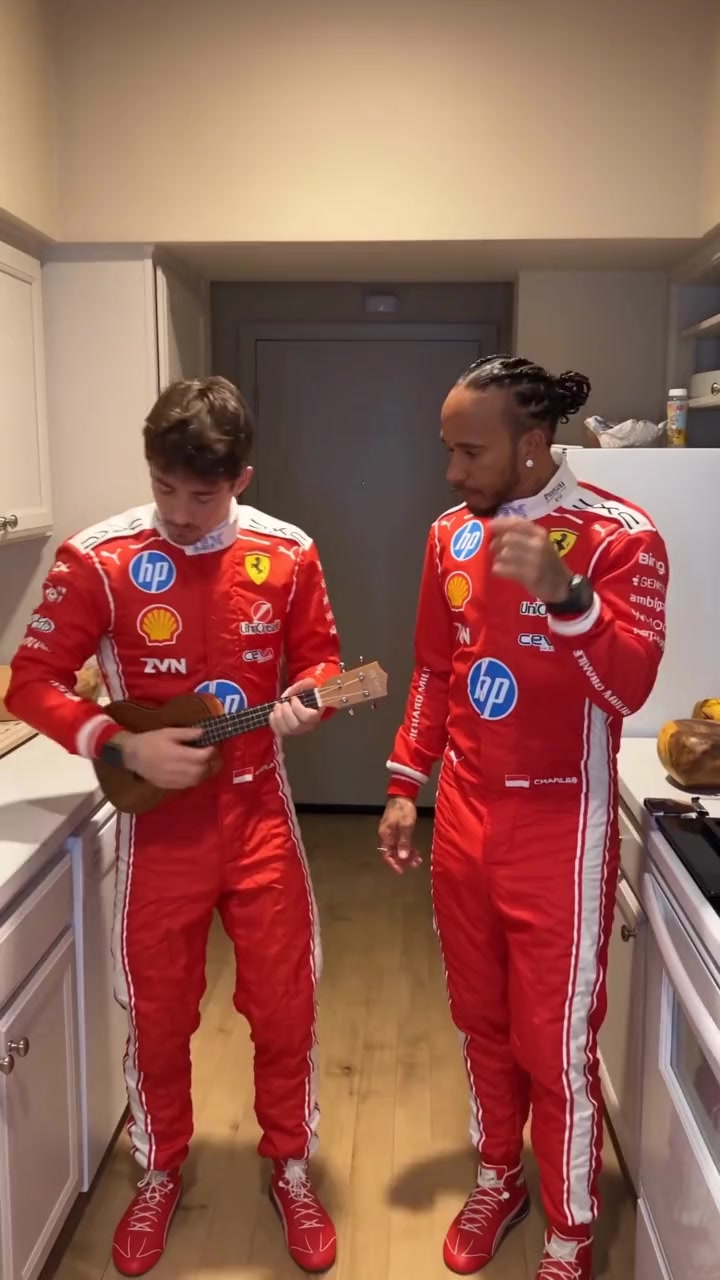
- 2 people · 14s
Kitchen Jam Duo
266 credits
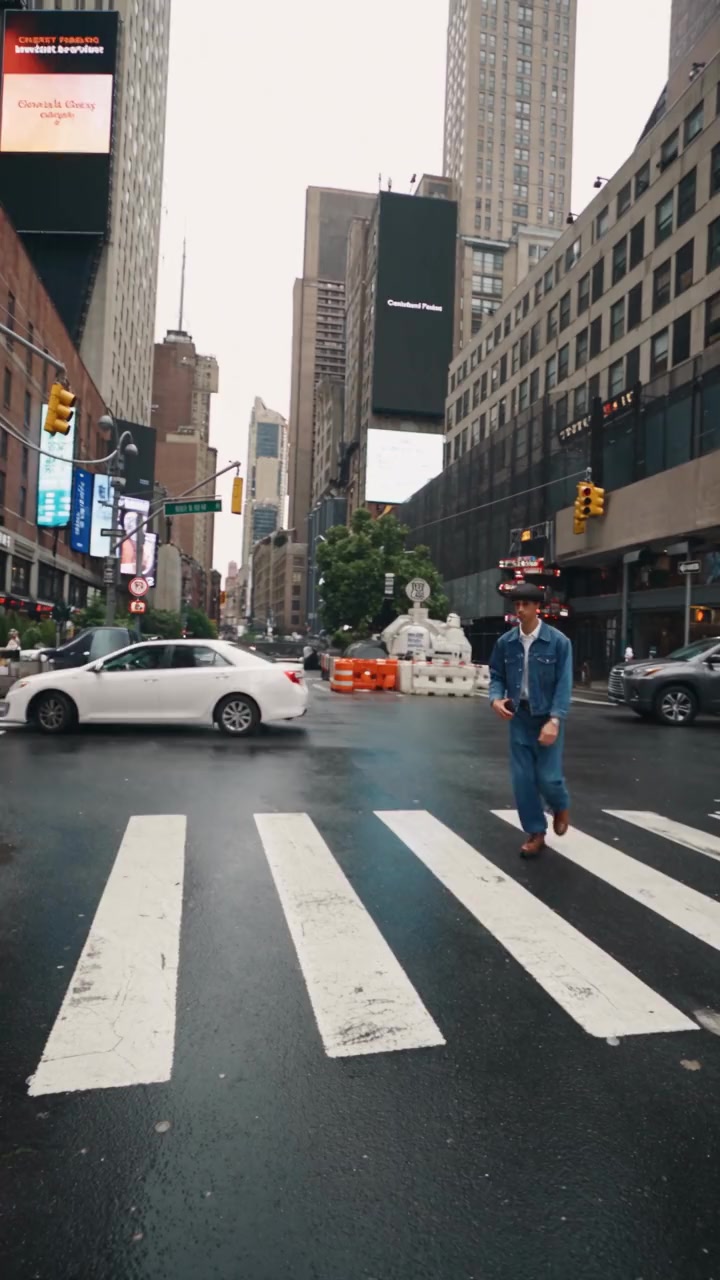
- 1 person · 5s
Crosswalk Dance
95 credits
- 1 person · 15s
Dance Studio Solo
285 credits
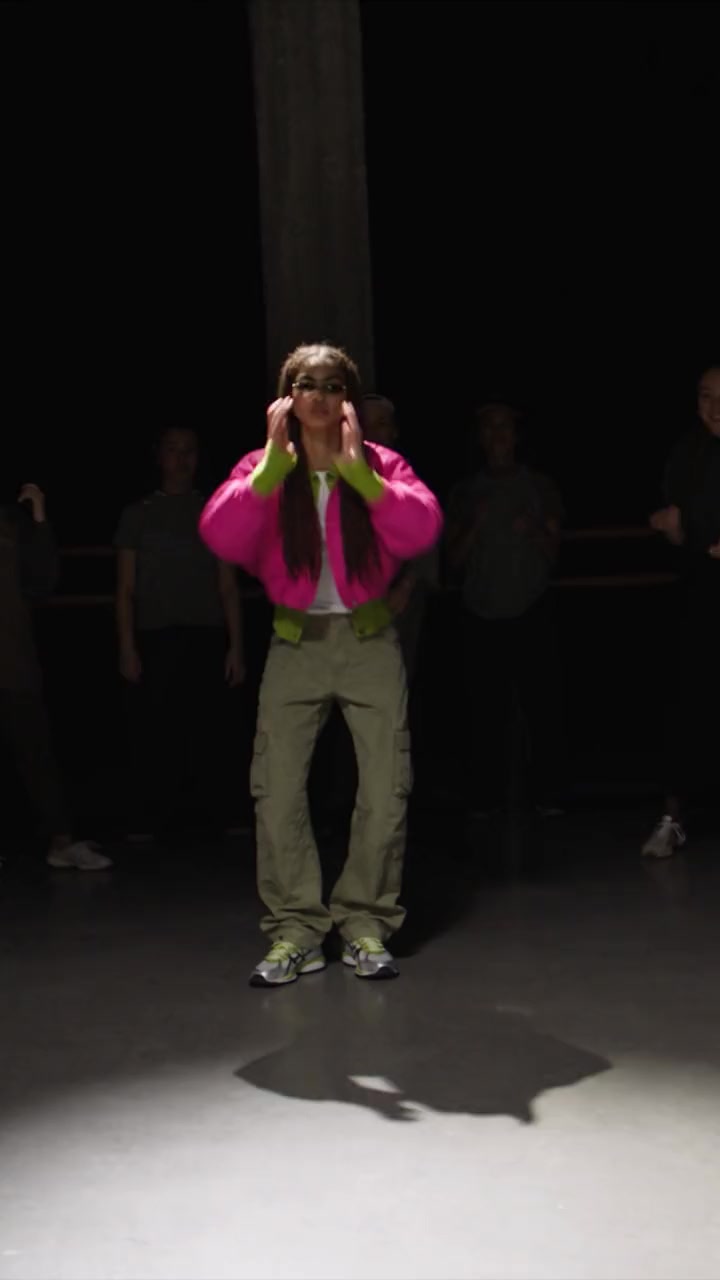
- 1 person · 15s
Spotlight Dance
285 credits
- 1 person · 11s
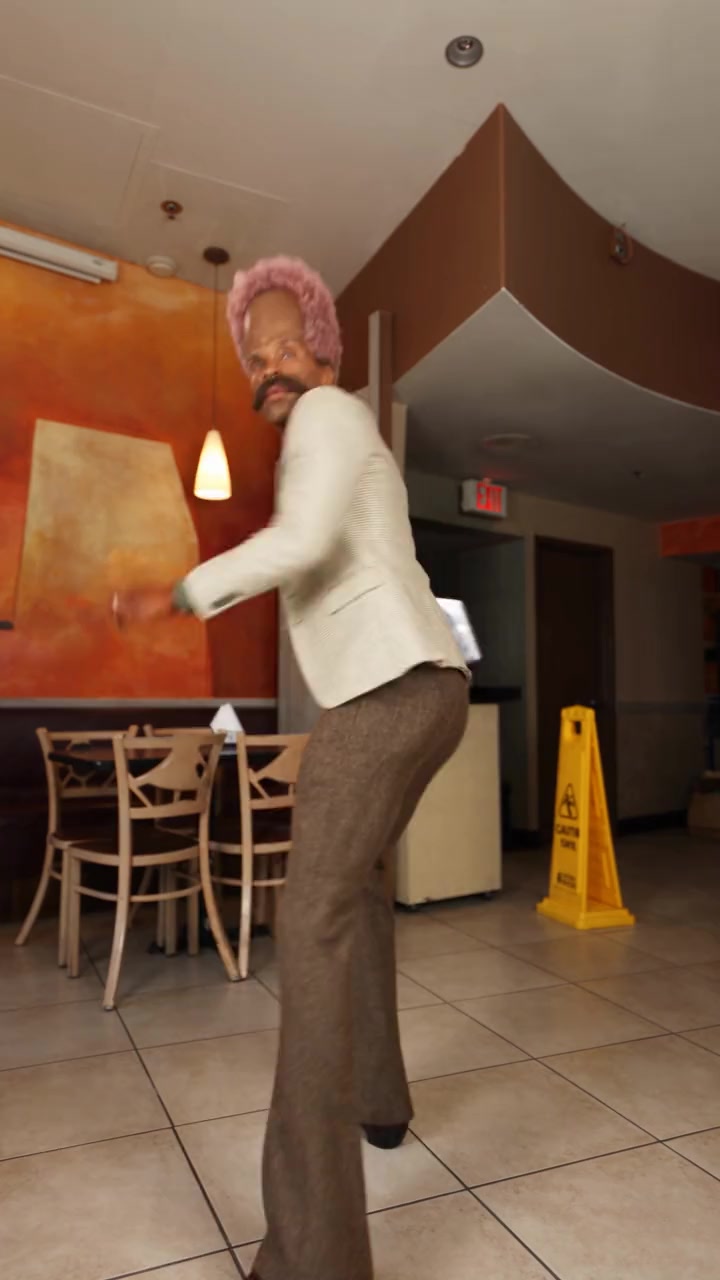
Restaurant Dance
209 credits
- 1 person · 15s
Hand Sign Dance
285 credits
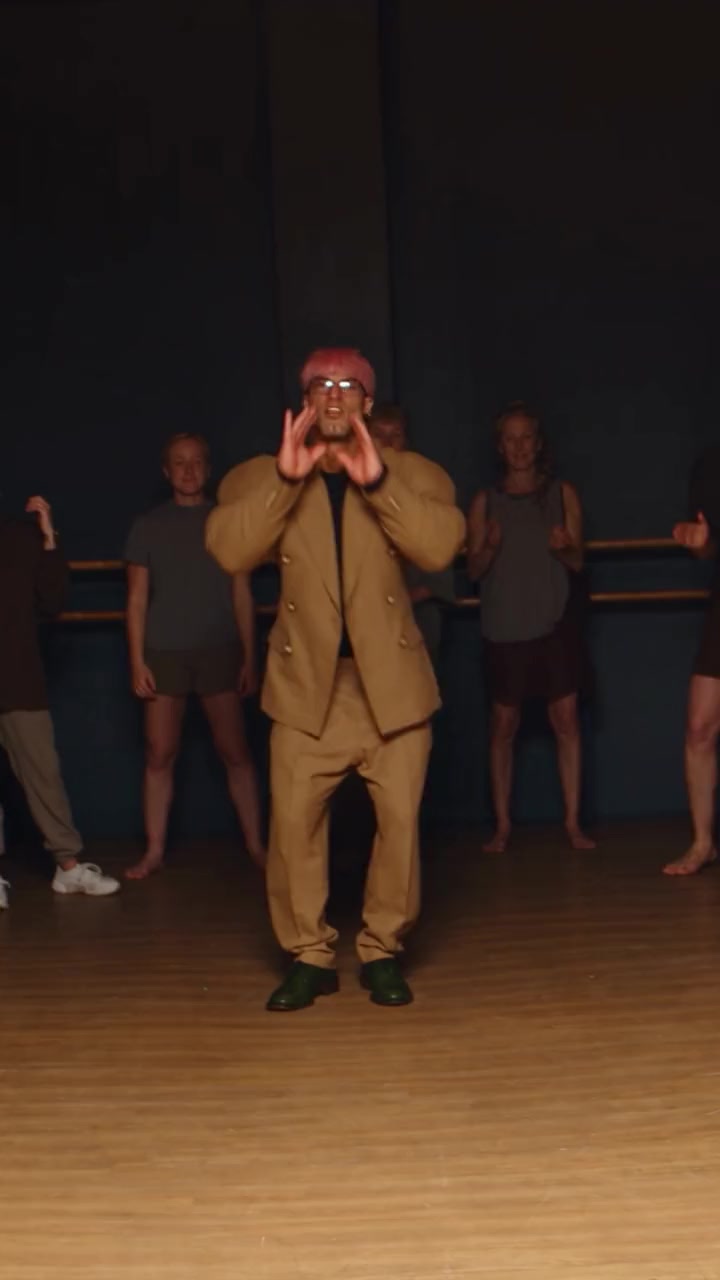
- 2 people · 15s
Studio Dance Duo
285 credits
- 1 person · 6s
Kitchen Dance
114 credits
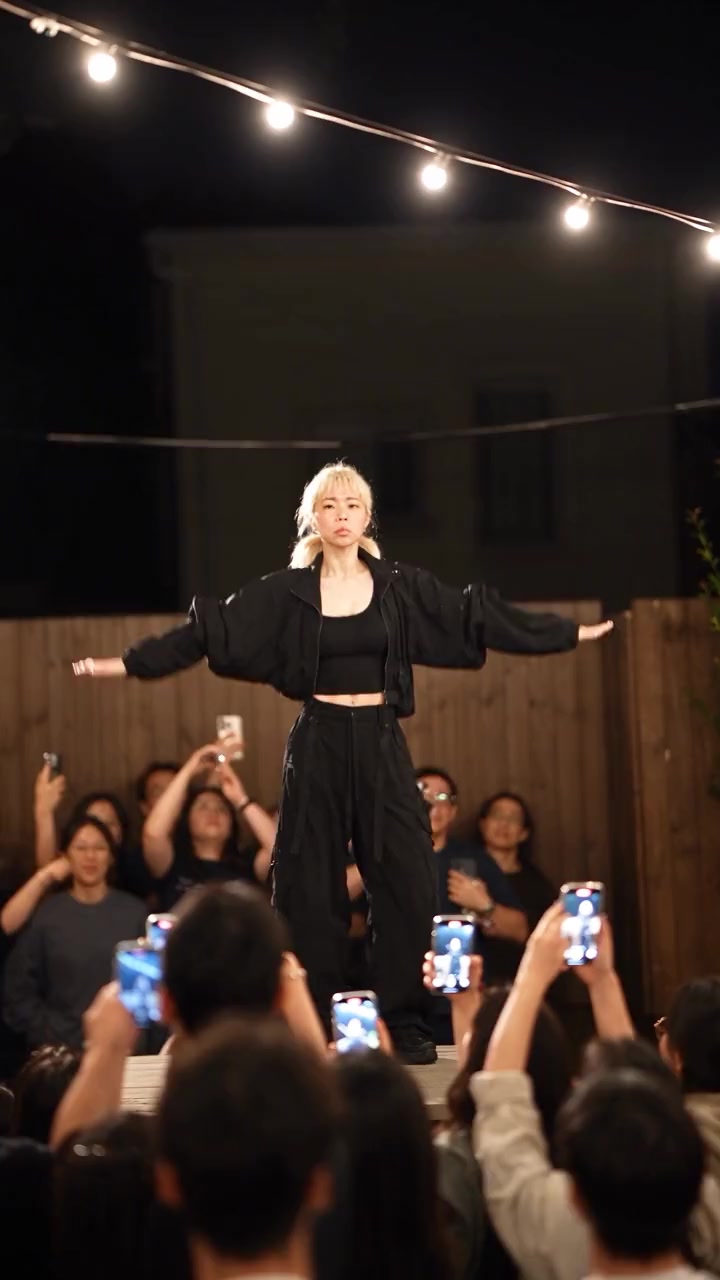
- 1 person · 15s
Backyard Stage Dance
285 credits
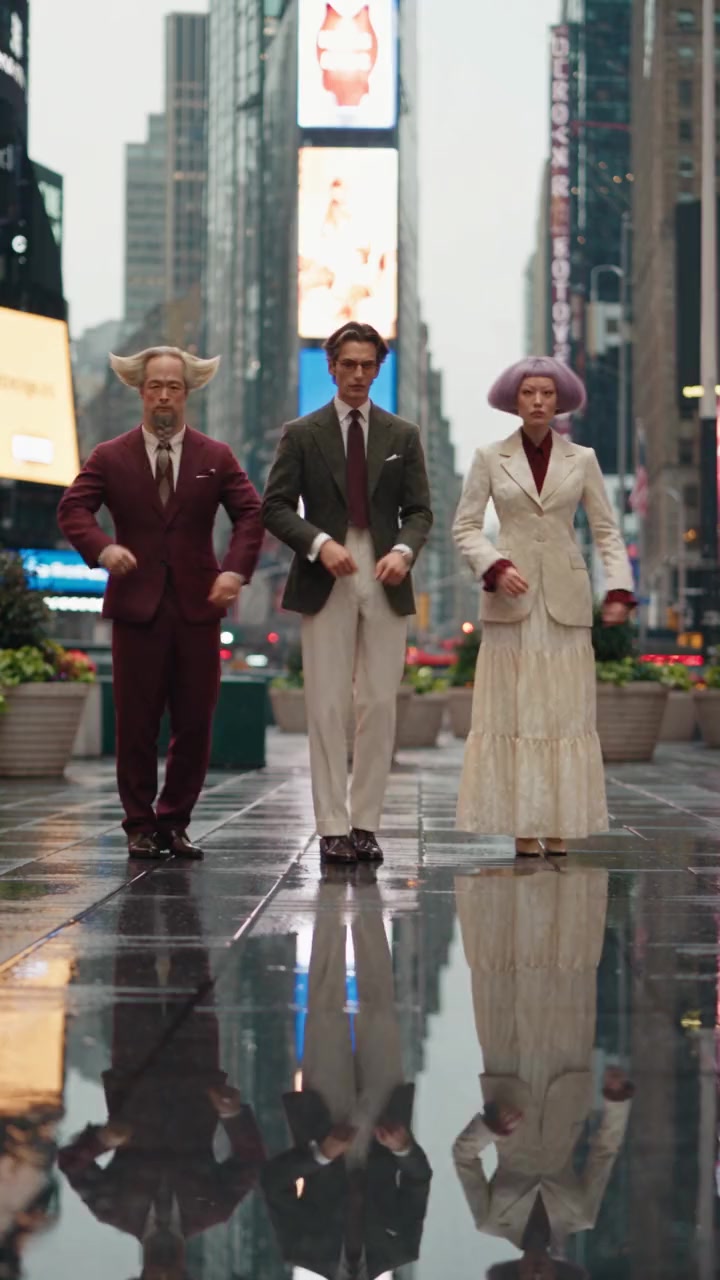
- 3 people · 15s
Times Square Shuffle
285 credits
- 1 person · 15s
Cute Gesture Dance
285 credits
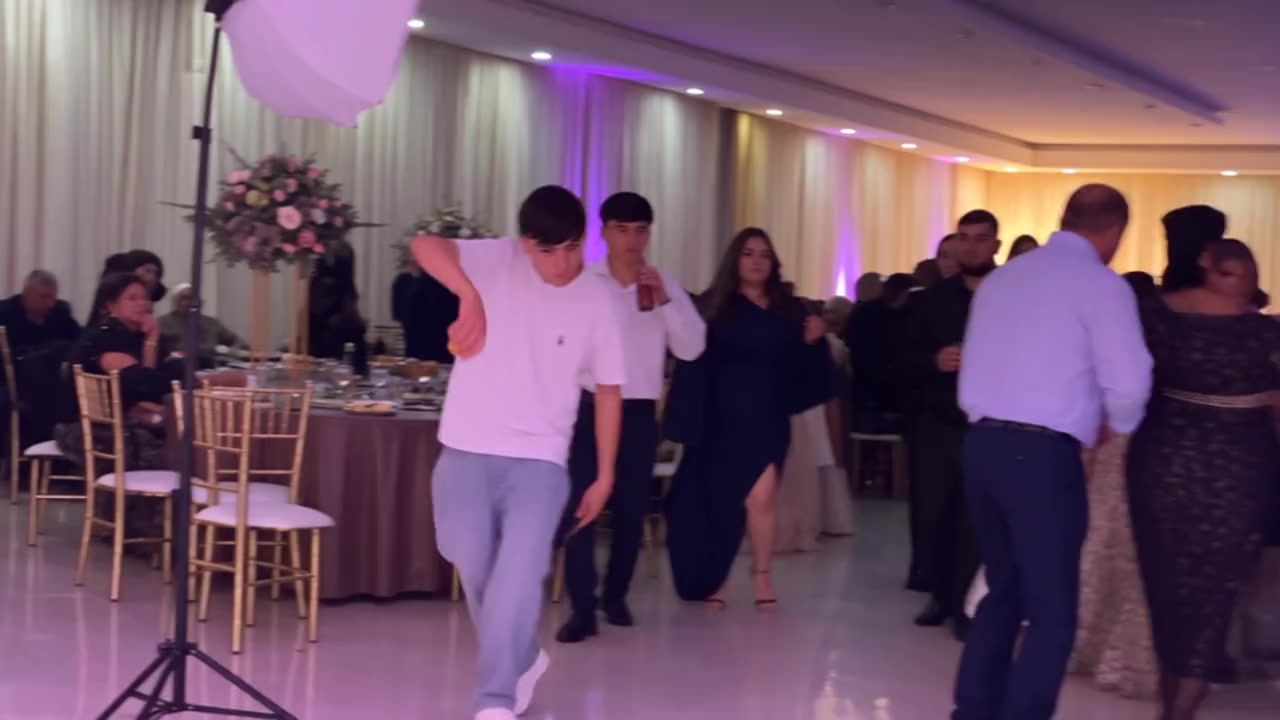
- 1 person · 9s
Banquet Dance
171 credits
- 1 person · 14s
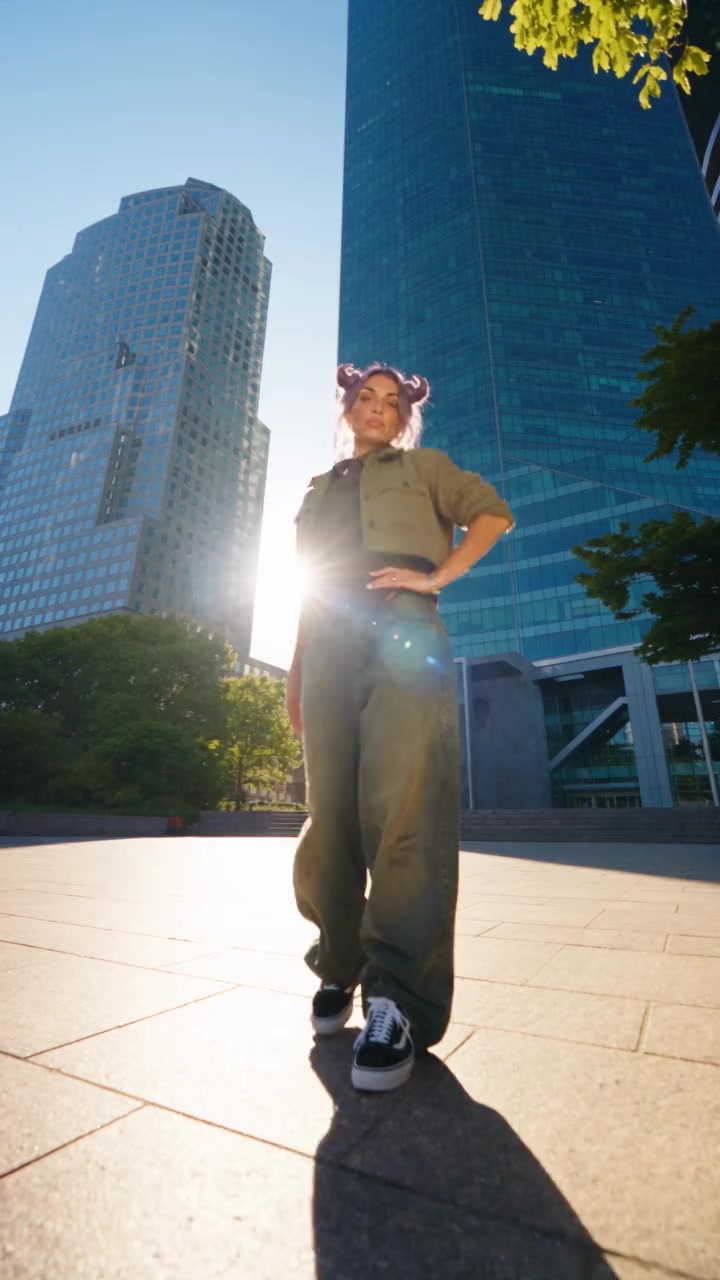
Skyscraper Dance
266 credits
- 1 person · 14s
K-Pop Gesture Dance
266 credits
- 1 person · 15s
Metro Groove
285 credits
- 1 person · 10s
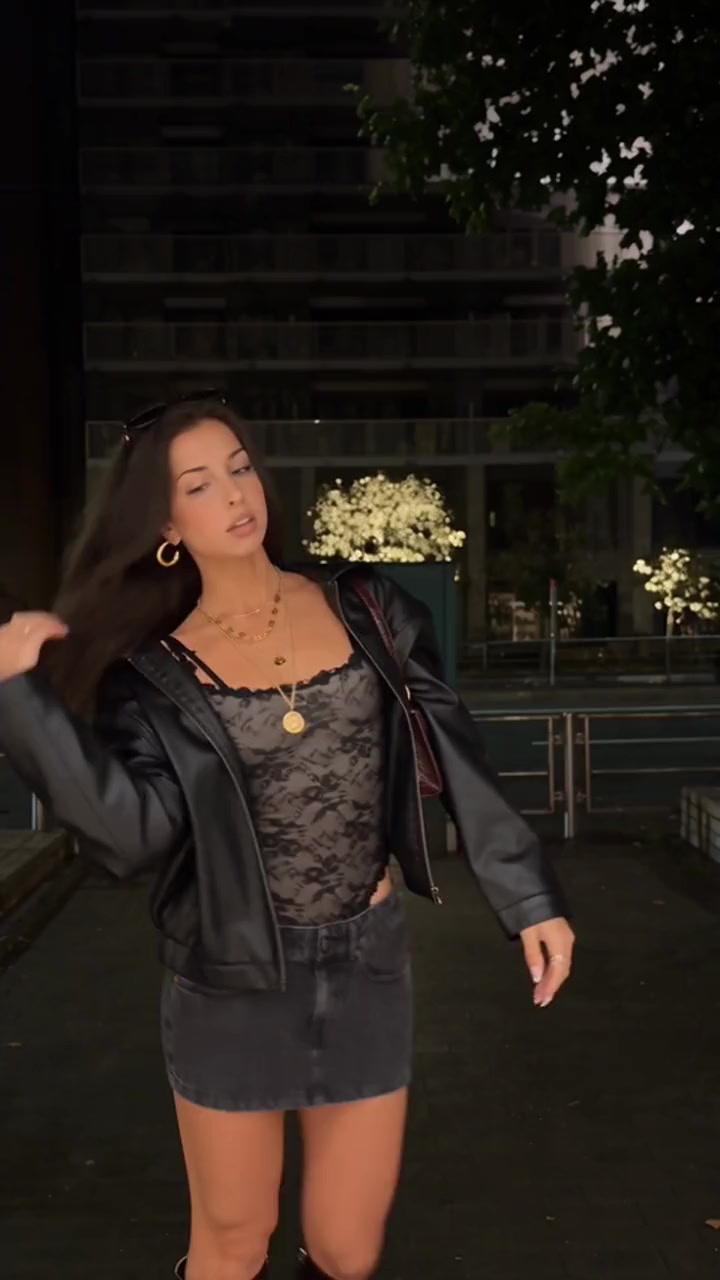
Night Street Dance
190 credits
- 1 person · 15s
Groovy Living Room
285 credits
- 1 person · 15s
Tracksuit Groove
285 credits
- 1 person · 15s
Party Shuffle
285 credits
- 2 people · 7s
Gallery Duo Dance
133 credits
- 1 person · 8s
Party Snack Dance
152 credits
- 1 person · 15s
Park Dance
285 credits
- 2 people · 15s
Duo Dance Moves
285 credits
- 1 person · 15s
Sunny Path Dance
285 credits
- 1 person · 15s
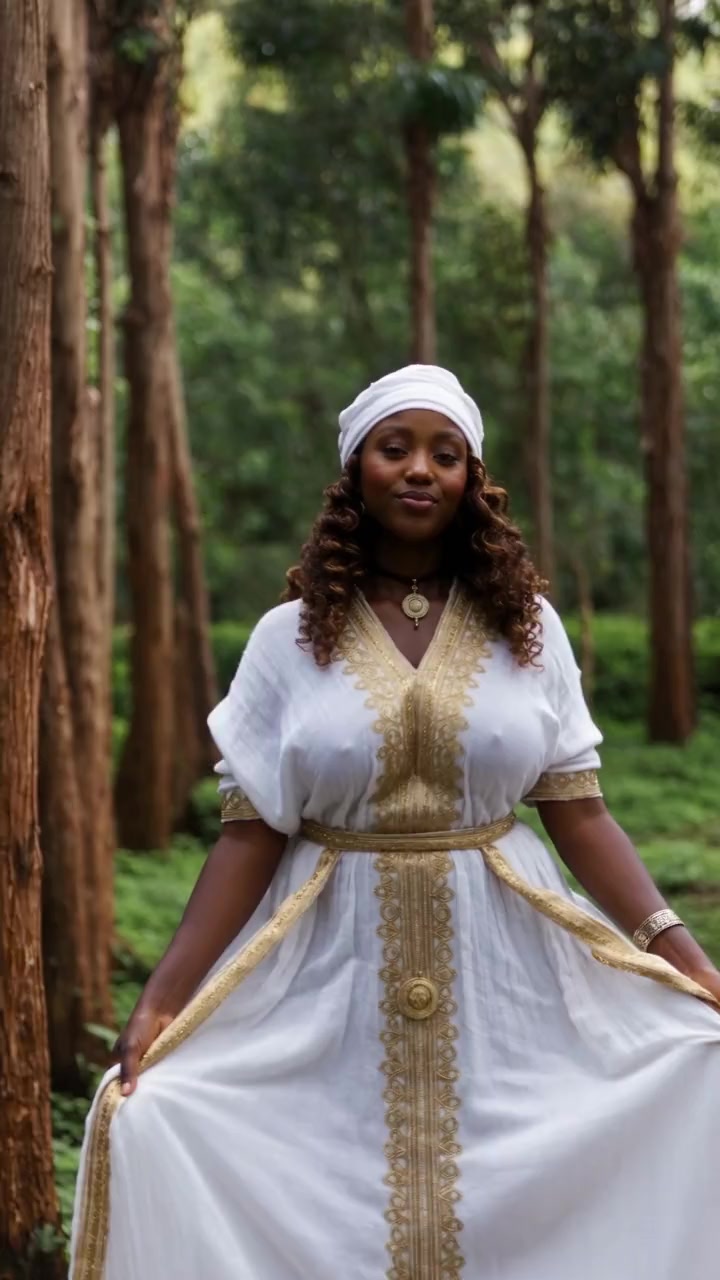
Forest Dance
285 credits
- 1 person · 15s
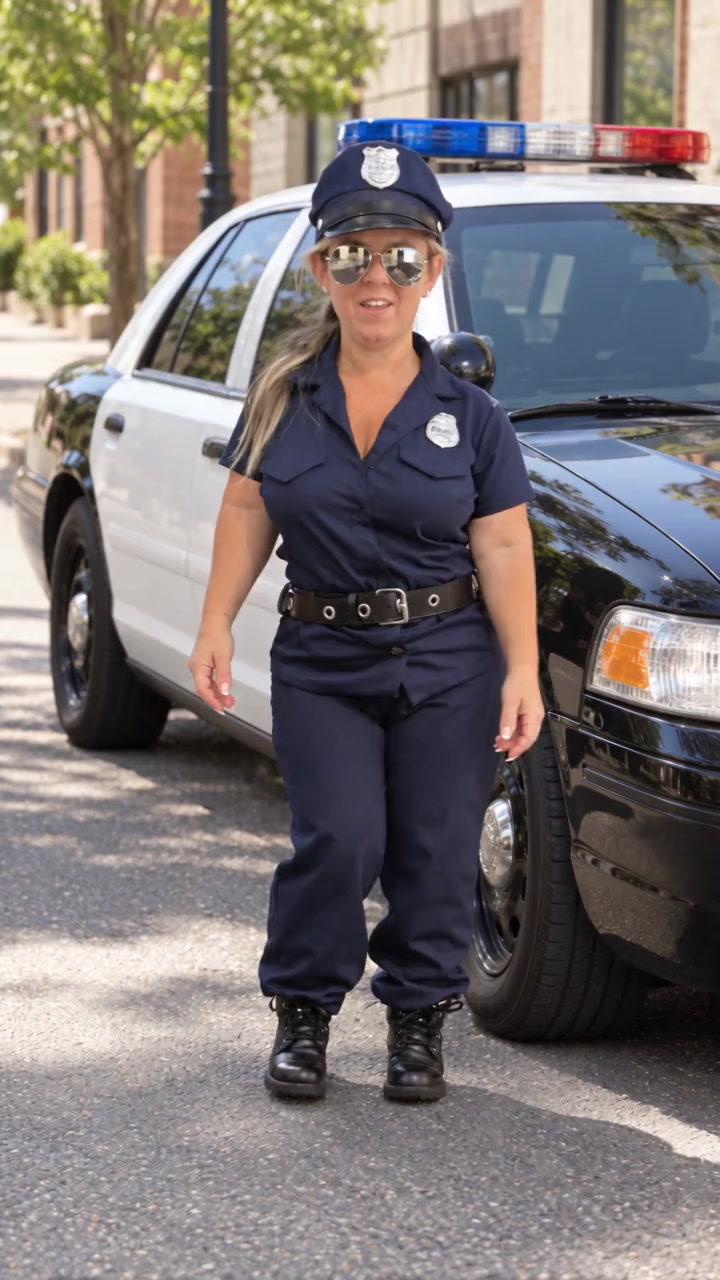
Patrol Dance
285 credits
- 1 person · 15s
Underground Jookin
285 credits
- 1 person · 14s
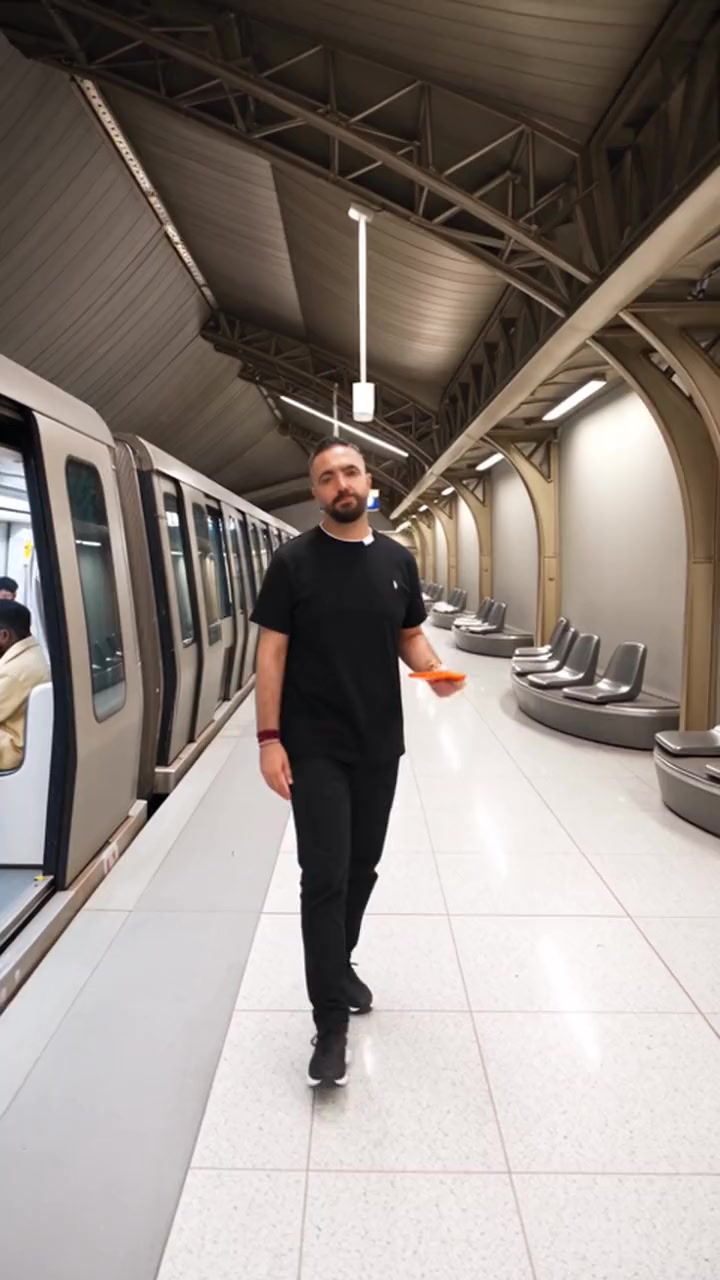
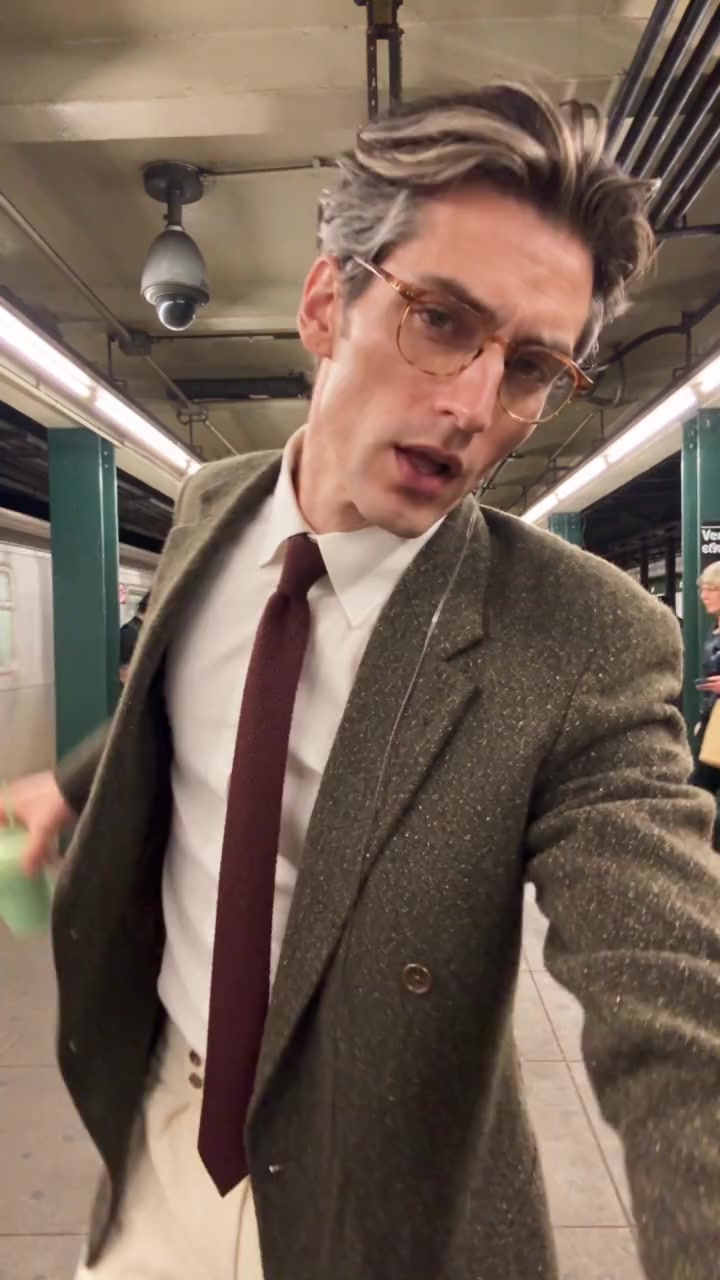
Subway Platform Dance
266 credits
- 1 person · 7s
Puddle Dance
133 credits
- 1 person · 15s
Dance Battle Stage
285 credits
- 1 person · 15s
Halay Line
285 credits
- 1 person · 15s
Fountain Stage Dance
285 credits
- 1 person · 14s
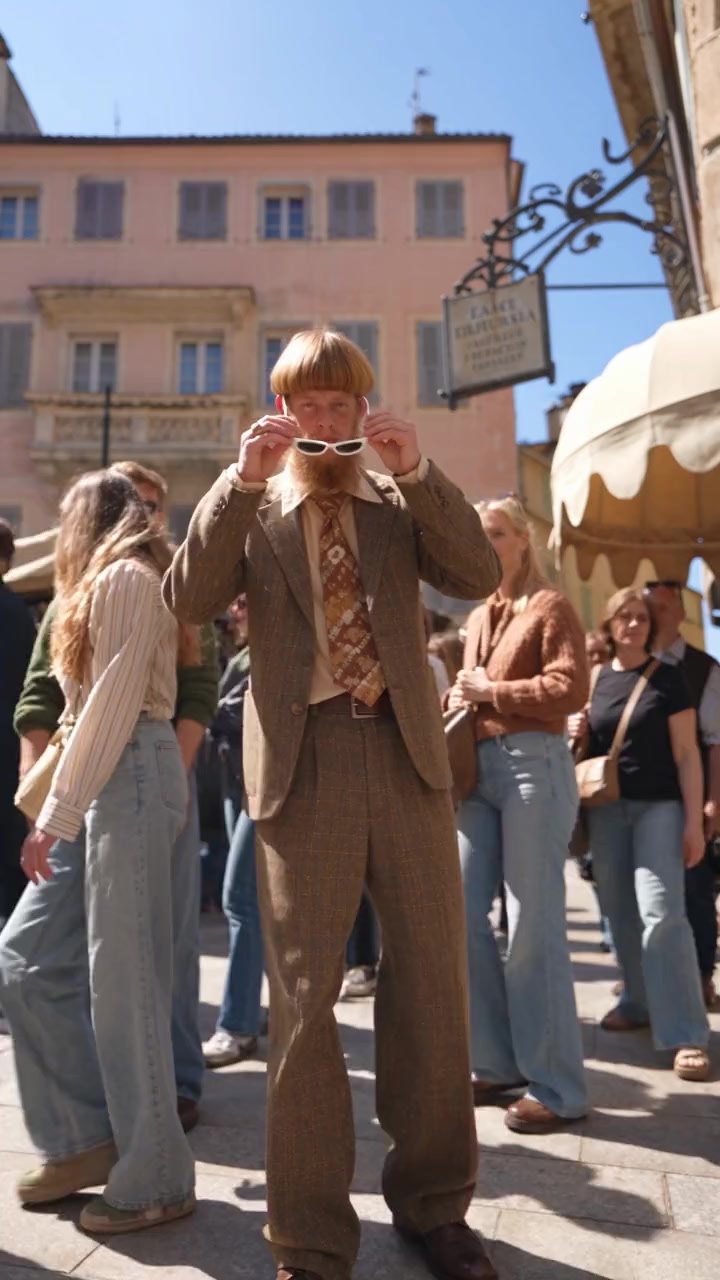
Piazza Dance
266 credits
- 1 person · 15s
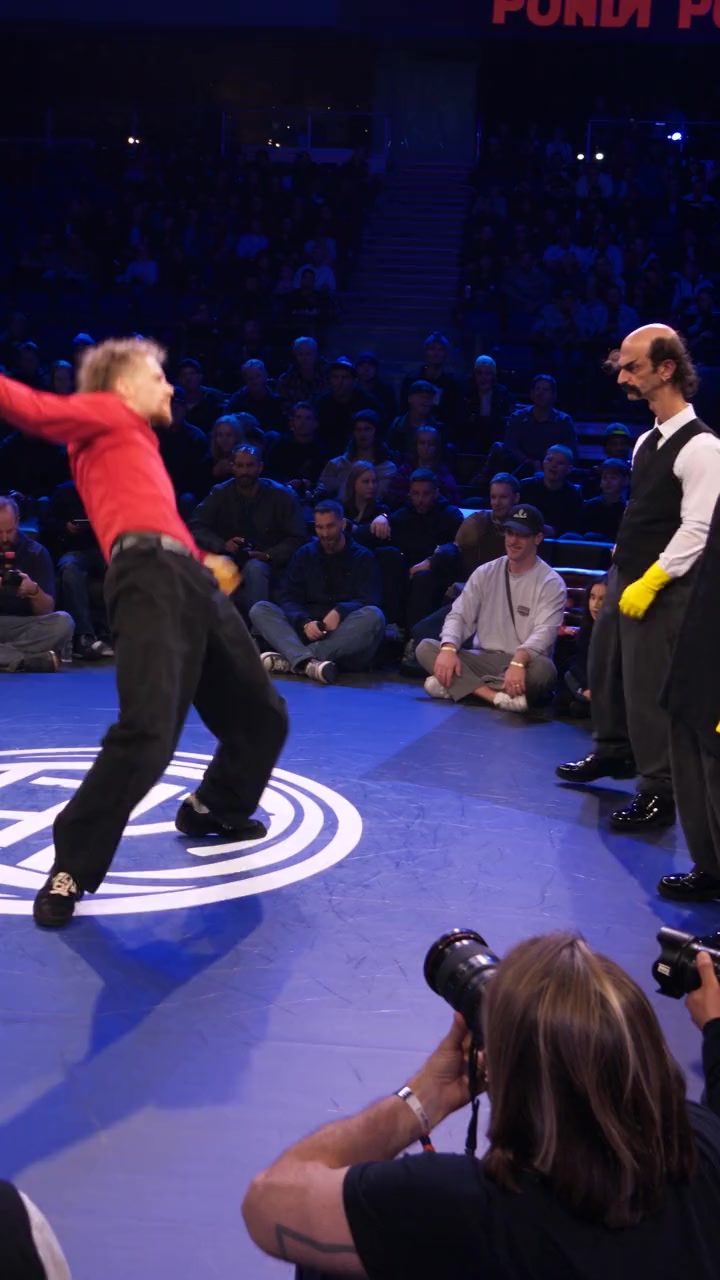
Breakdance Battle
285 credits
- 1 person · 13s
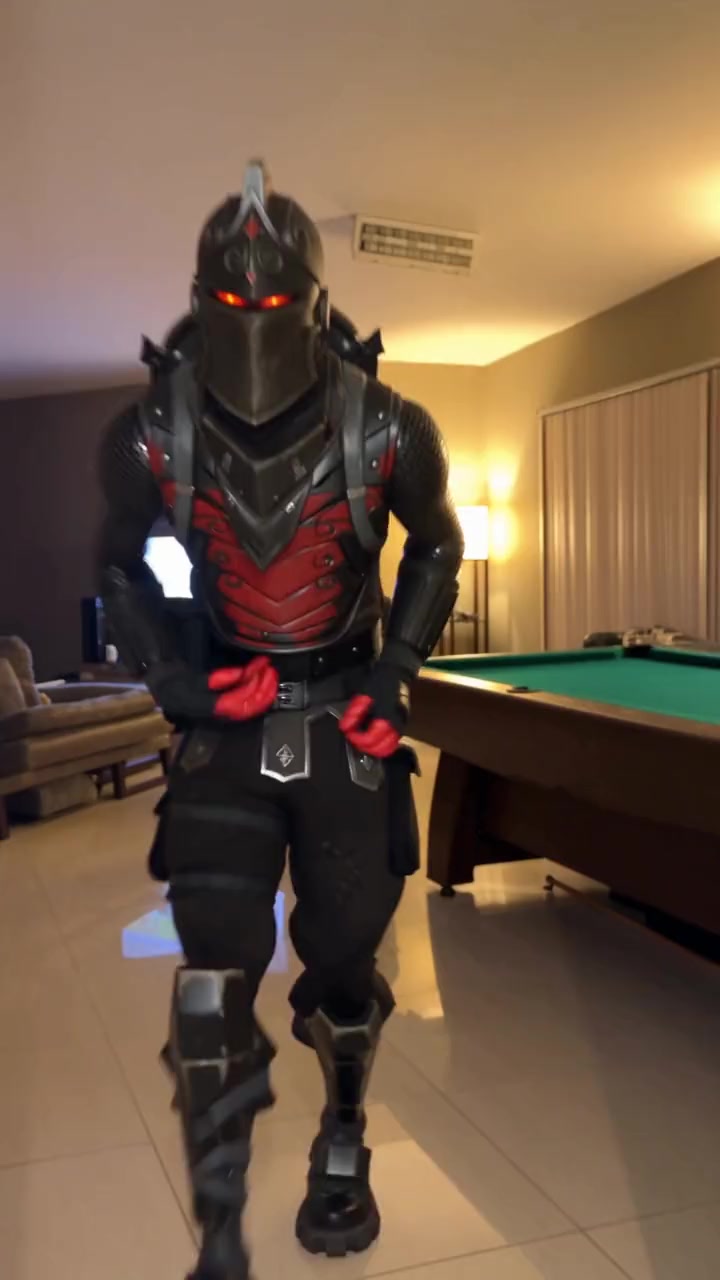
Living Room Shuffle
247 credits
- 1 person · 15s
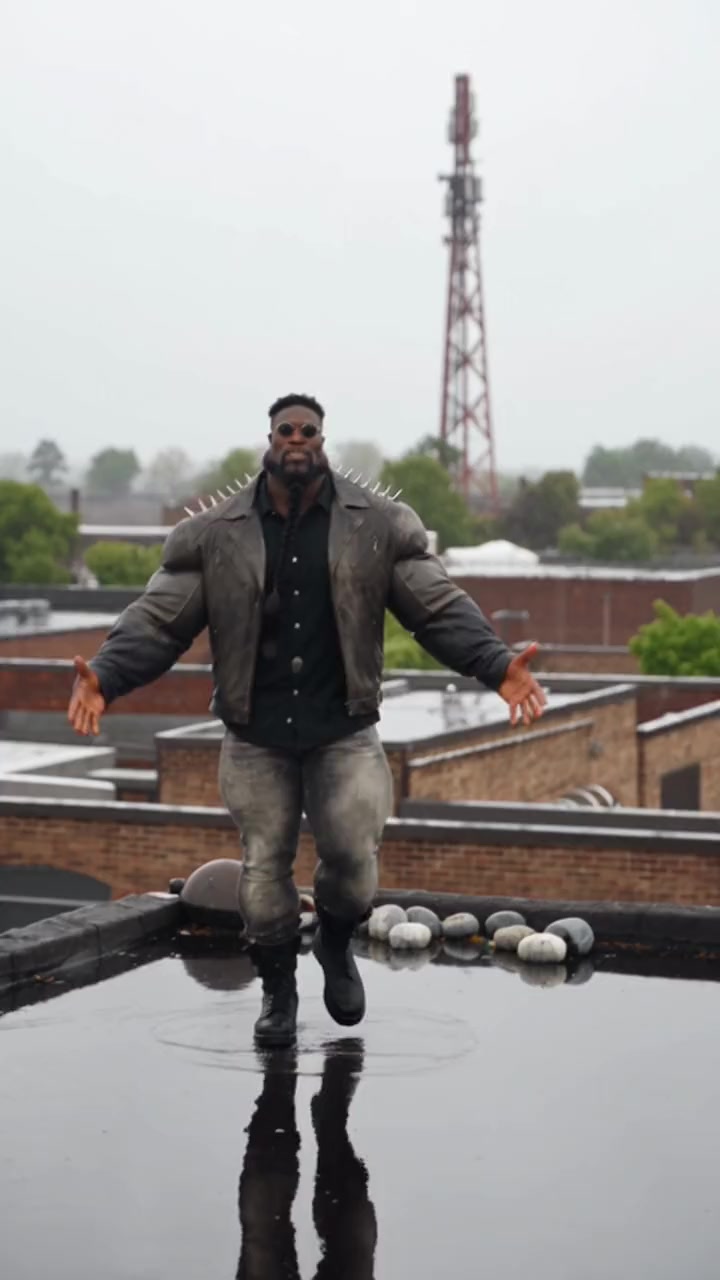
Rooftop Rain Dance
285 credits
- 1 person · 15s
Driveway Dance
285 credits
- 1 person · 8s
Cyclist Groove
152 credits
- 2 people · 15s
Street Duo Groove
285 credits
- 1 person · 15s
Sky High Dance
285 credits
- 1 person · 15s
Diner Dance
285 credits
- 1 person · 15s
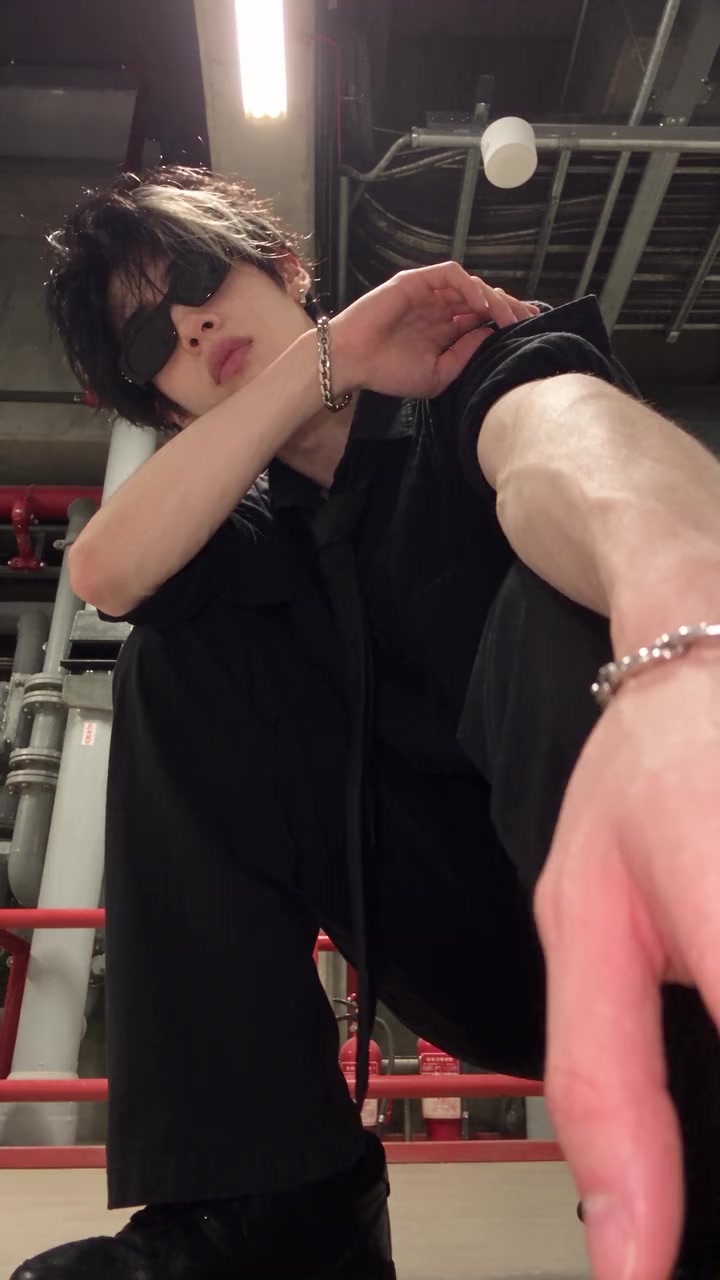
Boiler Room Dance
285 credits
- 1 person · 13s
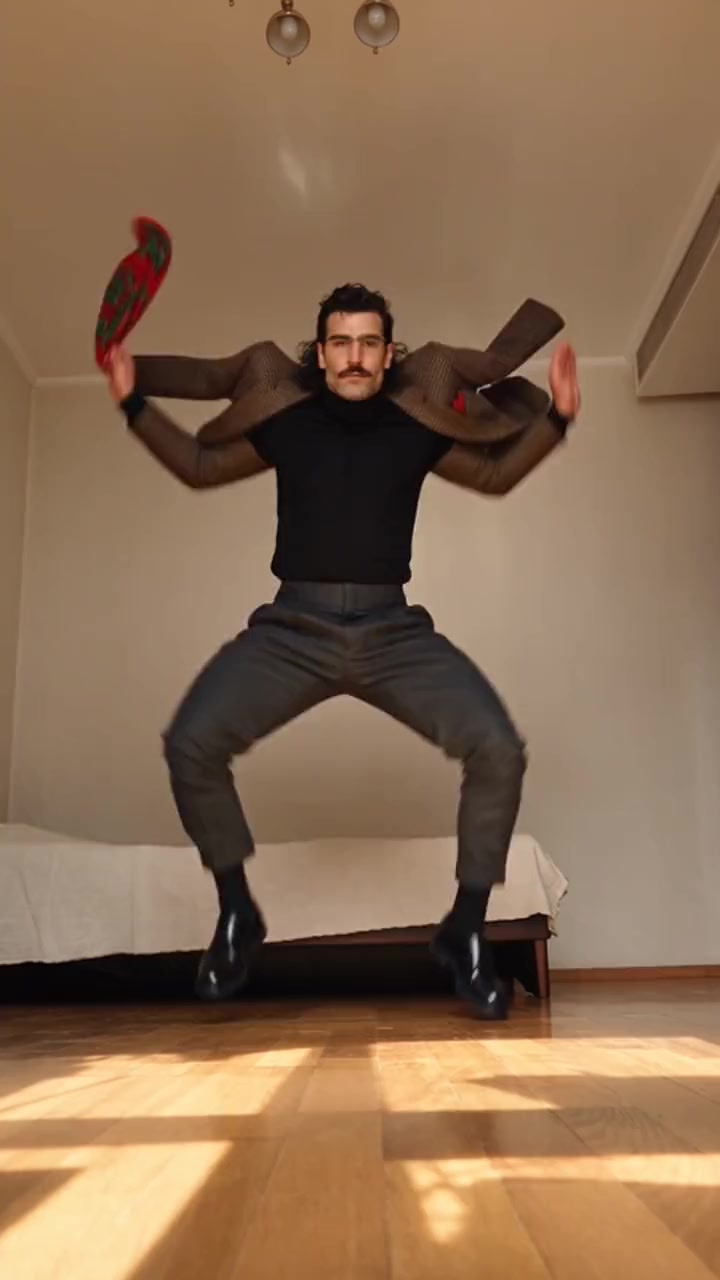
Folk Dance Spin
247 credits
- 1 person · 15s
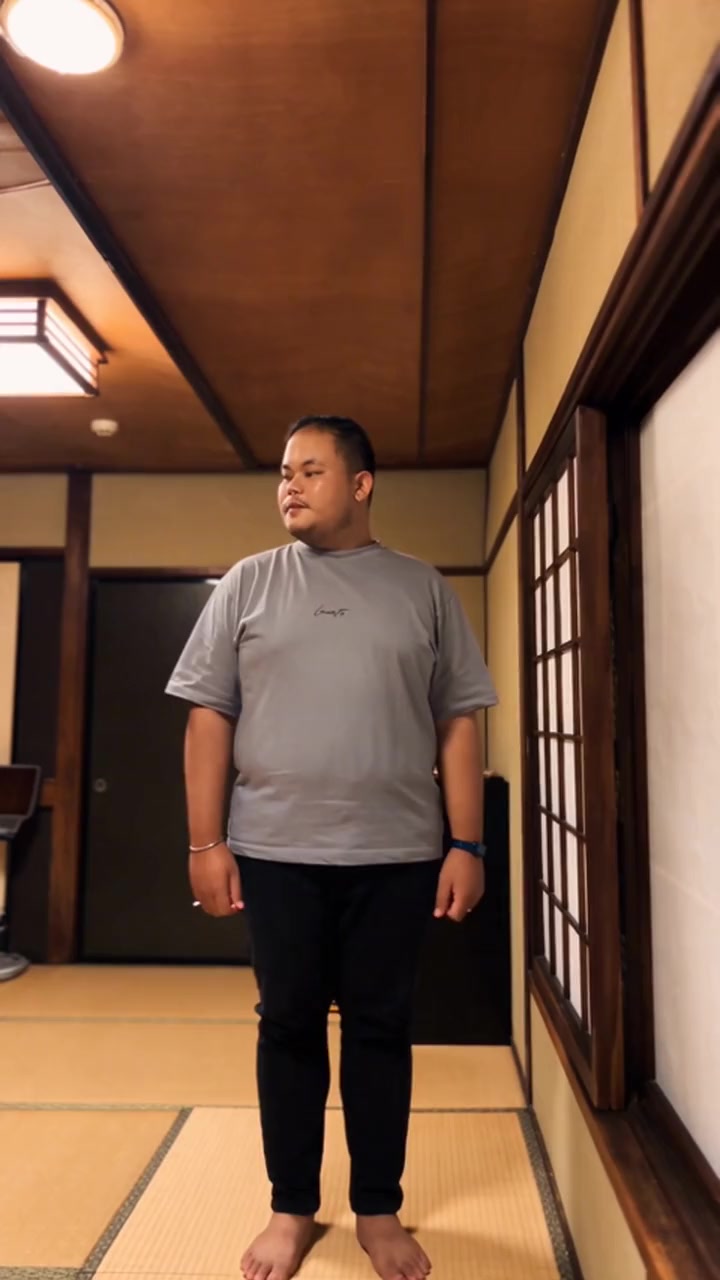
Tatami Dance
285 credits
- 1 person · 15s
Mirror Sculpture Dance
285 credits
- 2 people · 15s
SUV Duo Dance
285 credits
- 1 person · 14s
Hallway Groove
266 credits
- 3 people · 15s
Road Trip Trio
285 credits
- 1 person · 15s
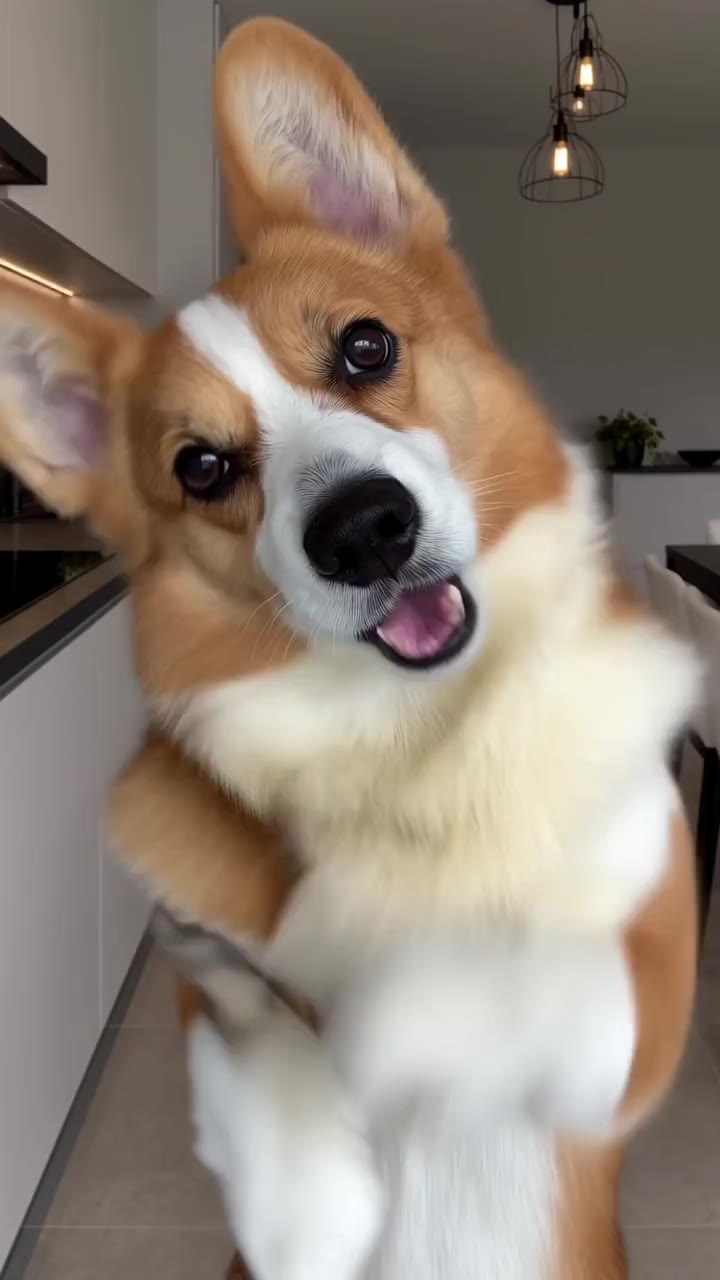
Pet Dance
285 credits
- 2 people · 10s
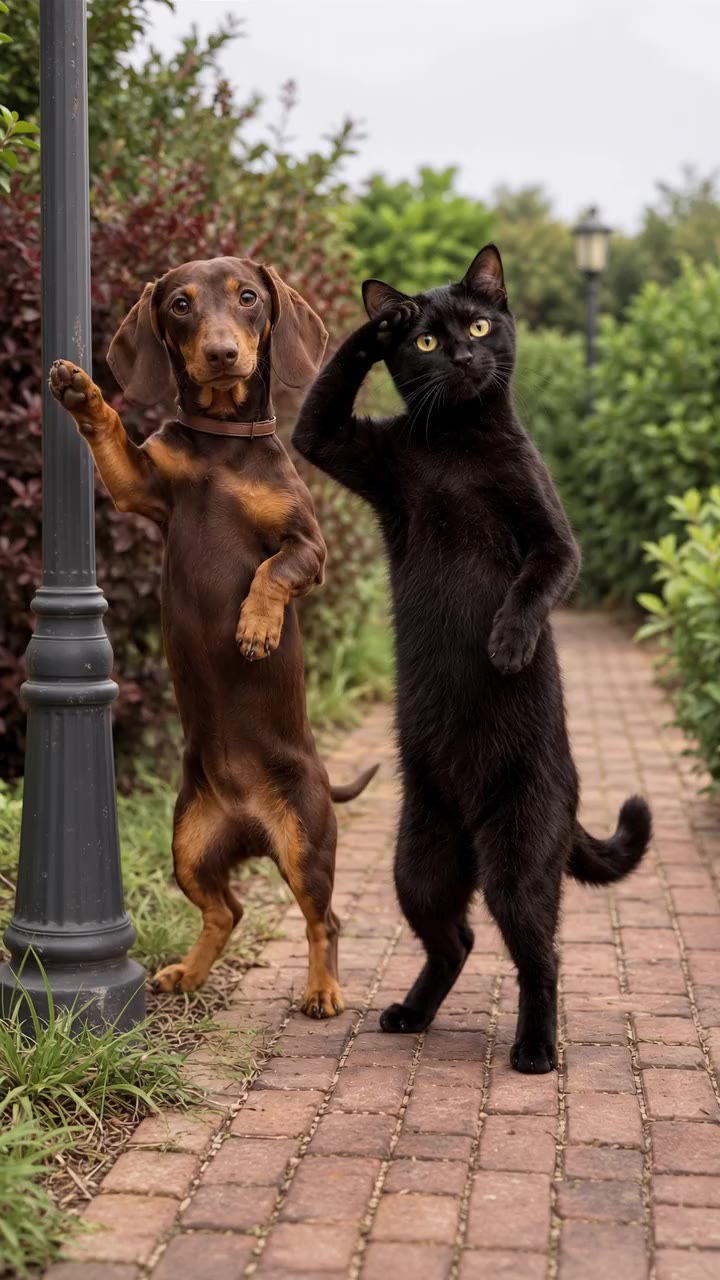
Cat and Dog Dance
190 credits
- 3 people · 15s
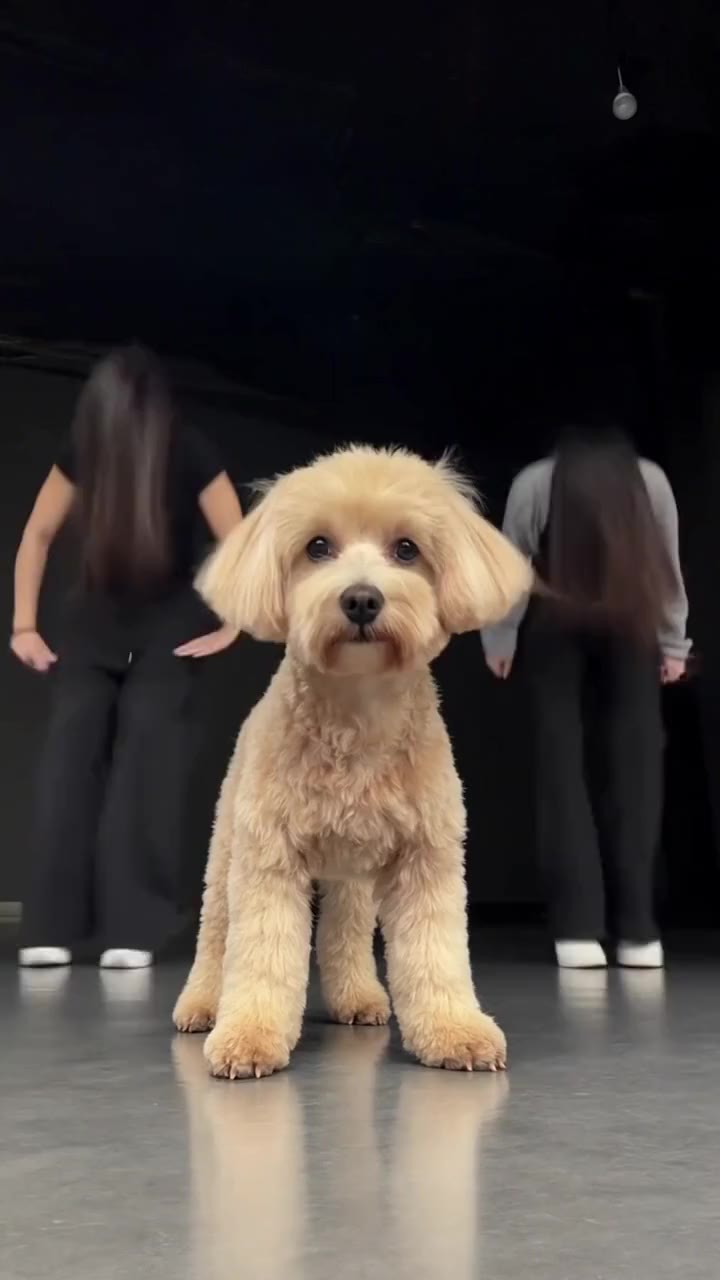
Dance Studio with Your Pet
285 credits
- 1 person · 15s
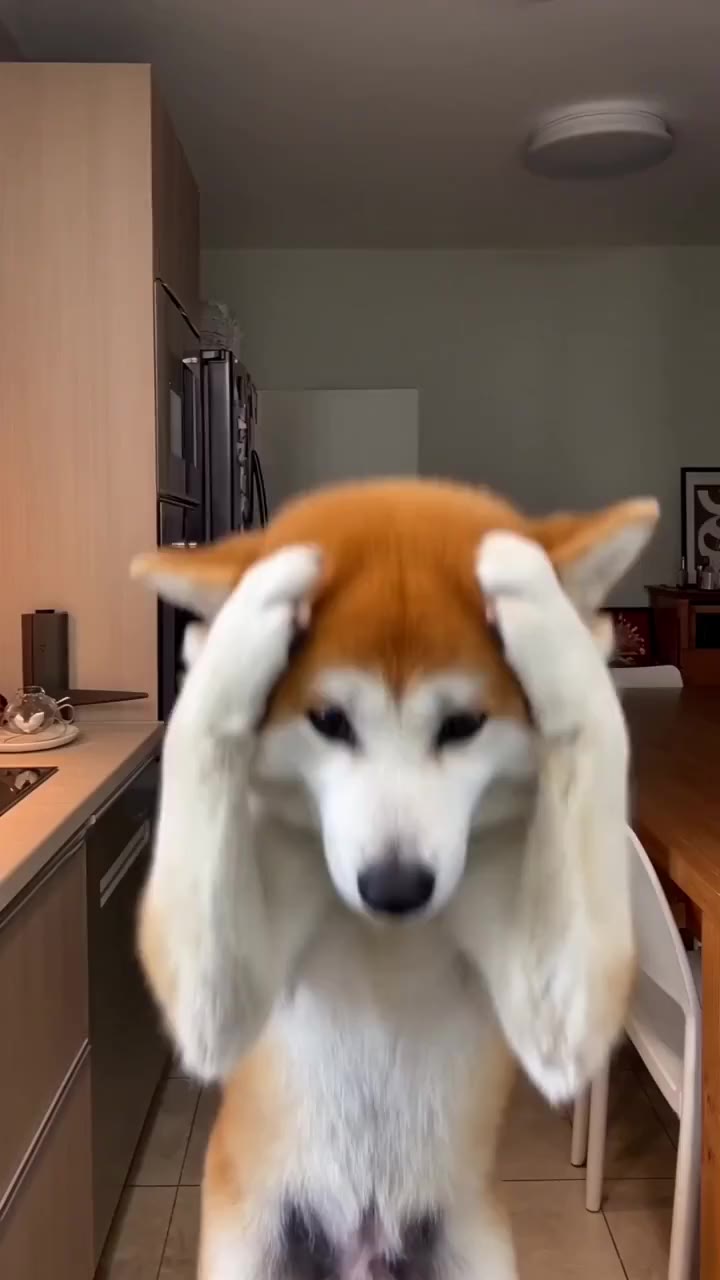
Pet Paw Dance
285 credits
- 1 person · 15s
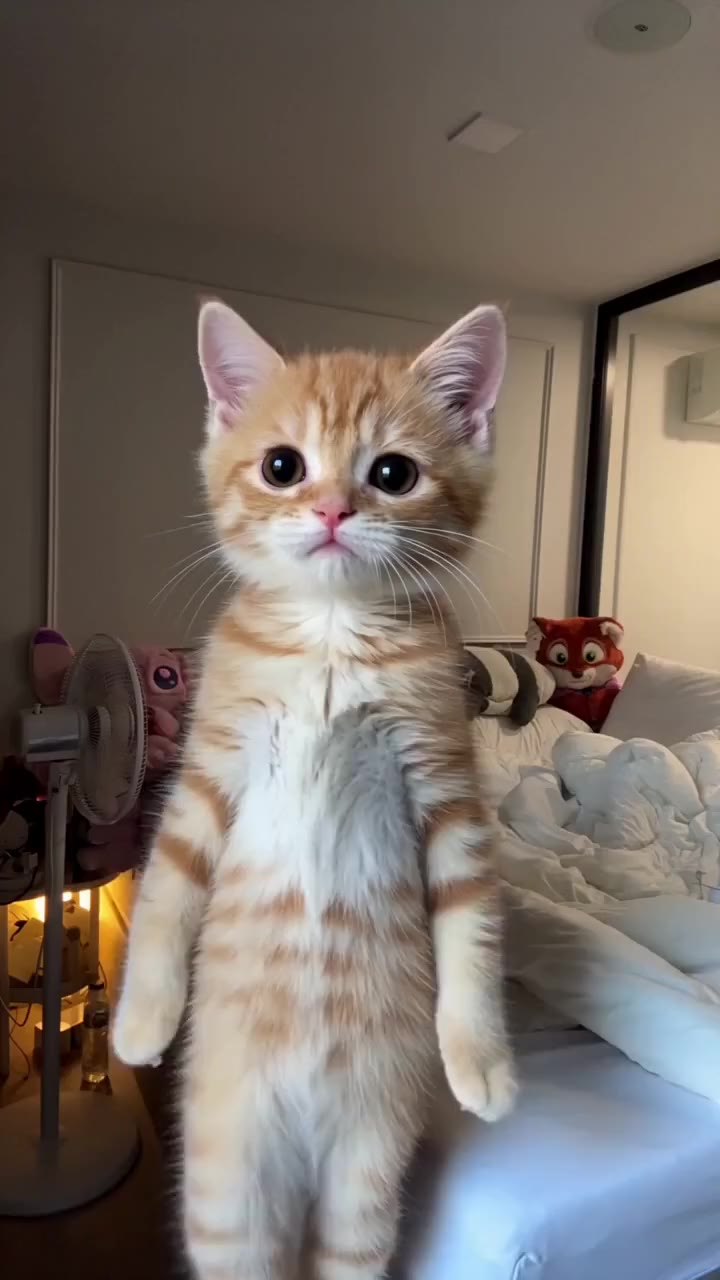
Kitten Dance
285 credits
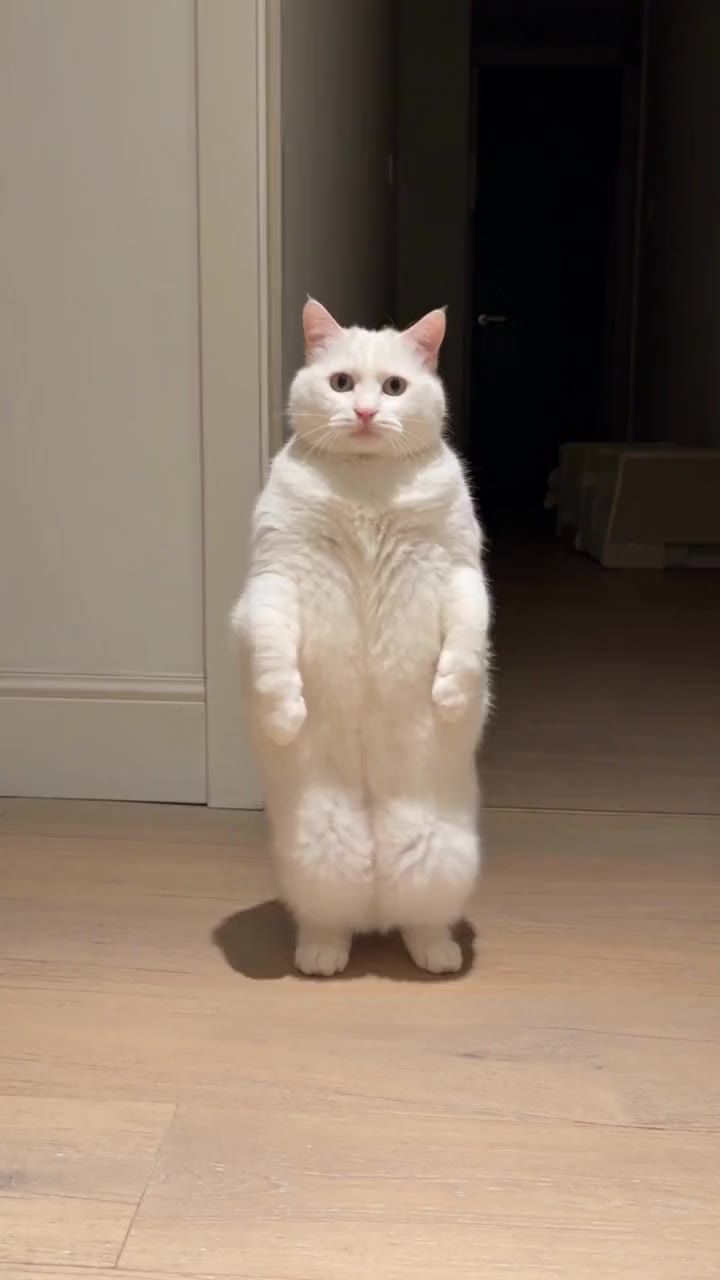
- 1 person · 15s
Cat Groove
285 credits
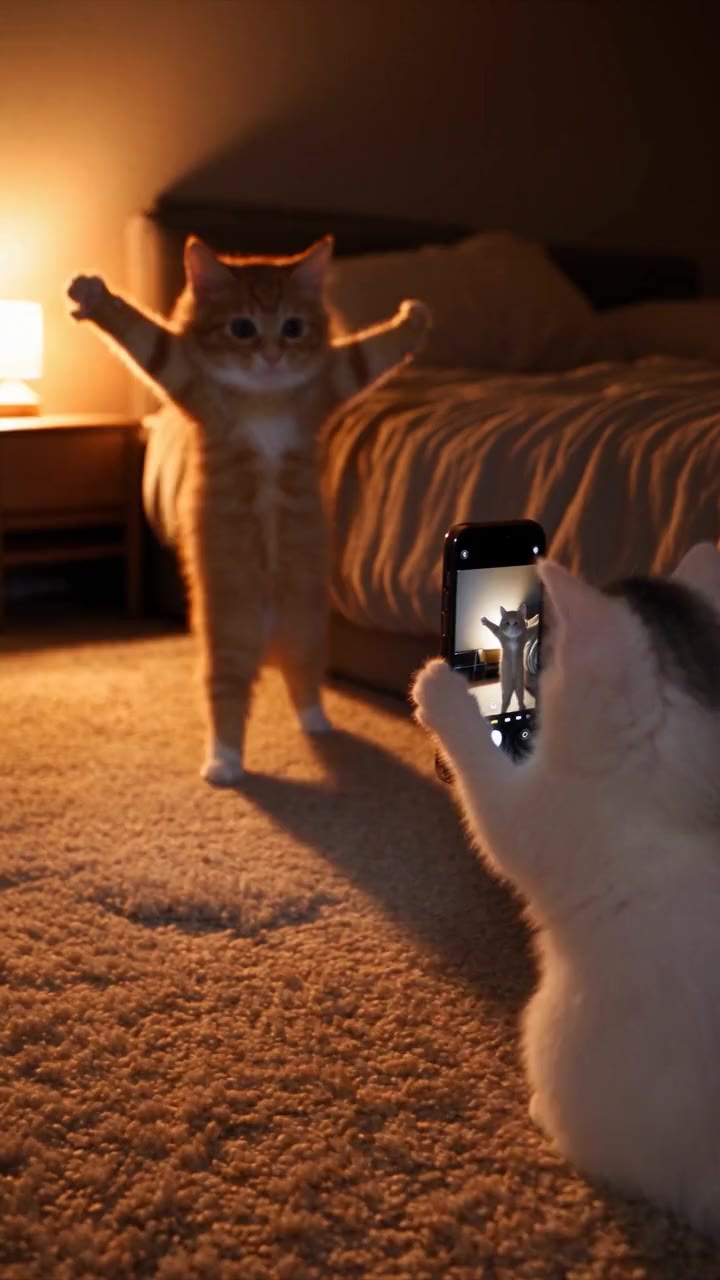
- 2 people · 14s
Pet Dance Filming
266 credits
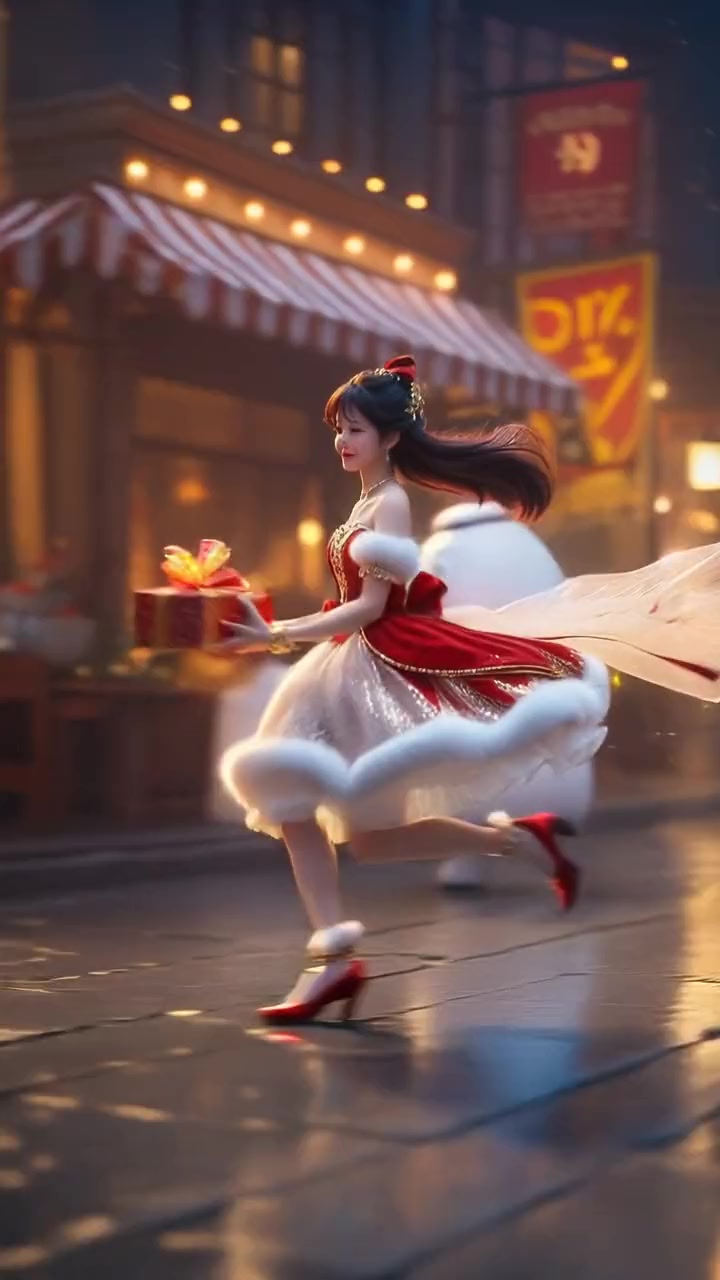
- 1 person · 7s
Christmas Gift Dance
133 credits
How it works
From photo to dance floor
- 01
Pick the dance
A template from the library, or your own dance clip up to 60 seconds, uploaded or pasted from TikTok, Reels or Shorts.
- 02
Add the dancers
One photo per person, waist up or full body. The outfit in the photo is the outfit in the dance.
- 03
Post it
You dance every step to the original song. Download the video and post it to TikTok, Reels or Shorts.
In your words
What people ask for, and what happens
- “Make the girl in my picture do what the guy is doing in the video.”
- Upload the video, add her photo and create. She does every move of the original, with the camera and the song unchanged.
- “Use my uploaded dance as the exact template and put me in it.”
- That is the own clip option: upload the dance or paste its TikTok link, pick the 3 to 15 seconds with the best moves and add your photo.
- “Me and my two friends doing this dance.”
- Pick a trio template and add one photo per person. Everyone dances in their own spot, in sync.
Your own dance clip
Any dance you found, with you in it
Saw a dance you want to be in? Upload the clip or paste its link, add your photo, and the AI copies the choreography onto you step for step, with the original song.
What makes a good dance clip
- One dancer, visible head to toe for most of the clip; for groups, use a duo or trio template.
- A steady camera; fast cuts between angles are harder to copy.
- The 3 to 15 seconds with the best moves. The song from those seconds is kept.
- A photo of you in the outfit you want to dance in.
Ideas
Who to put on the dance floor
- Your parents. Mum and dad in a K-pop routine is the clip the family chat will not forget.
- The friend group. Three photos, one trio template, everyone finally in sync.
- The couple. A duo dance for an anniversary or a wedding story.
- Your own channel. Join the trend of the week without learning the choreography.
More than dancing
Other AI video trends
Answers
Frequently asked questions
- How do I make an AI dance video of myself?
- Choose a dance template on oVideo, add one clear photo of yourself and press create. The AI puts you in the dance with every move, the camera and the original song kept. You can also bring any dance clip of your own instead of a template.
- Can I make a dance video from just one photo?
- Yes. One photo is all the AI needs: your face, hair and outfit come from the photo, the moves come from the dance clip.
- Do I need to know the moves or film myself?
- No. You never film yourself dancing. The choreography comes from the template or the clip; your photo only decides who dances.
- Can I dance with friends?
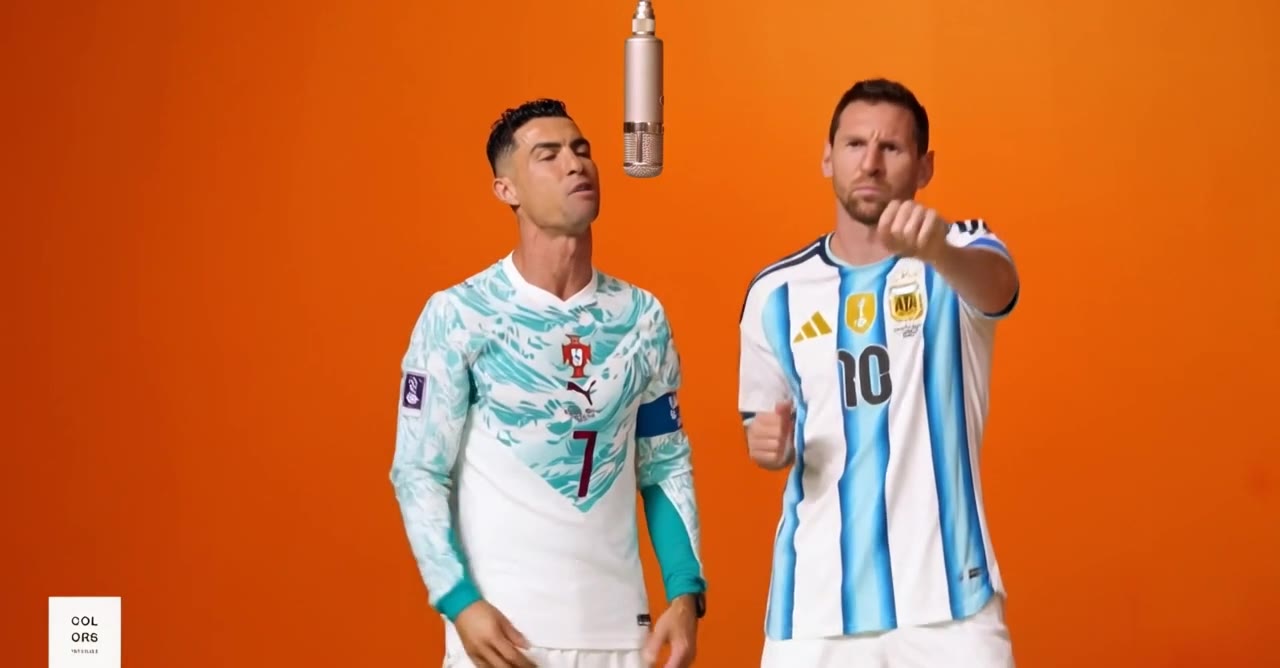
- Yes. Duo and trio templates, such as the Alors on Danse sketch, take one photo per person, up to three, and put everyone into the same clip.
- Can I use any dance video, like a TikTok dance?
- Yes. Upload any clip up to 60 seconds, or paste its TikTok, Reels or Shorts link, and pick the 3 to 15 seconds you want. It works best when one dancer is fully visible and the camera is fairly steady. Use clips you have the right to use.
- Will the song stay in the video?
- Yes. The original song is added back to your dance video, in sync with the moves.
- Is the dance video vertical for TikTok and Reels?
- The solo dance templates are vertical 9:16, ready for TikTok, Instagram Reels and YouTube Shorts; the Alors on Danse duo is landscape 16:9. With your own clip, the result keeps the shape of the clip.
- How much does an AI dance video cost?
- It is priced per second: 19 credits per second at 720p, so a 15 second dance template is 285 credits. The price shows before you create, and failed videos are refunded automatically. Credits come with paid plans from $10 a month; there are no free dance videos.
- Which photo works best for a dance video?
- A full body or waist up photo of one person with the face clearly visible. The AI needs to see your build and clothes to make the moves look natural.
- How long does it take?
- Usually a few minutes. You can close the page; the finished video waits in your gallery, without a watermark.
- How do I do the viral AI dance trend on TikTok?
- Open a dance template in oVideo, add one clear photo and create: the template keeps the moves, camera and song. If the trend is not a template yet, copy the TikTok link, paste it into Put Yourself In, pick the seconds of the dance and add your photo. Turn on TikTok’s AI generated label when you post.
Your photo, your video
- Used only for your videoYour photo and clip go only to the AI that makes your video, and they are kept in your account.
- Private until you share itThe finished video waits in your gallery; nothing is posted for you unless you choose to publish it.
- Deleted when you askEmail support@ovideo.io and your uploads and videos are deleted within 30 days.
- Only people who said yesUse photos of yourself or of people who agreed, and turn on the AI label when you post.
Details in the privacy policy.
Related
- AI character swap videoPut yourself in any video from one photo, sound kept.
- Video face swapSwap your face into a clip online with one photo.
- AI trend videosJoin viral trends with one photo per person.
- AI face swap videoPut your face into any clip with one photo.
- AI body swapSwap your whole look, build and outfit into a video.
- AI character swapReplace anyone in a video with someone new.
- AI dance videoMake yourself dance from one photo.
- Make a photo move like a videoYour photo copies the moves of any clip.
- Recreate a video with yourselfRemake any clip with you in the main role.
- Swap yourself in from a linkPaste a TikTok, Reel or YouTube Short and add one photo.
- Put yourself in a TikTokCopy the TikTok link, paste it and add one photo.
- Put yourself in an Instagram ReelPaste a Reel or video post link and add one photo.
- Put yourself in a YouTube ShortPaste a Shorts link, or a video up to 3 minutes.
- Put yourself in a music videoBecome the singer, rapper or dancer, with the song kept.
- AI face swapSwap faces in any photo, hair included.
- AI head swapSwap the whole head in a photo, not just the face.
- Multiple face swap videoSwap two or three people into one clip.
- AI pet swapSwap your own dog or cat into a viral pet clip.
- AI video trendsReady made viral templates for one or two people.
- Viggle AI alternativesFive swap tools compared, prices checked October 2026.
- Higgsfield alternativesFive tools for viral templates and swaps, prices checked October 2026.
- PixVerse alternativesFive tools for viral templates, swaps and dance videos, checked October 2026.
- Best AI character swap toolsEight swap tools, ordered by what each is best for.
- Best face swap video appsSix face swap tools for video, compared October 2026.
- Best AI body swap appsFive whole body swap apps for dance trends and duos, compared November 2026.
- Best face swap appsSeven face swap tools for photos, compared October 2026.
- Best AI pet dance appsSix tools that make a dog or cat dance, compared October 2026.
Start dancing from a photo
Pick a viral dance, add one photo per dancer and skip the hours of practice. The original song stays.