
Put yourself in a Christmas movie sceneand play the lead
The scream by the mirror, the elf in the big city, the cue cards at the front door. Bring a Christmas scene you are allowed to use and one photo, and the AI recasts the lead with you: your face, hair, build and clothes, with every move, the snow, the lights and the sound kept.
Updated
19 credits per second at 720p
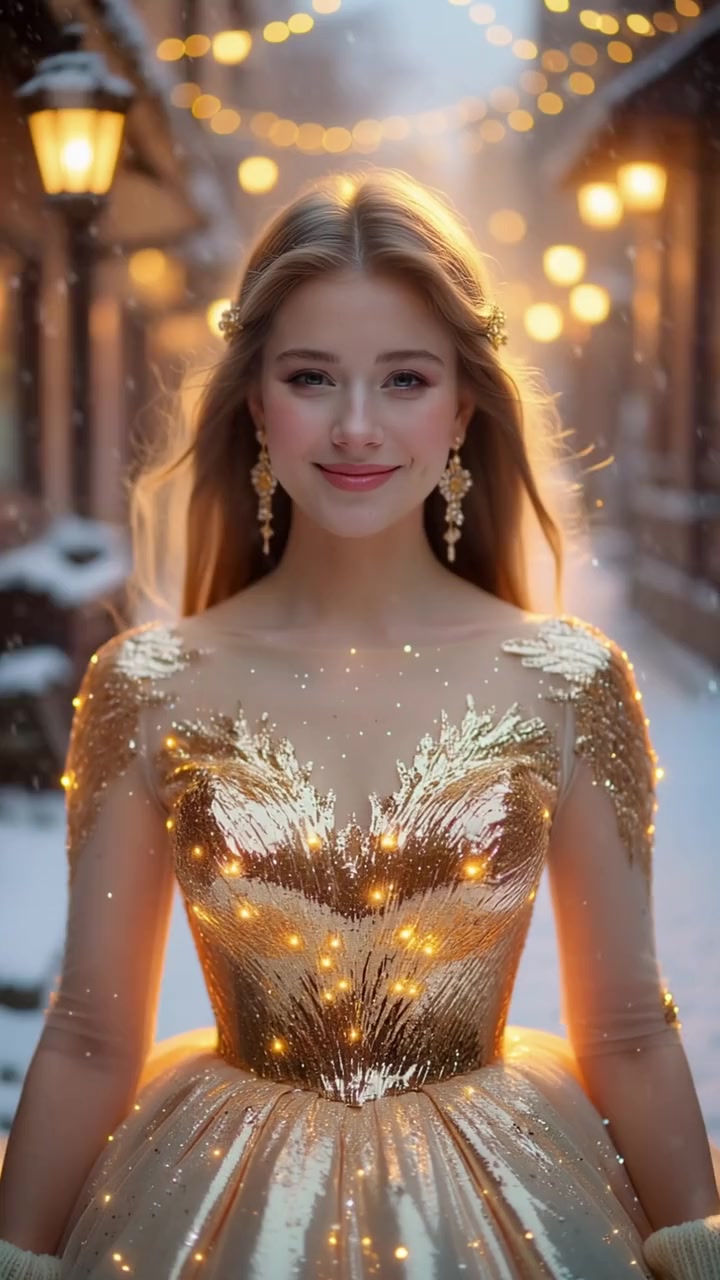
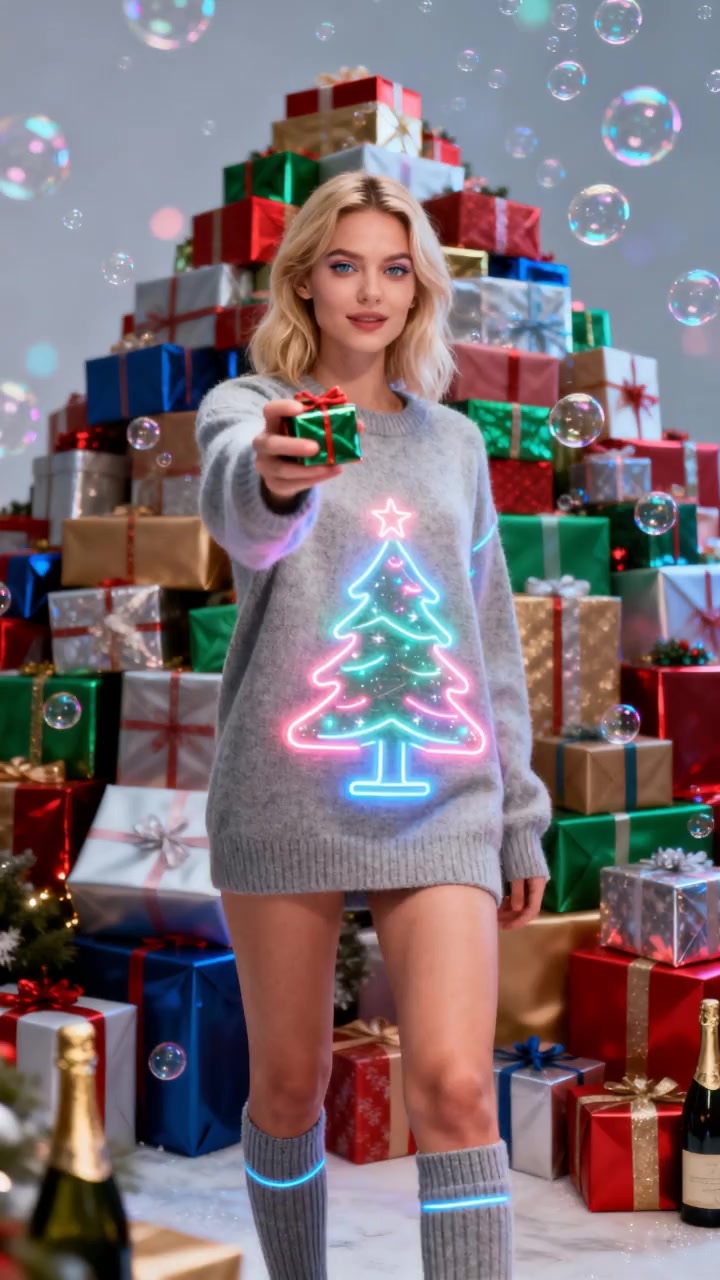
Golden Snow Magic, one of oVideo’s own Christmas scenes. Not a film clip.
Short answer
Can AI put me in a Christmas movie scene?
Yes, if the clip is one you own or may use. Upload it to oVideo’s Put Yourself In or paste its link, choose 3 to 15 seconds (up to 30 with Premium) and add one photo. You replace the lead, and the moves, set and original sound stay. oVideo supplies no film clips, so film your own remake or use a Christmas template.
- Clip up to 60 seconds and 200 MB, or a link
- Your outfit comes from your photo, not the film (Premium can keep it with a prompt)
- 19 credits per second at 720p, 26 at 1080p; Premium is 29 and 43
- Usually about 10 minutes, in the browser
Limits and prices checked in the oVideo app on November 6, 2026.
Put yourself in a Christmas scene
Your files stay in your browser until you sign up. You pick the 3 to 15 seconds to use (up to 30 with Premium) and see the price before anything is made.
Facts
Christmas scene swap: limits and price
- Input
- Your own clip (upload it or paste a TikTok, Instagram Reels or YouTube Shorts link) and one photo of the person to put in. Premium on your own clip: up to 4 people, one photo each, with a short prompt that says who becomes who. Viral templates: one photo per person, up to 3 people
- Clip length
- Upload or import up to 60 seconds and 200 MB, then swap any 3 to 15 seconds on Standard, or 3 to 30 seconds on Premium
- People per video
- Standard: the main person, from one photo. Premium: up to 4 people, one photo each (Person 1 to Person 4), placed by a short prompt. Duo and trio templates: 2 or 3
- Resolution
- 720p or 1080p, in the shape of your clip (vertical or landscape)
- Sound
- The original audio is added back automatically, in sync. No editing needed
- Costume
- From your photo. On your own clip the AI keeps the outfit you wear in the photo, not the one in the scene; on Premium a short prompt can keep the scene’s outfit instead
- What stays
- Every move, the camera, the background and the timing
- Price
- Standard: 19 credits per second at 720p, 26 at 1080p. Premium: 29 at 720p, 43 at 1080p. Shown before you create; failed videos are refunded
- Cost in dollars
- Plans start at $7.50 a month billed yearly ($10 monthly) for 400 credits. A 15 second swap at 720p (285 credits) costs about $3.66 to $7.13 depending on the plan and billing; a 30 second Premium swap at 720p is 870 credits
- Free plan
- The free plan has no swaps; Put Yourself In uses credits from a paid plan
- Film clips
- Not supplied or licensed by oVideo. Use only clips you own or have permission to use
Step by step
From a Christmas scene to your lead role
- 01
Bring the scene
A clip you own or may use: your own remake, a home video, or a clip you have permission for. Upload it or paste a TikTok, Reels or Shorts link.
- 02
Add a photo, dressed for it
One sharp photo, face visible, waist up or full body, in the clothes the character should wear: Santa hat, elf costume or Christmas jumper.
- 03
Pick 3 to 15 seconds
Choose one continuous shot (up to 30 seconds with Premium), see the price and create. You play the lead with the original moves, lines and sound, in about 10 minutes.
What people search for
Christmas movie moments, made your own way
People search for being in Home Alone, Elf, The Grinch or Love Actually. oVideo is not connected to any of these films and supplies no clips from them. What works is a clip you may use, very often a remake you film yourself, with the lead swapped.
| Feature | How to make your version on oVideo | What the moment needs | Watch out for |
|---|---|---|---|
| Home Alone style mirror scream | Film a 3 to 5 second remake in your bathroom with anyone, then swap in the person you want, with their OK | One person, a close up, hands on the cheeks | Very short: pick at least 3 seconds |
| Elf style grown up elf in the city | Film a friend in an elf hat on a busy street or in a shop, then swap in a photo of yourself in an elf costume | One person walking or spinning, full body | The costume comes from your photo, not the clip |
| Grinch style grumpy Christmas moment | Film someone scowling at the decorations or the tree, then swap the grumpy person in | A clear face and a big expression | You keep your own skin tone; you will not turn green |
| Love Actually style cue cards at the door | Film your own cards at your own front door, then swap in the person holding them | One person facing the camera, cards in hand | Write your own words on the cards; the clip’s sound stays |
| Snowy movie walk or a big gown moment | Use the Golden Snow Magic or Christmas Tree Gown template, no clip needed | One photo | Costume and set come from the template |
| A Christmas kiss or a couple scene | On your own clip with Premium: one photo each and a short prompt that says who becomes who. Standard and the Christmas templates replace one person | Two people | Name both in the prompt, for example: Replace the person on the left with @Person1 and the person on the right with @Person2 |
Film titles are named only because people search for them. oVideo is not affiliated with any film, studio or actor.
The details
Christmas scene swaps: what people ask
Which Christmas scenes work best?
One person clearly in front, in one continuous shot of 3 to 15 seconds (up to 30 with Premium): a close up reaction, a walk in the snow, a turn to the camera, a small dance by the tree. Busy family dinners with many faces and fast trailer cuts are the hardest.
Can I use a scene from a Christmas film?
Only if you own the clip or have permission to use it. Films belong to the studios that made them, and oVideo does not supply or license film clips. A remake you film yourself is the simple way around it.
Will I wear Santa’s suit or the elf costume from the scene?
On your own clip with Standard, no: the outfit comes from your photo. On Premium you can keep it with a prompt such as “Replace the main person with @Person1 but keep the clothes from @Video.” The Santa templates are different, because the suit and hat come from the template. For an elf, wear the costume in your photo.
Do I say the line?
Your mouth follows the original actor and the original sound is laid back in sync, so it looks like you deliver the line. The words stay the ones in the clip.
Can I swap the whole family into one scene?
On your own clip, Premium replaces up to 4 people from 4 photos, with a short prompt such as “From left to right, replace the people with @Person1, @Person2, @Person3.” Standard is one main person per video: make a clip for each person, or one each from the Christmas templates, and post them as a set.
Can I paste a TikTok of a Christmas remake?
Yes, if it is yours or you have permission. Paste the TikTok, Reels or Shorts link instead of uploading, then pick the seconds to swap.
Limits and prices checked in the oVideo app on November 6, 2026.
Before you upload
Christmas films and copyright
A scene from a Christmas film belongs to the people who made it. Put Yourself In works on any clip technically, but you may only use clips you own or have permission to use, and you confirm that the person in the photo is you or agreed to it before every video.
oVideo is not affiliated with any film, studio or actor, does not supply film footage and does not promise that any particular film can be used. We cannot tell you whether a specific use is allowed where you live. If you are unsure, film the moment yourself, which is also the most fun way to do it.
When you share the result, say it is made with AI and never post it as if it really happened. TikTok, Instagram and YouTube ask for an AI label too.
No clip of your own?
Christmas scenes ready to star in
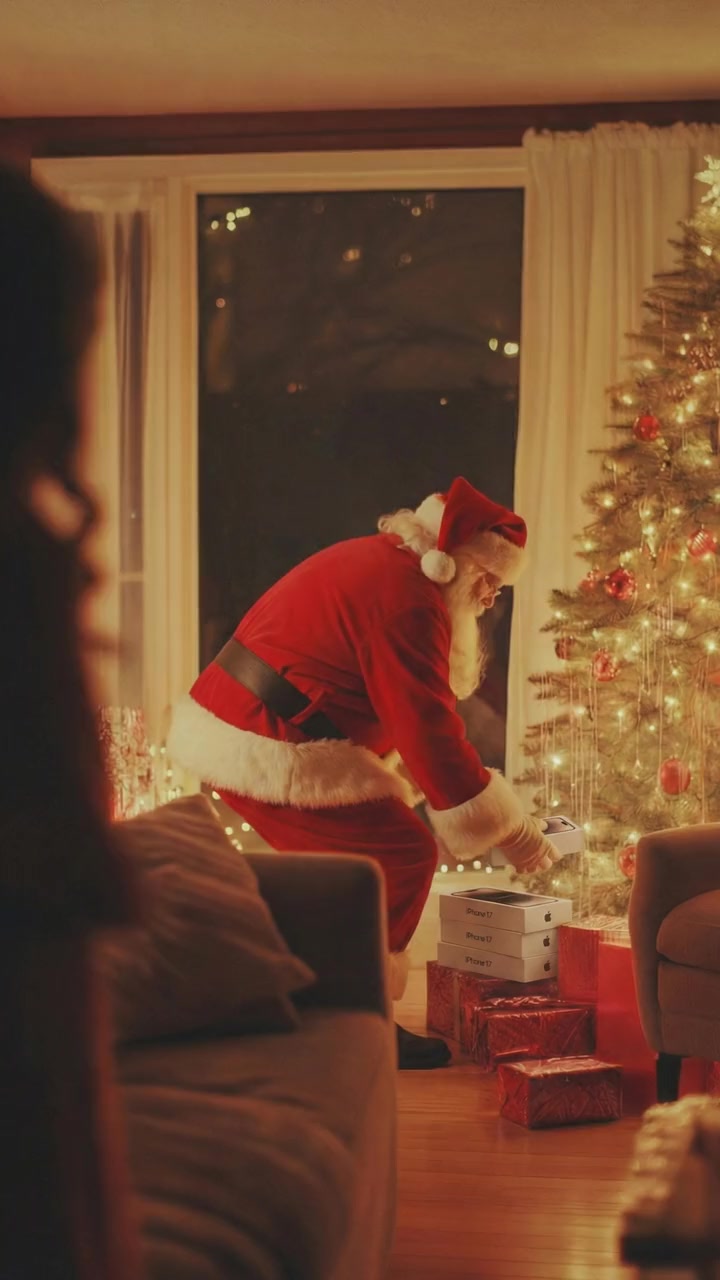
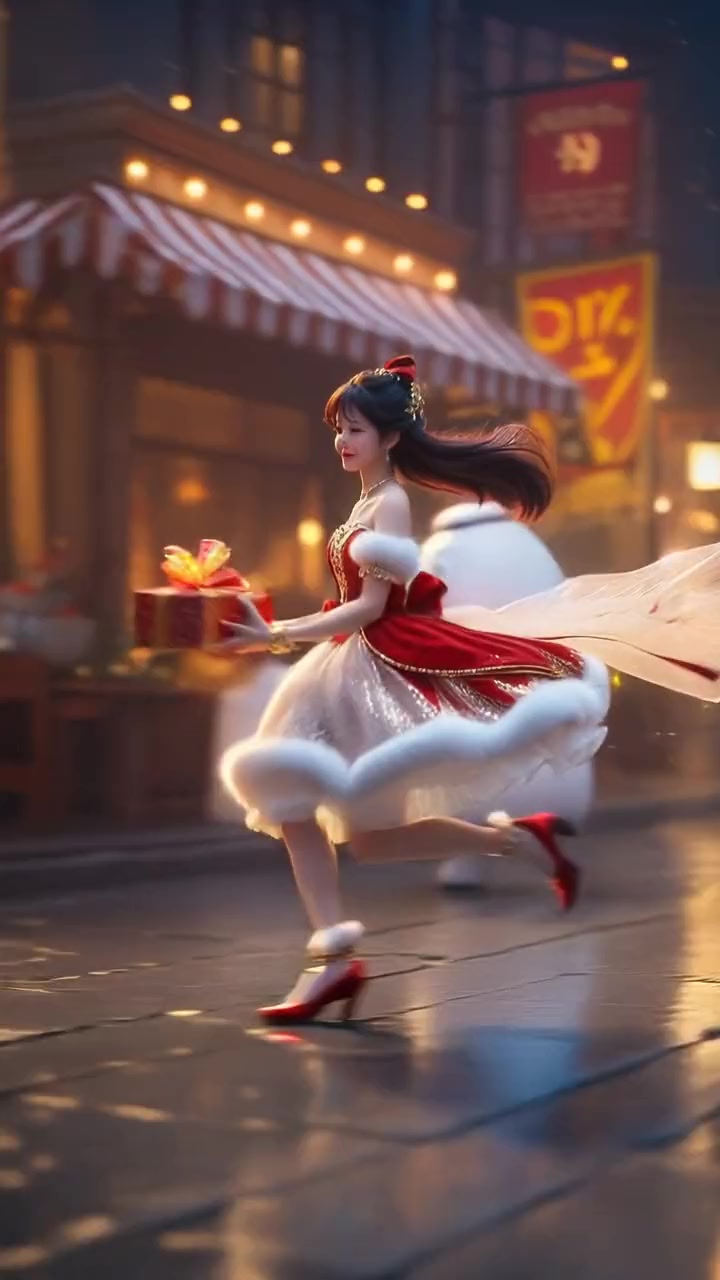
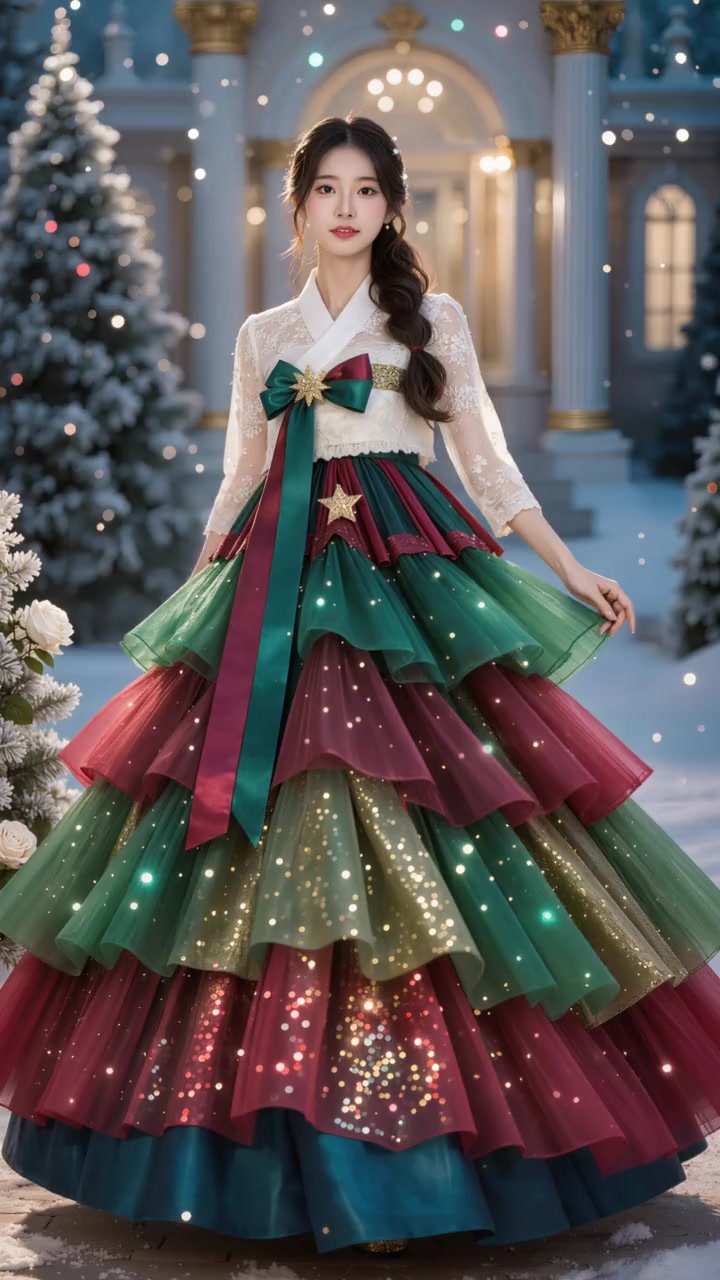
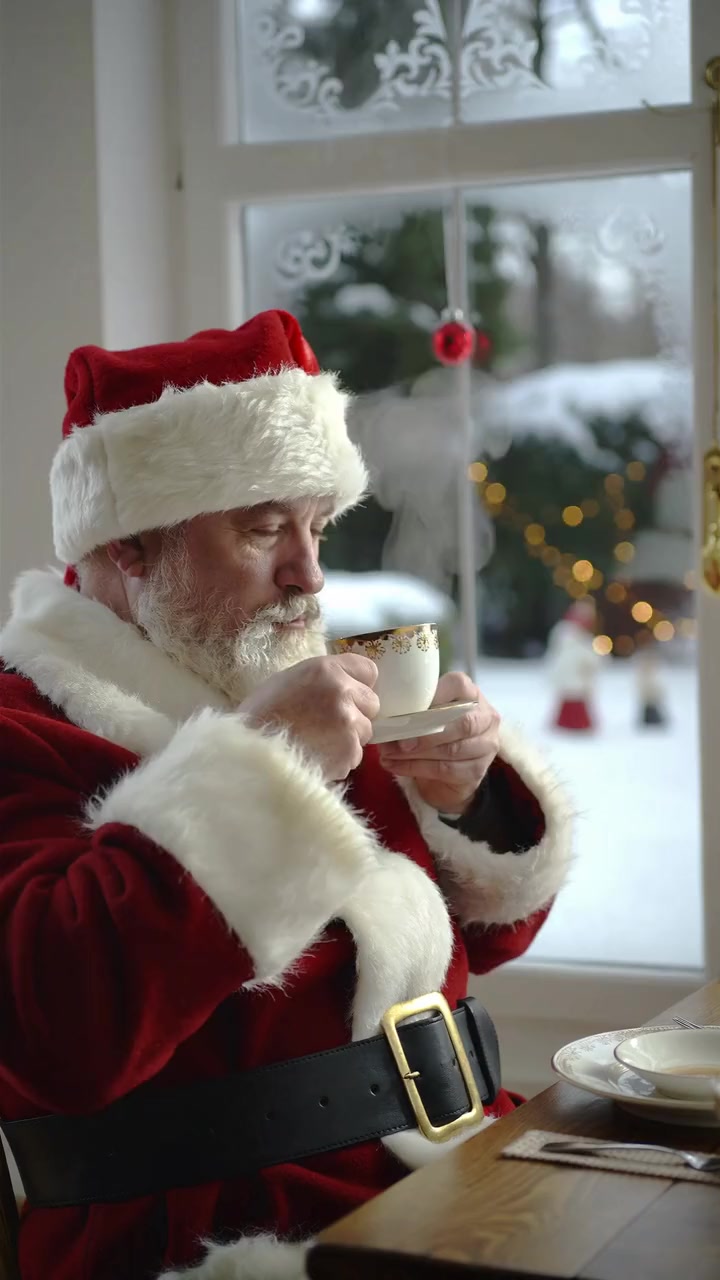
oVideo’s own Christmas scenes, each with its costume and sound: Santa caught at the tree, Santa’s coffee break, a sweater gift, golden snow, a Christmas tree gown and a gift dance. One photo each, 95 to 190 credits. Santa first? See the AI Santa video page.
A new movie instead
Your own animated Christmas film
“Create a high quality 3D animated Christmas film, about 4 to 5 minutes, in 16:9.” That request was typed into oVideo in November 2026, and it is a different job from a swap: nothing real is recast, a new story is written and animated.
That is Story to Video. You write the idea, pick a style such as 3D Cartoon or Pixar, and it makes the scenes with voices and music, from 15 seconds up to 5 minutes, with your characters drawn from photos if you like. A free account sees one storyboard preview; making every scene needs the Creator plan, from $40 a month ($30 billed yearly). A 5 minute story is about 3,700 credits with the default settings, so it needs Pro or an extra credit pack.
Better results
Tips for a believable Christmas scene
- One continuous shot: start just after a cut and stop before the next one.
- The person you replace is the clear main person and stays in frame.
- Close and medium shots beat wide shots where the lead is tiny.
- Dress for the role in your photo; the clip’s costume is not kept.
- Face fully visible, good light, no sunglasses or hat brim over the eyes.
- Only photos of people who agreed, and an AI label when you post.
How to choose
Which way into the Christmas scene
- 1You have a Christmas clip you may use: upload it or paste the link here; you replace the lead.
- 2You love a famous movie moment: film your own remake at home, then swap in whoever should star.
- 3No clip, just the Christmas mood: a Christmas or Santa template with one photo.
- 4A dancing elf with your face: see how to elf yourself, with three ways compared.
- 5A brand new animated Christmas film: Story to Video writes and animates a new story.
Answers
Frequently asked questions
- How do I put myself in a Christmas movie scene with AI?
- Open Put Yourself In on oVideo, upload a Christmas scene you own or may use, or paste its TikTok, Reels or Shorts link, pick 3 to 15 seconds (up to 30 with Premium), add one clear photo and create. You play the lead with the same moves, camera and sound. About 10 minutes later it is in your gallery.
- Can I put myself in Home Alone?
- Only with a clip you own or have permission to use. The film belongs to its studio, and oVideo does not supply or license film clips. The easy legal way is to film your own remake of the moment at home and then swap yourself, or anyone who agreed, into it.
- Can I be Buddy in an Elf style scene?
- With a clip you may use, yes, but the costume does not come from the scene: on your own clip your outfit comes from your photo. Wear the elf costume in your photo; that usually gives the look, though we have not tested elf clips.
- Can I put myself into The Grinch?
- The swap is made for real people filmed on camera, so a live action clip you may use works best. Your face, skin tone and clothes come from your photo, so you will not turn green unless you are green in the photo. Animated characters are untested.
- Can I paste a link to a Christmas movie clip?
- Put Yourself In takes TikTok, Instagram Reels and YouTube Shorts links. The same rule applies to a link as to an upload: only use clips you own or have permission to use.
- Will I wear the costume from the movie?
- No. On your own clip, face, hair, build and outfit all come from your photo, so dress for the role in the photo: a Santa hat, an elf costume or a Christmas jumper. The set, the snow and the lights stay from the clip.
- Does the dialogue stay?
- Yes. The original sound of the seconds you pick is put back in sync, and your mouth follows the original actor, so it looks like you say the line. You cannot change the words.
- How long can the Christmas scene be?
- Upload or import a clip up to 60 seconds and 200 MB, then swap any 3 to 15 seconds of it on Standard, or up to 30 seconds on Premium. For a longer sequence, swap each shot and join them in an editor.
- Can my partner and I both be in a Christmas movie scene?
- Yes, on your own clip with Premium: add one photo each and a short prompt such as “Replace the person on the left with @Person1 and the person on the right with @Person2.” Standard replaces one main person per video, and the Christmas templates are one person each; there, make one video each and post them together.
- Does it keep the widescreen movie look?
- Yes. The result keeps the shape of your clip, landscape or vertical, in 720p or 1080p, without a watermark.
- How much does a Christmas movie scene swap cost?
- 19 credits per second at 720p and 26 at 1080p, so a 10 second scene is 190 credits at 720p; Premium is 29 at 720p and 43 at 1080p. Plans start at $10 a month ($7.50 billed yearly) for 400 credits. The price shows before you create, and a failed video gives the credits back automatically.
- Is it free?
- No. There are no free swaps on oVideo; Put Yourself In uses credits from a paid plan.
- Can I put my family in a Christmas movie as a gift?
- Yes, if everyone in the photos agreed to it; you confirm that before every video. Say it is made with AI when you share it.
- Can I make a whole new Christmas movie with my family in it?
- That is Story to Video, not a swap. It writes and animates a new Christmas story from your idea, up to 5 minutes, and can draw your characters from photos. Making every scene needs the Creator plan.
- I have no clip. Can I still be in a Christmas scene?
- Yes. oVideo has six Christmas templates with their own costume and sound, such as Santa Gets Caught and Golden Snow Magic. Add one photo and create; 95 to 190 credits each.
Related
- Put yourself in a movie sceneAny movie scene you may use, all year round.
- AI Santa videoBecome Santa in a 10 second clip from one photo.
- AI Christmas videoEvery oVideo Christmas template in one place.
- Best Christmas video appsSanta messages, ecards, elf dances and swaps compared.
- How to elf yourselfThe app, a real looking AI elf, or your own elf clip.
- AI Christmas video ideasIdeas for TikTok, Reels and Shorts and how to make each.
- Elf Yourself alternativesSeven elf dance tools compared, checked November 2026.
- Why does my swap look wrong?Causes and fixes for blurry or wrong person results.
- Thanksgiving story video for kidsA narrated, animated Thanksgiving story with the same characters.
- Personalized Christmas story video for kidsYour child’s photo as the hero of an animated Christmas story.
- Personalized Santa video for kidsSanta says your child’s name to the camera, with lip sync.
- Nativity story video for kidsMake your own nativity video for Sunday school.
- AI pregnancy announcement videoBaby news at Christmas as a short story starring your family.
Browse by theme
All AI video templates- Rich lifestyleSupercars, private jets, cash and champagne.
- Action movie scenesExplosions, stunts and fight scenes.
- Fashion and runwayRunway walks, studio shoots, street style.
- Sports highlightsGoals, dunks and boxing.
- Singing and rapStudio sessions, rap duos, DJ sets.
- FantasyDragons, wolves and epic places.
- DanceViral dances, shuffles and duos.
- PetsDogs and cats that dance, play music and pose.
- Halloween costumesWitches, vampires, zombies and skeletons.
Take the lead this Christmas
Bring a Christmas scene you may use, or film your own remake, add one photo and get the scene back with you in it and its sound kept.