- What are good AI Christmas video ideas for TikTok and Reels?
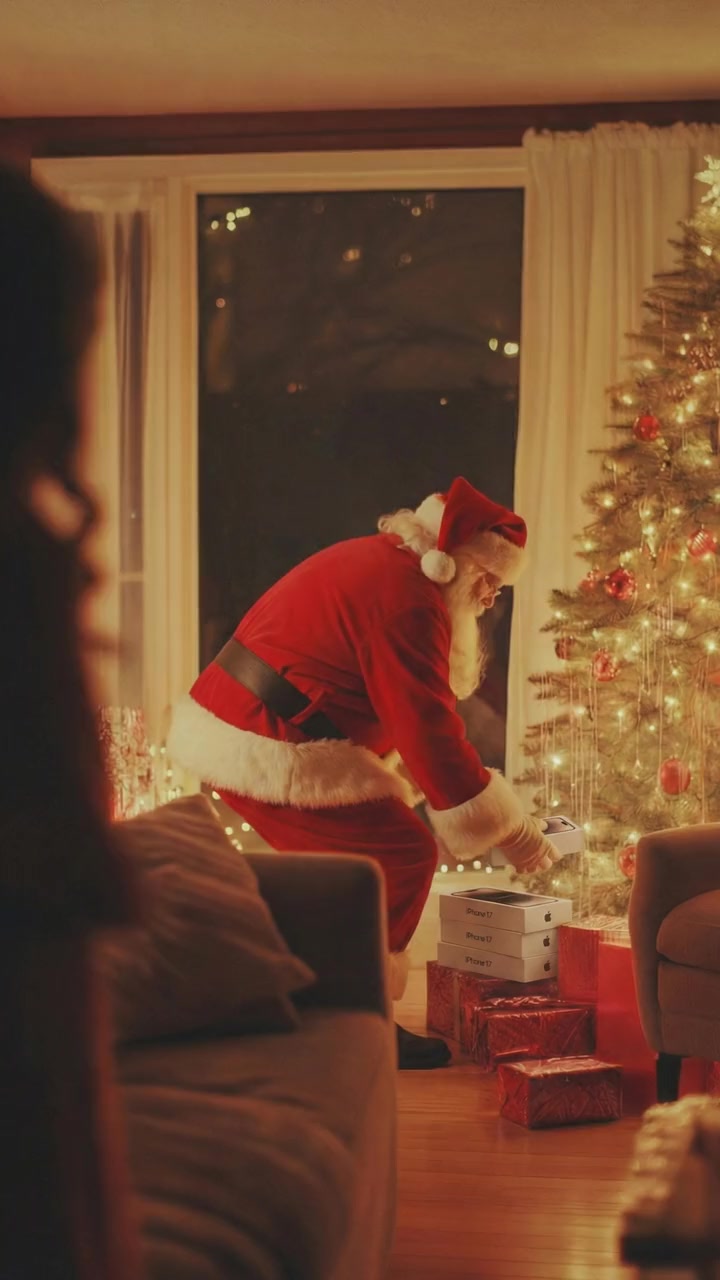
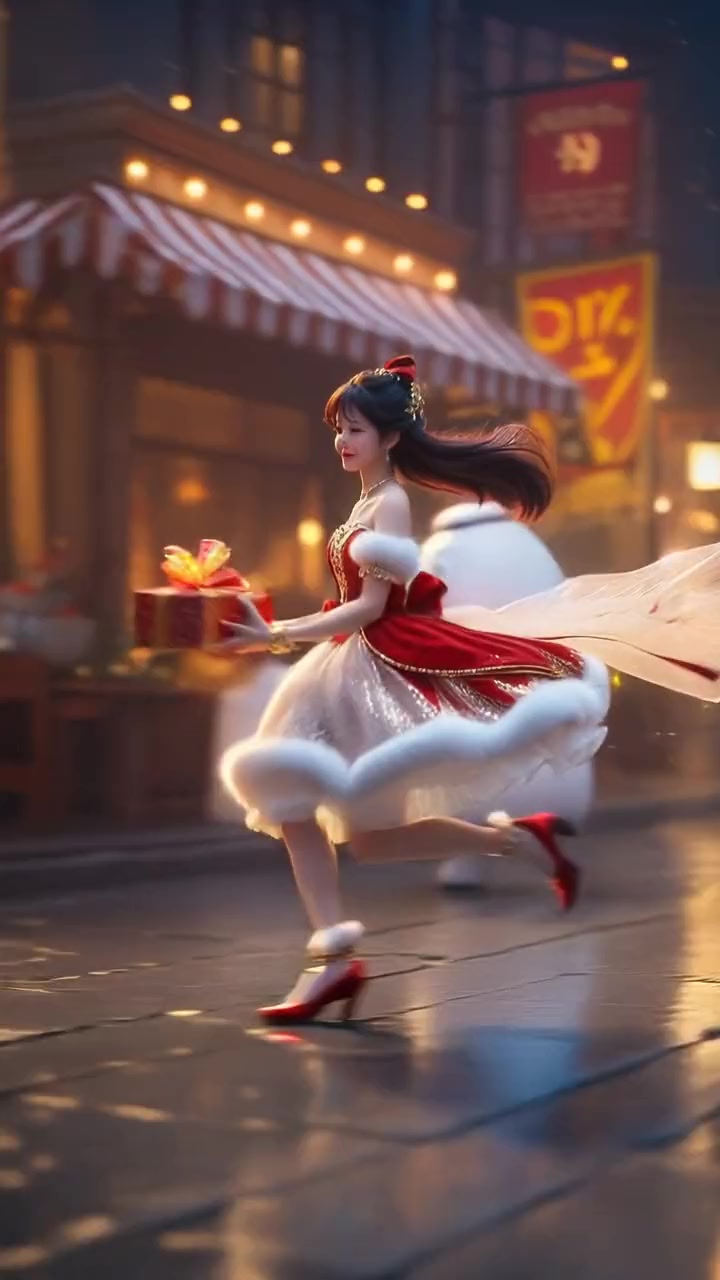
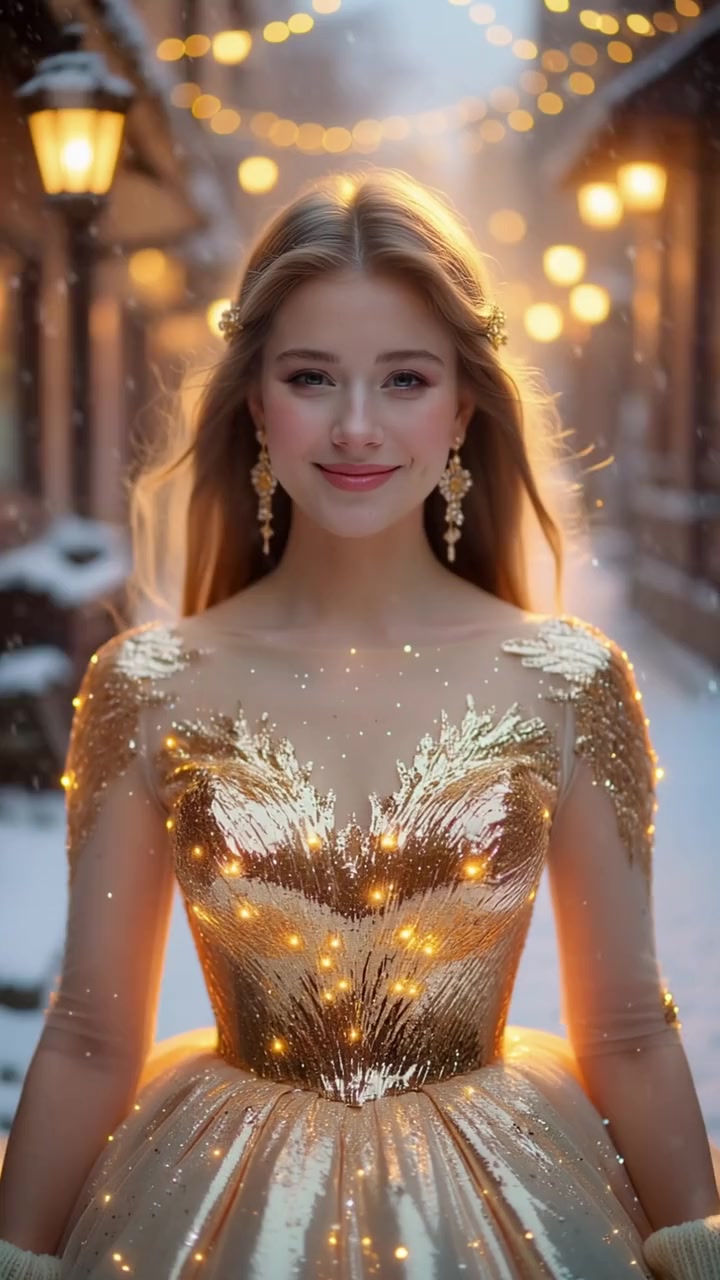
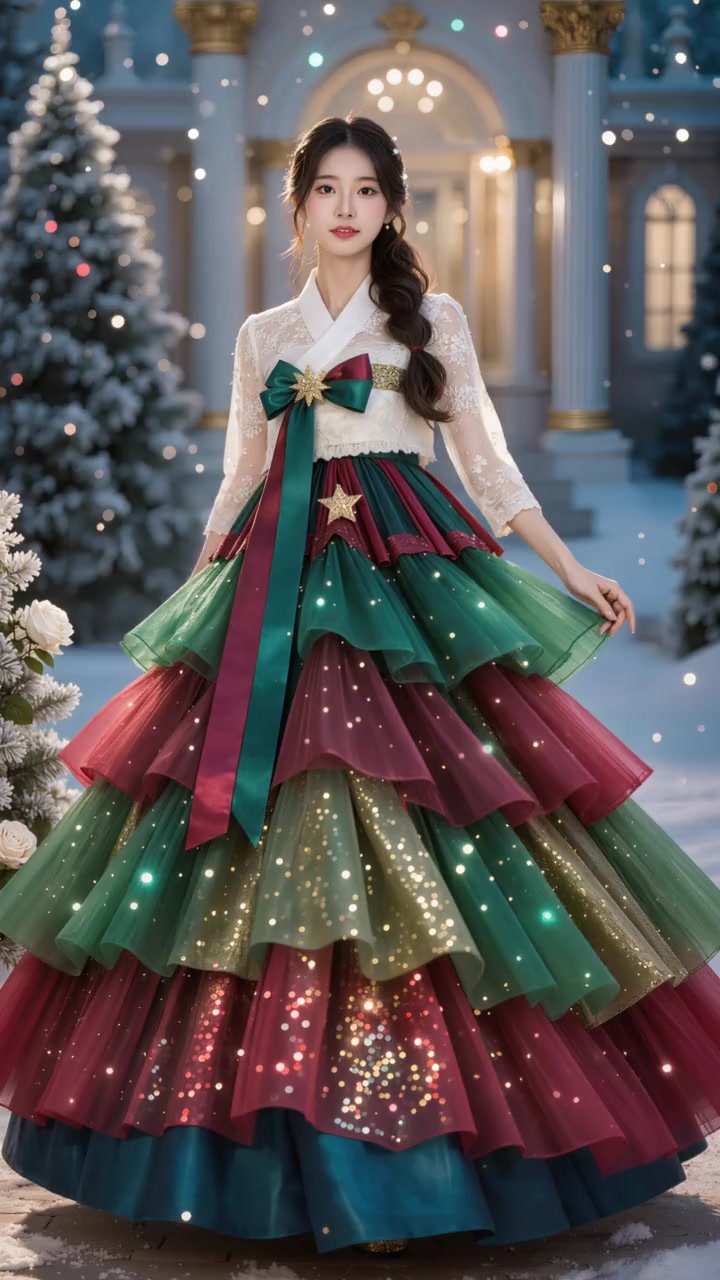
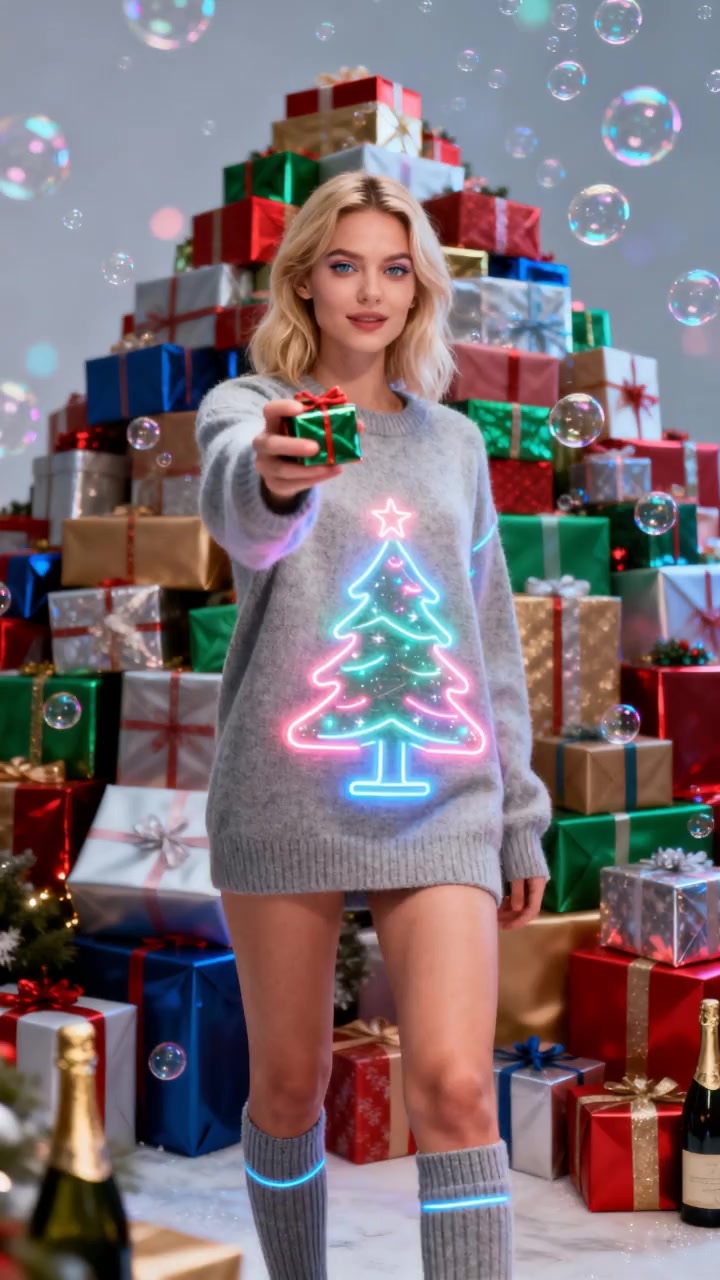
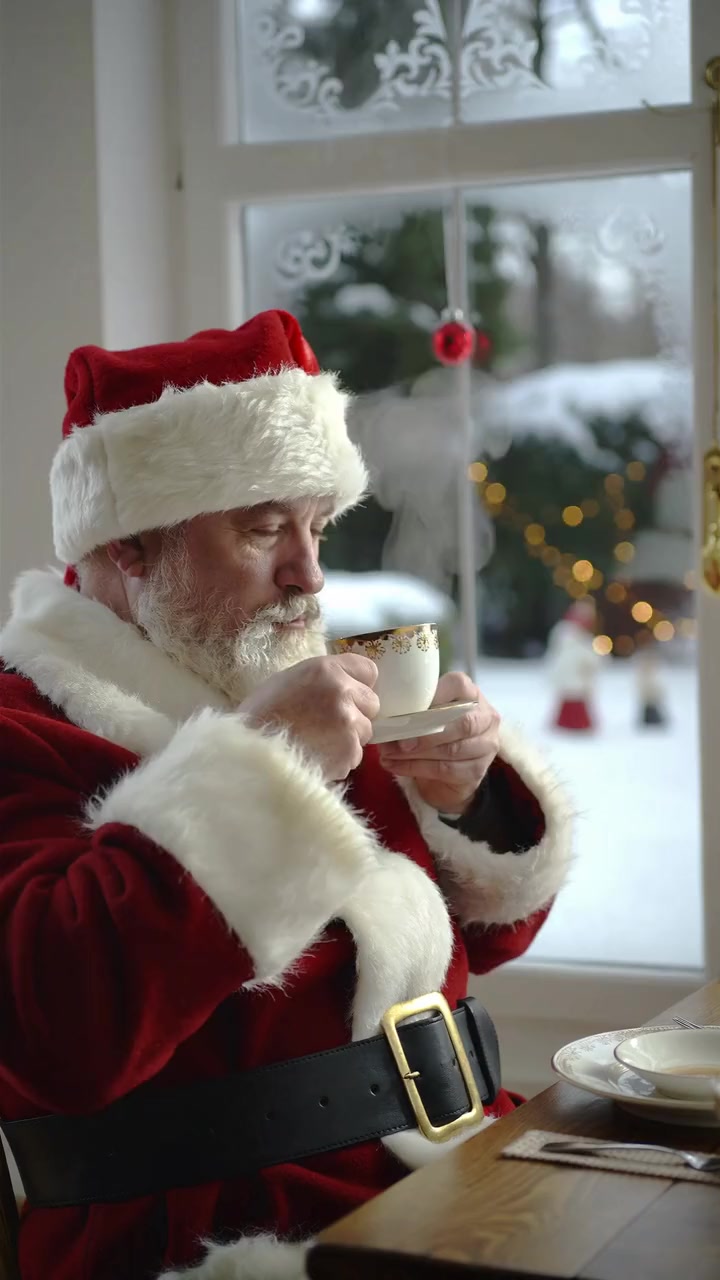
- Turning dad or grandad into Santa caught at the tree, a tired Santa on a coffee break, a secret Santa gift reveal, a Christmas tree gown glow up, a dancing party invite, an elf dance with your real face from your own clip, a remake of a Christmas movie moment and an animated Christmas story starring your kids.
- What is the easiest AI Christmas video to make?
- A Christmas template. Open one, such as Santa Gets Caught, add one photo and press create; there is no prompt to write and no editing. It is ready in about 10 minutes as a vertical video without a watermark.
- How much does each Christmas video idea cost on oVideo?
- Templates cost 19 credits per second at 720p: 95 credits for the 5 second sweater gift, 133 for the 7 second gift dance and 190 for the 10 second clips. Own clips cost the same per second at 720p, 26 at 1080p; Premium is 29 at 720p and 43 at 1080p. A 30 second Story is about 380 credits. Plans start at $10 a month for 400 credits.
- What does that cost in dollars?
- Depending on the plan and billing, a 10 second template is about $2.44 to $4.75, the 7 second gift dance about $1.71 to $3.33 and the 5 second sweater gift about $1.22 to $2.38. The price in credits shows before you create.
- Are any of these Christmas videos free?
- Not on oVideo. There are no free swaps, so templates and own clips use credits from a paid plan. A free account can see one Story to Video storyboard preview, but making the scenes needs the Creator plan. A failed video gives the credits back automatically.
- Are the videos the right shape for TikTok, Reels and Shorts?
- Yes. The Christmas templates are vertical 9:16 in 720p. Own clips keep the shape of your clip, and Story to Video makes 9:16 or 16:9. None has a watermark.
- Can I make an elf video on oVideo?
- There is no elf template yet. Film an elf dance or use one you may use, then swap yourself in with Put Yourself In, wearing an elf costume in your photo because the outfit comes from the photo.
- Can the whole family be in one Christmas video?
- Yes, in a clip of your own with Premium: it swaps up to 4 people at once, one photo each, placed by a short prompt such as: From left to right, replace the people with @Person1, @Person2, @Person3. Each Christmas template is one person, so with templates make one clip per person and post them as a set, or use Story to Video, which can draw up to 4 characters from your photos in one animated story.
- Can Santa say my child’s name?
- Not on oVideo. The Santa templates have no lines and keep the clip’s own sound. A personal spoken Santa message is a different product; our Christmas apps comparison lists one.
- Can I put my kids in a Christmas video?
- Yes. In Story to Video you can upload photos of your own children as characters. In the templates, a parent or guardian adds the photo and confirms it is fine.
- Do I need to write a prompt?
- Not for templates or own clips: the clip holds the moves, the camera and the sound, and your photo decides who is in it. Story to Video starts from your idea in a sentence or a script.
- Does the Christmas music stay?
- Yes. Templates keep their own sound, and on your own clip the original audio is put back in sync after the swap.
- Should I say it is AI when I post it?
- Yes. TikTok, Instagram and YouTube ask creators to label realistic AI videos, and it keeps the joke friendly.
- Can I use a celebrity for a Christmas video?
- The idea is that you take the star’s place yourself. Use photos of yourself or of people who agreed; you confirm that before every video. Never use anyone’s face without their permission.