
How to elf yourselfwith your real face
The classic ElfYourself app puts a cut out of your face on a dancing cartoon elf. In 2026 you can also become a real looking elf from one photo, or swap yourself into an elf clip you are allowed to use. Here is how to do each one, what is free, and how to get the whole family in.
Updated
19 credits per second at 720p
oVideo’s Christmas Gift Dance template. There is no elf template yet; for an elf, bring your own clip.
Short answer
How do you elf yourself in 2026?
There are three ways. For the classic cartoon, install the ElfYourself app, add up to 5 faces and pick a dance; some dances are free. For a real looking elf with your own face, upload one photo to an AI elf tool in the browser. Or swap yourself into an elf clip you may use with oVideo.
- Cartoon elf, up to 5 faces: ElfYourself app
- Real looking elf from one photo: Kavel, MakeViral or Fuzana
- You in an elf clip you may use: oVideo Put Yourself In
- No free video stated on the real looking tools; Fuzana shows a free preview frame
Competitor facts from each tool’s own site or store page; oVideo facts from the app. Checked November 6, 2026.
Compared
Three ways to elf yourself
What each way looks like, who can be in it and what it costs. The tool comparison with all seven alternatives is on the Elf Yourself alternatives page.
| Feature | Your own elf clip on oVideo | ElfYourself app | AI elf tools (Kavel, MakeViral, Fuzana) |
|---|---|---|---|
| How it looks | Filmed footage with your whole person in it | Your face cut out on a cartoon elf | Real looking elves with your faces, in costume |
| What you add | An elf clip you may use (upload or link) and one photo | Photos of up to 5 faces | One photo |
| Elf costume | Comes from your photo, so wear it in the photo; Premium can keep the clip’s costume | Part of the cartoon | Added by the tool |
| People | One main person per video; up to 4 on Premium in your own clip | Up to 5 faces | Kavel: the people in one photo, children allowed. MakeViral: 1 to 4 adults. Fuzana: up to 3 adults |
| Where | Browser on iPhone, Android or computer | iPhone, iPad and Android app | Browser |
| Free | No free swaps | Some dances free, changing daily; ads | Fuzana: a preview frame. Kavel and MakeViral: no free video stated |
| Price | 19 credits per second at 720p: 190 for 10 sec (Premium 29). Plans from $10 a month | $0.99 a dance; All Dances $4.99 to $7.99 | Kavel $9.99 a video; MakeViral 126 credits; Fuzana 20 to 25 credits |
| Sound | The clip’s original sound, in sync | The dance’s song | Each tool’s own Christmas sound or music |
Competitor facts from each tool’s own site or store page; oVideo facts from the app. Checked November 6, 2026. All seven tools, with sources, on the Elf Yourself alternatives page.
Way 1
The classic: the ElfYourself app
Best for the silly cartoon dance with the whole family. The app is made by Magic Mirror LLC (not JibJab) and its Google Play page was updated on November 4, 2026.
- 01
Install and open
Get ElfYourself from the App Store or Google Play. On a phone, elfyourself.com sends you to the right store.
- 02
Add up to 5 faces
Pick photos from your phone; the app finds the faces and places them for you.
- 03
Pick a dance and share
Choose a free dance of the day or buy one, add a personal greeting, then share to TikTok, messages or social apps.
Way 2
A real looking elf from one photo
Best when you want your own face on an elf that looks filmed, not cut out. Kavel, MakeViral and Fuzana each make the people in your photo into dancing elves in costume. None of them offers a free video on its page.
- 01
Choose by who is in it
Kids in the photo: Kavel. Two to four adult friends: MakeViral. You plus one or two friends, with a free preview frame first: Fuzana.
- 02
Upload one clear photo
Everyone facing the camera, faces fully visible, good light. A group photo with people side by side works best.
- 03
Pay, download, post
Kavel charges $9.99 for a 10 second video; MakeViral 126 credits; Fuzana 20 to 25 credits. Download the MP4 and post it.
Way 3
Your own elf clip on oVideo
Best when you have an elf dance clip you may use, or want to film one, and want yourself in it with the sound kept. oVideo has no elf template, so this is the way to an elf video here.
- 01
Get an elf clip you may use
Film a friend dancing in an elf hat, or use a clip you own. Upload up to 60 seconds and 200 MB, or paste a TikTok, Reels or Shorts link.
- 02
Add a photo in elf clothes
Your outfit comes from your photo, not the clip. A photo of you in an elf costume usually gives the elf look; face fully visible.
- 03
Pick 3 to 15 seconds and create
The dancer becomes you with every move, the camera and the music kept. About 10 minutes later it is in your gallery, no watermark.
Put yourself in a video
Your files stay in your browser until you sign up. You pick the 3 to 15 seconds to use (up to 30 with Premium) and see the price before anything is made.
The details
Elf Yourself questions, answered
Is Elf Yourself free in 2026?
Free to download, with some free dances that change daily. Most dances cost $0.99 each, All Dances bundles are $4.99 to $7.99 on the App Store, and the free version shows ads until you buy the Season Pass, which unlocks everything for 12 months.
Can I use my real face and body, not a cut out head?
Not in ElfYourself, which places your face on a cartoon elf. The AI elf tools make you a real looking elf from one photo, and oVideo swaps your whole person, face, hair and build, into an elf clip you may use.
Can the whole family be in one elf video?
ElfYourself takes up to 5 faces. Kavel turns everyone in one family photo into elves, children included per its FAQ. MakeViral takes 2 to 4 adults, Fuzana up to three. oVideo replaces one person per clip on Standard, so make one per person and post them together, or use Premium on your own clip for up to 4 people, one photo each.
How do I do it on iPhone?
ElfYourself is on the App Store for iPhone and iPad. The real looking AI tools and oVideo open in Safari, so you upload the photo straight from your camera roll without installing anything.
Can I do it without an app?
Yes, but not with ElfYourself, whose website sends phone visitors to the app stores. Kavel, MakeViral, Fuzana, Fotor and oVideo all work in the browser on a phone or a computer.
How do I share it?
ElfYourself has a share button with TikTok sharing and a personal greeting. Web tools and oVideo give you an MP4: save it to your phone, then post it on TikTok, Reels or Shorts, or send it on WhatsApp. Say it is made with AI.
Competitor facts from each tool’s own site or store page; oVideo facts from the app. Checked November 6, 2026.
Before you start
Whose photo, and whose clip
An elf video is a joke everyone should be in on. Use photos of yourself or of people who said yes, and for a child, the parent or guardian decides. On oVideo you confirm that for every video.
For your own elf clip, use footage you filmed or have permission to use. A clip you shoot at home with a cheap elf hat is the easiest way to be sure. If you would rather start from a ready scene, the six Christmas templates come with their own costumes and sound, and the Santa templates put you in the red suit.
Better results
Photo tips for a believable elf
- Face straight to the camera, no sunglasses, hat brim or hands in the way.
- Bright, even light; a dark or blurry photo gives a blurry elf.
- Waist up or full body for a dance, so the build matches.
- On oVideo, wear the elf hat and costume in the photo; the outfit comes from the photo.
- For a group photo, everyone side by side and all faces visible.
- Only photos of people who agreed, and an AI label when you post.
How to choose
Which way to pick
- 1The cartoon dance with up to 5 faces: the ElfYourself app.
- 2The whole family, kids too, as real looking elves: Kavel, from one family photo.
- 3A real looking elf, adults only, see a preview first: Fuzana.
- 4You in an elf clip you filmed or may use, sound kept: oVideo Put Yourself In.
- 5No elf, just a Christmas clip with your face: an oVideo Christmas or Santa template, one photo.
No elf clip?
Six Christmas scenes ready to star in
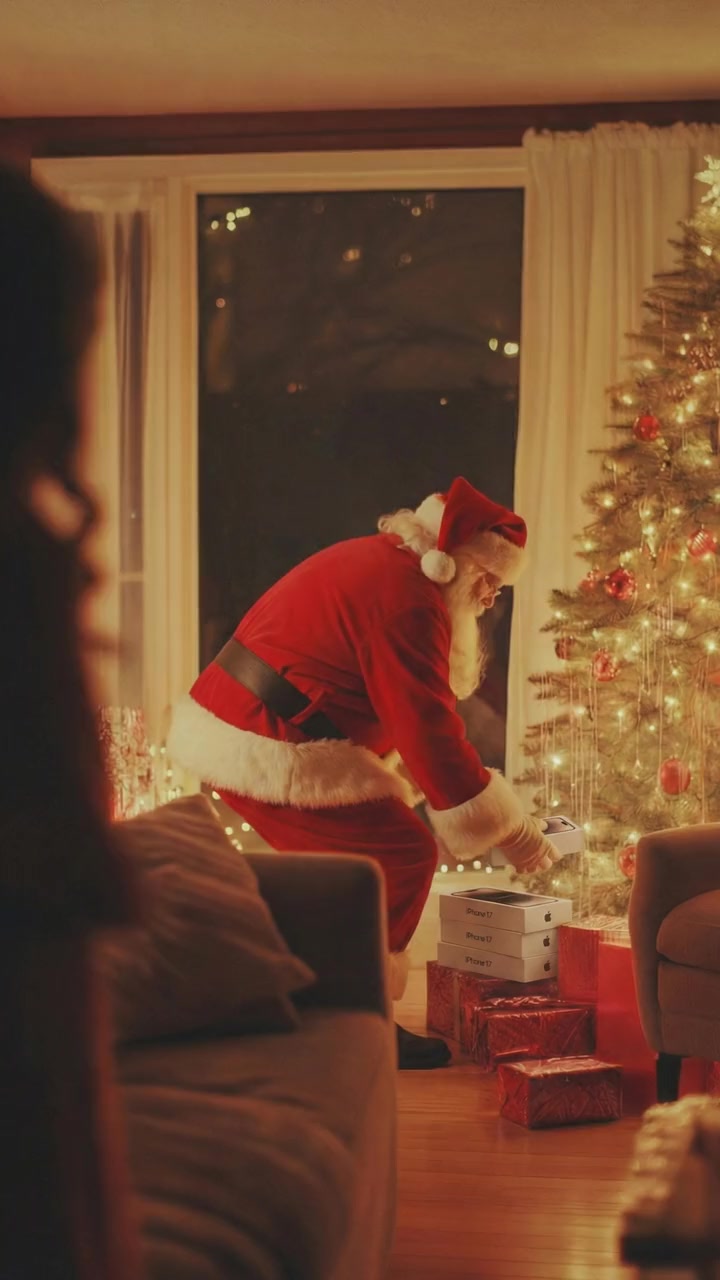
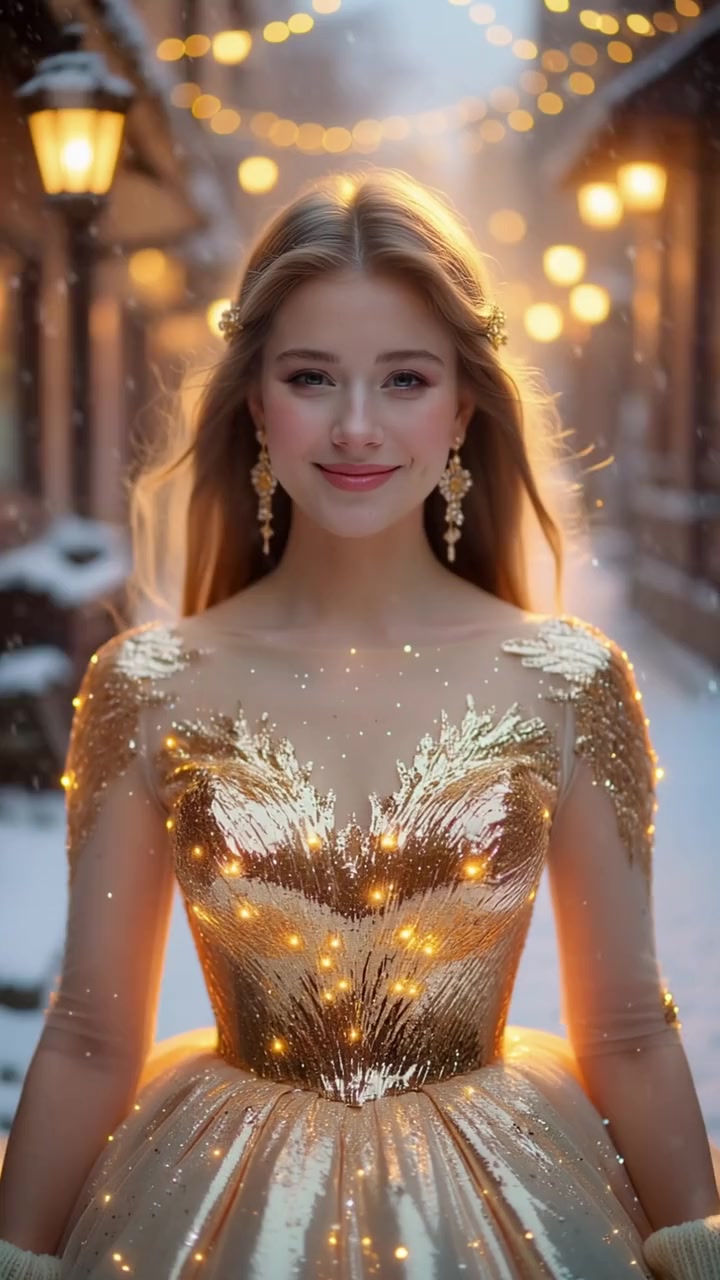
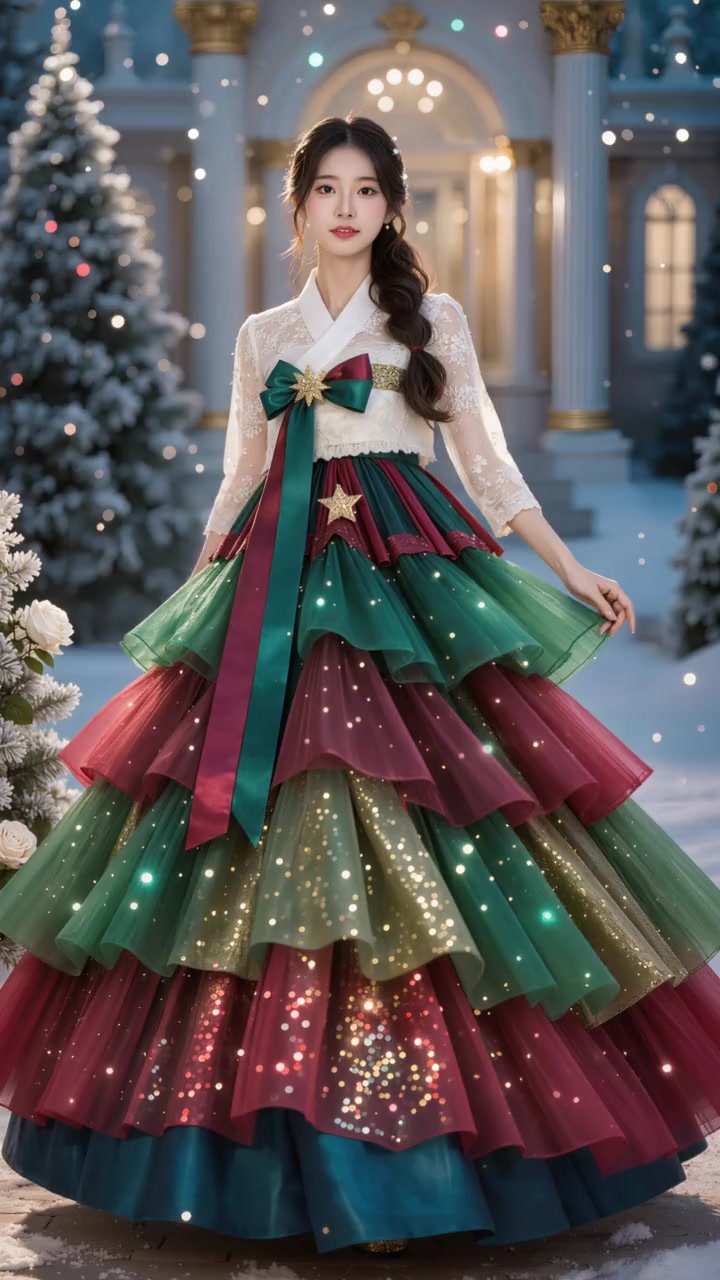
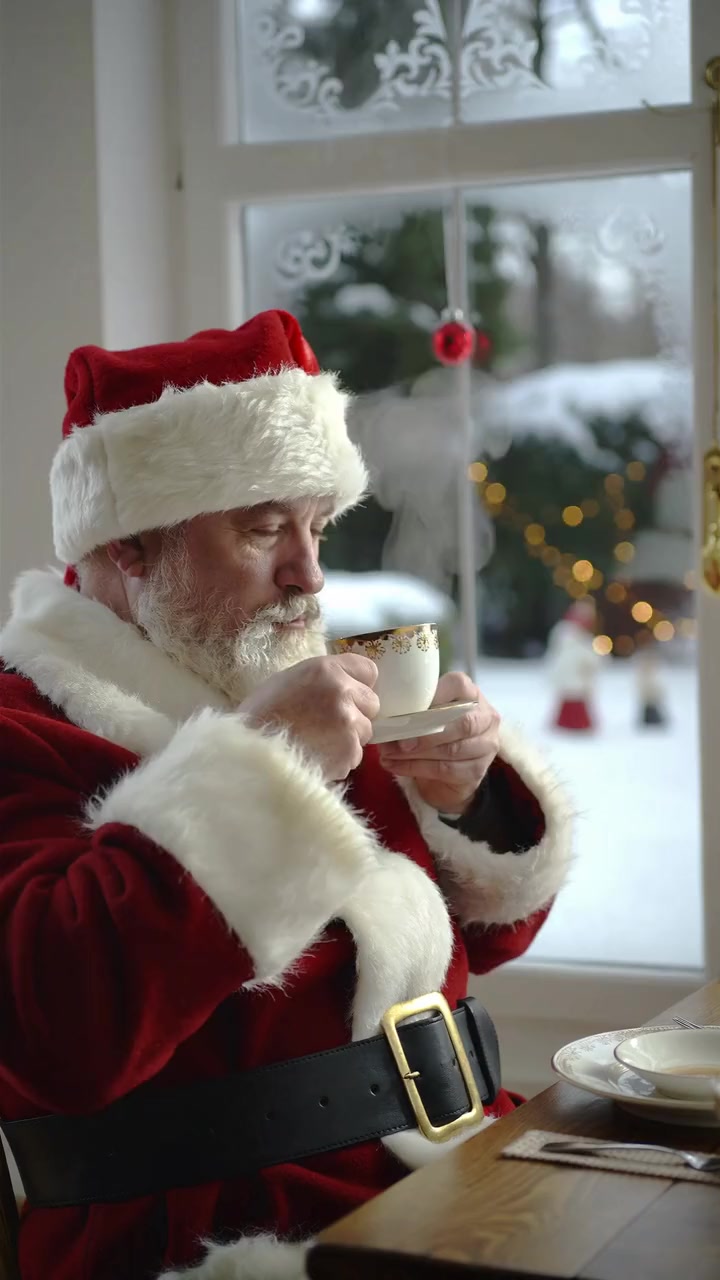
Not elves, but ready: Santa caught at the tree, Santa’s coffee break, a sweater gift, golden snow, a Christmas tree gown and a gift dance. The costume comes from the template; add one photo and create. 95 to 190 credits each.


Answers
Frequently asked questions
- How do I elf myself?
- Pick the look first. For the classic cartoon, install the ElfYourself app, add up to 5 faces and choose a dance. For a real looking elf with your own face, upload one photo to an AI elf tool such as Kavel, MakeViral or Fuzana. To star in an elf clip you may use, swap yourself into it with oVideo’s Put Yourself In.
- Is Elf Yourself free?
- Partly. The app is free to download and some dances are free, changing daily, but most dances must be bought: $0.99 each or All Dances bundles from $4.99 to $7.99 on the App Store. The free version shows ads until you buy the Season Pass.
- Can I elf myself with my real face and body instead of a cut out head?
- Yes. ElfYourself puts a cut out of your face on a cartoon elf. AI elf tools such as Kavel, MakeViral and Fuzana turn the people in your photo into real looking elves in costume. On oVideo you replace the dancer in an elf clip you may use with your whole person, face, hair and build.
- How do I elf my whole family?
- In ElfYourself, add up to 5 faces to one dance. For a real looking version, Kavel takes one family photo and its FAQ says children work; MakeViral takes 2 to 4 adults and Fuzana up to three adults. oVideo replaces one main person per video on Standard, so make one clip per person, or swap up to 4 people in one clip of your own with Premium, one photo each.
- How do I elf myself on iPhone?
- Install ElfYourself from the App Store (iOS 13 or later), allow the camera or photos, add the faces and pick a dance. For a real looking elf, open Kavel, MakeViral, Fuzana or oVideo in Safari; they run in the browser, so there is nothing to install.
- Can I elf myself without downloading an app?
- Yes. On a phone, elfyourself.com sends you to the App Store or Google Play, but Kavel, MakeViral and Fuzana say they run in the browser, Fotor works on the web, and oVideo runs in the browser on iPhone, Android and computers.
- How do I share my elf video on TikTok, Instagram or WhatsApp?
- In ElfYourself, use the share button: the app added TikTok sharing and lets you add a personal greeting. With a web tool or oVideo, download the MP4 to your phone, then post it from TikTok, Instagram or WhatsApp like any video. Turn on the AI label when you post.
- Can I put my own elf costume photo in an elf dance?
- On oVideo, yes. With your own clip the outfit comes from your photo on Standard, so a photo of you in an elf costume usually gives the elf look in the clip; we have not tested it on elf clips. On Premium you can instead keep the costume from the clip with a short prompt, for example: Replace the main person with @Person1 but keep the clothes from @Video. The AI elf tools add the costume for you.
- Does oVideo have an elf template?
- Not yet. Its six Christmas templates are Santa and holiday dress scenes. For an elf, upload an elf clip you own or may use, or paste its TikTok, Reels or Shorts link, pick 3 to 15 seconds (up to 30 with Premium) and add one photo.
- How much does it cost to elf yourself on oVideo?
- 19 credits per second at 720p, so 190 credits for 10 seconds and 285 for 15; 26 credits per second at 1080p. Premium, for up to 30 seconds or up to 4 people, is 29 at 720p and 43 at 1080p. Paid plans start at $10 a month ($7.50 billed yearly) for 400 credits; there are no free swaps. A failed video gives the credits back automatically.
- Can I elf my kids?
- ElfYourself and Kavel allow it: Kavel’s FAQ says to use a clear photo of the child. MakeViral and Fuzana do not make the video of children. On oVideo, a parent or guardian adds the photo and confirms it is fine.
- Can I elf my dog or cat?
- Yes, with MakeViral, Fuzana or Kavel, which all show pets in elf hats. ElfYourself’s store description does not mention pets. oVideo’s own clip swap is made for people, so use one of those tools for a pet elf.
- Where can I find an elf dance clip to use on oVideo?
- The safest one is a clip you film yourself: a friend or family member dancing in an elf hat in your living room, then you swap yourself in. Clips from TikTok, Reels or Shorts are fine only if you own them or have permission to use them.
- How long does it take?
- ElfYourself makes the dance in the app right away. The AI elf tools say a few minutes. On oVideo a swap usually takes about 10 minutes; you can close the page and find it in your gallery, without a watermark.
- Can I elf a celebrity?
- On oVideo you confirm consent for every photo, so use your own photo or photos of people who agreed to it. Never use anyone’s face without their permission.
Sources, checked November 6, 2026
Related
- Elf Yourself alternativesSeven elf dance tools compared, checked November 2026.
- Best Christmas video appsSanta messages, ecards and holiday swaps compared.
- AI Santa videoBecome Santa in a 10 second clip from one photo.
- AI Christmas videoEvery oVideo Christmas template in one place.
- AI Christmas video ideasIdeas for TikTok, Reels and Shorts and how to make each.
- Put yourself in a Christmas moviePlay the lead in a Christmas scene you may use.
- Thanksgiving story video for kidsA thankful turkey or a family dinner as an animated story.
- Personalized Christmas story video for kidsYour child’s photo as the hero of an animated Christmas story.
- Personalized Santa video for kidsSanta says your child’s name to the camera, with lip sync.
- Nativity story video for kidsMake your own nativity video for Sunday school.
Ready for your elf moment?
Bring an elf clip you may use and a photo in your elf outfit, or start from a ready Christmas template with one photo.