AI Video

AI video generator for teams that need output, not timelinesGo from prompt to publishable short-form video.

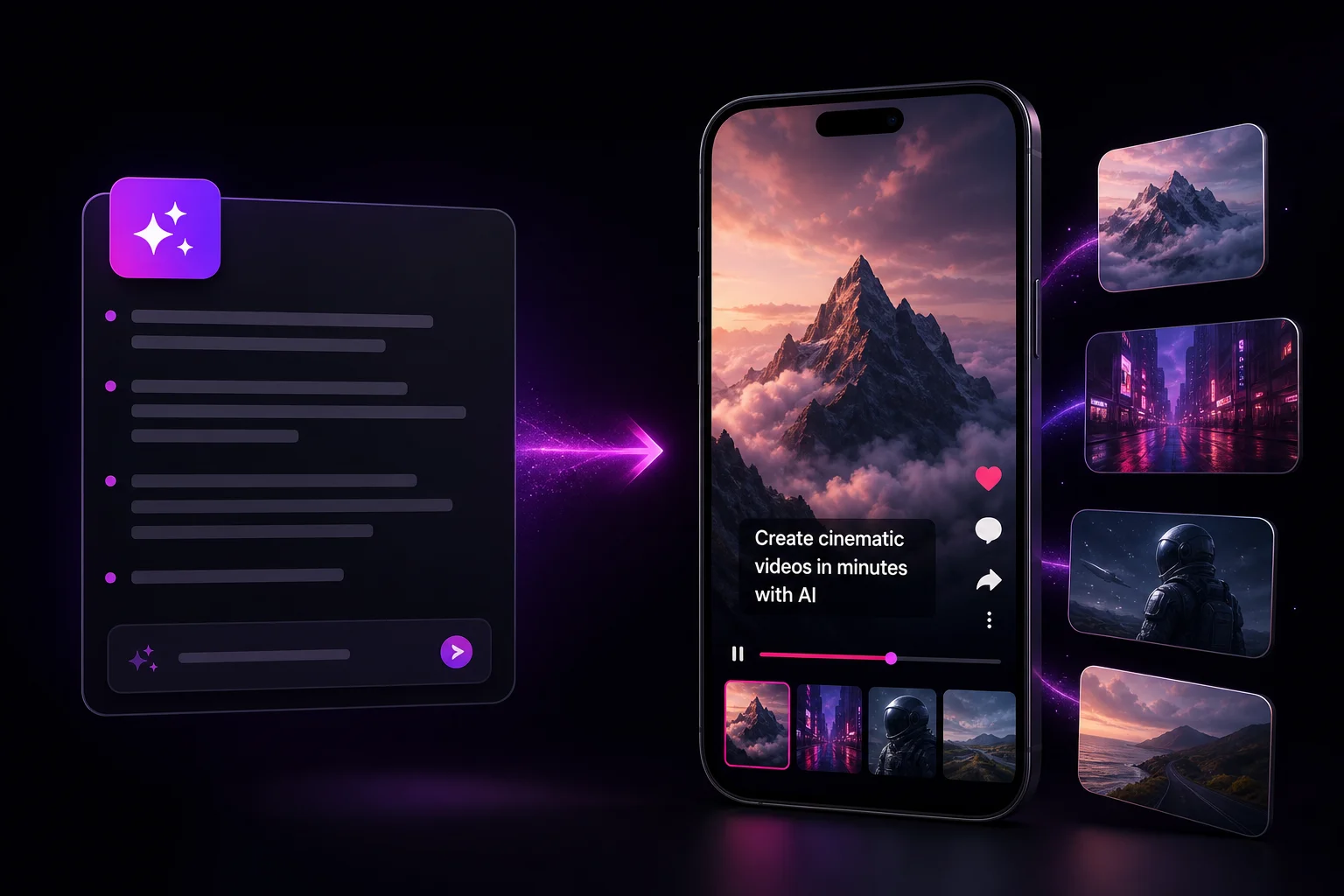
oVideo AI video generator turning a script into a vertical short-form video with captions and AI visuals
Preview0:12 · 4K
Timeline · scene 03

An AI video generator turns a prompt or script into a finished video, and oVideo's Shorts tool does it in one pass: it writes the script, narrates it in one of 12 languages, adds AI images in 12 styles, gameplay or satisfying clips and word-by-word captions, and exports a 30 to 90 second 9:16 MP4. Rough ideas become vertical videos built for daily publishing instead of weekend editing sessions. For longer stories, Story to Video goes up to 5 minutes on the Creator plan.

Script to video in minutesAI voiceover and captions includedExport vertical MP4 for every major feed

Updated

The short answer

Which AI video generator do you need? It depends on the video

oVideo is several AI video generators on one account, and the right one depends on what you want to post. For a narrated vertical video of 30 to 90 seconds, use Shorts: one prompt becomes a script, a voice, visuals and word by word captions. For a single clip of 3 to 12 seconds with real generated motion, use AI Video, from a text prompt or from a photo. For a story of up to 5 minutes with the same characters in every scene, use Story to Video on the Creator plan.

None of them is free to export. The free plan has 0 credits and lets you preview one Short and one story storyboard. A Short costs 20 to 139 credits depending on length, visuals and language, a 5 second clip starts at 30 credits, and Starter is $10 a month for 400 credits. If what you need is a timeline to edit your own long footage, a classic editor fits better; oVideo is built to generate.

At a glance

oVideo AI video generator: the facts

Input
A prompt, a pasted script or one of 12 topic ideas; every line is editable before you generate
Length
Shorts of 30 to 60 s (4 to 8 scenes) or 60 to 90 s (10 to 15 scenes), 9:16, exported at 1080p
Languages
Narration in 12 languages with word-by-word captions
Visuals
AI images in 12 styles, gameplay clips (Minecraft parkour, Subway Surfers and more) or satisfying clips. No automatic stock footage
Price
82 credits for an English 30 to 60 s Short with AI images, 34 with gameplay clips; the cost shows before you generate
Plan
Any paid plan. Starter is $10 a month for 400 credits, about 4 AI image Shorts or 11 gameplay Shorts
Free accounts
One Shorts preview (first 2 scenes drawn and voiced, no export). Free plan not available in some countries
Longer videos
Story to Video makes 15 s to 5 min videos with consistent characters on the Creator plan
AI clips
3 to 12 s from 17 video models (7 text to video, 10 image to video), from 30 credits for 5 s
Motion
AI image Shorts move each picture with a slow zoom and pan; generated motion comes from AI clips and Story to Video
Music
14 background tracks, or your own music upload on a paid plan
Publishing
MP4 download on every plan; direct YouTube publishing on Creator and Pro

Facts checked in the oVideo app on November 6, 2026.

Three kinds

What kinds of AI video can oVideo generate?

Narrated Shorts. You type an idea or paste text, and Shorts writes a script of 4 to 15 scenes, reads it in one of 12 languages, gives each scene an AI picture in one of 12 styles (or plays gameplay or satisfying clips behind the whole video) and adds word by word captions. The result is a 9:16 MP4 at 1080p of 30 to 60 or 60 to 90 seconds.

Single AI clips. AI Video makes one clip of 3 to 12 seconds from a text prompt, or from a start image you upload. There are 17 video models to pick from; some add sound of their own, and each one sets its own clip lengths and price per second. A 5 second clip costs from 30 credits on the cheapest model, and the premium models cost several times more.

Stories and special formats. Story to Video makes 15 second to 5 minute videos in 16:9 or 9:16, with characters that stay the same from scene to scene and narration in 7 languages, on Creator. Next to these sit Put Yourself In, which recasts a trend video with you from one photo, Live Avatar, which makes a photo talk, and UGC Factory for product ads with an AI presenter.

Motion

Is it real AI video or a slideshow?

People ask this in the app in plain words: “Do not create a slideshow or still images.” The answer depends on the tool. A Short in AI images mode draws one picture per scene and moves it with a slow zoom and pan, cut to the voice and the captions. It looks like a narrated edit, not like filmed motion, and that is why a Short costs 82 credits rather than several hundred.

Generated motion, where people walk, water flows and the camera travels, comes from AI Video clips and from Story to Video, which animates its scenes. A 30 second story costs about 380 credits with the default models. In Shorts, gameplay and satisfying modes also play real moving video, from the built in clip library, behind the narration.

Your photo

Can I turn my own photo into an AI video?

Yes, with image to video in AI Video. Upload a photo, describe what should move, pick one of the 10 image to video models and a length. People use it for product shots (“the woman turns toward the camera and the shot moves in on the earring”), birthdays (“22 years old, candles burning on the cake”) and openers that must keep a logo. Most clips made this way are 5 to 10 seconds, in 9:16 or 16:9.

Write what moves, not what is in the picture, because the photo already shows that. Name one action and one camera move, for example “slow motion, he walks toward the camera holding sunflowers”. When a face or a logo has to stay exact, ask for small movements.

If you want the photo to speak, that is Live Avatar instead: one photo plus a script of up to 2,000 characters becomes a talking video of up to 90 seconds with lip sync, on the Creator and Pro plans, about 23 credits for 10 seconds.

Characters

Can the same character appear in every scene?

Not reliably in Shorts. Each scene picture is drawn on its own from its line of script, so a character described only in words can change face or clothes between scenes. That is fine for facts, lists and explainers, and a problem for stories.

Story to Video is built for recurring characters: it sets up the cast first, keeps every character the same across scenes and lets you add a photo for a character. Requests like “make a 3D cartoon video from the attached photo, keep the same faces and clothes” belong there. It runs on Creator, $40 a month ($30 billed yearly) for 2,000 credits.

See it in action

From script to scroll-stopping vertical video

Every draft ships with narration, AI visuals and word by word captions, ready for Shorts, Reels and TikTok.

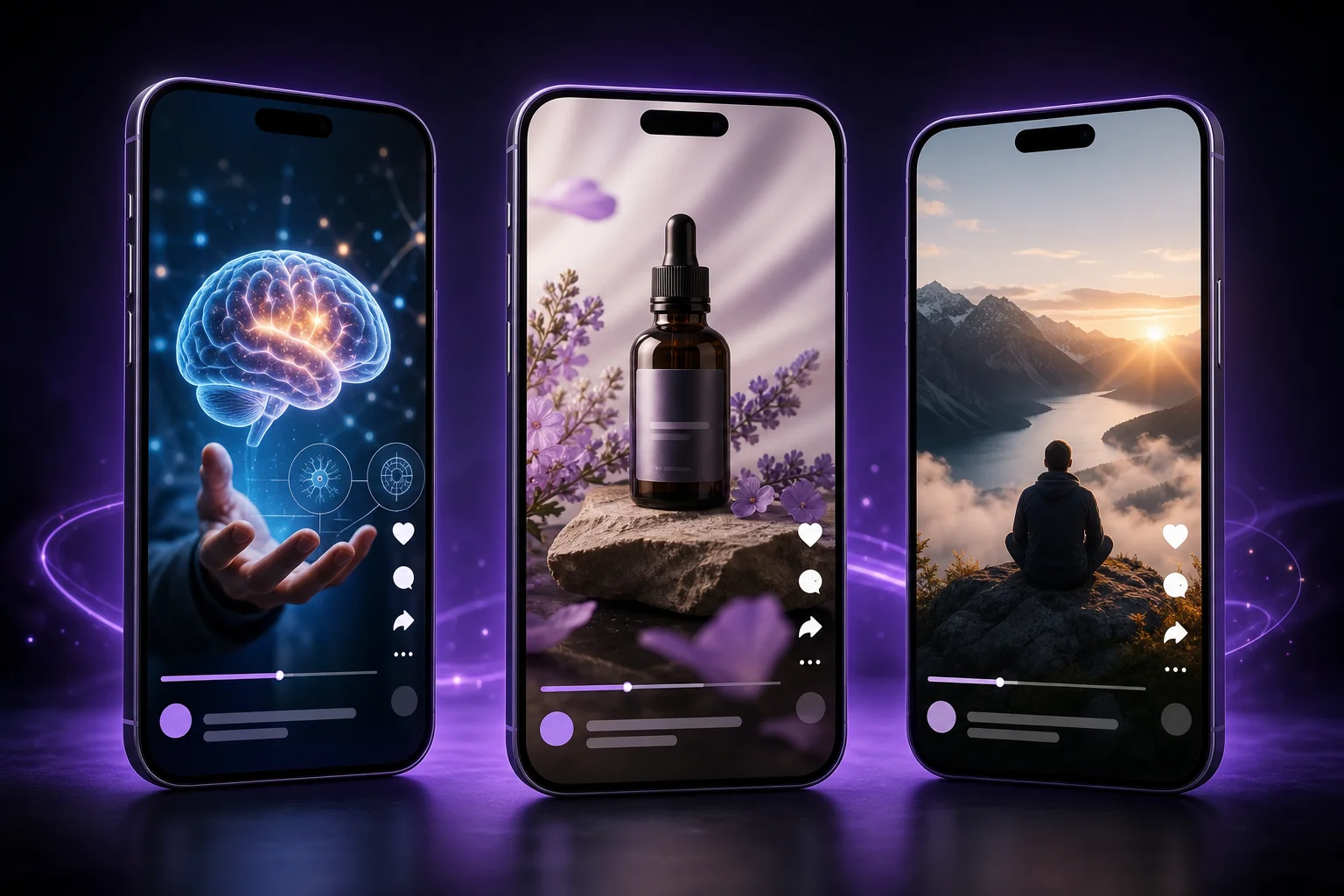
Three AI-generated vertical videos for education, product promos, and faceless niche channels

Made with oVideo

Real videos, not mock-ups.

Every clip below was made from start to finish with oVideo: script, voiceover, visuals and captions. Press play to see the actual output.

Mind-Blowing Space Facts You Didn't Know!

9:16 vertical·1080p

Prehistoric Predators: A World of Giants

9:16 vertical·704p

Svět bez internetu: Jak by vypadal?

9:16 vertical·1080p

Core capabilities

Everything you need in one generation pass

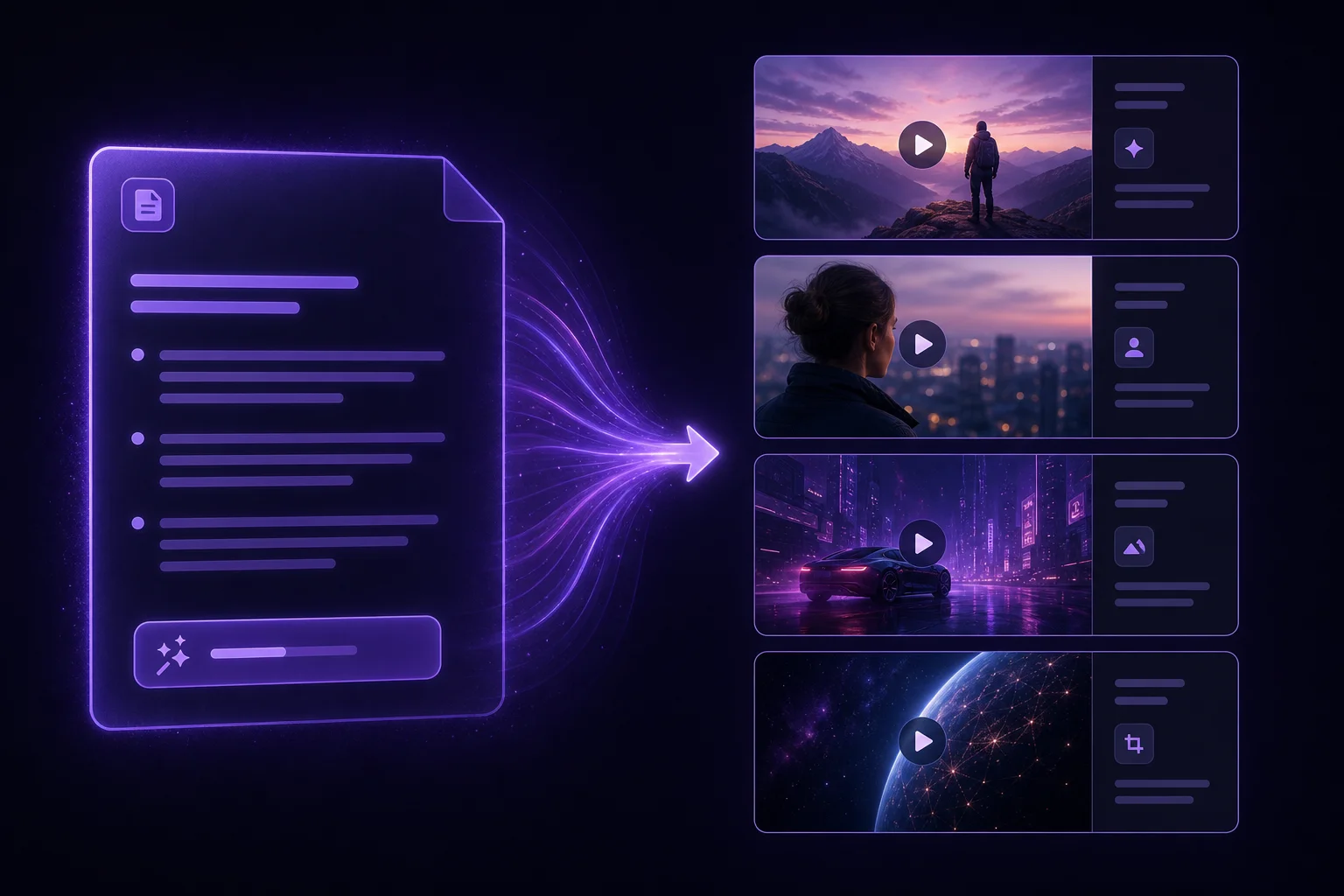
Script and prompt transforming into AI-generated video scenes

Prompt-first workflow

Start from a sentence, outline, or script and let the platform shape the first draft instead of building every scene by hand.
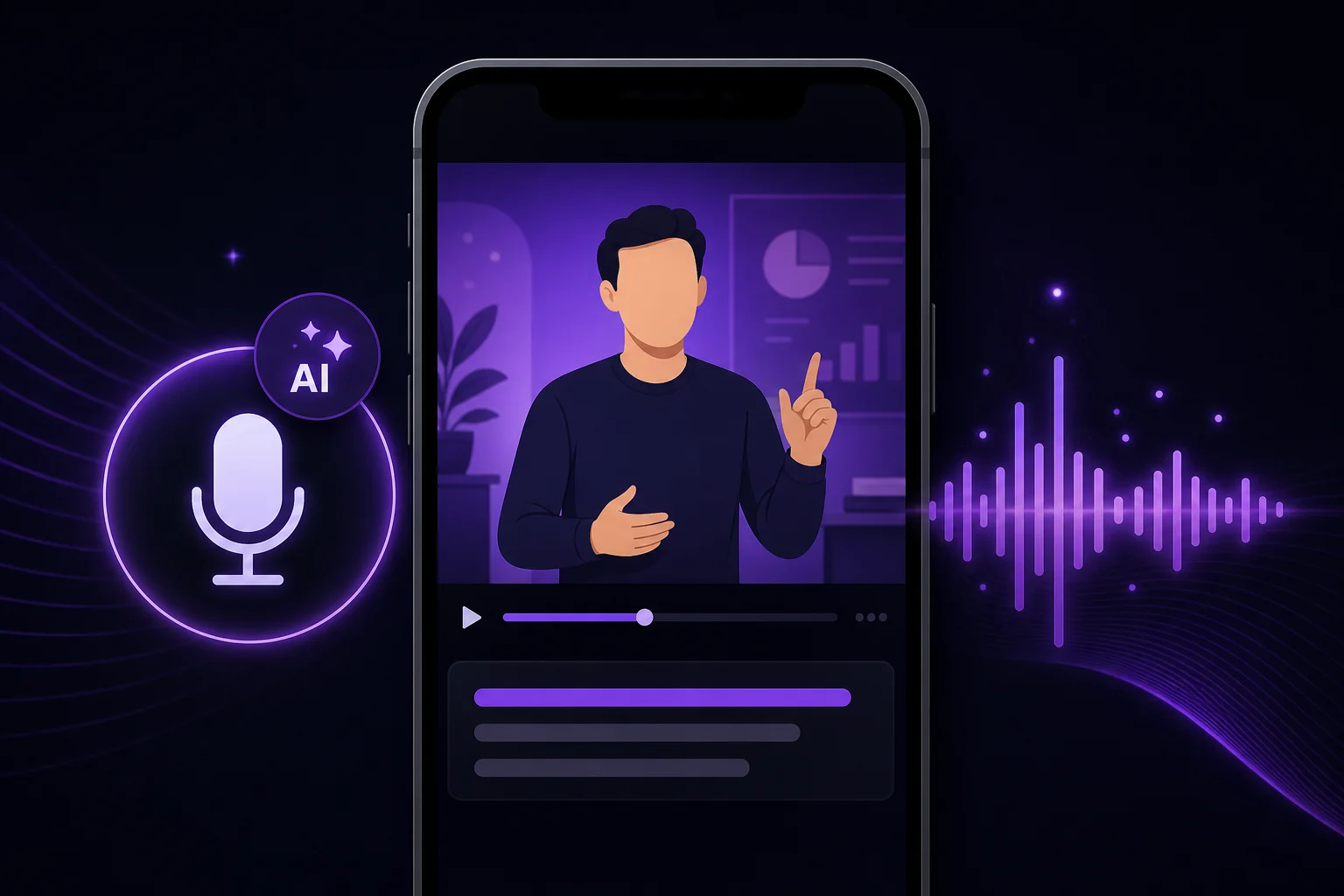
AI voiceover waveform with auto-generated captions on a vertical video

Narration without recording

Generate voiceover for educational, faceless, or product-driven content when a microphone would only slow the release cycle.
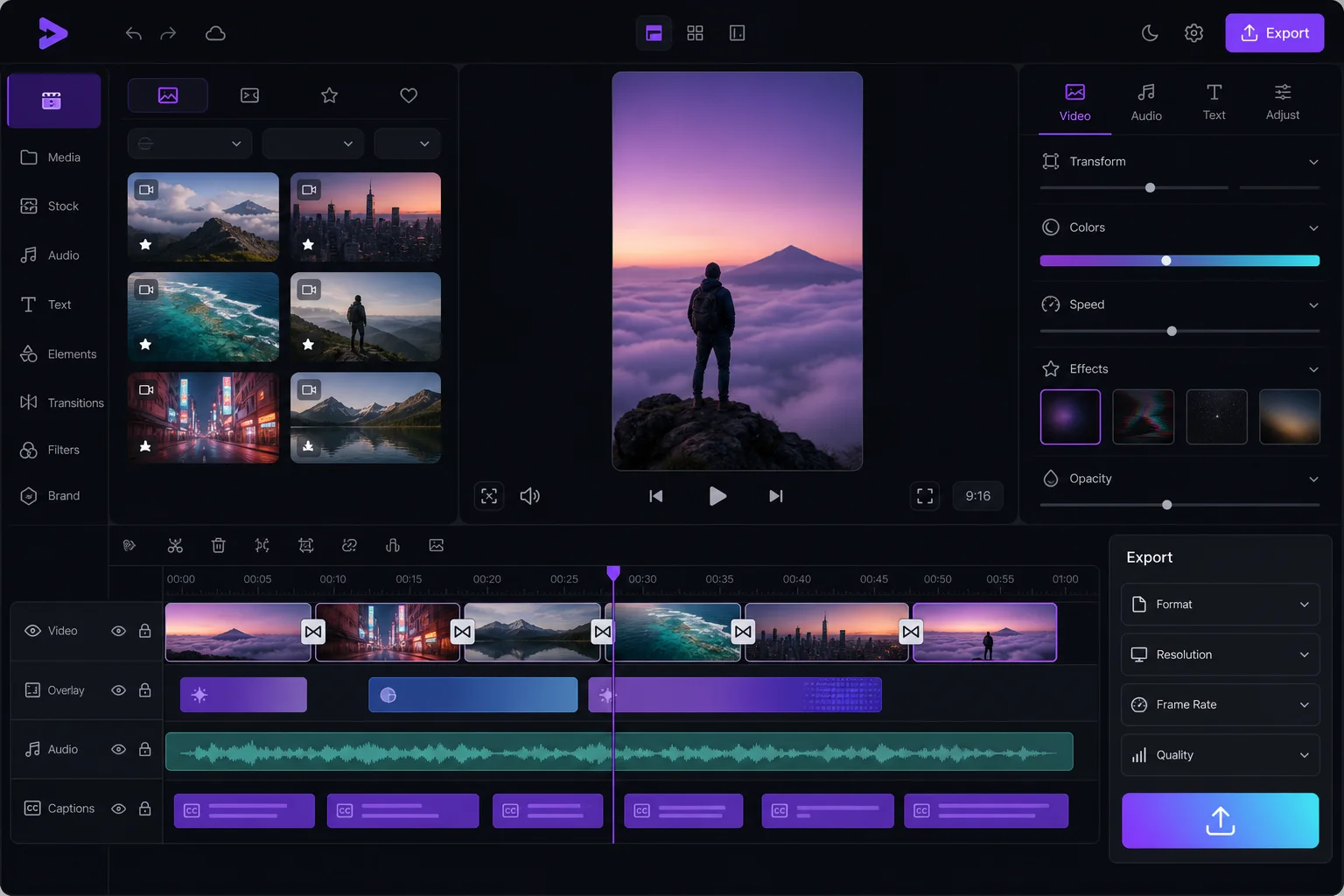
Integrated video editor with timeline, scene media and vertical preview

Editing baked into the flow

Match visuals, pacing, and captions inside the same system so your team ships more often with fewer handoffs.

The workflow

How creators use an AI video generator in production

The repeatable loop is simple: decide the angle, structure the message, generate the first cut, and only spend human time on the final polish that matters.
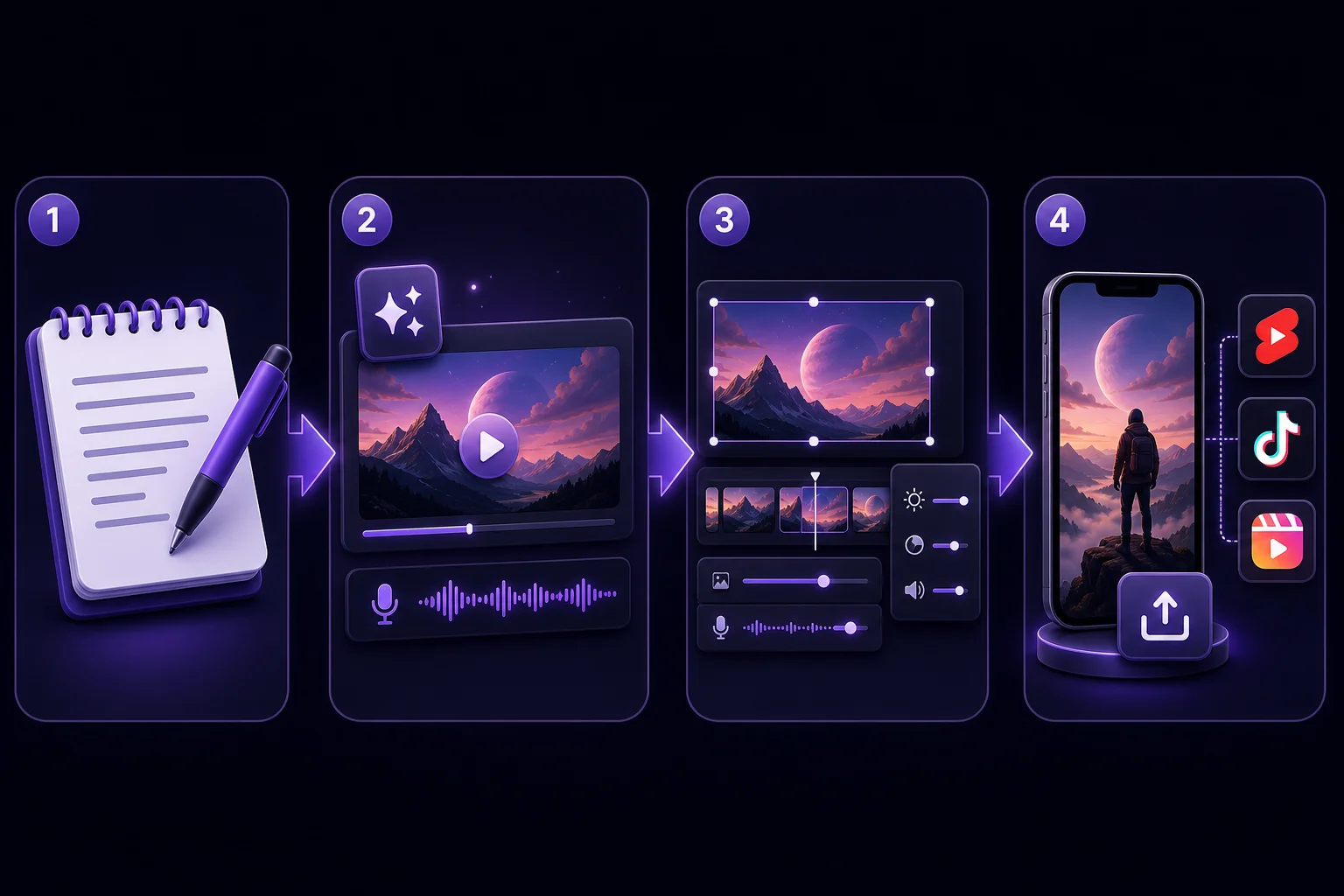
publish faster
Four-step AI video workflow from script to draft, polish, and social export
00:00
Publish
  1. 01

    Step 01

    Write the hook, the promise, and the key beats you need the video to hit.

  2. 02

    Step 02

    Generate a draft with AI narration, AI images in 12 styles, gameplay or satisfying clips, and word-by-word captions.

  3. 03

    Step 03

    Swap voice, pacing, or scene emphasis until the result matches your brand voice.

  4. 04

    Step 04

    Export a vertical MP4 and publish to Shorts, Reels, TikTok, or internal social channels.

In your words

Real AI video requests, and the tool that fits each

What people typed into oVideo's AI video tools, shortened, with what happens.

“A dignified, tidy pig finds a messy orphan cat in his pen.”
Two characters and a plot: Story to Video keeps the pig and the cat the same in every scene, from 15 seconds up to 5 minutes. As a single AI clip you would get one moment of 3 to 12 seconds.
“A 30 second vertical Reel about three habits that improve your daily routine.”
Shorts, 30 to 60 seconds: about 4 to 8 scenes, one AI picture each, a voice and word by word captions, 82 credits in English. Keep the script near 65 words to land close to 30 seconds.
“Fast push in on the golden trophy held by the toy footballer.”
Image to video. Upload the photo of the toy, type the camera move and pick a 5 second clip; one clear camera move is what these models do best.
“A 10 second food commercial that feels like a real family moment.”
An AI clip from text or from a photo of the dish, on a model that runs to 10 seconds. If the ad needs a presenter holding your product, UGC Factory on Creator is the better fit.
“A cinematic studio style opening for our cultural center, keep the logo I give you.”
Use the logo as the start image in image to video and ask for slow, small motion such as light sweeping across it, so the letters stay readable.
“A little cat finds a lost star under an old lamp and returns it to the sky.”
A bedtime story. As a narrated Short it runs up to 90 seconds with AI pictures; with animated scenes and the same cat throughout, use Story to Video.

Ideas

Six AI videos worth making first

A mix of the three tools, each matched to what it does well.

  • Product teaser. Animate one product photo with image to video: a slow push in, a turn, light moving across it. 5 seconds is enough for a story ad.
  • Explainer Short. One question, answered in 30 to 60 seconds with AI pictures and captions, for a channel that teaches.
  • Birthday video. A clip of candles and a cake from a photo, or a Short with your own photos put into the scenes.
  • Kids story. A short animal story with the same characters in every scene, made with Story to Video in 9:16 or 16:9.
  • Brand opener. Your logo as the start image, with gentle motion, as the first seconds of every video you post.
  • Weekly tips series. Five Shorts with the same voice, picture style and caption style, so the series looks like one channel.

Better results

How to get a better AI video on the first try

Prompts for AI clips

  • Describe one action and one camera move; a clip of 3 to 12 seconds cannot hold a whole plot.
  • Pick the shape you need (9:16 for phones, 16:9 for YouTube) before you generate, not after.
  • Start with a cheaper model for drafts, then make the final version on a premium one.

Scripts for Shorts

  • Put the hook in the first line; it is what viewers hear in the first two seconds.
  • Use names, numbers and places; concrete facts survive the rewrite better than vague themes.
  • Read the script before you generate; every line can be edited, and the voice is made from it.

Spend credits wisely

  • Gameplay or satisfying clips cost 34 credits for an English Short, AI pictures 82.
  • Narration in the other 11 languages costs less than English.
  • The cost shows before you generate, so compare models and lengths there.

How to choose

Which oVideo tool fits your video

Find the video you want on the left; the tool is on the right.

A narrated vertical video for Shorts, TikTok or Reels
Shorts: 30 to 90 s, 12 languages, any paid plan
One cinematic clip with real motion
AI Video, text to video: 3 to 12 s, from 30 credits
Animate a product shot or a photo
AI Video, image to video: 10 models
A story with recurring characters, up to 5 minutes
Story to Video on Creator ($40 a month)
A photo that talks to the camera
Live Avatar on Creator or Pro, up to 90 s
Me in a trending video
Put Yourself In: one photo, 3 to 15 s of the clip; Premium: up to 4 photos and 30 s of your own clip
Editing my own long footage on a timeline
A timeline editor such as CapCut, VEED or Kapwing

Compared

What AI video generators cost to start

Entry prices and free plans of popular AI video tools, with what each one is best for. Competitor plans as listed in October 2026.

ToolBest forPaid plans fromFree plan
oVideoShort form social video: Shorts, story videos, UGC ads, captions$10/mo ($7.50 billed yearly), 400 credits3 subtitle videos, 3 split screens, 2 AI images, previews
RunwayCinematic AI clips and AI editing of footage$15/mo ($12 billed yearly), 625 credits125 one time credits, watermark
InVideoAgent driven editing with stock footage and many AI models$9/mo per seat, 190 creditsWeekly credits, amount not published
PictoryTurning text and recordings into stock footage videos$29/mo ($25 billed yearly)No, 14 day trial
HeyGenAvatar presenter videos and translation$29/mo ($24 billed yearly), 600 credits3 videos a month, 1 min, watermark
DescriptEditing recorded video and podcasts by text$24/mo ($16 billed yearly)1 hour a month, 720p, watermark
CanvaDesign suite with a template based video editorAbout $18/mo ($12 billed yearly)Core editor, free stock

Credits buy different amounts on each tool, so compare what one video costs, not the credit count. Prices can differ by country. Checked October 2026.

Where oVideo shows up

High-intent use cases for AI-generated video

These are the jobs where speed and consistency beat overproduced editing.
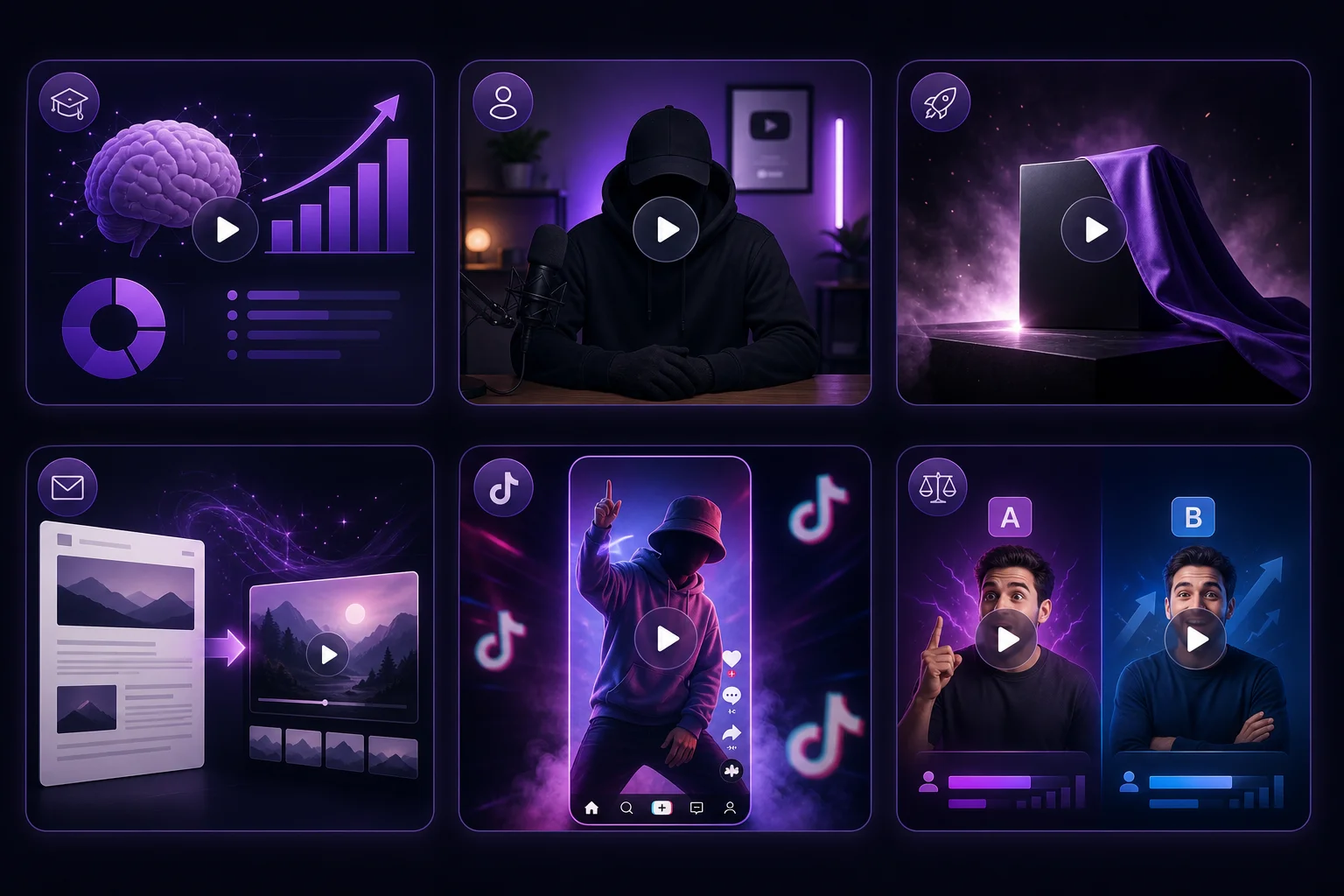
Use cases for AI video generation including explainers, faceless channels, product teasers, and TikTok content
Short-form educational explainers
Faceless niche channel production
Product launch teasers and updates
Repurposing newsletter content into video
Trend-based TikTok and Reels content
Fast social testing for hooks and offers

Keep exploring

Related guides

Answers

Frequently asked questions

What does an AI video generator actually automate?
An AI video generator automates the slow first pass. In oVideo Shorts it rewrites your prompt or text into a short script, splits it into 4 to 15 scenes, draws an AI image for each scene (or places gameplay or satisfying clips), narrates every line with an AI voice and adds word-by-word captions. You get an editable 9:16 draft that you can refine and export as a 1080p MP4.
Is there an automatic video maker that does everything from one prompt?
Yes, for short videos. oVideo Shorts takes one prompt or topic and automatically writes the script, picks the visuals, records the AI narration, syncs word-by-word captions and assembles a 30 to 90 second vertical video. You can still edit any line or scene before export. For a story with recurring characters of up to 5 minutes, Story to Video does the same on the Creator plan.
Does oVideo turn a script into stock footage automatically?
No. oVideo does not match stock footage to your script automatically. Each scene of a Short gets an AI image in one of 12 styles, or the whole Short plays over gameplay clips (Minecraft parkour, Subway Surfers and more) or satisfying clips. If you want a stock clip, you can swap one into a single scene by hand in the editor. Narrated stock footage videos of several minutes are not offered.
Can I still edit the draft after generation?
Yes. In the oVideo editor you can rewrite any narration line, regenerate a scene image or put your own photo into a scene, and pick the caption style and a background track. Most people only fix the hook and a few scenes before exporting. Everything runs in the browser, and paid exports are 1080p 9:16 MP4 files with no watermark.
Is there a free AI video generator worth using?
Most free AI video generators limit resolution, add watermarks, or cap output at a few seconds. On oVideo the free plan has 0 credits: you can preview one Short (the first 2 scenes drawn and voiced, no export) and make 2 AI images, 3 subtitle videos and 3 split screen videos. Exporting a Short needs a paid plan from $10 a month, with no watermark. The free plan is not available in some countries.
How much does an AI video cost on oVideo?
Credits are charged when you generate. An English 30 to 60 second Short costs 82 credits with AI images (68 in other languages) or 34 with gameplay or satisfying clips (20). A 60 to 90 second Short costs 139 or 49. Starter ($10 a month, 400 credits) covers about 4 English AI image Shorts or about 11 gameplay Shorts. A single 5 second AI clip costs from 30 to 130 credits, depending on the model.
Can oVideo make long videos?
Not 10 minute narrated videos. Shorts run 30 to 60 or 60 to 90 seconds in 9:16. Story to Video makes multi scene videos from 15 seconds to 5 minutes on the Creator plan ($40 a month). A single AI clip from one prompt runs 3 to 12 seconds, depending on the model.
Can I use my own voice in an AI video?
No. oVideo narrates Shorts and Story to Video with AI voices from a list of ElevenLabs voices you can preview before you generate. Neither can take your own or a cloned voice; oVideo's Voice Clone (Starter and up) gives you your voice as an MP3. If the video has to be in your own voice, record it yourself and add word-by-word captions with the Subtitle Generator, which takes uploads of up to 10 minutes.
What makes a good input for AI video generation?
A strong input has a clear hook, one outcome and three or four specific beats. Shorts rewrites pasted text into a short script, so concrete facts, names and numbers survive better than vague themes. Keep each idea to one sentence, and check the first generated line, because it becomes the hook viewers hear in the first two seconds of the video.
What is the best AI video generator for YouTube Shorts and TikTok?
For narrated vertical videos made from a topic, a tool that writes, voices and captions in one pass saves the most time; that is what oVideo Shorts does, for 34 to 82 credits per English Short of 30 to 60 seconds. For cinematic clips Runway is the specialist, for avatar presenters HeyGen, and for editing footage you filmed CapCut. Pick by the video you post most.
What is the difference between text to video and image to video?
Text to video builds the whole clip from your words, so the AI decides how everything looks. Image to video starts from a picture you upload and only adds motion, so faces, products and logos stay closer to the original. oVideo has 7 text to video and 10 image to video models; both make clips of 3 to 12 seconds.
Can AI generate a video with sound?
Yes. Shorts and Story to Video always come with AI narration and captions, and you can add one of 14 background tracks. Some of the AI Video models also make their own sound, such as footsteps, rain or music, and the models page lists which ones. Clips from the other models are silent.
Can I make an AI video from my own photos?
Yes, in two ways. In AI Video, upload a photo as the start image and describe the motion. In a Short, open the editor after generating and put your own photo into any scene instead of the AI picture. For a talking video from a portrait, use Live Avatar on Creator.
Can I make an AI video in another language?
Yes. Shorts narrate in 12 languages (English, German, French, Spanish, Portuguese, Italian, Dutch, Japanese, Korean, Chinese, Arabic and Turkish) and the captions follow the voice. Story to Video narrates in 7 languages. Shorts in languages other than English cost fewer credits, for example 68 instead of 82 with AI pictures.
Does oVideo have AI avatars?
Yes, Live Avatar. Use one of 8 ready characters or your own photo, type a script of up to 2,000 characters and pick a voice, and you get a talking video of up to 90 seconds with lip sync. It is on the Creator and Pro plans, about 23 credits for 10 seconds.
Can I make an AI video on my iPhone?
Yes. oVideo runs in the browser on iPhone, Android and computers, with no app to install. On a phone you type the prompt, upload a photo from your camera roll if you need one, and download the MP4 when it is ready.