
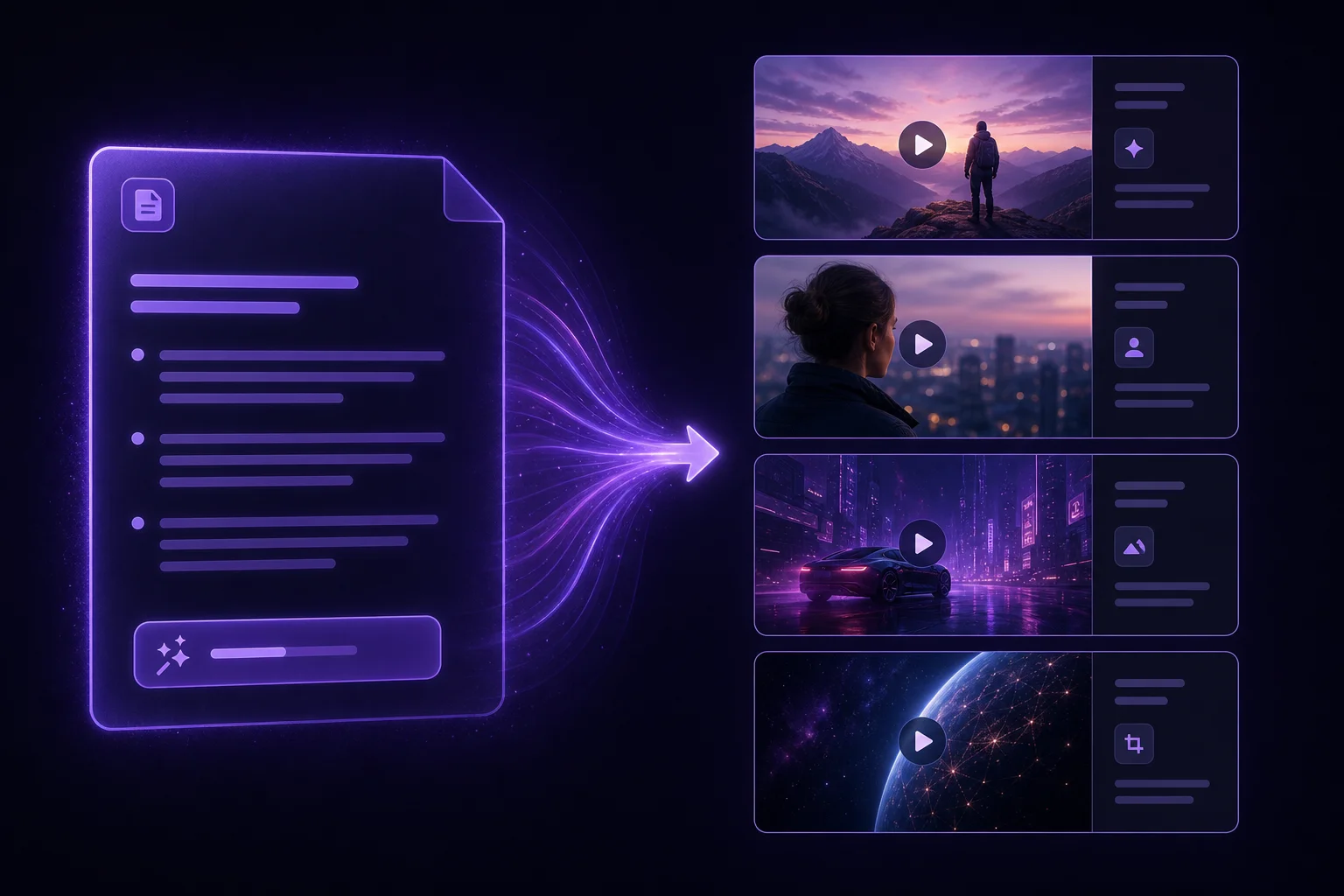
Prompt-first workflow
Start from a sentence, outline, or script and let the platform shape the first draft instead of building every scene by hand.
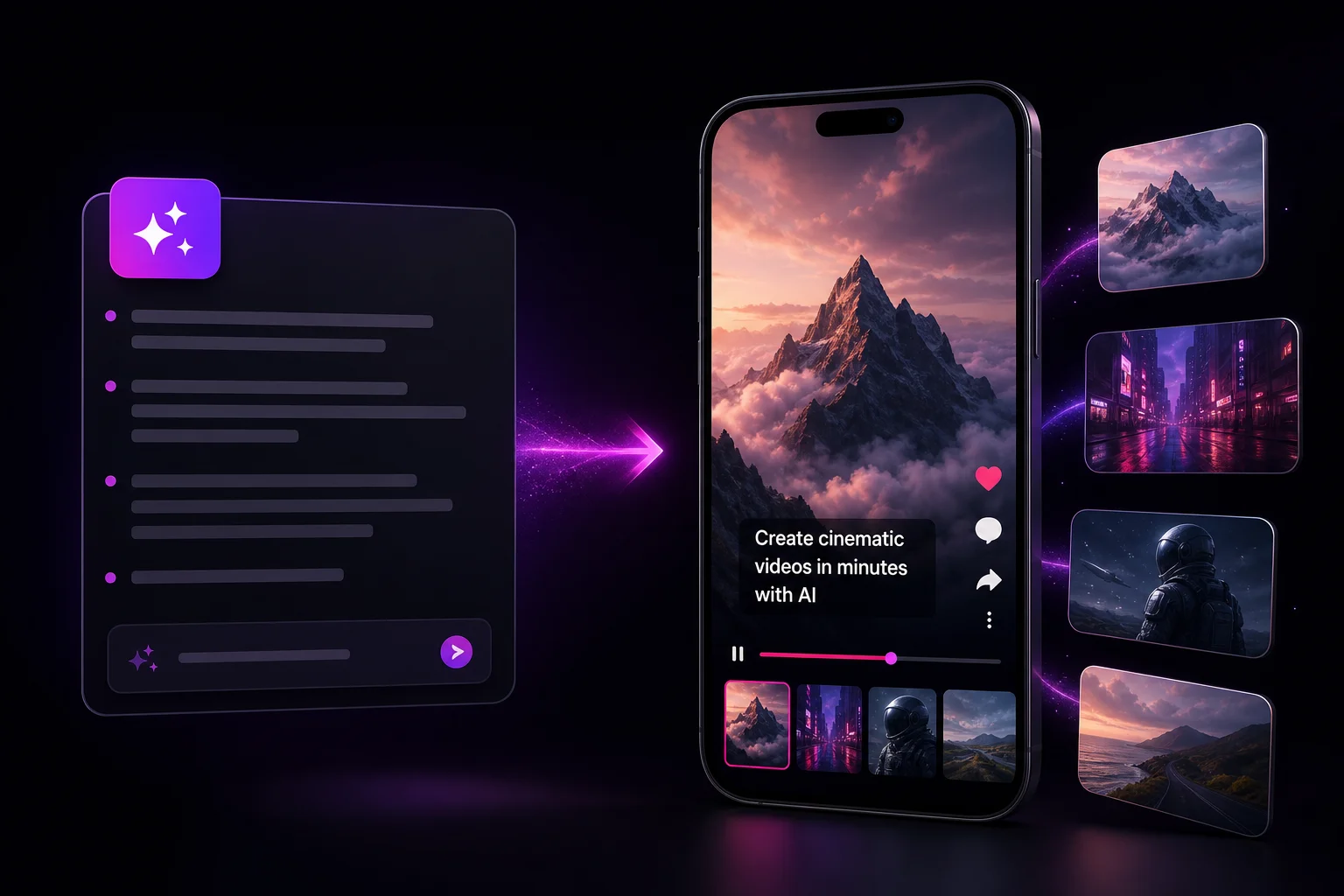
An AI video generator turns a prompt or script into a finished video, and oVideo's Shorts tool does it in one pass: it writes the script, narrates it in one of 12 languages, adds AI images in 12 styles, gameplay or satisfying clips and word-by-word captions, and exports a 30 to 90 second 9:16 MP4. Rough ideas become vertical videos built for daily publishing instead of weekend editing sessions. For longer stories, Story to Video goes up to 5 minutes on the Creator plan.
Updated
At a glance
See it in action
Every draft ships with narration, AI visuals and word by word captions, ready for Shorts, Reels and TikTok.
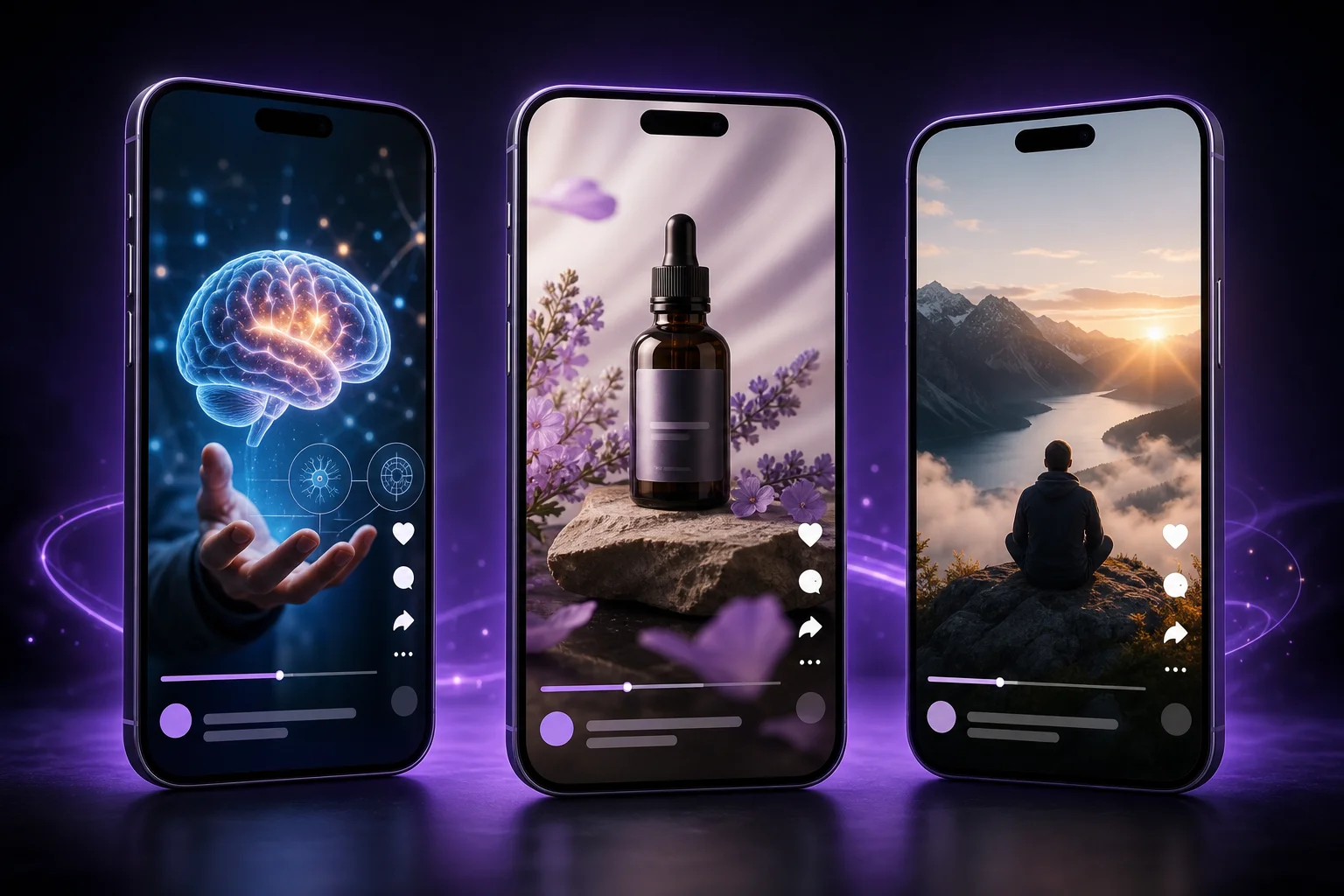
Made with oVideo
Every clip below was made from start to finish with oVideo: script, voiceover, visuals and captions. Press play to see the actual output.
Mind-Blowing Space Facts You Didn't Know!
9:16 vertical·1080p
Prehistoric Predators: A World of Giants
9:16 vertical·704p
Svět bez internetu: Jak by vypadal?
9:16 vertical·1080p
Core capabilities
Start from a sentence, outline, or script and let the platform shape the first draft instead of building every scene by hand.
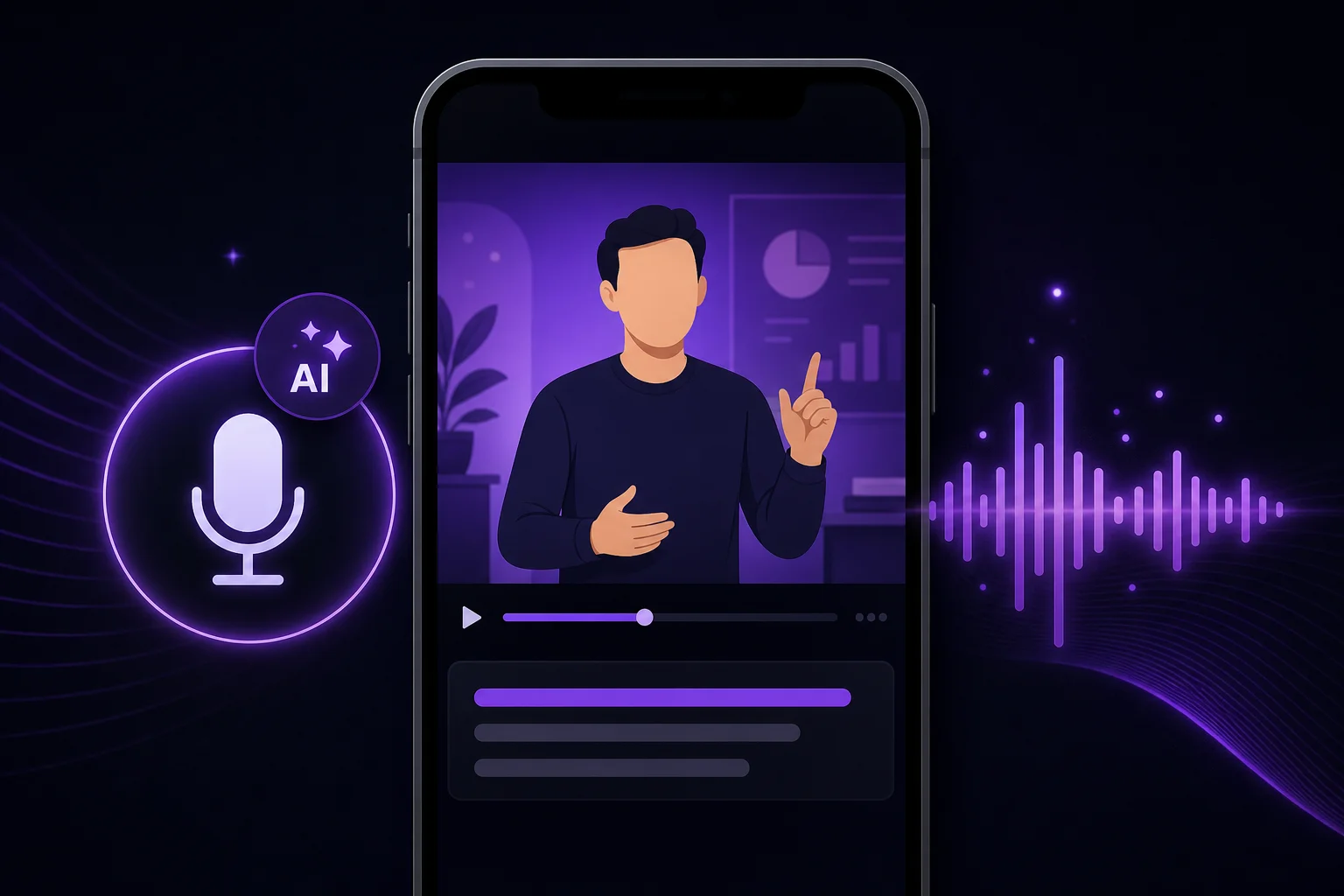
Generate voiceover for educational, faceless, or product-driven content when a microphone would only slow the release cycle.
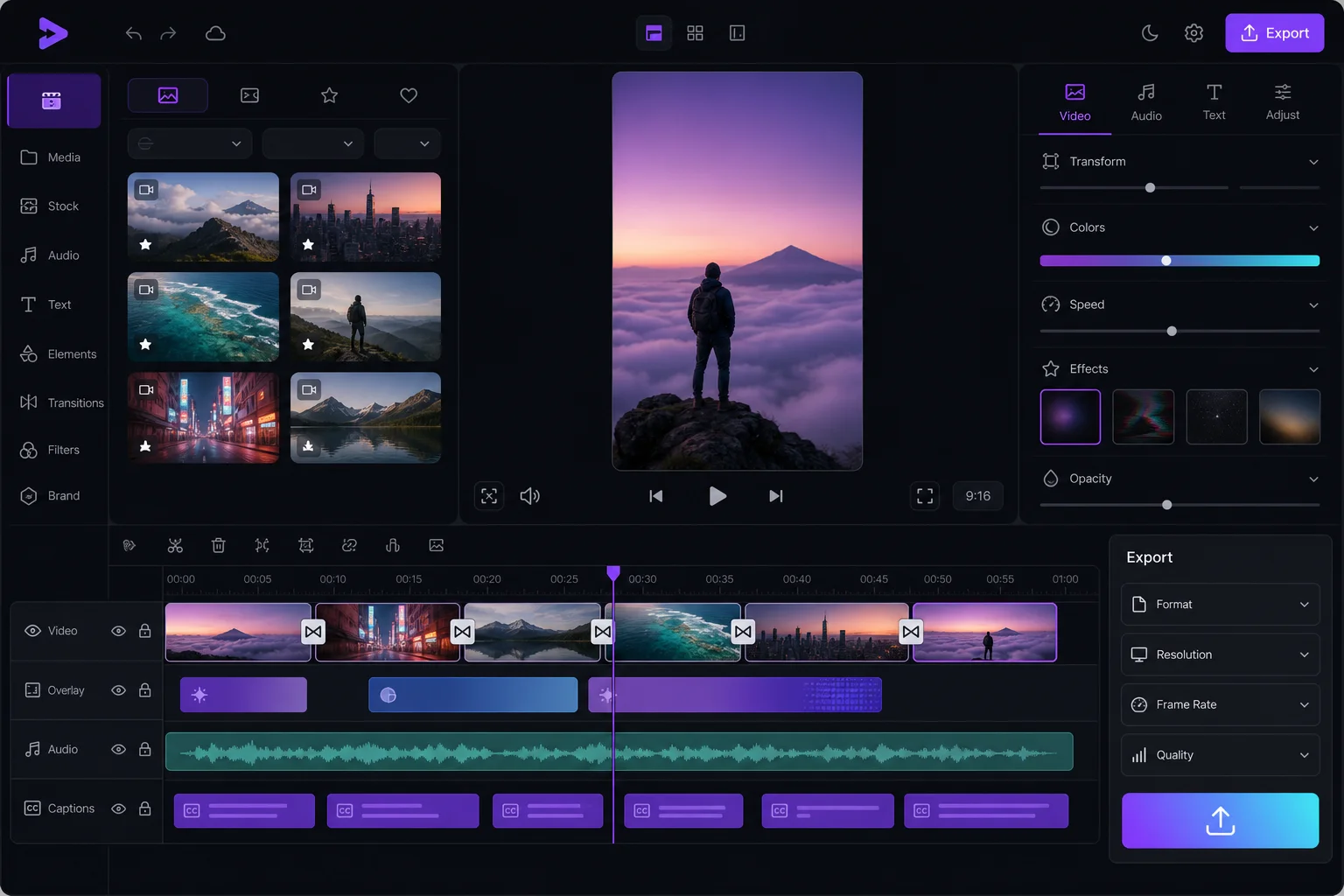
Match visuals, pacing, and captions inside the same system so your team ships more often with fewer handoffs.
The workflow
The repeatable loop is simple: decide the angle, structure the message, generate the first cut, and only spend human time on the final polish that matters.
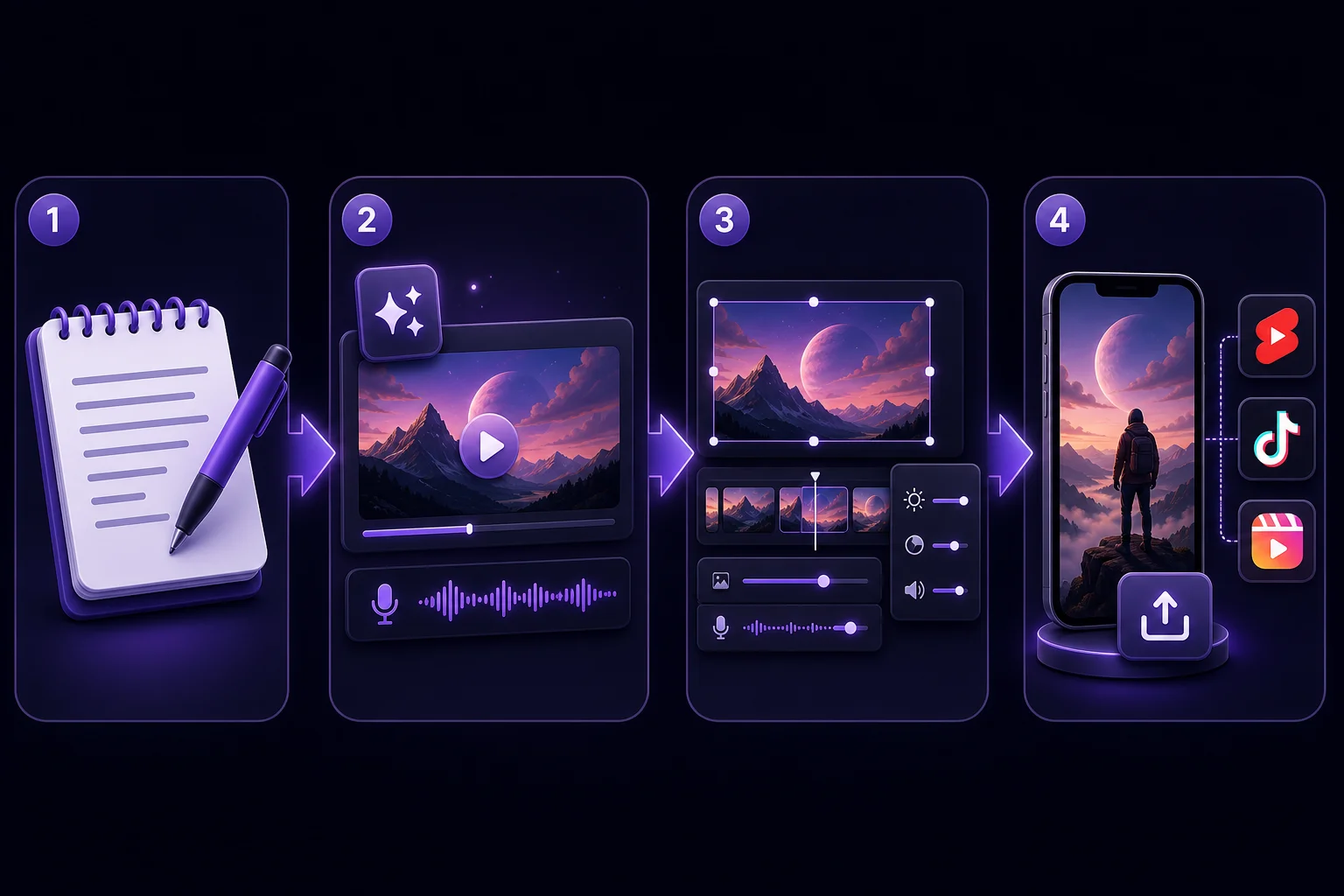
Step 01
Write the hook, the promise, and the key beats you need the video to hit.
Step 02
Generate a draft with AI narration, AI images in 12 styles, gameplay or satisfying clips, and word-by-word captions.
Step 03
Swap voice, pacing, or scene emphasis until the result matches your brand voice.
Step 04
Export a vertical MP4 and publish to Shorts, Reels, TikTok, or internal social channels.
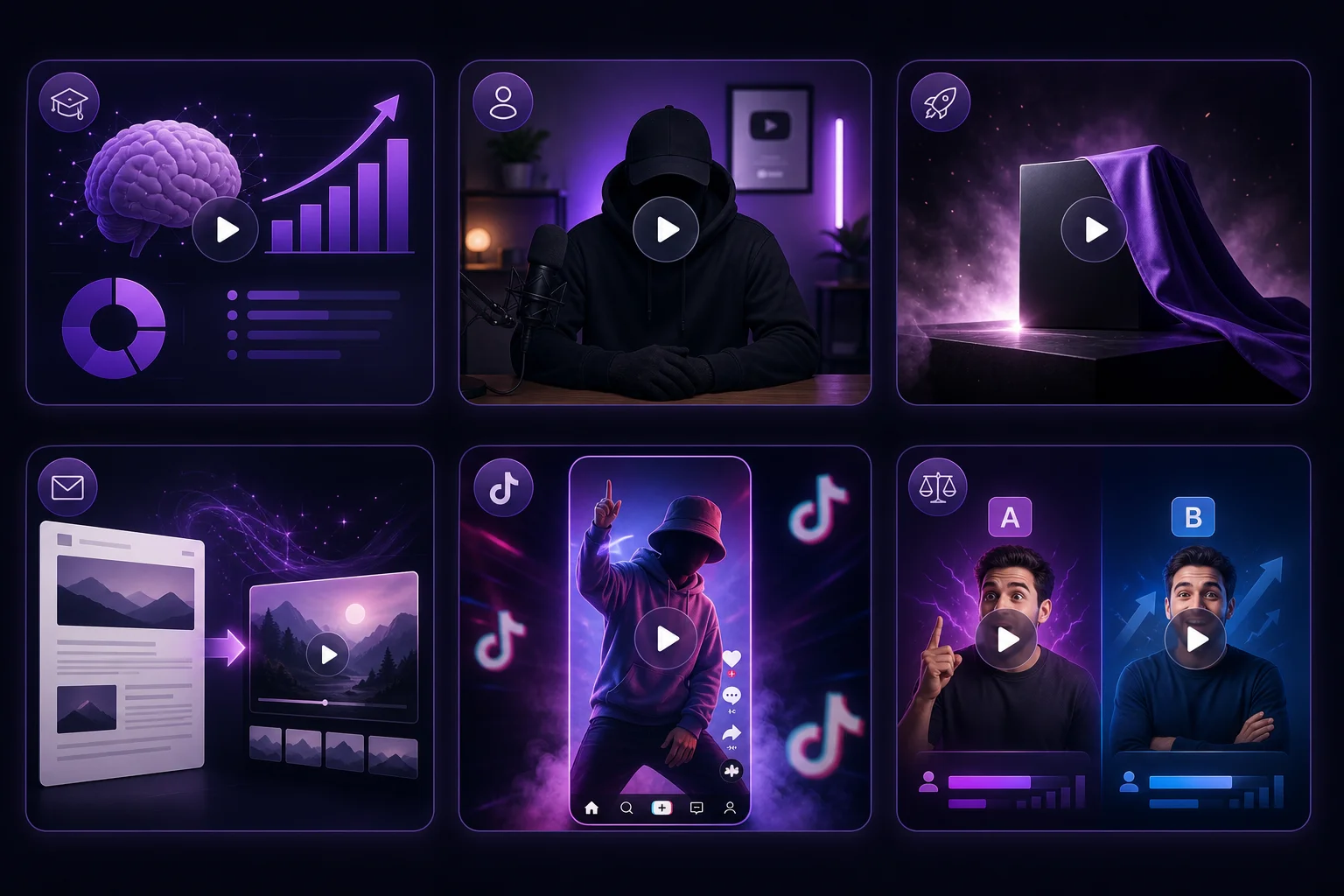
Where oVideo shows up
These are the jobs where speed and consistency beat overproduced editing.
Keep exploring
Best AI video generator
See how oVideo stacks up against Runway, Pika, and Pictory.
Start freeFree AI video generator
What the free plan includes and what needs a plan.
PlatformYouTube Shorts AI generator
Build for Shorts with faster hooks and tighter retention.
CompareAI Video Models
All 17 video models side by side.
FeatureAI Image to Video
Animate one image into a clip.
Answers