UGC Factory

AI UGC video creator for brands that ship ads daily, not monthlyStudio-quality UGC without talent, scheduling, or reshoots.

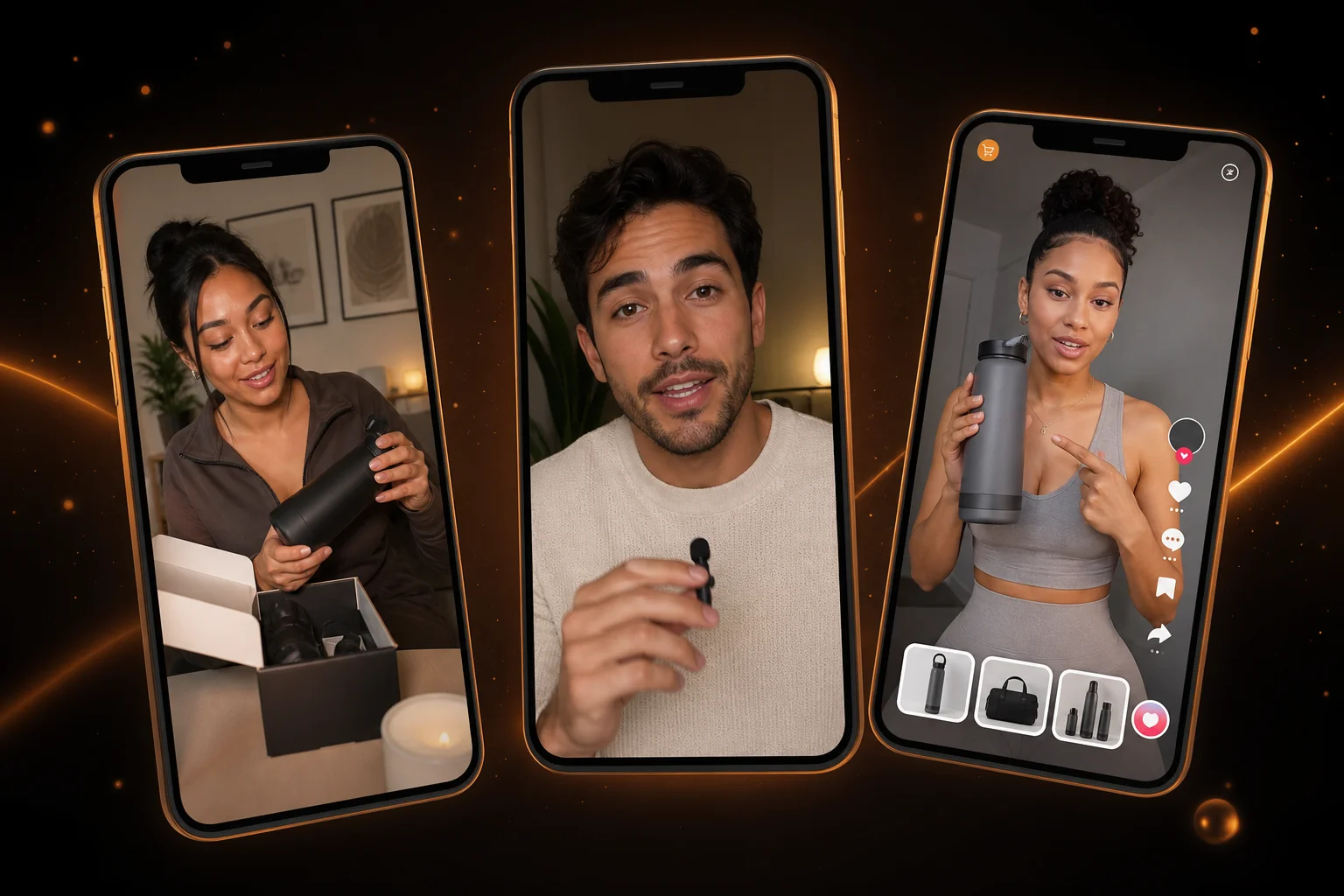
AI UGC video creator generating authentic creator-style ads with AI avatars and product pitches

oVideo's UGC Factory generates authentic-looking creator-style videos using AI avatars, natural speech, and multi-angle cinematic shots — powered by Google Veo 3.1 and Kling Pro so every clip looks like a real person filmed it on their phone.

Powered by Veo 3.1 & Kling ProMulti-angle AI avatarsNo actors or studios neededScript to UGC in minutes

See it in action

UGC ads that look filmed, not generated

Every clip ships with natural lip-sync, multi-angle shots, and captions — ready for TikTok, Instagram, and paid social.

AI-generated UGC ads including product reviews, testimonials, and TikTok-style promos

Core capabilities

Everything a UGC ad needs in one pass

Avatars, multi-angle planning, model choice, and export — built for performance marketers, not production crews.

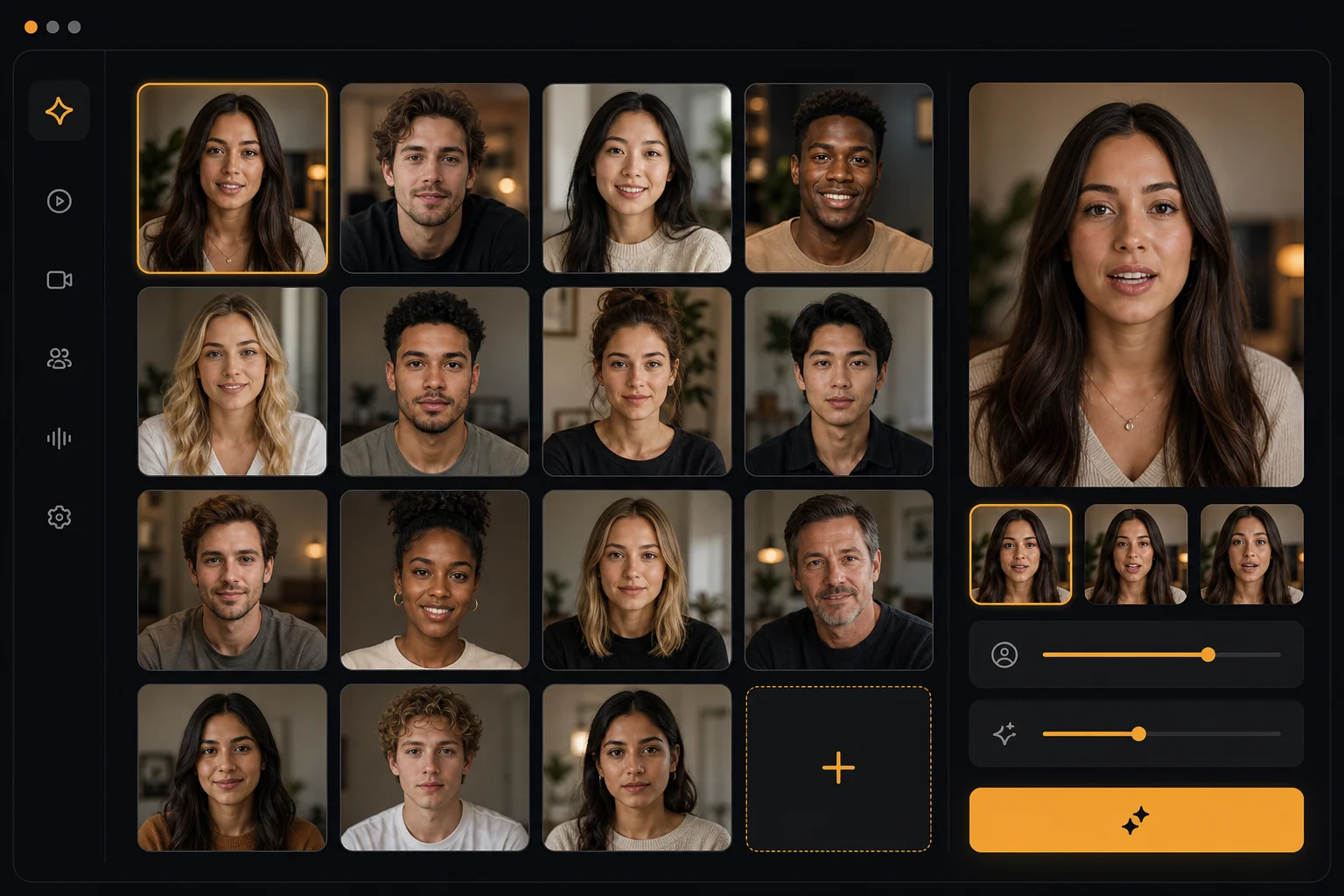
Diverse AI avatar library for authentic UGC video creation

Real-looking avatars, zero talent fees

Choose from a library of diverse AI avatars or upload your own reference image. Each avatar delivers natural lip-sync, gestures, and expressions that pass as genuine UGC.
Automatic multi-angle shot planning for UGC-style video ads

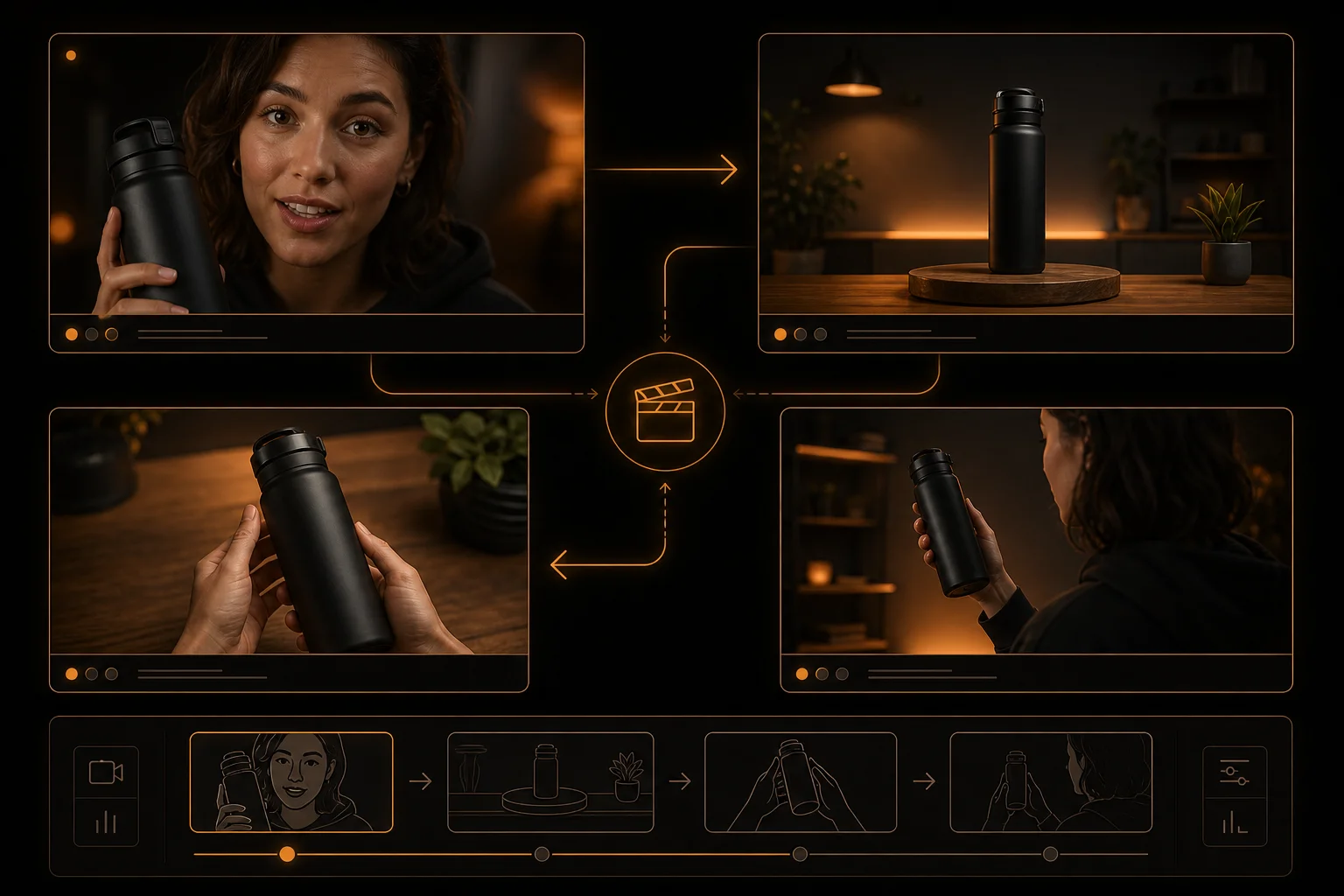
Multi-angle cinematic shots

The UGC Factory automatically plans close-ups, wide shots, POV angles, and product reveals — the same variety a real creator would film in multiple takes.
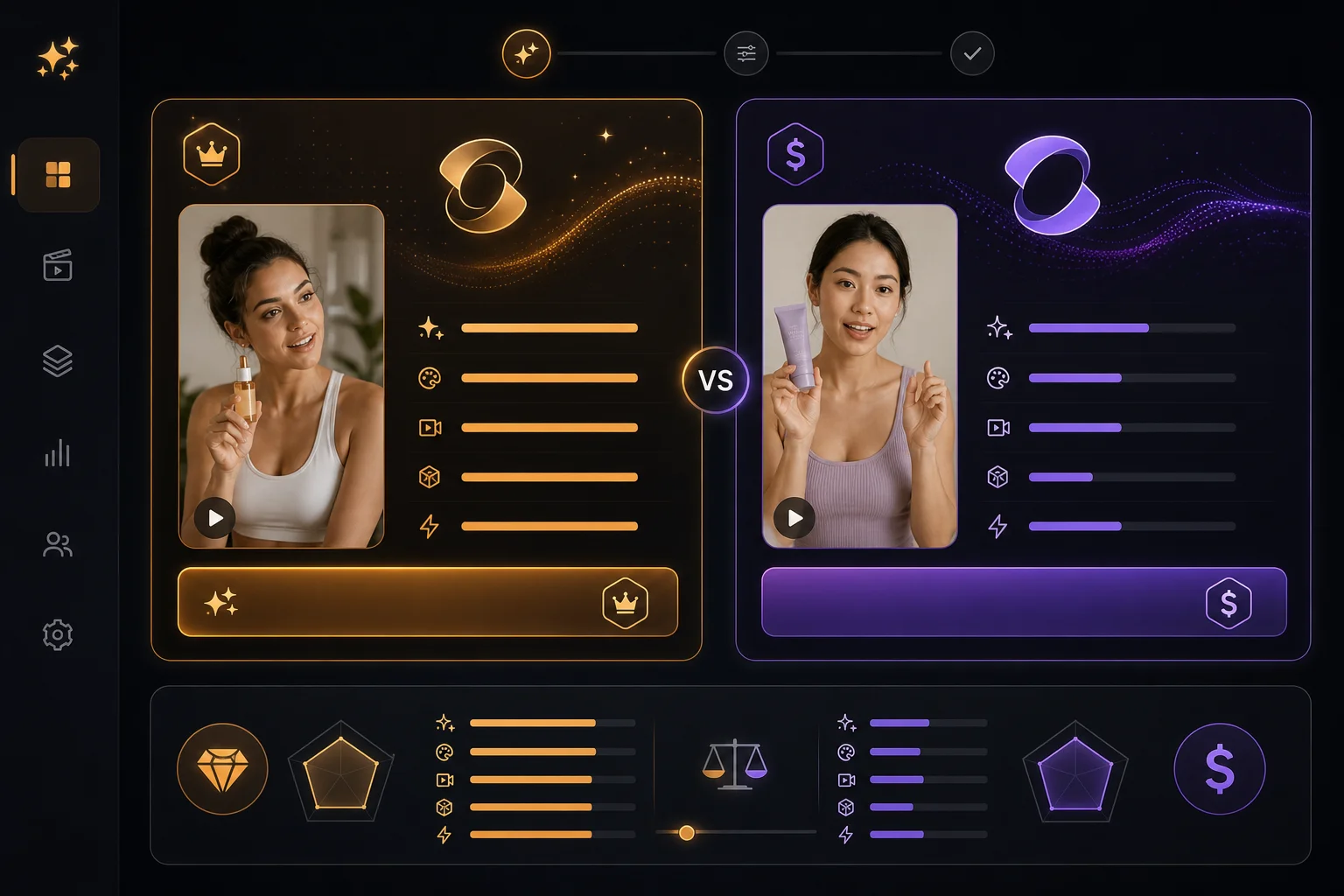
Veo 3.1 and Kling Pro model selection for UGC video rendering

Veo 3.1 & Kling Pro rendering

Pick the AI model that fits your budget. Google Veo 3.1 delivers premium multilingual audio and identity consistency; Kling Pro is ~58% cheaper and great for English-first content.

How brands create UGC ads with AI

Skip the creator marketplace, eliminate revision cycles, and publish fresh UGC variations every single day.
publish faster
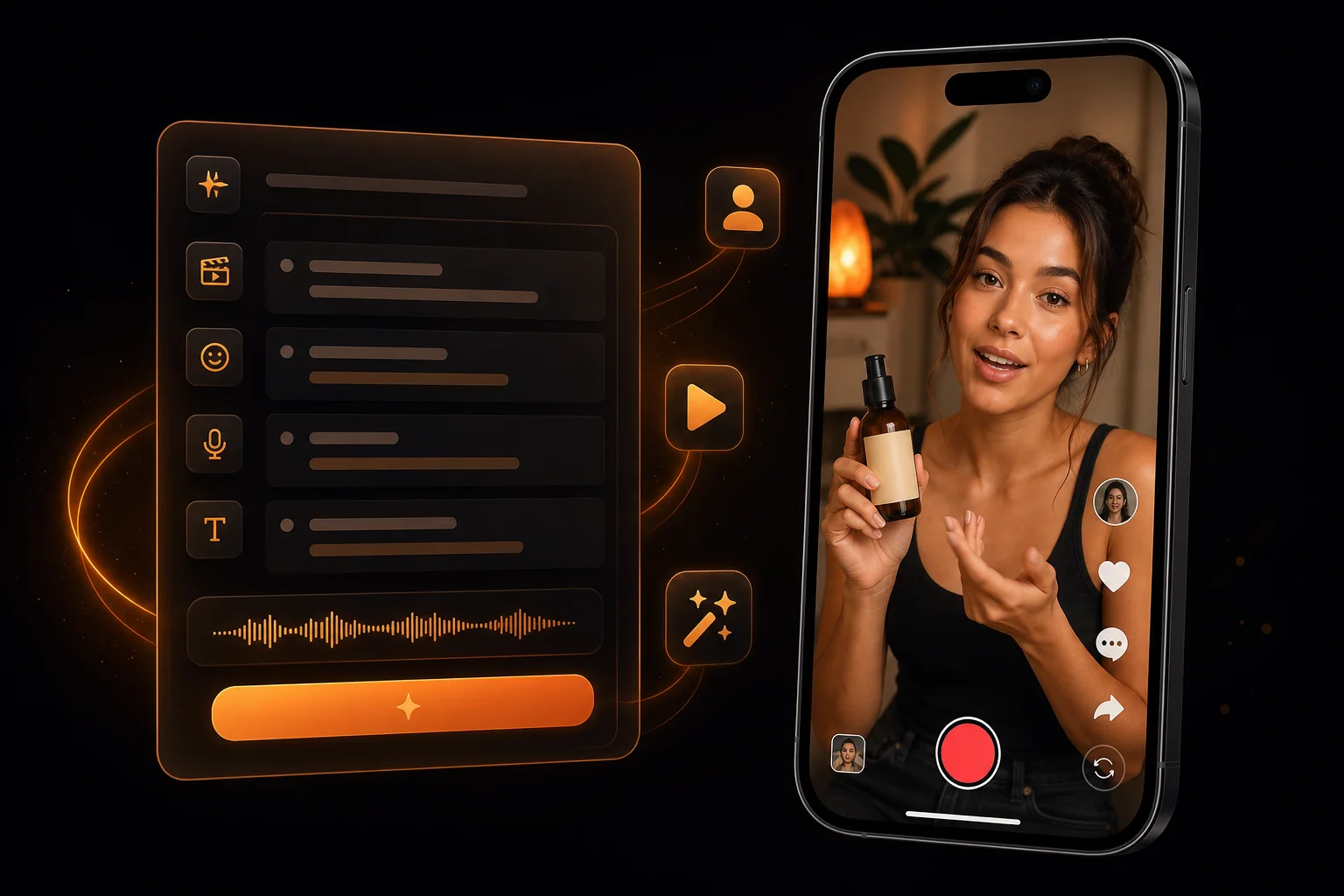
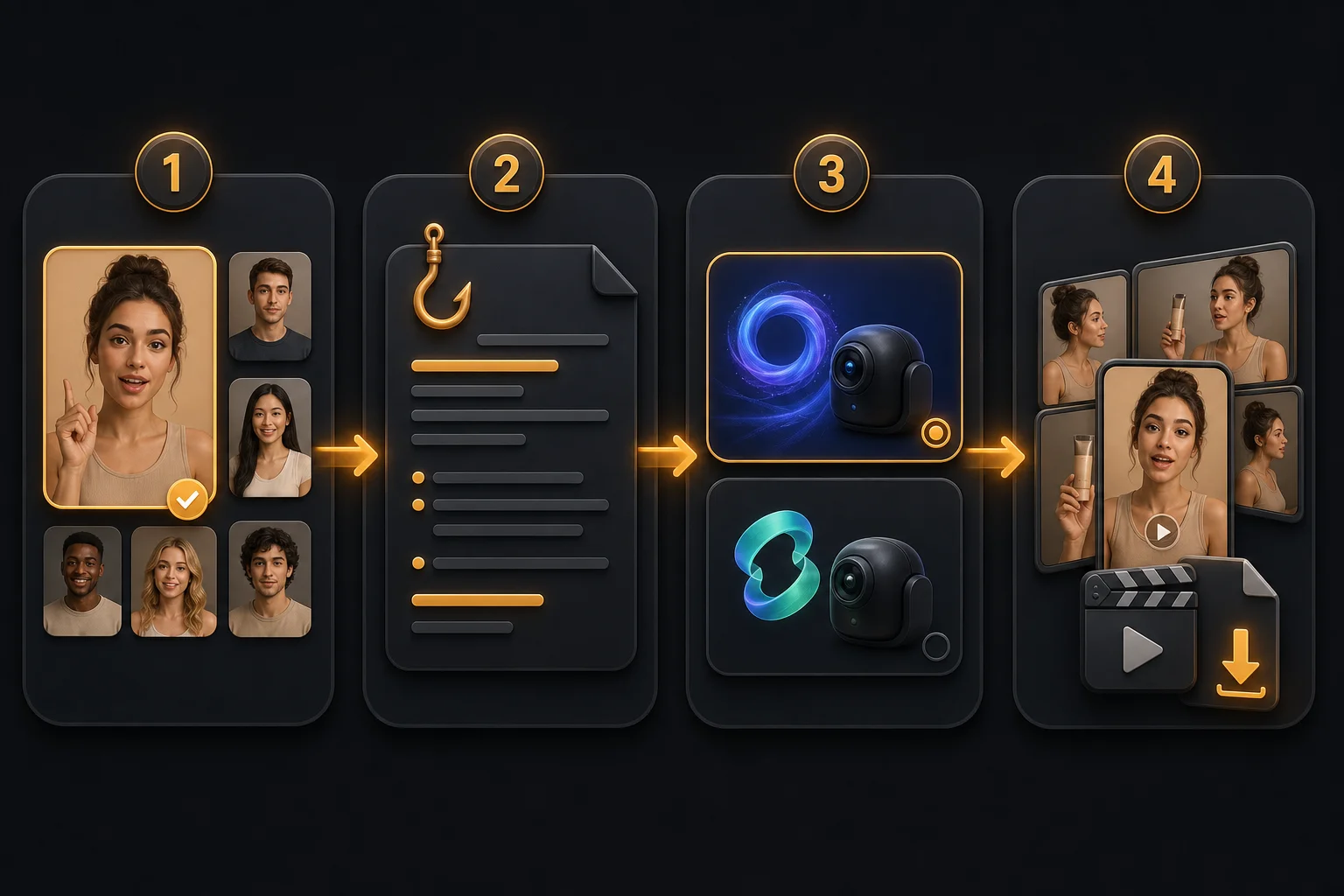
Four-step UGC workflow from avatar selection to script, model choice, and ad export
  1. 1

    Pick an AI avatar from the library or upload a custom face reference for brand consistency.

  2. 2

    Write or paste your UGC script — the hook, product pitch, and call-to-action.

  3. 3

    Choose your video model (Veo 3.1 for premium quality, Kling Pro for budget runs) and hit generate.

  4. 4

    The AI plans multi-angle shots, renders lip-synced video, adds captions, and exports a ready-to-publish MP4.

UGC video use cases that scale with AI

These are the workflows where AI UGC replaces weeks of creator coordination.
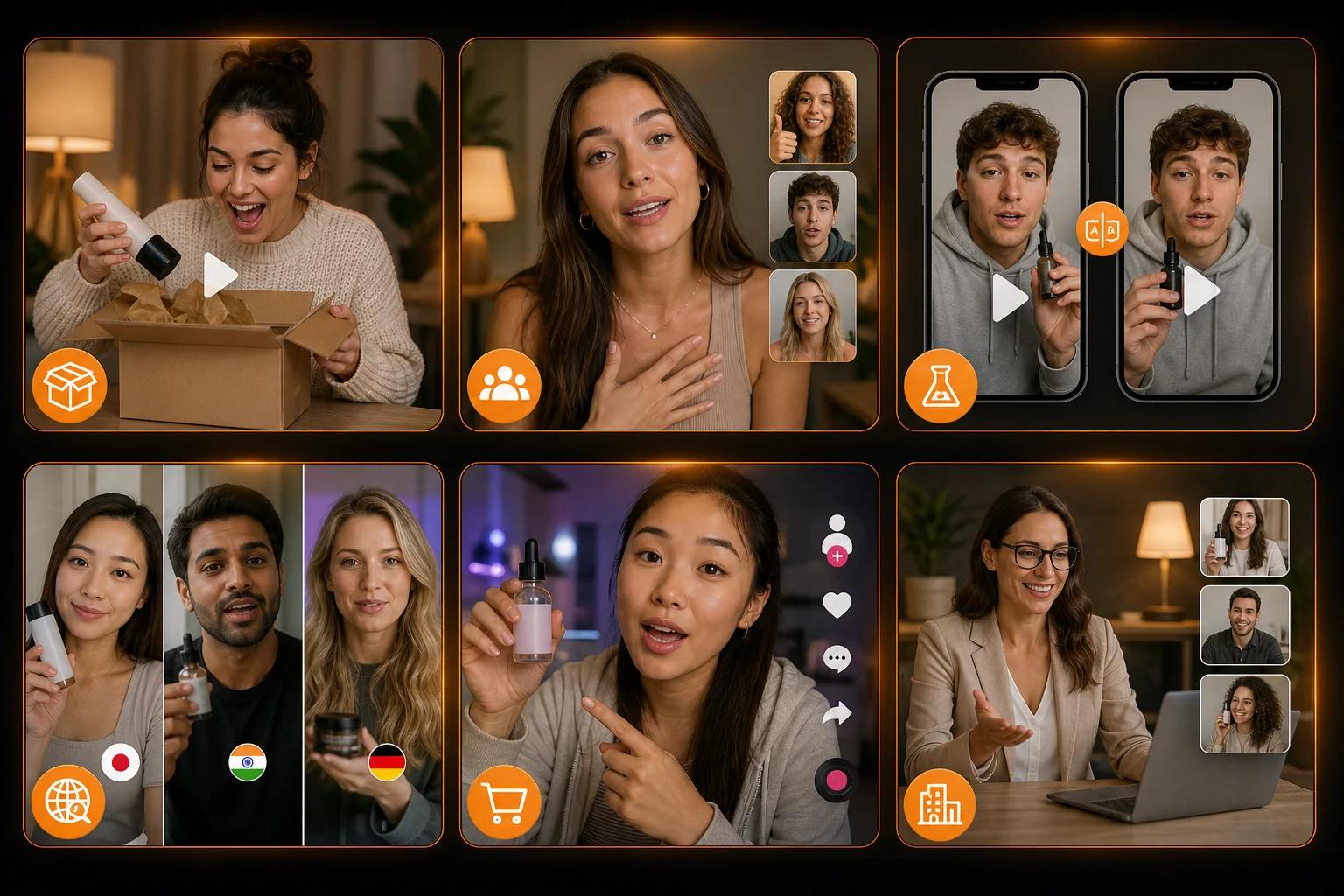
UGC use cases including unboxing ads, testimonials, hook testing, and TikTok Shop creative
Product review and unboxing ads
Testimonial-style social proof videos
Hook testing — 10 variations in one afternoon
Multilingual UGC without hiring local creators
TikTok Shop and Instagram ad creative
Whitelabel UGC for agency clients

Related guides

Frequently asked questions

What AI models power the UGC Factory?
oVideo's UGC Factory uses Google Veo 3.1 for premium multilingual video with natural built-in audio, and Kling Pro for cost-effective English-first content. You can choose per project or let the system auto-select based on language.
Do the AI avatars look realistic?
Yes. The avatars are generated with state-of-the-art video AI models that produce natural lip-sync, facial expressions, and gestures. Most viewers cannot distinguish them from real creator footage.
Can I use my own face or brand ambassador?
Absolutely. Upload a reference image and the system will generate video with that identity. You can also clone marketplace avatars for quick starts.
How much does an AI UGC video cost?
Credit cost depends on video length and model choice. A 15-second Kling Pro clip costs around 75 credits; the same on Veo 3.1 costs around 183 credits. Plans start at $18/month with 300 credits.
Is the output licensed for commercial ads?
Yes. All AI-generated content from oVideo is fully licensed for commercial use including paid social ads, landing pages, and e-commerce listings.