
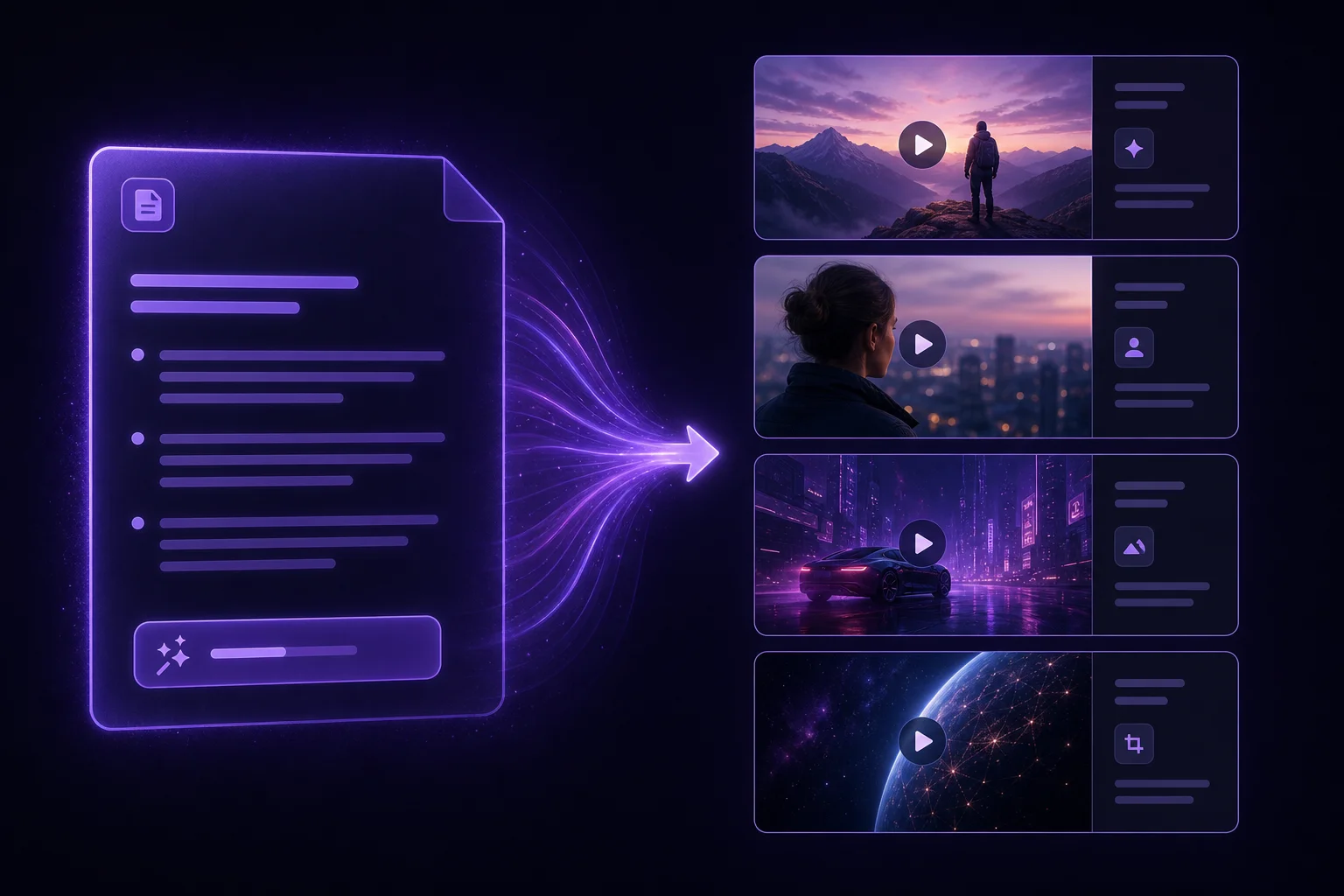
Prompt-first workflow
Start from a sentence, outline, or script and let the platform shape the first draft instead of building every scene by hand.
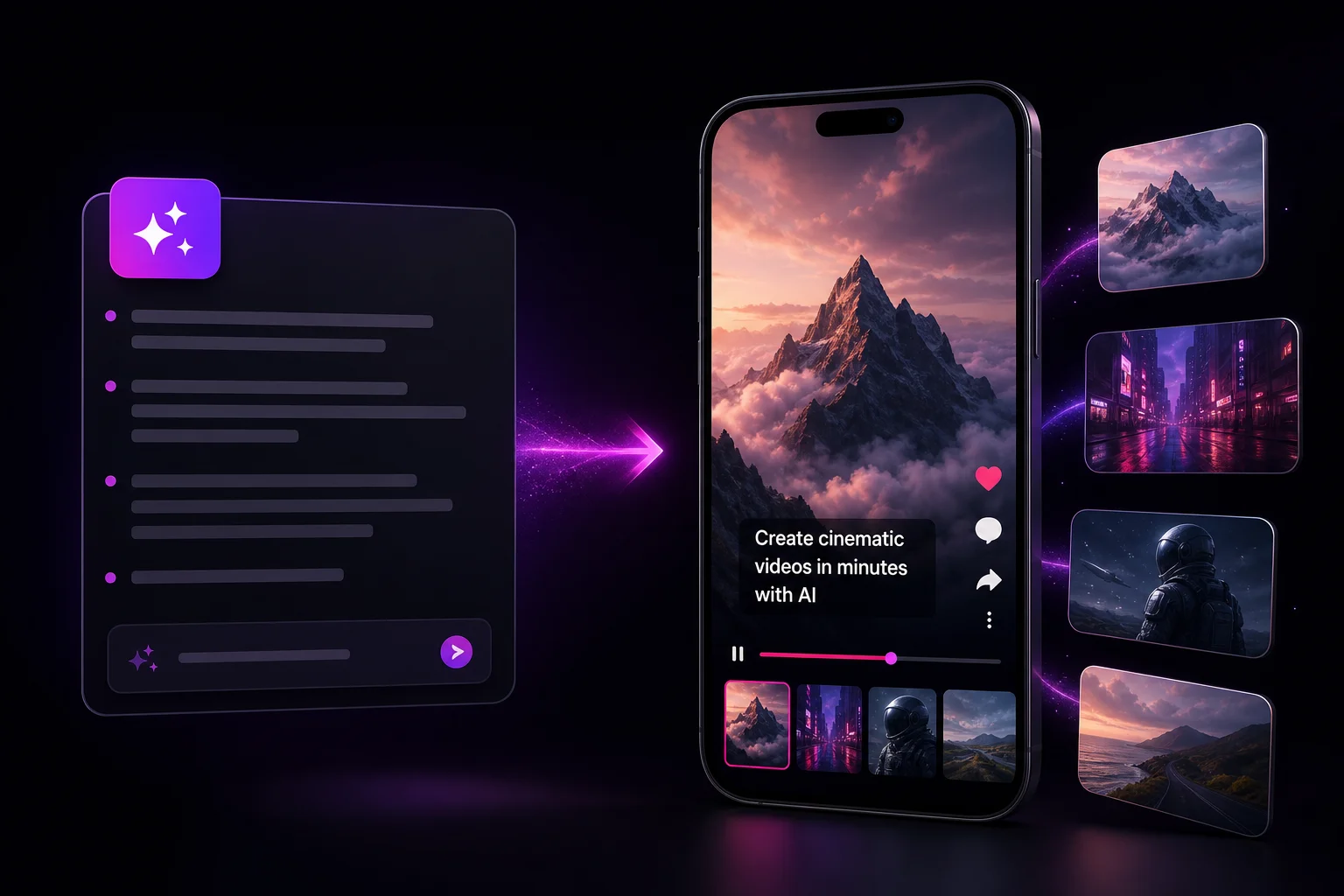
oVideo turns rough ideas into finished vertical videos with narration, stock visuals, on-screen captions, and a workflow built for daily publishing instead of weekend editing sessions.
See it in action
Every draft ships with narration, matched stock visuals, and captions — ready for Shorts, Reels, and TikTok.
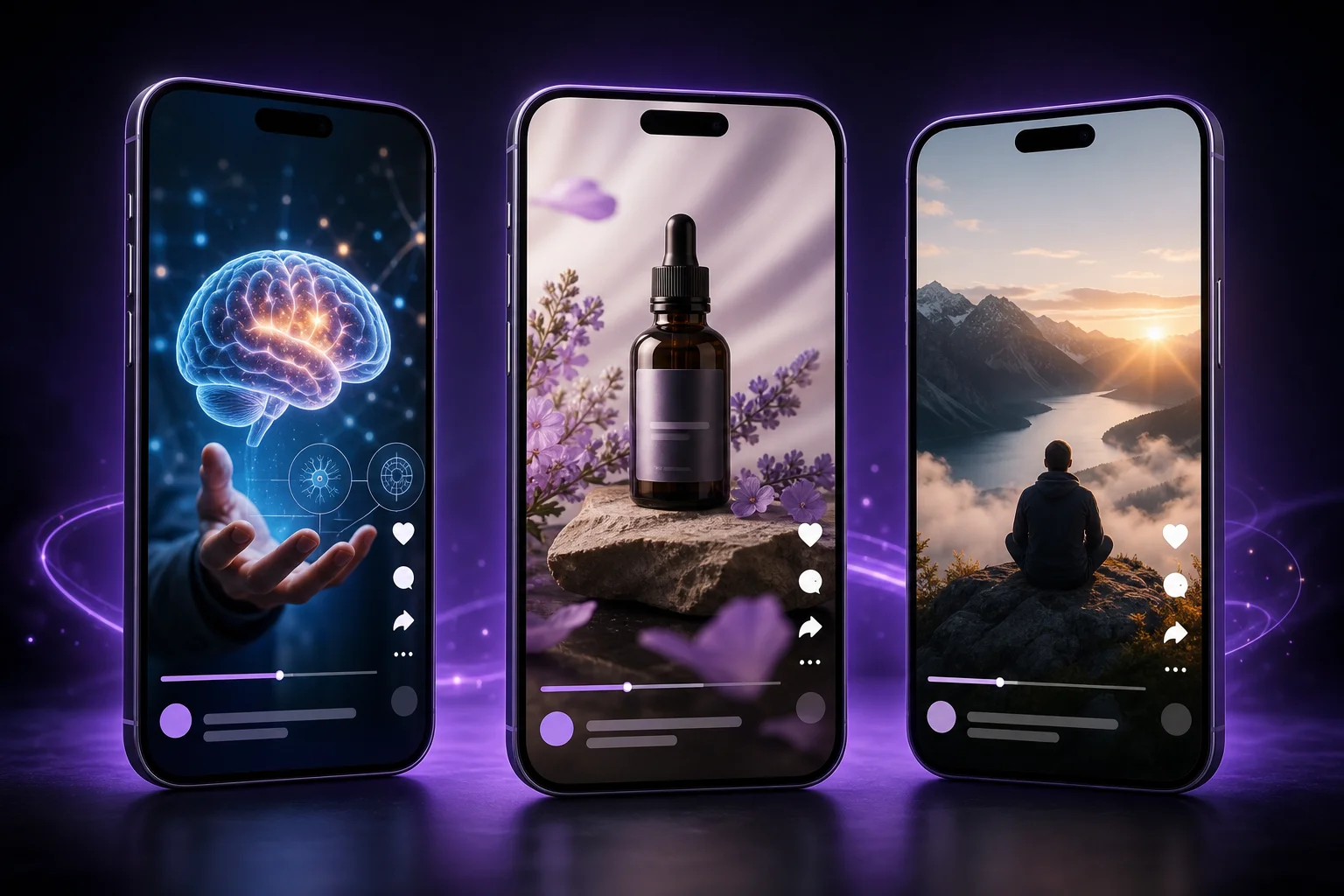
Made with oVideo
Every clip below was produced end-to-end with oVideo — script to voiceover, footage, and captions. Press play to see the actual output.
Mind-Blowing Space Facts You Didn't Know!
9:16 vertical·1080p
Prehistoric Predators: A World of Giants
9:16 vertical·704p
Svět bez internetu: Jak by vypadal?
9:16 vertical·1080p
Core capabilities
Start from a sentence, outline, or script and let the platform shape the first draft instead of building every scene by hand.
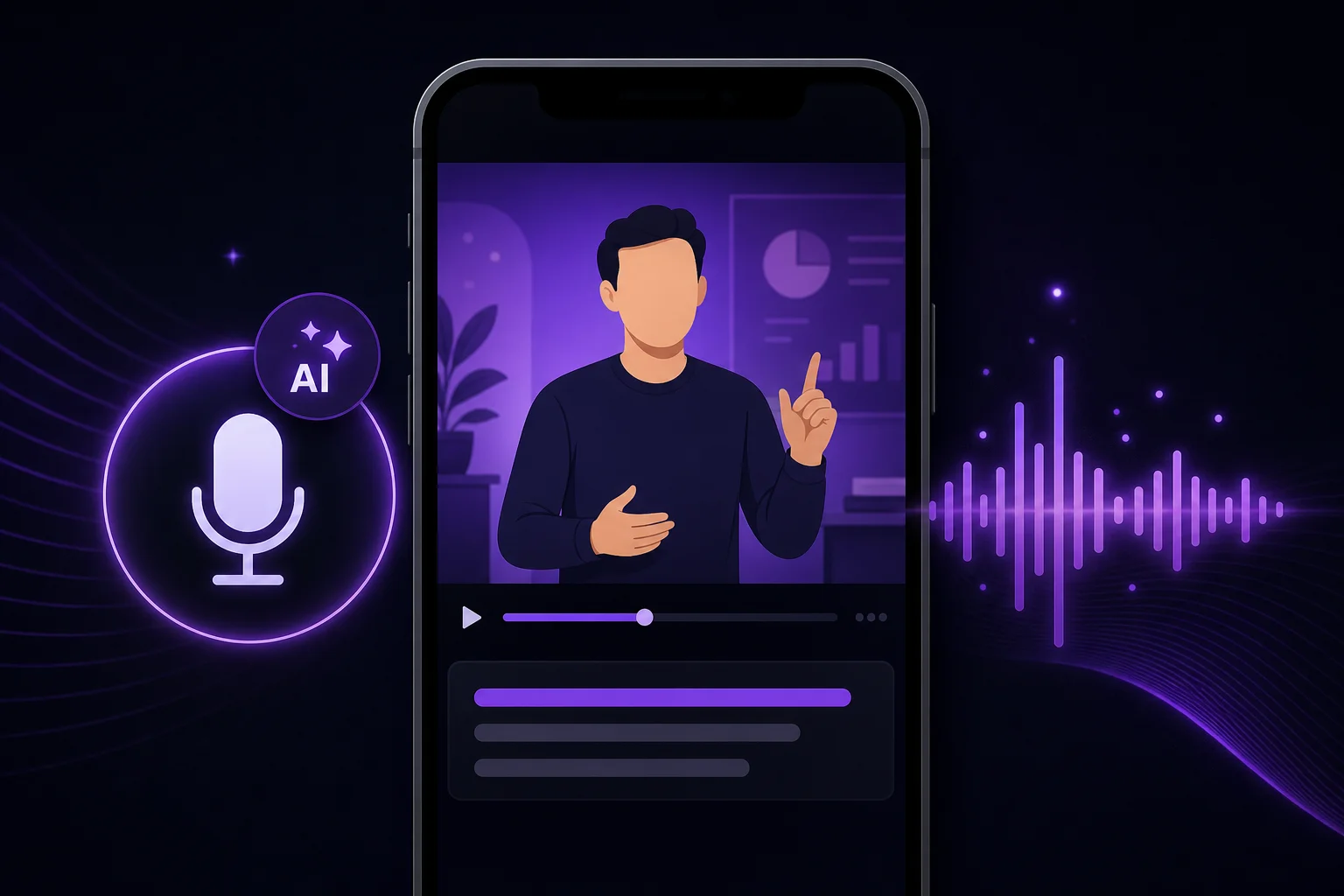
Generate voiceover for educational, faceless, or product-driven content when a microphone would only slow the release cycle.
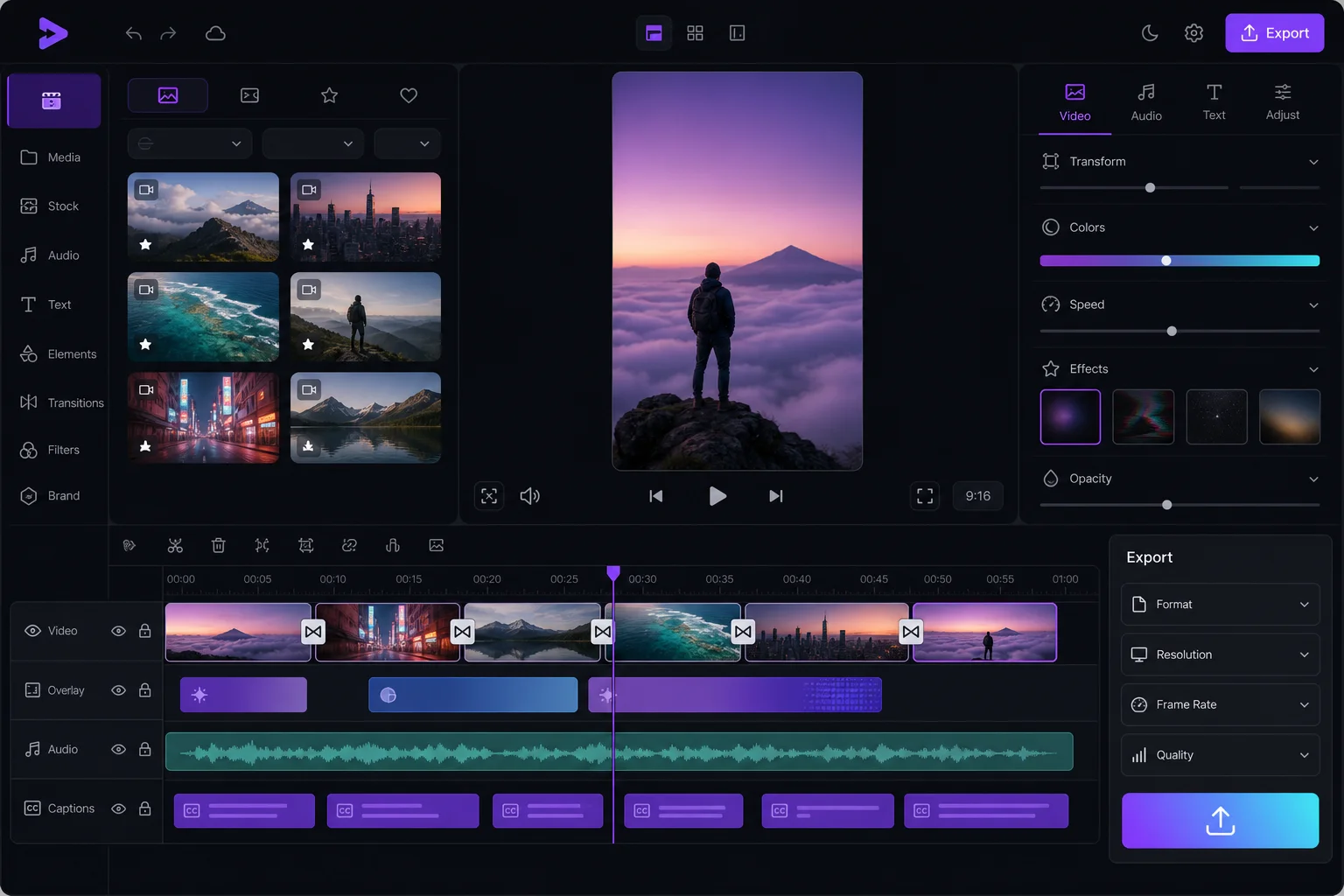
Match visuals, pacing, and captions inside the same system so your team ships more often with fewer handoffs.
The workflow
The repeatable loop is simple: decide the angle, structure the message, generate the first cut, and only spend human time on the final polish that matters.
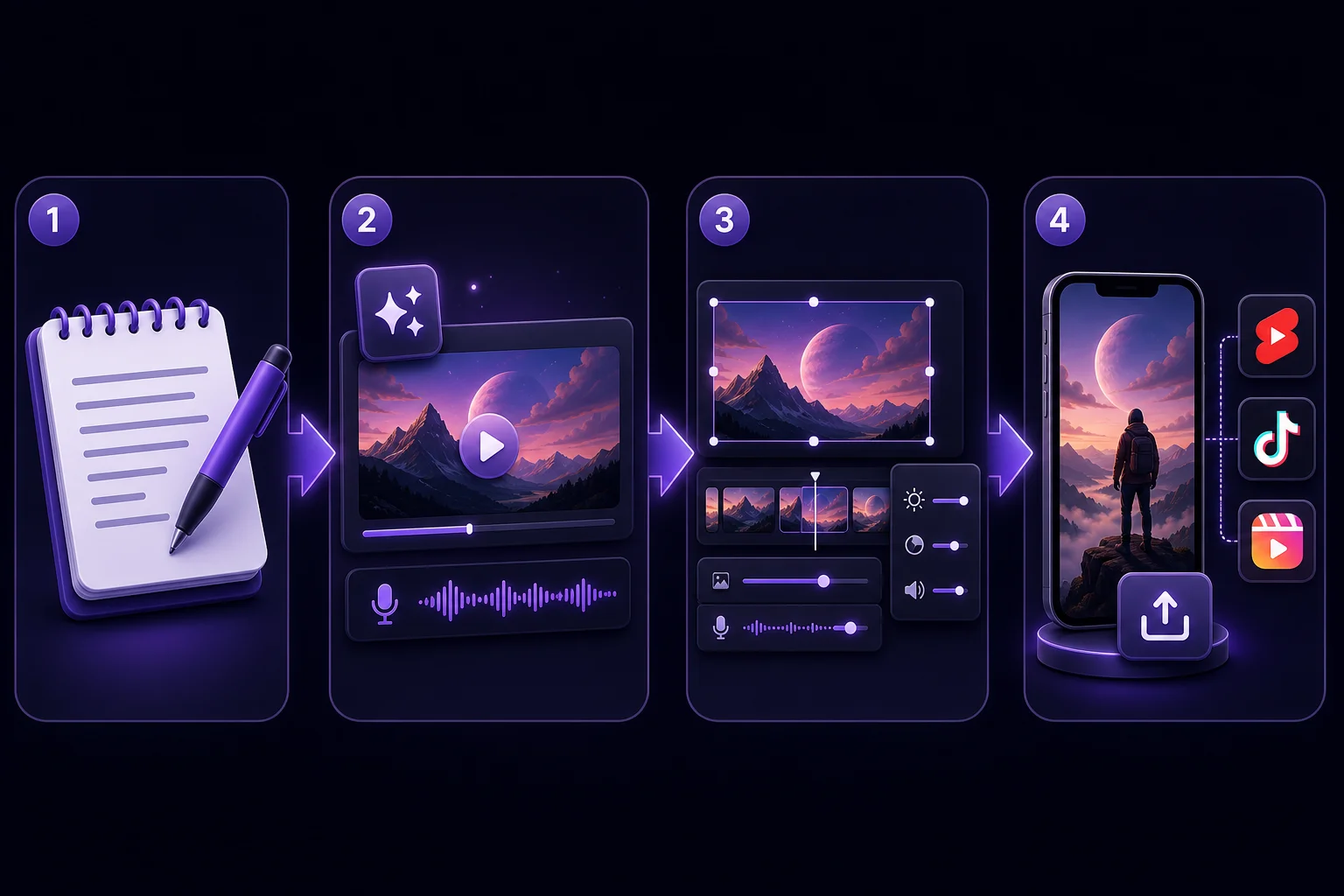
Step 01
Write the hook, the promise, and the key beats you need the video to hit.
Step 02
Generate a draft with AI narration, matching stock footage, and synchronized captions.
Step 03
Swap voice, pacing, or scene emphasis until the result matches your brand voice.
Step 04
Export a vertical MP4 and publish to Shorts, Reels, TikTok, or internal social channels.
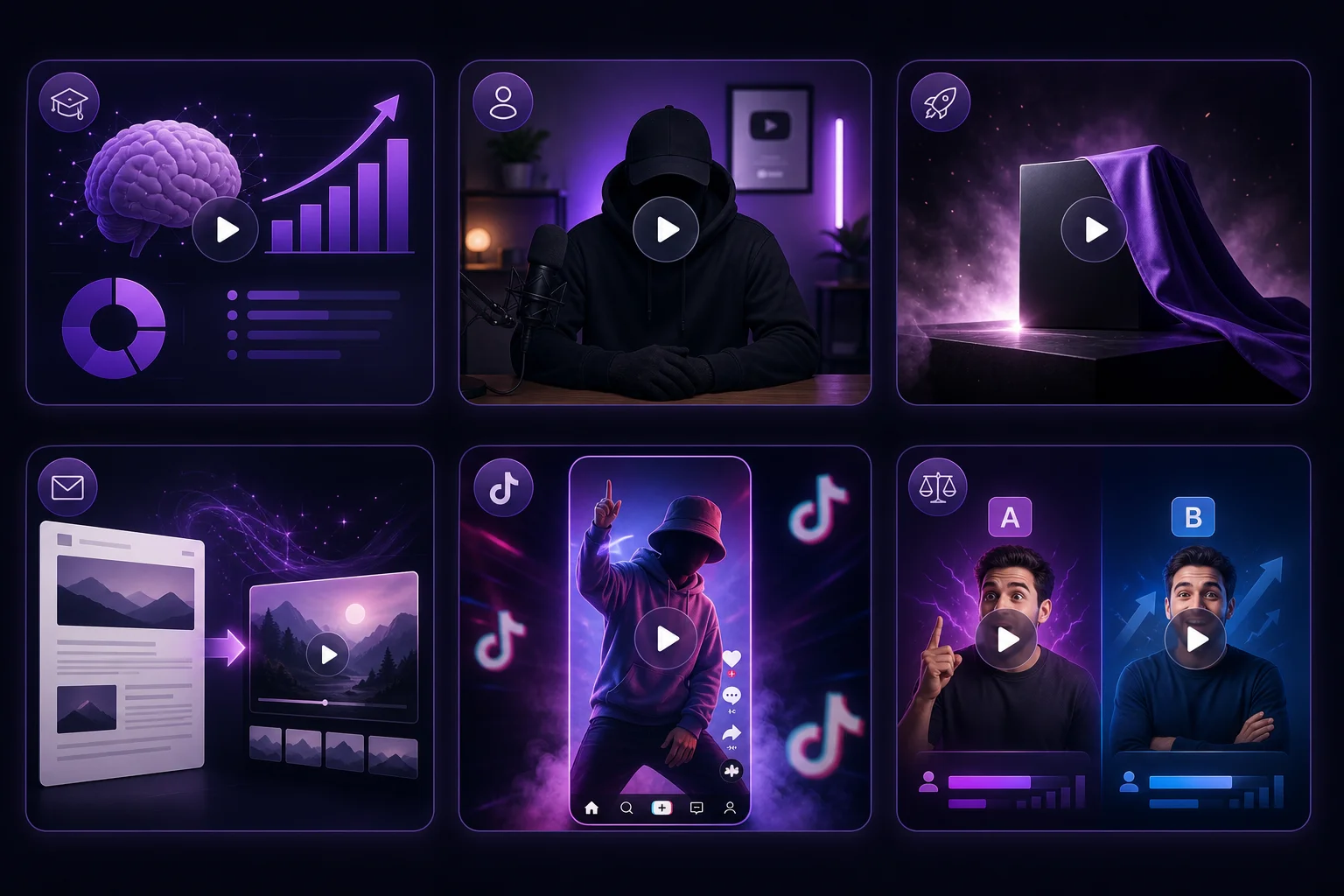
Where oVideo shows up
These are the jobs where speed and consistency beat overproduced editing.
Keep exploring
Answers